
Designing a logo isn’t just about choosing the right colors or a stylish font. One of the most critical elements in logo design is scalability. A well-designed logo must look equally stunning on a massive billboard and a tiny smartphone screen — or even the side of a pen. So how exactly does logo design software ensure this seamless adaptability across both print and digital formats? Let’s dive into how modern tools make that possible.
The Core: Vector Graphics vs. Raster Graphics
One of the foundational features of professional logo design software is its use of vector graphics. Unlike raster images, which are composed of pixels, vector graphics use mathematical equations to create shapes. This means:
- Infinite Scalability: Vectors can be resized without any loss of quality, which is perfect for logos.
- Small File Sizes: Even complex designs can stay lightweight and easily transferable.
- Editability: Elements can be easily tweaked without affecting the integrity of the design.
Popular tools like Adobe Illustrator, CorelDRAW, and Affinity Designer are all vector-based, allowing designers to create logos that scale effortlessly across formats.
Artboard and Canvas Management
Another way that logo software handles scalability is through the use of multiple artboards or project canvases. Designers can preview and test how a logo looks in different contexts side-by-side. For example:
- Print formats: Business cards, letterheads, brochures
- Digital formats: Website favicons, social media icons, mobile apps
This built-in functionality ensures that designers don’t just focus on a single version but rather a flexible logo system.
Export Options for Multiple Formats
No logo is complete until it’s ready to be shared. Logo design software supports exporting in a variety of formats that offer flexibility for different uses. These include:
- SVG (Scalable Vector Graphics): Perfect for web use due to scalability and small file size.
- PDF and EPS: Ideal for high-quality printing.
- PNG and JPEG: Useful for rasterized versions where scalability isn’t a concern but easy sharing is.
Each format has its strengths, and modern tools often let users export multiple formats in one go—saving time and maintaining brand consistency.
Responsive Design Principles
With digital usage becoming more diverse, logos can’t be one-size-fits-all. Logo design software increasingly supports responsive logo design principles. This means creating different versions of the same logo optimized for various screen sizes and resolutions.
For example, a complete logo with text and tagline might work well on a desktop website, but on mobile, a simplified icon version is more effective. Logo tools enable this by allowing versions to be grouped and saved within the same file or design system.
Grid Systems and Alignment Tools
Precision matters when a logo will appear inches tall on a business card and feet tall on a billboard. Logo software often includes:
- Grid overlays: These help maintain layout consistency and balance.
- Snapping and alignment tools: Ensures that all elements align perfectly, crucial for maintaining visual integrity at any size.
These design aids guarantee that even the smallest misalignments are corrected before the logo is scaled up or down.
Real-World Mockup Integration
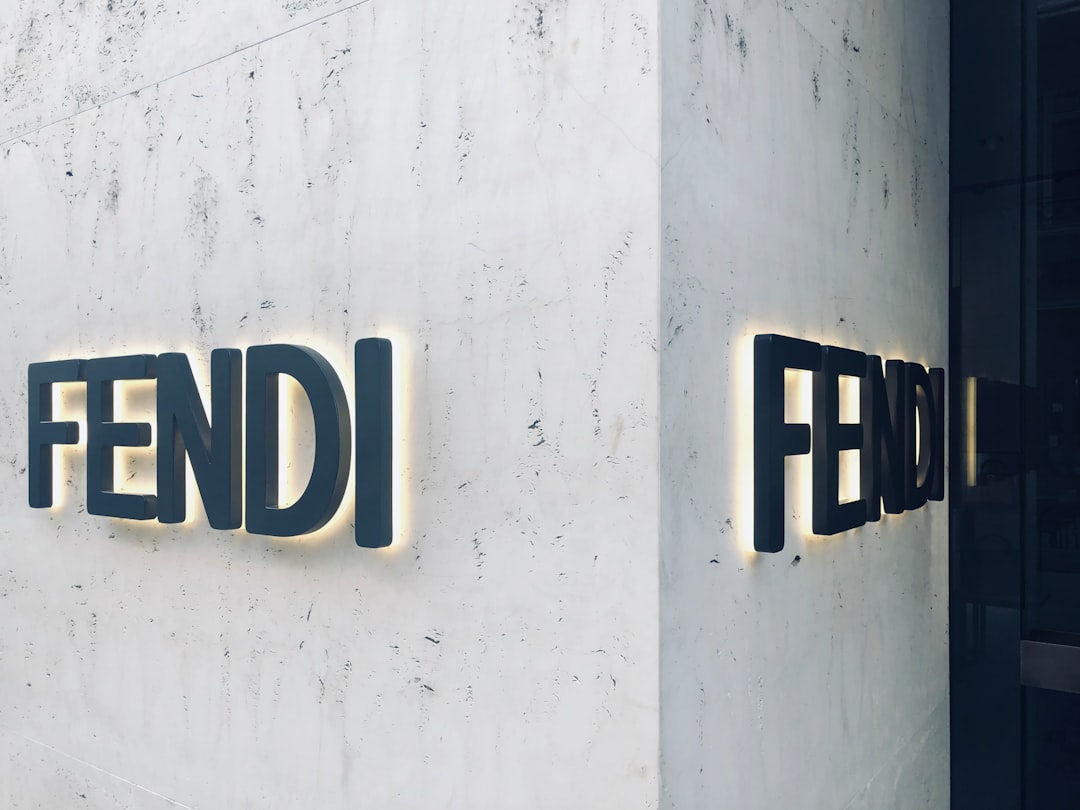
Many contemporary logo design platforms integrate with mockup tools that allow designers to test how a logo appears on different mediums, such as mugs, t-shirts, websites, billboards, or packaging. This visual feedback loop helps tweak design elements to hold visual impact across all applications.
Conclusion: Versatility is Built-In
Scalability isn’t an afterthought in logo design; it’s baked into the DNA of every professional-grade software. Through the use of vector graphics, file export flexibility, responsive layouts, and precision-focused tools, these programs ensure that logos remain impactful and legible everywhere — from thumbnail icons to giant advertising banners.
So the next time you see a logo that looks perfect on both your coffee mug and your desktop screen, remember: there’s a whole world of scalable design tech behind it making that impression possible.