
When it comes to creating high-performance websites that are both visually stunning and analytically sound, choosing the right technology stack is critical. Divi, Google Analytics 4 (GA4), and Google Tag Manager (GTM) have emerged as a powerful trio, combining ease of use, modern analytics, and streamlined tag management. Together, they form what many consider the cleanest tracking architecture available for WordPress-based websites.
Why Use Divi?
Divi, developed by Elegant Themes, is one of the most popular WordPress themes and page builders. With its intuitive drag-and-drop interface and vast customization options, it enables businesses, marketers, and developers to create beautiful, responsive websites without deep technical knowledge.
- User-friendly: Divi’s visual builder makes it accessible even to non-developers.
- Custom Code Control: You can easily add custom scripts, making it ideal for integrating tracking tools.
- Developer Friendly: Provides control over the head and body for inserting scripts, critical for tag management.
Understanding GA4: The Next Generation of Analytics
Google Analytics 4 (GA4) is the latest iteration of Google’s analytics platform. Unlike Universal Analytics, which focuses on sessions and pageviews, GA4 emphasizes events and user engagement. This shift is important for businesses that demand deeper insight into user behavior across platforms and devices.
Key advantages of GA4 include:
- Cross-platform tracking: Track users across web and apps.
- Event-based model: More granular and customizable tracking capabilities.
- Enhanced privacy settings: Better compliance with modern privacy laws.
- Predictive metrics: AI-powered insights to improve marketing strategy.
However, to unlock the full potential of GA4, you’ll need a robust way to manage custom event tracking without modifying every piece of your website’s code. This is where Google Tag Manager fits in.
The Role of Google Tag Manager (GTM)
Google Tag Manager acts as a streamlined container that allows you to implement tracking codes — known as tags — without hard-coding them in your theme files. GTM simplifies the management and deployment of analytics, conversions, and marketing tags.
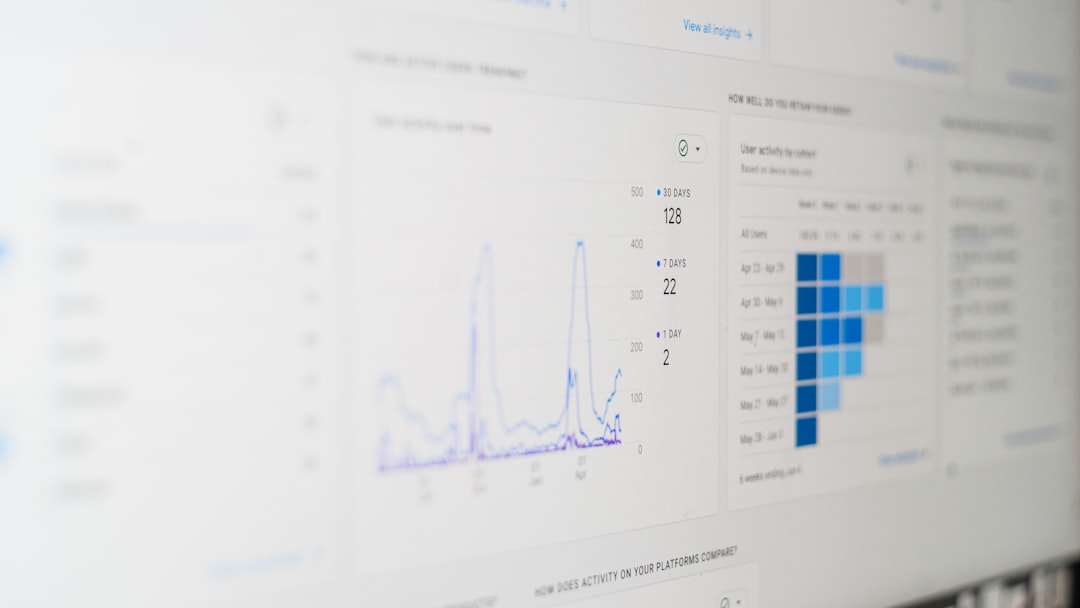
With GTM, you can:
- Add and update GA4 tags safely and quickly.
- Track form submissions, button clicks, downloads, and more.
- Implement third-party marketing tags like Facebook Pixel or LinkedIn Insight Tag without bloating your codebase.
Why Combine Divi + GA4 + GTM?
When used independently, each of these tools is powerful. But combining Divi, GA4, and GTM into a unified architecture delivers unmatched benefits:
- Code cleanliness: Avoids cluttering your website with JavaScript snippets scattered across different theme files.
- Scalability: Easily manage your tracking as your website and marketing needs grow.
- Accuracy: Reduces the risk of duplication or missing tags due to manual insertion errors.
- Centralized Control: All tracking is managed from GTM’s dashboard, with visibility and governance built in.
Clean Implementation Strategy
To ensure a clean and efficient tracking architecture using Divi, GA4, and GTM, follow this implementation plan:
1. Install GTM on Your Divi Site
GTM provides two script snippets — one goes in the <head>, and the other in the <body>. With Divi, you can input these directly using Divi’s Theme Options panel under the Integration tab.
- Paste the <head> script in “Add code to the of your blog.”
- Paste the <body> script in “Add code to the (good for tracking codes such as google analytics).”
After saving the changes, verify GTM installation using Google’s Tag Assistant browser extension.
2. Link GA4 to GTM
Inside your GTM account:
- Create a new GA4 Configuration tag.
- Enter your GA4 measurement ID (found inside your GA4 property under Admin → Data Streams).
- Set the trigger to All Pages so the tag fires universally.
- Publish your GTM container.
Once published, your site begins collecting GA4 analytics, but you’re just scratching the surface.
3. Track Custom Events with GTM
GA4’s true power lies in event tracking. You can monitor things like:
- Contact form submissions
- Button clicks
- Scroll depth
- File downloads
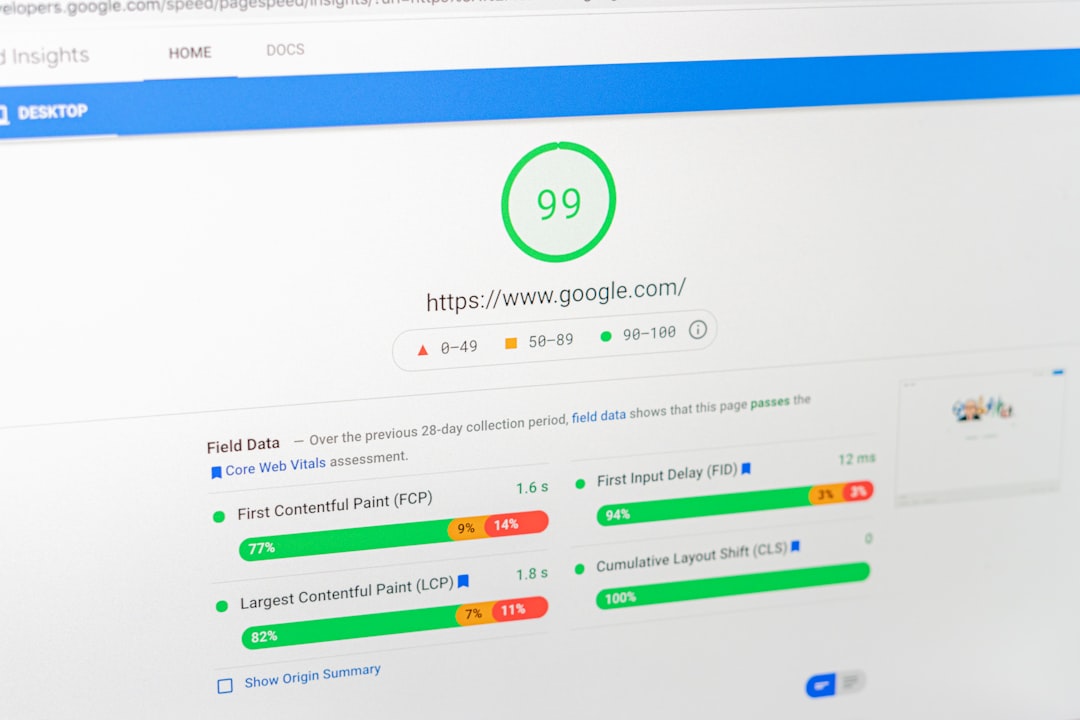
To set up a custom event:
- Create a new trigger in GTM, for example, a click trigger set to fire when a specific class or ID is clicked.
- Create a corresponding GA4 Event Tag, and populate fields such as Event Name and Parameters.
- Assign the trigger to your tag and publish.
- Verify using GTM’s Preview mode and GA4’s DebugView.
4. Use Data Layer for Advanced Use Cases
For deeper insights, you can push custom data into the Data Layer. For example, in Divi’s contact forms, you can inject JavaScript that sends user information or interaction labels to the Data Layer, which GTM can then retrieve and forward to GA4.
This clean separation of concerns ensures:
- No hard-coded tracking logic in your theme files.
- Easier debugging and updating through GTM.
- More flexible analytics with varying marketing platforms.
Common Implementation Pitfalls
Despite the architectural advantages, pitfalls can occur if care isn’t taken:
- Tag duplication: Don’t install GA4 code manually if using it via GTM — it leads to double-counting.
- Lazy loading issues: Some Divi modules load content dynamically. Make sure triggers consider dynamic DOM events.
- Theme updates: Though Divi allows code insertion through its UI, always backup your added scripts during an update.
Optimizing for Speed and Compliance
It’s essential to ensure your implementation doesn’t negatively impact site speed or break compliance rules.
- Script Deferral: GTM helps with loading non-essential tags after page load.
- Cookie Consent Integration: Use GTM to fire marketing tags conditionally based on user consent.
- Minimal DOM overhead: By containing all scripts within GTM, your page remains lean and performance-friendly.

Conclusion: The Gold Standard of Tracking Architecture
Combining Divi, GA4, and GTM gives your website a powerful foundation for tracking, reporting, and optimization. The result is a clean, scalable, and maintainable setup that doesn’t compromise performance or compliance.
This architecture allows you to manage all tags from a single dashboard, adapt quickly to marketing changes, and keep your WordPress theme free from cluttered scripts and modifications. For businesses relying on accurate data to drive digital growth, implementing this trio is not just recommended — it’s essential.
In today’s data-driven world, success belongs to those who track wisely.