
In today’s digital communication landscape, emojis have transformed from simple visual icons to powerful elements of branding and user engagement. Whether you run a messaging platform, mobile app, online community, or even a corporate intranet, custom emojis help convey tone, reinforce brand identity, and enhance user interaction. Developing your own set of emojis provides a unique opportunity to stand out and inject personality into digital touchpoints.
Creating custom emojis might sound complex, but with a structured approach and the right tools, it’s entirely achievable—even for smaller teams. This guide will walk you step-by-step through the process of designing and implementing your own branded emojis, ensuring they align with your visual identity and technical requirements.
Step 1: Define the Purpose and Scope
Before designing, ask yourself: Why do we need custom emojis? Are they for internal use, external marketing, or to be integrated into your product? Defining the scope early prevents resource waste and sets clear design priorities.
Questions to consider:
- Are the emojis for functional use (e.g., status indicators) or expressive (e.g., reactions)?
- Who is your target audience?
- How many emojis do you need initially?
- Where will they be used (web, mobile app, desktop, chat)?
Step 2: Research and Gather Inspiration
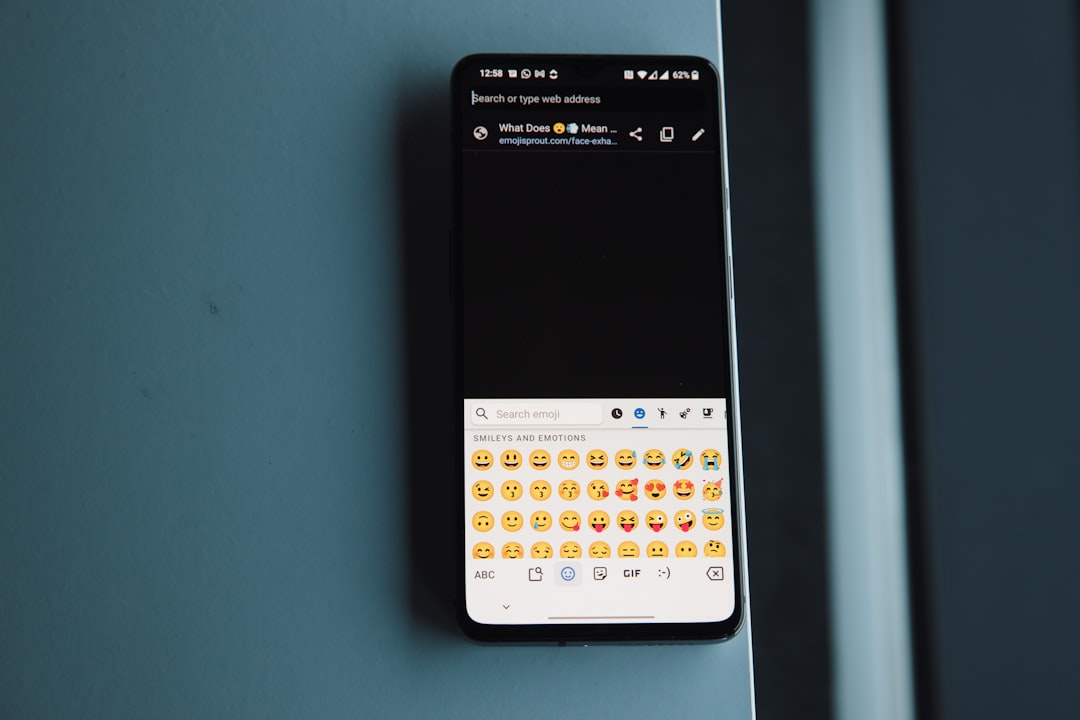
Studying existing emoji sets like Apple’s, Google’s, and Slack’s can help reveal best practices in design clarity, theme consistency, and usability. However, your emojis should reflect your brand’s unique voice and values.
Start collecting visual references that align with your aesthetic. Mood boards and competitor analysis can streamline this process by providing style direction and identifying potential visual gaps.
Step 3: Align with Brand Identity
Consistency with brand elements like color palette, typography, and tone is key. If your brand uses flat illustrations and pastel colors, the emojis should reflect the same. Your design team or brand style guide should inform every pixel of your emoji set.
Tip: Create a visual style guide specifically for emojis, outlining aspects such as stroke thickness, corner roundness, and size ratios. This ensures future emojis remain cohesive even if created by different designers.
Step 4: Sketch and Storyboard Ideas
Start your concept development with hand-drawn sketches or wireframes. Generate multiple variations per emoji idea to explore visual possibilities. Consider how each emoji would look at different scales and avoid unnecessary detail — emojis are typically viewed at very small sizes.
Best practices for sketching:
- Avoid text within emojis.
- Use facial expression and body language when applicable.
- Test clarity with prototype zoomed-out previews.
Step 5: Digitize Your Emojis
Once sketches are finalized, move to design software such as Adobe Illustrator, Sketch, or Figma. Vector-based tools are preferred for scalability and clean lines. Stick to square aspect ratios (usually 512 × 512 px is safe) and export in PNG or SVG formats depending on use.
Design considerations:
- Keep outlines clean and consistent.
- Minimize gradients and effects for compatibility.
- Use a neutral background or make it transparent unless branding requires otherwise.
Step 6: Test Across Devices and Backgrounds
Due to their small size and varied contexts, emojis can lose clarity or contrast if not tested properly. Place your emoji images on different background colors and test responsiveness on various screens and operating systems.
Remember: Test dark mode readiness. White emojis on white background can disappear in user interfaces with dark themes if not properly addressed.
Step 7: Gather Feedback from Stakeholders
Before final rollout, share high-fidelity mockups with internal teams, especially those from marketing, UX, and product management. Conduct user testing if possible. Identify issues like:
- Visual ambiguity — are the emojis’ meanings clear?
- Off-brand tone — does anything feel too playful or too formal?
- Pixel clarity — do details hold up when scaled?
Step 8: Prepare Emoji Files for Use
Once approved, create an organized export package of your emojis. Standard sizes include:
- 128 × 128 px: Common for high-resolution applications.
- 64 × 64 px: Slack and similar platforms.
- 32 × 32 px: Messaging and in-app icons.
Maintain both .PNG and .SVG versions when needed. Optimization is key for performance—tools like TinyPNG can greatly reduce file sizes without quality loss.
Step 9: Integration Into Platforms
How you integrate emojis depends on your platform. If you’re building a mobile app, you’ll likely need to incorporate them into your codebase or integrate through a CMS or emoji-loading middleware. If using custom emojis in Slack, Discord, or Microsoft Teams, upload them directly through their UI.
For custom apps or chat systems:
- Use emoji shortcodes (e.g.,
:yourbrand_happy:) matched with image files in the back-end. - Ensure accessibility by providing alt text descriptions.
- Map icons within emoji input panels for easy access.
Step 10: Promote Your Emoji Set
Once live, make your community aware! Announce via email, social channels, or app notifications. If emojis were built to engage users, encourage them to use and share screenshots. Record how they’re used through analytics over time to measure engagement.
Suggestions for outreach:
- Share a behind-the-scenes look at the emoji creation process.
- Run contests asking users to suggest or design their own emojis.
- Offer branded emojis as digital swag or loyalty rewards.
Step 11: Maintain and Evolve Your Emoji Library
An emoji library is never truly finished. As brands evolve and products expand, so should the emoji set. Schedule periodic reviews to retire obsolete emojis and introduce timely ones—seasonal or campaign-based emojis are great for keeping the set fresh and relevant.
Also remember to track user behavior: which emojis are most popular? Which are underutilized? These insights can help guide future design decisions while strengthening your communication toolkit.
Final Thoughts
Creating custom emojis is more than a creative project—it’s a branding strategy. With users increasingly reliant on short-form visual communication, custom emojis represent a unique brand language that expresses identity, encourages interaction, and delivers value beyond words.
By following this step-by-step guide, you ensure your emoji design process is thoughtful, consistent, and effective—ultimately supporting your brand in the crowded digital conversation.