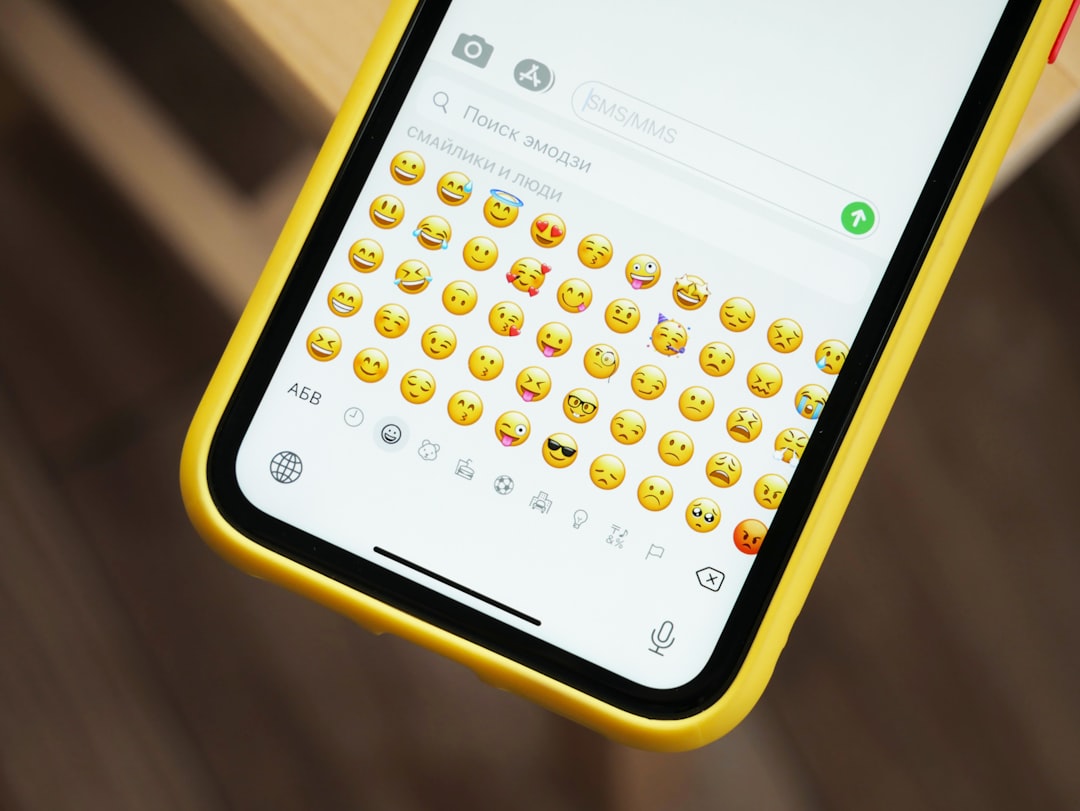
Apple has established itself as a leader not only in smartphone innovation but also in digital communication. One aspect of the iOS experience that continuously evolves is emoji—the tiny, expressive icons that have become a part of everyday conversation. But how often does Apple update its iPhone emojis? This is a question frequently asked by emoji enthusiasts, developers, and regular users alike.
TL;DR
Apple typically updates its emoji collection once a year, usually in the fall with the major iOS version release. These updates align with new Unicode standards that are officially approved earlier in the year. While minor emoji tweaks may occur in small iOS patches, significant emoji additions only come with major iOS updates. Users can expect new emojis around September or October annually.
A Yearly Fix: How Emoji Updates are Scheduled
The pattern of Apple’s emoji updates follows a pretty reliable schedule. Each year, Apple releases a major iOS update around September or October—often synced with the launch of a new iPhone model. This major release typically includes:
- New features and UI changes
- Security enhancements
- Operating system performance boosts
- And, quite often, new emojis
These emoji updates are based on the work done by the Unicode Consortium. The consortium is a non-profit organization that standardizes characters for consistent representation in digital communication technologies.
Once the Unicode Consortium finalizes its list of new emojis—usually in the first half of the year—it’s up to companies like Apple, Google, and Samsung to incorporate them into their respective systems.
What Is the Unicode Consortium and Why Does It Matter?
The Unicode Consortium is crucial to understanding emoji updates. This organization standardizes the characters used in computing systems, including emojis. When they release a new version, such as Unicode 15.1 or 16.0, they include approved emojis like new animals, gestures, facial expressions, objects, and flags.
Each vendor—Apple included—interprets these new emojis in their own visual style. That’s why a smiley face may look slightly different on an iPhone versus on a Samsung phone.
The iOS and Emoji Update Timeline
Here’s a rough breakdown of how the emoji update process unfolds throughout the year:
- January–March: Unicode reviews and finalizes new emojis for the coming version.
- April–July: A draft list is published. Developers take notice.
- August–September: Apple begins testing updates in beta versions of iOS.
- September–October: The major iOS release rolls out, often including the full set of new emojis.
So, even though the emojis are “approved” early in the year, most users don’t see them on their iPhones until several months later, usually in the fall.
Apple’s Emoji Design Process
When new emojis are approved by Unicode, Apple doesn’t just copy and paste them. The company has a team of designers who create the Apple-specific look of each character. This includes:
- Color schemes to match Apple’s aesthetic
- Consistent line work with other Apple icons
- Diversity variations such as skin tone and gender
This design process takes time and attention to detail. It’s part of why Apple’s emoji are often praised for their clear, colorful, and engaging appearance.
Minor vs. Major Emoji Updates
It’s important to distinguish between two types of emoji updates:
1. Major Emoji Releases
As stated, major updates to the emoji library occur once a year. These are tied to the main iOS update (such as iOS 15, 16, or 17) and include new emojis based on the latest Unicode version.
2. Minor Emoji Fixes or Tweaks
From time to time, Apple may introduce small changes via minor iOS releases. These updates might fix layout issues, change the look of a controversial emoji, or improve accessibility by adjusting color contrast or animation behavior. However, these tweaks are relatively rare.
Compatibility and Emoji Backward Support
Another essential point is compatibility. When new emojis are added on newer iOS versions, older devices running outdated software may not be able to display them. Instead, users on older systems will see:
- A blank square
- A placeholder symbol like ❓
- Odd characters like boxes with code
If you’re eager to use the latest emojis, updating to the latest version of iOS is the best practice.
Third-Party Apps and Emoji Use
Apps like WhatsApp, Facebook, and Twitter create their own emoji renderings but often follow Unicode’s updates too. However, many of these apps still rely on Apple’s default keyboard interface when run on iOS. So even if a third-party platform supports new emojis, you may need the iOS update to view or use them within the Apple keyboard.
Notable Past Emoji Updates
- iOS 14.5 (Spring 2021): Added new couple emojis and mixed skin tone combinations
- iOS 15.4 (March 2022): Included melting face, saluting face, and more diverse hand gestures
- iOS 16.4 (March 2023): Introduced pink heart, jellyfish, and vibrating face emojis
While most updates arrive in the fall, some, like iOS 14.5 and iOS 15.4, introduced emojis out of the usual September/October cycle. These are exceptions, not the rule.
Conclusion
Apple’s emoji updates are typically an annual event, aligned with its major iOS release in the fall. The process begins months earlier with the Unicode Consortium, involves careful design from Apple’s creative teams, and ends with Apple rolling out hundreds of new emojis that enrich user communication. Staying updated with the latest iOS version ensures access to these new expressions as soon as they become available.
FAQ
Q: How often does Apple update iPhone emojis?
A: Apple usually updates iPhone emojis once per year, with the release of a major iOS version in the fall.
Q: Can I get new emojis without updating iOS?
A: No. To access new emojis, you must update to the latest version of iOS that includes the updated emoji library.
Q: What if I send a new emoji to someone with an old iPhone?
A: They may see a blank square or placeholder symbol if their device doesn’t support the latest emojis.
Q: Does Apple design its own emojis?
A: Yes, Apple designs its own emoji artwork based on the official Unicode definitions.
Q: Can I suggest a new emoji to Apple?
A: You can suggest a new emoji to the Unicode Consortium directly. If it’s accepted there, Apple may eventually include it in iOS.