
ID.me is a powerful digital identity verification service used by various governmental and private organizations. It plays a pivotal role in confirming the identity of users for services involving tax filings, unemployment claims, medical portals, and more. However, technical glitches can occur during the identity verification process. One of the most common and frustrating issues users experience is Error Code E4301. This article is designed to help users understand what this error means and how to troubleshoot it effectively.
What Is Error Code E4301 on ID.me?
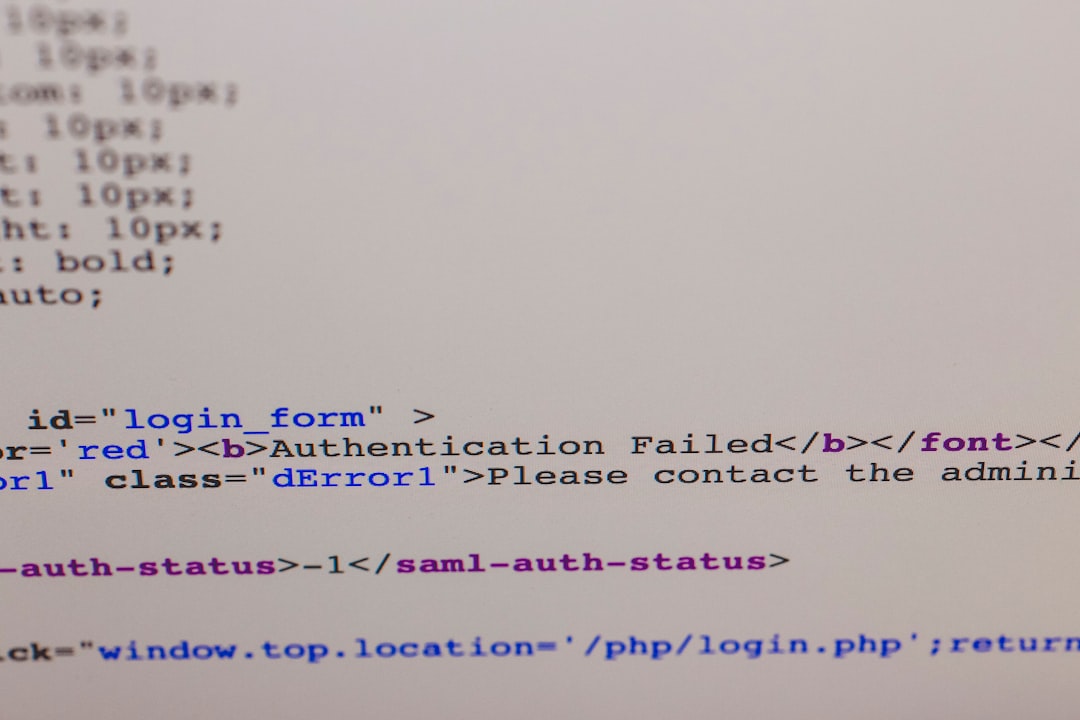
Error Code E4301 typically appears when there is a failure in the identity verification process, often due to inconsistent or incorrect information submitted by the user. It may also emerge when the system detects suspicious activity or a mismatch between data sources used to verify identity. Unlike simple page errors or generic “try again” issues, E4301 is serious and requires specific steps to resolve.
Common Causes of Error Code E4301
There are multiple reasons why a user might see this error. Understanding these can make resolving the issue easier and prevent it from recurring.
- Inconsistent Identity Information: The name, address, or Social Security number (SSN) provided doesn’t match the government or financial records.
- Upload Issues: Poor-quality or unaccepted forms of ID documents can create validation blocks.
- System Restrictions: Attempting to verify from multiple devices or IP addresses can raise flags within ID.me’s fraud detection systems.
- Account Lockout: Multiple failed attempts at verification can lock the account temporarily, triggering this error.
- Mismatch with Credit Profile: Errors in the credit bureau-linked identity questions can also result in E4301.
Step-by-Step Guide to Fixing ID.me Error Code E4301
The good news is that Error Code E4301 can often be fixed without requiring in-depth technical support. Follow these steps in order, ensuring you adhere closely to each instruction.
1. Double-Check All Personal Information
Make sure that the information you are entering matches your official documents exactly. Common mistakes include:
- Misspelled names
- Incorrect date of birth or SSN
- A recent name change not updated in records
Ensure consistency across all fields. Use only your legal name as shown on your government-issued ID.
2. Review Your Uploaded Documents
This is a frequent stumbling block. ID.me requires high-quality scans or photos of acceptable ID documents. Make sure:
- The image is in focus, well-lit, and readable.
- No documents are cropped or obscured.
- You are uploading a valid, unexpired ID, such as a passport or state-issued driver’s license.

If you’re unsure, refer directly to ID.me’s Document Guidelines on their support website.
3. Clear Browser Cache or Try a Different Browser
Older cached data can conflict with ID.me’s real-time verification systems. Try the following:
- Clear your browser’s cache and cookies.
- Reload and start the process again.
- If issues persist, switch to another browser such as Chrome, Firefox, or Safari.
Tip: Use a private or incognito window to eliminate session-based errors.
4. Avoid Using VPNs or Public Wi-Fi
ID.me’s security system is designed to detect and prevent fraud. Accessing the site from a masked IP address, such as through a VPN, or from a public Wi-Fi network can result in E4301 being triggered. It’s best to:
- Use a private, secure internet connection.
- Avoid using office or academic networks that share IP addresses.
5. Perform a Video Call with an ID.me Trusted Referee
If you’re continuously getting the E4301 error and your information and documents are correct, you may be required to verify your identity through a live video call with a Trusted Referee.
To do this:
- Choose the “video call” option when your verification fails.
- Schedule a time (if necessary) or join a queue.
- Be prepared to show your original documents during the call. Digital copies will not be accepted during this step.
Trusted Referee appointments are an official ID.me channel and provide a reliable workaround to bypass the system-triggered rejection.
6. Update Your Credit Information
If the information triggered the error due to a mismatch with data from financial institutions or credit bureaus, consider:
- Ordering a copy of your credit report from all three major bureaus (Equifax, Experian, and TransUnion).
- Correct any inaccuracies present on your report.
- Ensure you are accurately answering knowledge-based questions sent from ID.me.
When to Contact ID.me Support
If none of the above steps resolves the issue within 24–48 hours, you should escalate the matter by contacting ID.me’s customer support team.
To do this:
- Navigate to https://help.id.me.
- Select “Submit a Request.”
- Specify that you are getting Error Code E4301 and attach screenshots where necessary.
- Provide a detailed description of the steps you’ve already tried.
Pro Tip: Respond quickly to any follow-up questions from their team for a faster resolution.
Preventing Future Occurrences
To prevent the E4301 error from disrupting your access to essential services in the future, follow these best practices:
- Maintain Consistency: Keep all your legal and financial documents updated with consistent information across platforms.
- Regularly Check Your Credit Reports: Accurate records reduce the chance of mismatches during verification.
- Understand ID.me’s Requirements: Always use high-quality images for uploads and follow their identity guidelines strictly.
- Secure Your Account: Use a strong password and enable two-factor authentication to ensure system trustworthiness.
Frequently Asked Questions (FAQs)
Is Error Code E4301 a sign of fraud on my account?
Not necessarily. The system may flag inconsistencies, but this doesn’t immediately mean malicious activity. However, multiple failed attempts could lock you out, so it’s crucial to act fast.
How long does it take to fix Error Code E4301?
This can vary. Basic errors resulting from document quality or data mismatch may be resolved within a few hours. If a Trusted Referee call is needed, it may take 24–72 hours, depending on availability.
Can I skip identity verification entirely?
For services that require verified identity—such as accessing unemployment benefits or IRS portals—verification through ID.me is mandatory. Skipping or bypassing it is not an option if you wish to proceed with those services.
What if I keep seeing the error after trying everything?
If the issue persists continuously, document everything and provide detailed records to ID.me’s support team. Consider also contacting the platform (e.g., IRS, state unemployment office) that required ID.me for verification; they may offer alternate forms of support or verification.

Final Thoughts
Dealing with Error Code E4301 on ID.me can be frustrating—but it’s entirely manageable with the right steps. Protecting one’s digital identity is a serious matter, and ID.me takes that responsibility with utmost diligence. By ensuring accurate information, following verification procedures correctly, and knowing when to involve human support, you can resolve E4301 promptly and regain access to the services you need.
If you or someone you know struggles with verifying their identity due to this error, share this guide to help them navigate the process smoothly and securely.