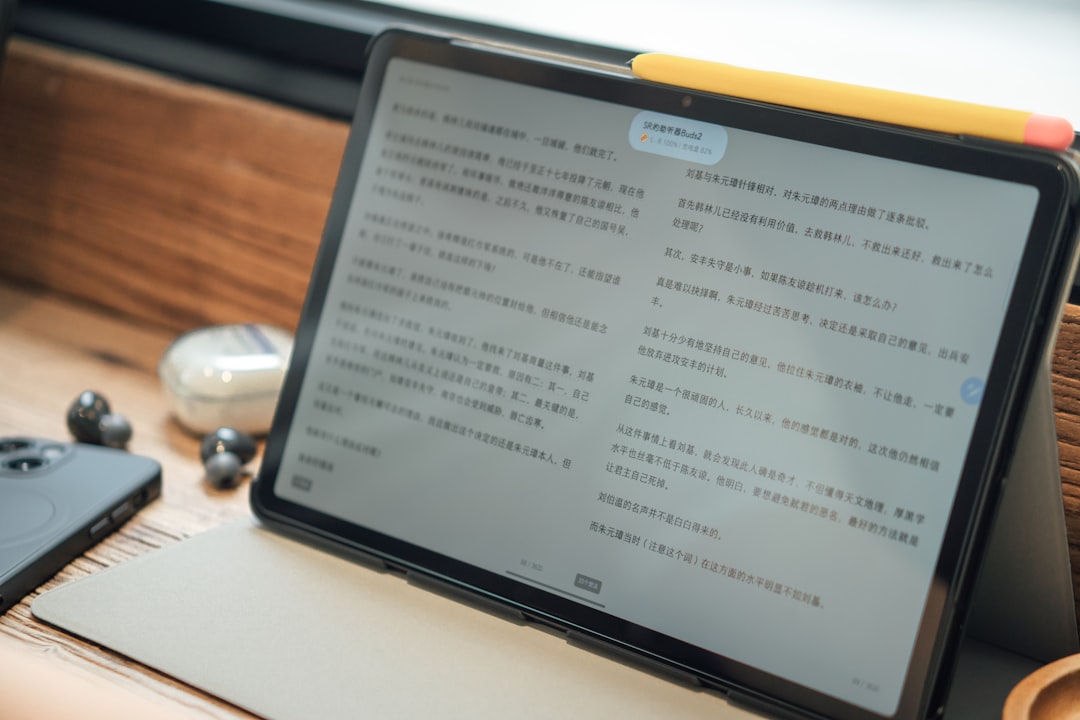
In a digital ecosystem dominated by portable devices, tablets have become versatile tools for work, creativity, and entertainment. Among tablet technologies, two primary display types stand out — E Ink and LCD. Each offers unique benefits and limitations, making them better suited for specific kinds of users and activities.
TL;DR
E Ink tablets are perfect for reading, note-taking, and those seeking minimal eye strain, especially in daylight. LCD tablets are better suited for tasks involving multimedia consumption, gaming, or creative work due to their vibrant colors and faster refresh rates. If you’re torn, think about how you’ll mostly use the device—function over form may guide your purchase. Battery life and display preference are the biggest deciders between the two types.
Understanding the Core Differences
Before diving into who should choose which, it’s essential to understand what fundamentally sets E Ink and LCD displays apart:
- E Ink (Electronic Ink): Mimics the appearance of ink on paper. These displays are monochrome or, at best, limited in color fidelity, but they consume very little power and are easy on the eyes.
- LCD (Liquid Crystal Display): Used in most conventional tablets like iPads or Android tablets. These offer vivid color, fast response times, and excellent video rendering, but they may cause eye strain over extended periods of use.
Key Benefits of E Ink Tablets
E Ink tablets provide a highly specialized user experience. Among their standout features are:
- Superior battery life: Many E Ink tablets last for weeks on a single charge since they only use power when changing the display.
- Readability: E Ink displays are exceptional under direct sunlight, mimicking the feel of paper. This makes them highly appealing to readers and outdoor users.
- Eye comfort: With no backlight and minimal screen glare, E Ink devices significantly reduce eye strain during long reading or writing sessions.

Drawbacks of E Ink
Despite their strengths, E Ink tablets come with limitations that might affect usability for broader digital tasks:
- Low refresh rate: They aren’t suitable for video playback, animation, or fast-scrolling content.
- Limited color display: While some E Ink devices offer color now, they’re still nowhere near the vibrancy or resolution of an LCD screen.
- App compatibility: Most E Ink tablets run on minimalist operating systems or limited versions of Android and may not support mainstream multimedia or productivity apps.
Key Benefits of LCD Tablets
On the other hand, LCD tablets are designed with dynamic user interactions in mind. They excel in these areas:
- Vibrant visuals: With rich color display and high resolution, LCD tablets are ideal for watching videos, editing images, and gaming.
- Multi-functionality: Perfect for web browsing, app use, content creation, and communication — essentially full computing on the go.
- App ecosystem: Devices like the iPad and Samsung Galaxy Tab support extensive app libraries ready for productivity, education, and entertainment.

Cons of LCD Tablets
Despite their power and versatility, LCD tablets aren’t ideal for every user:
- Lower battery life: Continuous backlighting and app processing mean users may need to recharge daily.
- Eye fatigue: The brightness and glare of LCD screens can lead to eye strain over long periods of reading or note-taking.
- Cost: High-end LCD tablets often come with premium prices, especially when bundled with additional accessories like pens or keyboards.
Who Should Choose an E Ink Tablet?
E Ink tablets shine in specific use-cases. Consider an E Ink tablet if you’re:
- An avid reader: Devices like the Kindle Scribe or reMarkable 2 are perfect for consuming books or instapaper articles for hours on end.
- A focused note-taker: E Ink tablets offer distraction-free digital handwriting experiences. Ideal for students, writers, and journalists.
- A minimalist: If you desire simplicity and low-interruption tools unplugged from constant notifications and apps.
- Often outdoors: The screen clarity in direct sunlight is unmatched, making E Ink tablets highly suitable for outdoor professionals.
Who Should Opt for an LCD Tablet?
LCD tablets are better suited for users with broader digital demands, such as:
- Content creators: Photographers, video editors, and digital artists will love the color calibration and responsiveness of LCD screens.
- Professionals and students: Users that need versatility — from Zoom calls to spreadsheets — will benefit from full app functionality.
- Gamers and media consumers: Enjoy responsive gameplay, HD video, and quick navigation.
- Multitaskers: With split-screen, stylus support, and keyboard attachability, LCD tablets can serve as laptop replacements for many.
Price Comparison and Device Lifespan
The price spectrum for both types ranges widely. E Ink tablets generally start at more affordable price points but may lack advanced features unless you opt for premium models like the BOOX Tab Ultra. LCD tablets span from budget Android options to high-end iPads costing over $1,000.
In terms of longevity, E Ink tablets tend to have fewer hardware failures due to the simplicity of their display technology, often outlasting their LCD counterparts under similar usage conditions.
Use-Case-Based Recommendation Chart
| Use Case | Recommended Display | Reason |
|---|---|---|
| Reading Books | E Ink | Best for eye comfort and long sessions |
| Video Watching | LCD | Full color and smooth playback capabilities |
| Note-Taking | E Ink or LCD | Depends on whether distractions and eye strain are concerns |
| Digital Drawing | LCD | High color accuracy and app support |
| Outdoor Use | E Ink | Best readability in direct sunlight |
| Web Browsing & Apps | LCD | Faster, fluid experience with access to full app libraries |
FAQ: E Ink vs. LCD Tablets
- Q: Do E Ink tablets hurt your eyes less than LCDs?
A: Yes, E Ink displays are designed to be more like paper and do not emit blue light, making them much easier on the eyes during long reading sessions. - Q: Can you watch videos on an E Ink tablet?
A: Technically possible on advanced models, but performance is very poor compared to LCD. Not recommended for media viewing. - Q: Are E Ink tablets good for students?
A: Yes, especially those focused on reading and handwritten notes. But those who need full apps or video content may prefer LCD tablets. - Q: Which one lasts longer on a single charge?
A: E Ink tablets can last weeks, while LCD tablets often need to be charged daily depending on usage. - Q: Do either support stylus input?
A: Yes, both do. Devices like the reMarkable 2 (E Ink) and iPad Pro (LCD) offer responsive stylus support.
Ultimately, the choice between E Ink and LCD comes down to your specific needs. Whether you’re a bookworm, a digital artist, or a