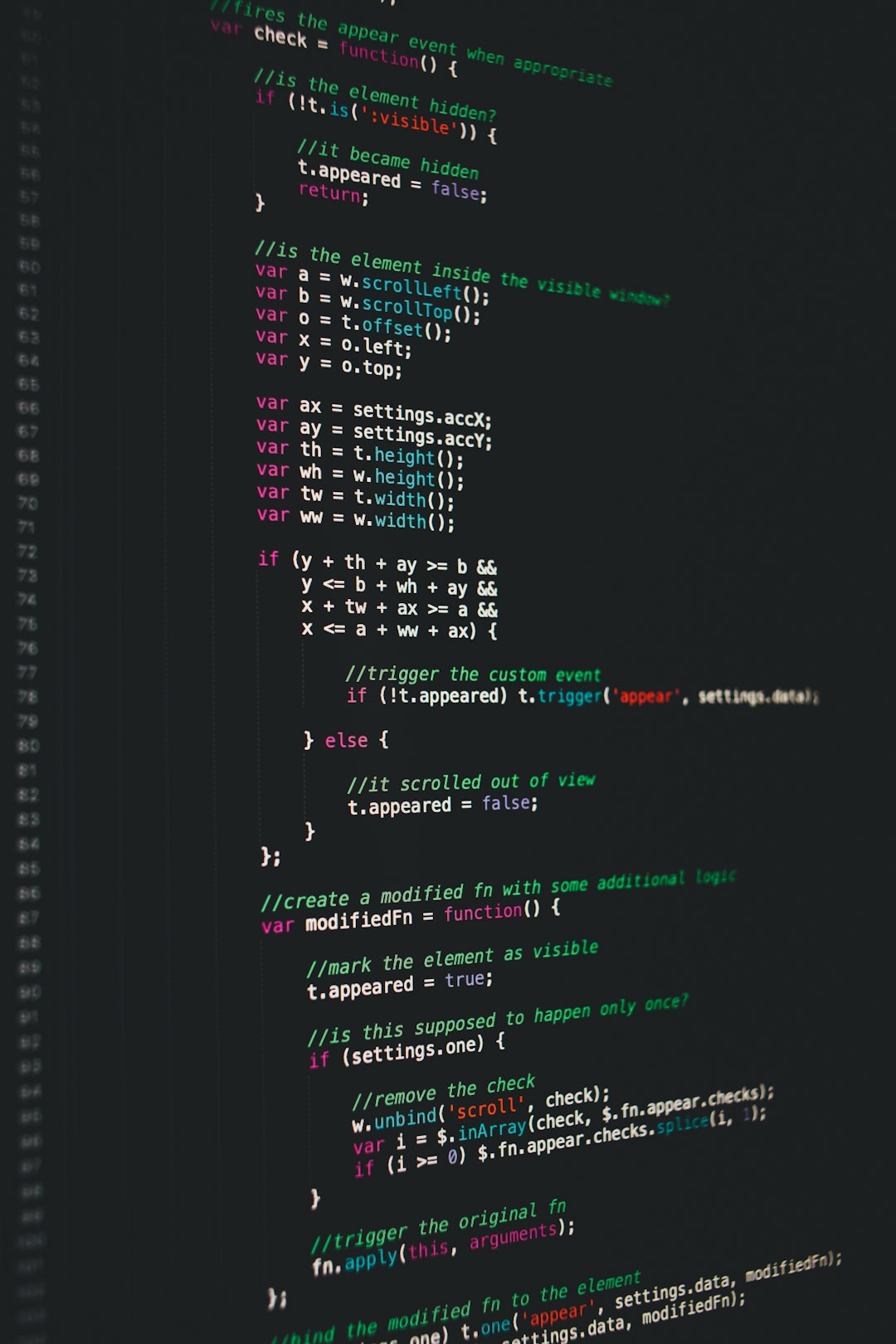
For developers, data engineers, system administrators, or even casual users needing a fast, powerful editor, finding the right tool is essential. With so many text and source code editors available, making a choice can be daunting. One editor that has stood the test of time (more than 25 years!) is UltraEdit. Known for its flexibility, speed, and extensive feature set, UltraEdit isn’t just another text editor—it’s a professional-grade power tool.
TLDR (Too Long, Didn’t Read)
UltraEdit is a versatile and robust text editor for Windows, macOS, and Linux. Designed for developers and power users, it supports syntax highlighting, massive file handling, multi-caret editing, FTP integration, and more. Its high-performance engine makes it ideal for working with large files and complex data. Whether you’re coding, scripting, or manipulating data, UltraEdit aims to be the only editor you’ll ever need.
What Is UltraEdit?
Originally released in 1994 and developed by IDM Computer Solutions, UltraEdit is a commercial, feature-rich text editor available for Windows, macOS, and Linux systems. While ordinary text editors suffice for simple tasks, UltraEdit is tailored for advanced applications such as:
- Source code writing and debugging
- Data file editing in XML, JSON, CSV, etc.
- Log file analysis
- Hex editing and byte-level file manipulation
Unlike minimalist editors, UltraEdit offers a suite of specialized features useful in professional environments where efficiency and reliability matter.

Core Features of UltraEdit
UltraEdit offers a set of features that not only rival—but often surpass—those of better-known competitors like Notepad++, Sublime Text, and VS Code. Here are some of its most notable features:
1. Syntax Highlighting for Over 80 Languages
UltraEdit supports syntax highlighting for a wide variety of programming and scripting languages, including HTML, JavaScript, Python, C++, Java, PHP, and SQL. Users can also customize or import additional language definitions.
2. Large File Handling
A standout feature of UltraEdit is its ability to handle files up to several gigabytes in size with minimal lag. This makes it an ideal tool for developers working with log files, large data sets, or databases.
3. Integrated FTP and SSH
With built-in FTP/SFTP support, users can open, edit, and save files directly from/to remote servers. SSH/Telnet functionality also allows command-line operations inside the editor.
4. Multi-Caret and Column Mode Editing
Efficiently edit multiple lines of code at once using the multi-caret feature, or switch to column mode for vertically aligned editing—a unique trait that’s especially useful for structured text modifications like CSV files.
5. File Comparison and Search
The UltraCompare tool allows you to compare files side-by-side, including zipped or PDF files. Additionally, its advanced search features include regex support, case matching, whole word matching, and more—even across multiple files and folders.
6. Hex and ASCII Editing
UltraEdit’s powerful Hex Editor allows editing at the byte level. It’s perfect for working with binary files, reverse engineering, or debugging embedded systems.
7. Secure Encryption and Decryption
Need to protect sensitive data? UltraEdit features built-in AES-256 bit encryption to help you secure and encrypt files—right from the editor.
8. Snippets, Templates, and Macros
Streamline repetitive tasks with custom macros, code snippets, and templates. Automation in UltraEdit saves users time and enhances productivity during coding sessions.
9. Beautiful, Customizable Interface
UltraEdit provides a visually pleasing environment with customizable themes, layout options, and keyboard shortcuts. Whether you prefer light or dark mode, you’ll find a UI that fits your workflow.

Benefits of Using UltraEdit
Now that we’ve reviewed the main features, what makes UltraEdit stand out as a top pick? Let’s explore its most compelling advantages.
1. Unrivaled Performance with Large Files
Many editors crash or struggle with massive log or data files. UltraEdit, however, is specifically optimized for high performance. Users routinely report smooth handling of multi-gigabyte files, making it well-suited for database engineers and data analysts.
2. Versatility Across Use Cases
One of UltraEdit’s greatest strengths is its flexibility. Whether you’re a developer, analyst, system administrator, or student, UltraEdit has tools tailored to your needs—from code linting to project management to secure file editing.
3. Professional & Enterprise Ready
UltraEdit is popular in corporate environments because of its stability, licensing options, and IT-friendliness. Bulk editing, automation via scripting, and integrated version control systems ensure it plays well in enterprise ecosystems.
4. Dedicated Support and Community
Unlike many free or open-source editors, UltraEdit comes with official, responsive technical support. There’s also a wide user community and detailed documentation to help troubleshoot problems or learn new features.
5. Integration with UltraEdit Suite
UltraEdit can be bundled with other tools in the UltraEdit suite, such as UltraCompare, UltraFinder, UltraFTP, and IDM’s Git integration tool. This creates a seamless workflow from coding to deployment.
Who Should Use UltraEdit?
UltraEdit’s features and benefits appeal to a range of user personas. Here’s a quick breakdown:
- Developers: For coding in multiple languages and managing large codebases.
- Data Scientists & Analysts: For parsing logs, massive datasets, and inspecting structured data.
- System Administrators: For real-time SSH access and quick file edits on servers.
- Writers & Editors: For those working with large manuscripts or texts who value precision and customization.
Although it’s primarily used in more advanced or professional environments, UltraEdit is still accessible for intermediate users due to its intuitive interface and extensive help resources.
Pricing and Licensing
UltraEdit is a commercial product and offers a free trial for new users. After the trial, licenses must be purchased. As of the latest version, here are the common pricing tiers (subject to change):
- Individual License: Typically around $79.95/year or a one-time lifetime license.
- Business/Enterprise License: Includes volume discounts and support options.
- All-Access Pass: Includes UltraEdit plus the full suite of IDM tools.
The licensing model provides great flexibility for both casual users and enterprise deployments.
Conclusion
UltraEdit proves that even in a world dominated by free and open-source editors, there’s still a place—and demand—for a professional, commercial-grade text editor. It’s packed with powerful features, built for heavy workloads, and continuously updated to support modern development needs.
Whether you’re debugging code, analyzing server logs, or editing massive data files, UltraEdit offers a reliable, fast, and user-friendly experience. Once you try it, you might find yourself wondering how you ever lived without it.