The Nintendo Switch has captivated gamers of all kinds with its hybrid capabilities and impressive library of titles. Among those games, open-world adventures like The Legend of Zelda: Breath of the Wild, Xenoblade Chronicles 3, and The Witcher 3 stand out for delivering vast, immersive experiences. However, the Switch’s hardware has limitations compared to other gaming platforms, and optimizing your setup for open-world games can significantly enhance your experience.
TL;DR (Too Long; Didn’t Read)
Optimizing your Nintendo Switch for open-world games involves managing storage space, ensuring up-to-date software, tweaking in-game settings, and using accessories like Pro Controllers or memory cards. Playing in docked mode can often improve performance, and selecting quality third-party accessories can further improve immersion. With a few upgrades and settings tweaks, you can enjoy smoother, more responsive gameplay even in the largest of virtual worlds.
1. Keep Software and Firmware Updated
First and foremost, always make sure your Nintendo Switch and your games are fully updated. Firmware updates often contain performance improvements, bug fixes, and feature enhancements that can directly affect how well open-world games run.
Steps to update:
- Go to System Settings from the Home Menu.
- Scroll down to System and choose System Update.
- For individual games, highlight the game icon, press the + button, and select Software Update.
2. Maximize Your Storage for Faster Load Times
Many open-world games can occupy significant storage space. While the internal storage of the Nintendo Switch is limited to 32GB (or 64GB for OLED), upgrading with a high-speed microSD card (UHS-I, Class 10 or better) can speed up load times and reduce lagging issues in resource-intensive games.
Recommended microSD cards:
- SanDisk Extreme microSDXC UHS-I (64GB/128GB/256GB)
- Samsung EVO Select microSDXC
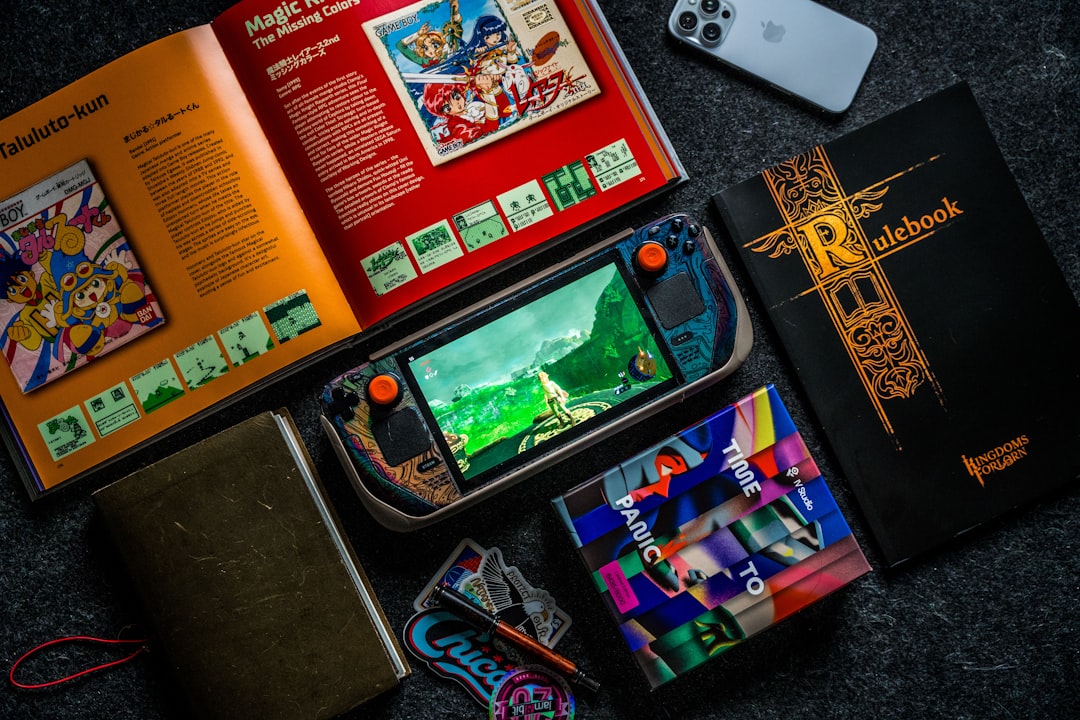
Reinstalling games to the microSD card from internal memory, when needed, can also help if you’re running low on storage. Always leave at least 10-20% free space to allow for system caching and smoother performance.
3. Use Docked Mode for Better Performance
While the Switch offers the flexibility of handheld and tabletop modes, docked mode provides better performance in many games, particularly open-world ones. This mode sends more power to the system, allowing it to run games at higher or more stable resolutions with better frame rates.
Games like The Witcher 3 or Xenoblade Chronicles 3 show noticeably smoother frame rates and faster loading times when docked.
4. Adjust In-Game Settings
Some Switch games allow you to adjust specific settings to prioritize performance over visual fidelity. Though these options are more limited than on PC or other consoles, some developers have included toggles for:
- Motion blur – Turn it off to improve clarity and responsiveness.
- Resolution scaling – Lower resolution in exchange for steadier frame rates.
Every little change helps when trying to maximize performance in a vast open-world environment.
5. Invest in a Pro Controller or Quality Third-Party Controller
For games with complex control schemes like The Legend of Zelda: Tears of the Kingdom or Skyrim, precision is vital. The standard Joy-Cons can be finicky, especially with analog stick drift or smaller buttons. A Nintendo Switch Pro Controller or a trusted third-party controller offers ergonomic design, better grip, and more accurate input
Benefits of using a Pro controller:
- Improved motion control sensitivity
- Extended battery life
- Full-size buttons for easier combo executions
6. Turn Off Auto-Brightness & Manually Adjust Screen Settings
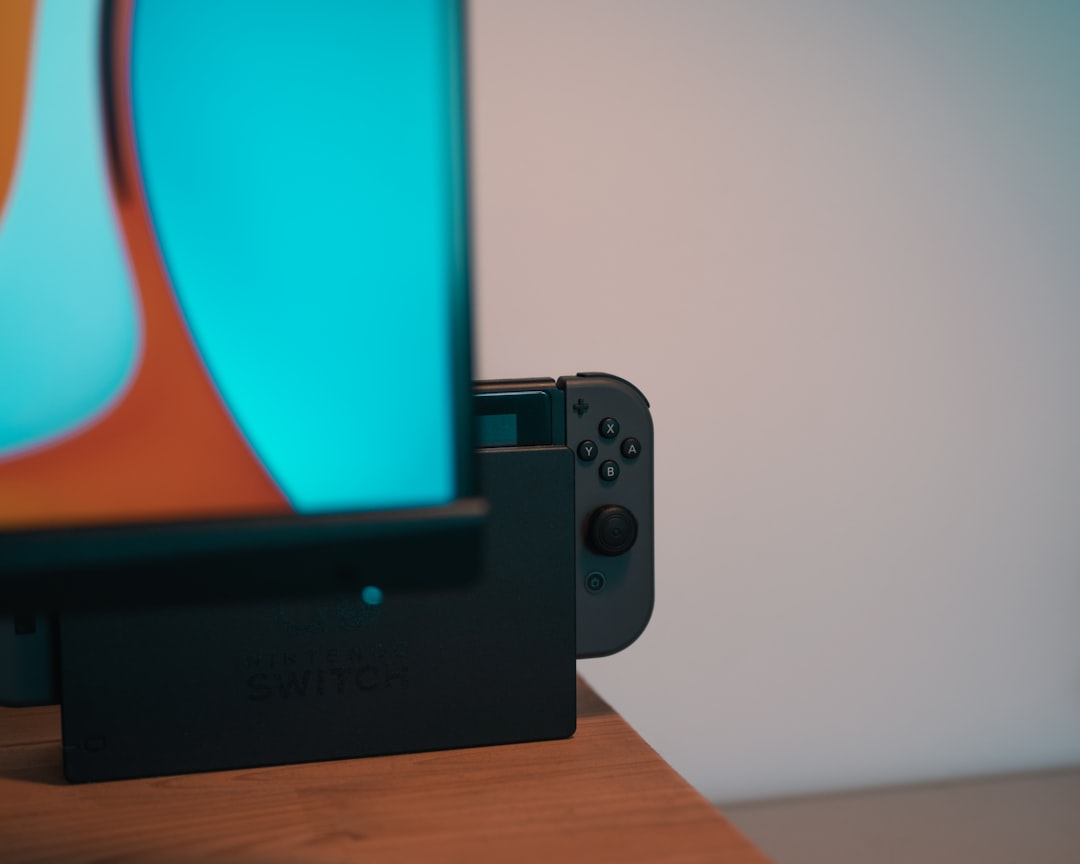
If you’re playing in handheld mode, the display settings can impact battery life and visibility in intense scenes. Turn off auto-brightness and manually set screen brightness to a comfortable level to gain better control over how your game looks. It can reduce screen flickering and prevent sudden dimming during critical combat sequences or cutscenes.
7. Use Headphones for Immersive Audio
Audio can drastically influence how immersive a game feels. For sprawling open-world games, the ambient sounds—rustling leaves, distant NPC conversations, impending storms—pull the player deeper into the world. Using wired or Bluetooth headphones ensures you catch every footstep or whispered secret.
Recommended headsets for the Switch:
- SteelSeries Arctis 1 Wireless for Nintendo Switch
- Razer Barracuda X
8. Close Background Applications
Though the Switch does not allow true multitasking like PCs, background processes such as suspended software or paused games can sap system resources. Before launching an open-world game, close all other applications.
How to close background software: Press the HOME button, select the open application, and press X to close it completely.
9. Clean Your Hardware
Overheating can cause performance throttling. Keeping your Nintendo Switch and dock clean ensures efficient heat dissipation. It’s advisable to dust vents and fans regularly and avoid playing under direct sunlight or overly hot conditions.
When docked, make sure the Switch has proper ventilation space behind and beneath the dock.
10. Try Performance-Oriented Titles or Cloud Versions
Some games simply run better on the Switch than others. Choose open-world titles that are well-optimized for Nintendo’s hardware. Games like:
- Dragon’s Dogma: Dark Arisen
- Immortals Fenyx Rising
- Breath of the Wild
Cloud-based titles like Control or Resident Evil Village offer high-end visuals by utilizing streaming technology, though they require a stable, fast internet connection.
FAQ: Optimizing Your Nintendo Switch for Open-World Games
- Q: Does using a microSD card improve game performance?
A: Yes. A high-speed microSD card can reduce load times and help games access data more quickly than low-speed cards. - Q: Is it better to play in handheld or docked mode for performance?
A: Docked mode typically offers better performance because the system runs at higher power output, improving resolution and frame rates. - Q: Are there risks to using third-party controllers?
A: Yes, poorly made or unlicensed controllers can cause connection issues or even damage the system. It’s best to buy from reputable brands. - Q: Can switching audio output settings improve performance?
A: Not significantly, but using headphones increases audio clarity and may eliminate the need for visual cues, thereby improving gameplay flow. - Q: How often should I clean the Nintendo Switch?
A: Every few weeks, especially if you notice it feeling hot during play or if fan noise increases. Use a soft cloth and compressed air.
With just a few strategic upgrades and performance tweaks, players can transform how open-world games behave on the Nintendo Switch. By staying proactive and maintaining both the software and hardware, gamers can ensure that every exploration, quest, and battle is as seamless as possible.