
Managing extensive PDF document collections can become a daunting task without the right tools. Whether you’re a legal professional, academic researcher, or business administrator, the ability to efficiently organize, search, and annotate hundreds or thousands of PDFs is critical to maintaining productivity and accuracy.
TL;DR: This guide explores the top 5 PDF management apps designed specifically for handling large document libraries. These tools go beyond simple PDF viewing by offering advanced organizational features such as tagging, batch renaming, OCR search, cloud integration, and annotation tools. Choosing the right one depends on your specific workflows, platform preferences, and collaboration needs. Read on to discover which solution might be best for you or your team.
1. Adobe Acrobat Pro DC
Platform: Windows, macOS
Best For: Enterprise-grade document management
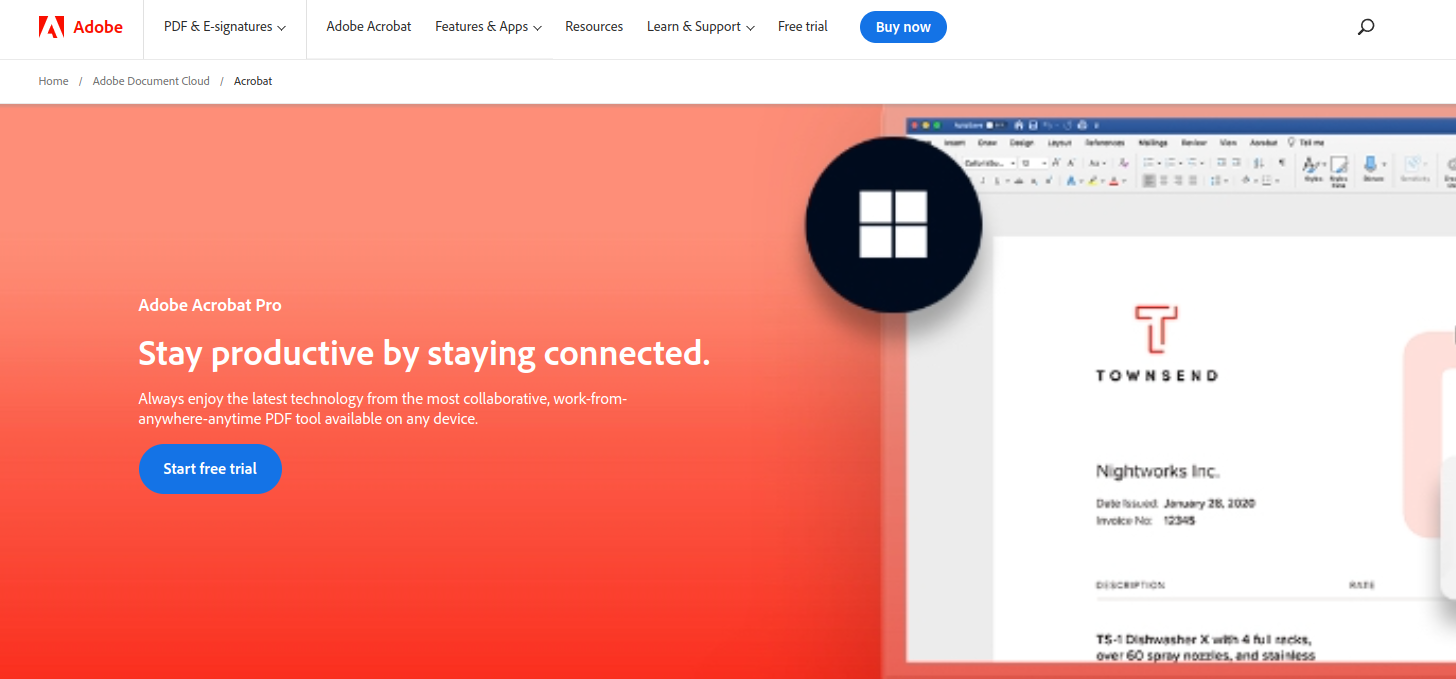
Adobe Acrobat Pro DC remains the industry standard for PDF management and editing. It excels in organizing large collections by offering robust tools such as smart file naming, metadata tagging, and the ability to add structured bookmarks for fast navigation. The app includes cloud integration through Adobe Document Cloud, making multi-device access seamless.
- Advanced search with OCR technology for scanned documents
- Batch processing tools, including conversion, renaming, and watermarking
- Enterprise-level security and digital signature support
- Shared reviews for collaborative feedback and version control
While Adobe Acrobat Pro DC comes with a premium price, it’s trusted by countless professionals for a reason. Its comprehensive features are particularly valuable for legal teams and large organizations that manage strict compliance requirements.
2. PDF Expert by Readdle
Platform: macOS, iOS
Best For: Apple users seeking a sleek and fast interface
PDF Expert by Readdle is favored by many Mac and iPad users for its intuitive interface and fluid performance. It’s ideal for reading, editing, and organizing PDFs with an elegant, native macOS feel. You can tag files with custom categories, merge documents, and highlight or annotate with ease.
- Smart search capabilities that quickly scan text inside documents
- Tabbed browsing for working on multiple files simultaneously
- Sync with iCloud and Dropbox for global access
- Advanced annotation tools for highlighting, commenting, and drawing
Though it may not handle batch operations or mass metadata editing like enterprise-level applications, it’s ideal for academics, writers, and small-scale professionals who prioritize user experience and a native ecosystem.
3. DevonThink
Platform: macOS
Best For: Knowledge workers organizing research, reference materials, and archives
DevonThink is more than a simple PDF viewer — it’s a full-fledged personal knowledge management system designed around document discovery and intelligent search. It uses artificial intelligence to file and classify documents based on content, which is invaluable for users managing large libraries of knowledge-based files.
- Automatic document classification using content awareness algorithms
- Customizable tagging and metadata fields for deep organization
- Built-in OCR for transforming scanned files into searchable documents
- Support for multiple data types, not just PDFs
DevonThink caters to a niche but growing set of users like researchers, journalists, and historians who need to build reference libraries across connected content. The learning curve is moderate, but it pays off in powerful document retrieval and context-aware search capabilities.
4. Nitro PDF Pro
Platform: Windows, macOS
Best For: Cost-effective alternative to Adobe Acrobat with team features
Nitro PDF Pro provides a balanced option between features and affordability. It supports most of the core functionalities needed for professional PDF management, such as form creation, editing, merging, batch conversion, and collaboration tools. It integrates with cloud services like Google Drive, OneDrive, and Dropbox.
- Document version control and trackable collaboration tools
- Templates and review cycles for business workflows
- Batch processing tools for renaming, splitting, or converting large volumes
- OCR and digital signatures similar to Adobe’s offerings
Nitro’s user interface may not be as polished as some Mac-native apps, but it makes up for that with capabilities and scalability, particularly for small to medium-sized businesses wanting a cost-effective document processing solution married to cloud-based storage workflows.
5. Foxit PDF Editor
Platform: Windows, macOS, Linux
Best For: Cross-platform teams and IT departments needing control and customization
Foxit PDF Editor is a powerful tool especially known for its speed, low memory usage, and corporate-friendly features. It offers strict role-based access control settings, integration capabilities with enterprise content management systems, and multi-platform performance that makes it useful in diverse IT environments.
- Custom workflow automation with scripting support
- Cloud and server deployment for distributed teams
- Enterprise integration with platforms like SharePoint and OneDrive
- Secure document signing with compliance to global standards
Email integration, advanced form creation, and simultaneous user commenting make Foxit a strong candidate for organizations handling confidential documents or functioning across strict review and approval pipelines.
Choosing the Right App for Your Needs
The best PDF management software depends heavily on your ecosystem and workflow requirements:
- Adobe Acrobat Pro DC is unrivaled for enterprise-grade functionality, especially in security and collaboration.
- PDF Expert is best for individual Apple users and those who value ease of use and aesthetics over enterprise scale.
- DevonThink is ideal for research-heavy users looking for knowledge management over simple storage.
- Nitro PDF Pro offers excellent value for business teams requiring extensive PDF functionality without Adobe’s pricing.
- Foxit PDF Editor supports complexity and diverse workflows in cross-platform environments.

Regardless of which software you choose, having a scalable and intuitive system for managing PDFs can drastically improve your productivity and reduce time spent digging through cluttered file directories. As document libraries grow in complexity, so must the sophistication of the tools used to manage them. Investing in the right solution today ensures smoother workflows, better collaboration, and more reliable archival down the road.
Final Tip: Always test a demo or free trial before committing to a PDF management solution. Assess how well each tool integrates with your existing platforms and whether it supports the specific capabilities — like OCR or batch renaming — most critical to your document workflow.