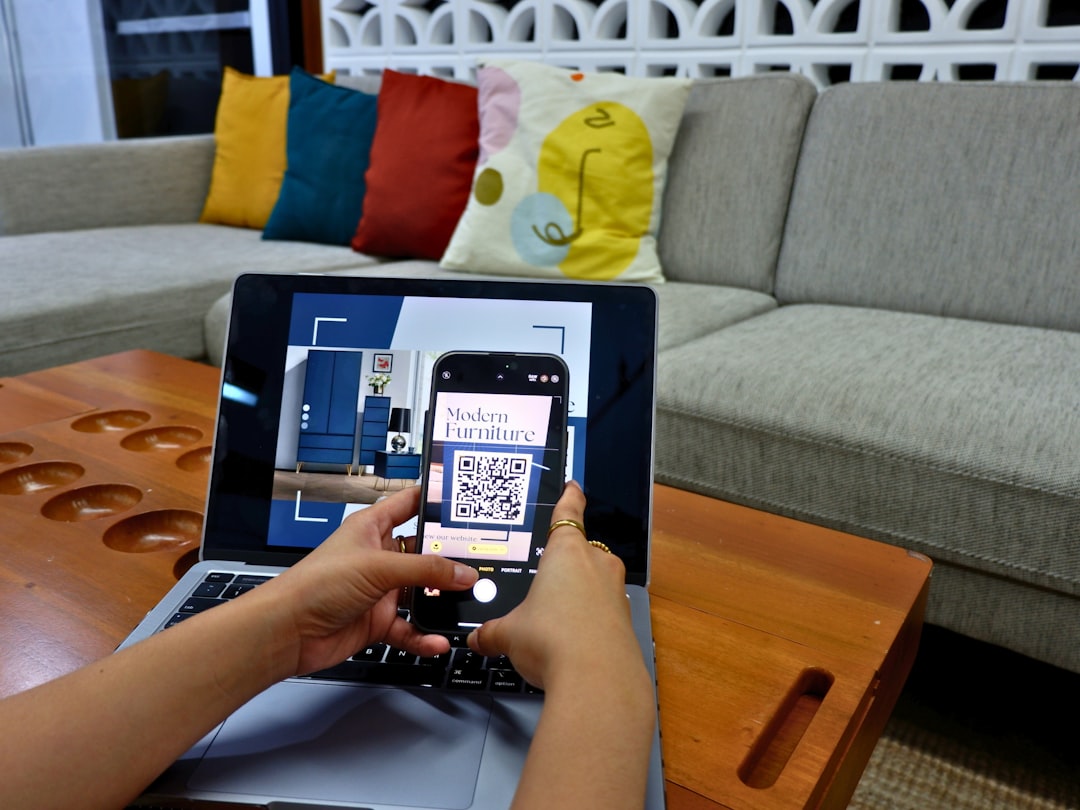
Today, having smart gadgets at home is as normal as having a coffee maker. From smart bulbs to video doorbells and Wi-Fi-enabled fridges, our homes are getting more connected every day. Cool, right? But all these smart devices can also make your home network… well, a bit of a mess.
TLDR: A separate router for IoT devices keeps your main network safe and speedy. It stops hackers from accessing your personal data if a smart device is compromised. It also helps reduce lag and keeps your home network better organized. Basically, it’s like giving your smart toaster its own playroom—away from your work laptop.
What Are IoT Devices Anyway?
IoT stands for Internet of Things. These are the gadgets that connect to the internet but aren’t your computer or phone. Think smart thermostats, cameras, light bulbs, speakers, and even your robot vacuum.
They talk to each other, to apps, and sometimes even to strangers. Yeah, scary.
Why Your Wi-Fi Might Be Crying Right Now
Your main router is trying to do it all. Stream your shows, let you Zoom from the home office, and keep 20 smart devices online all at once. That’s a lot!
Here’s what can go wrong:
- Security risks: Many IoT devices have weak security. If one gets hacked, the intruder might stroll right into the rest of your network.
- Bandwidth hogs: Smart cameras and video doorbells use a lot of data.
- Glitches happen: The more devices you connect to one router, the greater the chance your network freaks out.
How a Separate Router Saves the Day
Think of setting up a separate router for smart devices like giving your guests their own bathroom. It’s more hygienic for everyone.
Here’s why it works:
- More security: If an IoT device is compromised, the damage stays contained in that one network.
- Less stress on your main router: That means smoother connections for your work, games, and streaming.
- Cleaner organization: You’ll always know which devices are where. Debugging gets easier!
- Easier control: You can turn off just the IoT network if needed, for updates or security checks.
How Do You Even Do This?
Setting up a second router sounds geeky, but it’s not too bad. Promise.
There are two main ways:
- Use an old router: If you have a spare router lying around, you can repurpose it as an IoT hub.
- Buy a new cheap router: You don’t need blazing-fast speed. Even a budget router will do the trick for smart plugs and sensors.
Then, you can either:
- Set up the second router on a different subnet (like giving it a separate address in the neighborhood).
- Use a guest network on your main router and connect only IoT devices to it.
Most routers have tutorials or wizards that walk you through guest network creation. Super easy.
Wait, What’s a Subnet?
Okay, bit of nerdy fun here. A subnet is just a more isolated part of your home network. Like a quiet corner where no one can hear your smart fridge scream “update needed.”
With subnets, even if something bad happens on one, it doesn’t automatically leak into the other.
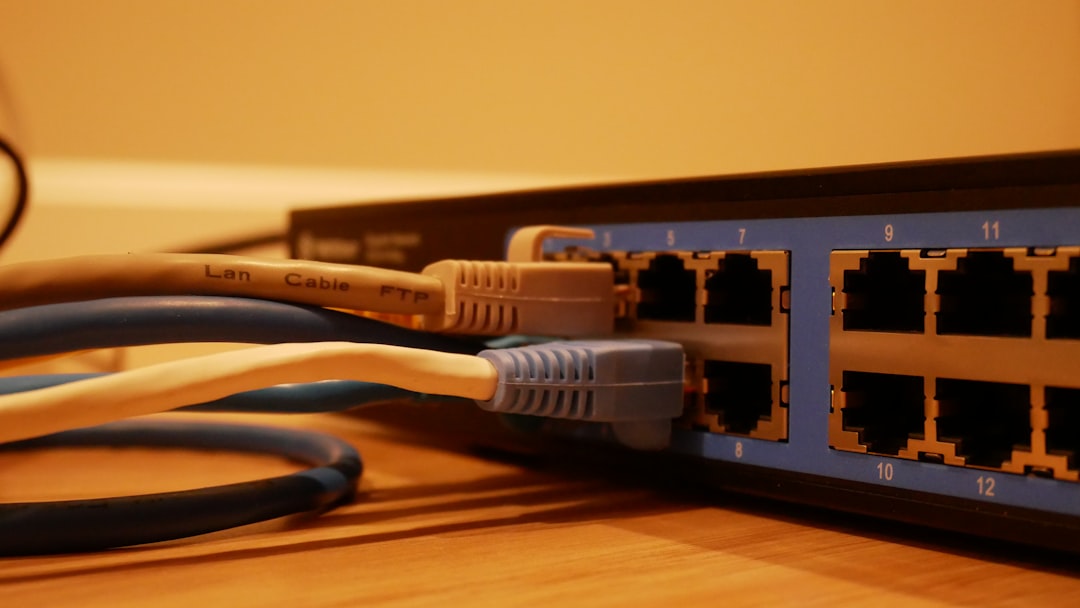
So Now I’ve Got Two Wi-Fi Networks?
Yep. You’ll have one for your work, phone, laptop, and streaming needs. Call it “MainNet” or something cool.
And another for your smart devices. Maybe call it “HouseBots” or “Gadgetville.” Whatever feels fun. Just DON’T name it “Password123.”
This setup keeps things organized and safer. Sweet bonus: if your smart lights go bonkers, your Netflix won’t flicker.
But Aren’t Smart Devices Already Safe?
Some are. Many are… not.
Here’s why:
- No passwords: Some IoT devices ship with default passwords. And people forget to change them.
- Few updates: Unlike your phone or laptop, many smart devices rarely get security patches.
- Cheap stuff = cheap security: Budget devices may skimp on protection to save money.
And that means they’re easy targets for hackers. Once inside, someone could snoop on your network traffic or even control cameras. Yikes.
A Real-World Example
In 2016, a massive cyberattack called the Mirai botnet took down huge parts of the internet. How? By hijacking insecure smart devices—baby monitors, DVRs, cameras—and turning them into a giant digital army.
They weren’t all hacked for fun. They were used to overwhelm major websites with traffic. If just one of those compromised devices had its own network, the impact would’ve been smaller.
Bonus Tip: VLANs!
Feeling a bit more techy? Check out VLANs (Virtual LANs). These are network partitions that let you completely wall off devices—even on the same router.
You’ll need a router with VLAN support, but it’s a neat option for folks who love customizing their home setup.
Pros and Cons Snapshot
Still not sure? Here’s a quick cheat sheet:
| Pros of Separate IoT Router | Cons |
|---|---|
| Better security | Setup may take a little time |
| Less strain on main router | May require a second device |
| Improved speed for gaming/streaming | Extra maintenance if something breaks |
| Easy isolation of devices | Costs a bit if buying new router |
Final Thoughts
Your home is your castle. And in this digital age, that castle has Wi-Fi gates. Building two gates—one for your family and one for your robot butler—isn’t paranoia. It’s smart planning.
Whether you go with a full second router, set up a guest network, or dive into VLANs, the goal is clear: keep your devices safe and your main network snappy.
It’s like handing your IoT gadgets a backstage pass. They still do the job, but they don’t disrupt the front of the house. Win-win!