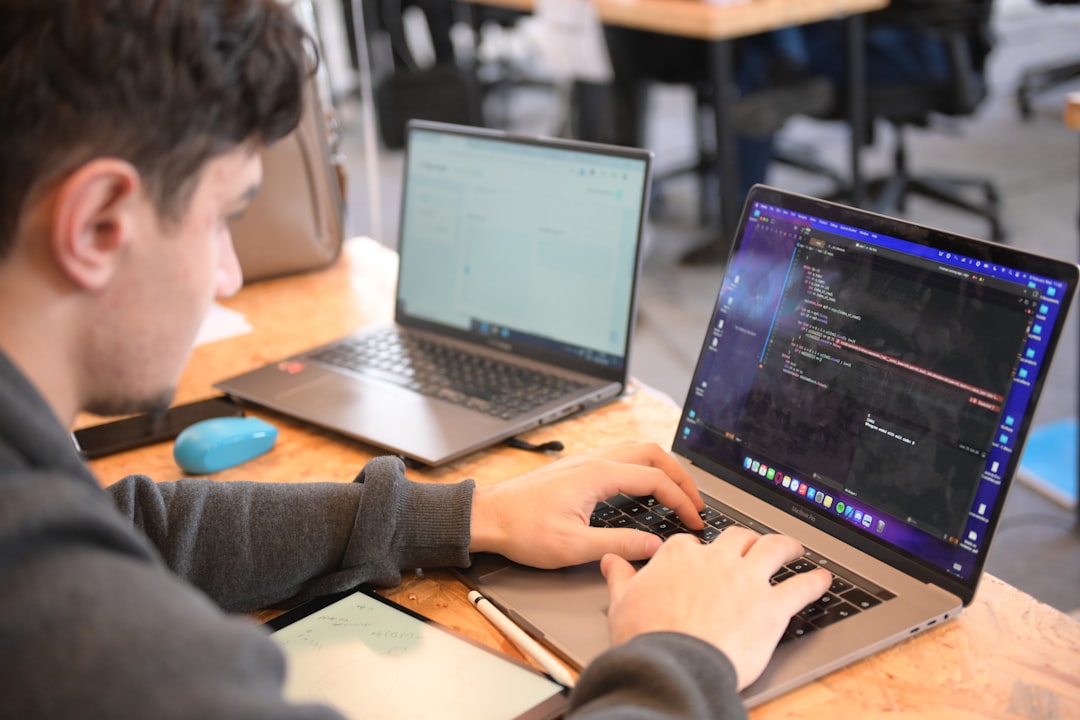
Web development is one of the most valuable digital skills you can learn today. Whether you want to build your own website, start a freelancing career, or transition into tech, the good news is that you can begin entirely for free. With the right tools and guidance, you can start creating beautiful, functional websites without spending a single dollar.
TLDR: You can get started with web development using free tools like a code editor, a web browser, version control systems, and free learning platforms. Begin with HTML, CSS, and JavaScript, and practice by building small projects. Use tools like GitHub and free hosting platforms to publish your work. Consistency and hands-on practice matter more than expensive software.
Why Web Development Is So Accessible Today
Unlike many other technical fields, web development has a very low barrier to entry. You don’t need a powerful computer. You don’t need paid software. And you don’t need a formal degree.
All you really need is:
- A computer (Windows, macOS, or Linux)
- An internet connection
- Curiosity and consistency
Modern browsers, open-source tools, and online education platforms have made it possible for anyone to start building websites within hours.

Step 1: Understand the Core Technologies
Before downloading tools, it’s important to understand what you are actually building. Websites are powered by three core technologies:
- HTML (HyperText Markup Language) – The structure of a webpage
- CSS (Cascading Style Sheets) – The design and layout
- JavaScript – Interactivity and dynamic behavior
Think of it like building a house:
- HTML is the framework and walls
- CSS is the paint, furniture, and decorations
- JavaScript is the electricity and automation
Start with HTML and CSS before moving into JavaScript. This sequence makes learning smoother and less overwhelming.
Step 2: Install a Free Code Editor
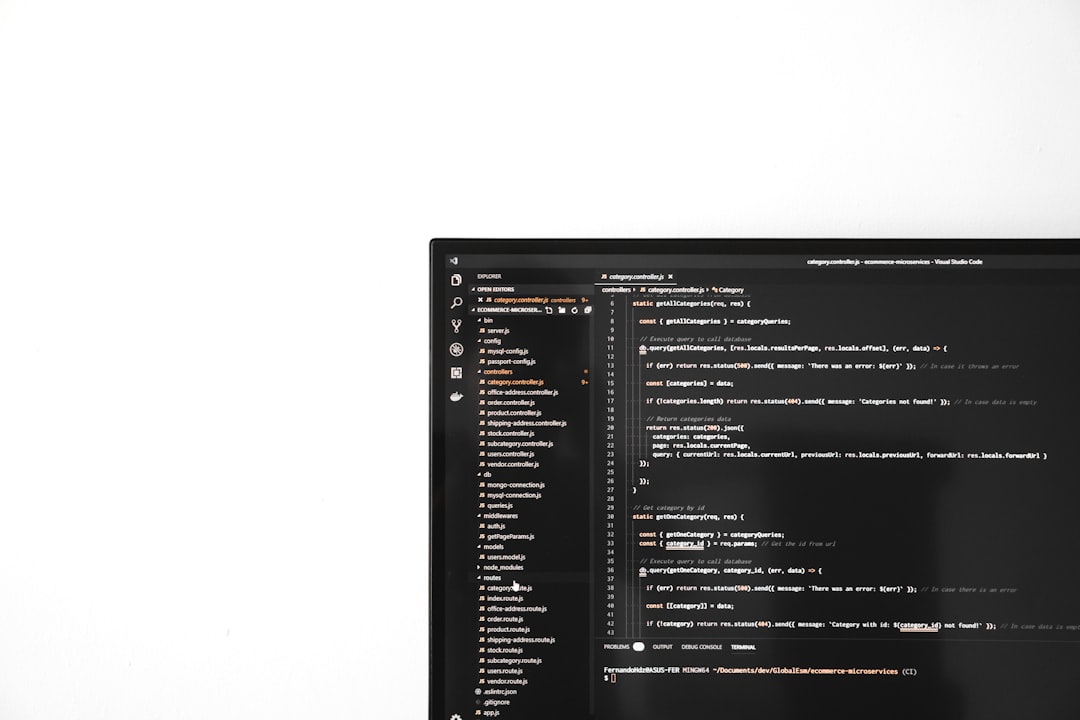
A code editor is where you will write your website’s code. Fortunately, there are excellent free options available.
Popular Free Code Editors
- Visual Studio Code – Lightweight, powerful, beginner-friendly
- VSCodium – Open-source build similar to VS Code
- Notepad++ – Simple and minimal (Windows)
- Atom – Customizable and beginner-friendly
For most beginners, Visual Studio Code is the best starting point because of its large extension library, built-in terminal, and helpful features like auto-complete.
Comparison Chart of Free Code Editors
| Editor | Best For | Extensions | Beginner Friendly | Platform |
|---|---|---|---|---|
| Visual Studio Code | All-around development | Excellent | Very High | Windows, macOS, Linux |
| VSCodium | Open-source preference | Excellent | High | Windows, macOS, Linux |
| Notepad++ | Lightweight editing | Limited | Medium | Windows |
| Atom | Customization | Good | High | Windows, macOS, Linux |
Step 3: Use Your Browser as a Development Tool
Your web browser is more powerful than you think. Browsers like Google Chrome and Firefox come with built-in developer tools.
These tools allow you to:
- Inspect HTML elements
- Modify CSS in real time
- Debug JavaScript
- Analyze performance
Simply right-click on a webpage and select Inspect to start exploring. You can experiment without breaking anything permanently.
Step 4: Learn from Free Online Resources
You don’t need paid courses to start. The internet is full of high-quality free learning resources.
Free Learning Platforms
- freeCodeCamp – Comprehensive interactive coding lessons
- MDN Web Docs – Authoritative documentation for HTML, CSS, and JavaScript
- W3Schools – Beginner-friendly tutorials
- YouTube channels – Thousands of free coding tutorials
A strong strategy is to combine structured learning (like freeCodeCamp) with documentation reading (like MDN). This builds both practical and theoretical understanding.
Step 5: Practice With Small Projects
Watching tutorials alone won’t make you a developer. You need hands-on practice.
Start with small projects such as:
- A personal portfolio page
- A landing page for a fictional product
- A to-do list app
- A weather app using a free API
Each project should challenge you slightly beyond your comfort zone. That’s where real growth happens.

Step 6: Use Version Control With Git and GitHub
Version control helps you track changes in your code and collaborate with others. The most popular system is Git, and it’s completely free.
Once you learn basic Git commands like:
git initgit addgit commitgit push
You can upload your projects to GitHub, where they serve as a public portfolio for employers and clients.
Bonus: GitHub also offers free website hosting through GitHub Pages, allowing you to publish static websites at no cost.
Step 7: Use Free Hosting Platforms
Once your project is built, you’ll want to share it with the world.
Here are some free hosting options:
- GitHub Pages – Best for static websites
- Netlify – Easy deployment and automation
- Vercel – Great for modern JavaScript frameworks
Most of these platforms connect directly to your GitHub repository. Every time you push an update, your live site updates automatically.
Step 8: Join Developer Communities
Learning alone can be tough. Communities make it easier and more motivating.
You can join:
- Online coding forums
- Developer Discord groups
- Open-source projects
- Local tech meetups
Asking questions, sharing your work, and contributing to discussions will accelerate your progress significantly.
Step 9: Create a Simple Learning Roadmap
Here’s a beginner-friendly roadmap you can follow:
- Learn basic HTML tags and structure
- Style pages using CSS (flexbox and grid)
- Understand JavaScript fundamentals
- Build 3–5 small projects
- Learn Git and GitHub
- Deploy your projects online
- Explore a framework like React or Vue
Don’t rush. Master the basics before jumping into advanced tools.
Common Mistakes to Avoid
Many beginners slow themselves down by:
- Jumping between too many tutorials
- Trying to learn everything at once
- Not building real projects
- Comparing themselves to experienced developers
Remember: every professional developer once Googled “What is HTML?”
How Long Does It Take to See Results?
If you practice consistently for 1–2 hours per day:
- You can understand HTML and CSS in a few weeks
- You can build interactive websites in 2–3 months
- You can become job-ready in 6–12 months
Consistency beats intensity. It’s better to code 30 minutes daily than 5 hours once a week.
The Real Secret: Build, Break, Fix, Repeat
The difference between someone who “tries” web development and someone who becomes a developer is simple: practice and persistence.
You will break things. Your layout won’t work. JavaScript errors will frustrate you. That’s normal. Debugging is not a sign of failure — it’s part of the job.
Every solved problem increases your skill level.
Final Thoughts
Getting started with web development has never been easier. With free code editors, browsers, hosting platforms, and world-class educational content available online, the only real investment required is your time and effort.
Begin with the fundamentals. Use free tools wisely. Build small but meaningful projects. Share them publicly. Engage with the community. Keep improving one line of code at a time.
Web development isn’t just about creating websites — it’s about building skills that empower you to create, solve problems, and bring ideas to life.
The best time to start was yesterday. The second-best time is today.