Managing projects should feel exciting. Not exhausting. Yet many tools today look like airplane cockpits. Buttons everywhere. Settings you do not understand. Tabs you never open. The truth is simple. Most small teams and solo creators do not need complex systems. They need clarity. They need speed. They need lightweight tools that just work.
TLDR: You do not need heavy software to manage projects well. Some lightweight tools offer powerful features without complicated setup. Trello, ClickUp (simple mode), and Notion are three easy options to try. They are flexible, intuitive, and perfect for small teams or solo work.
Let’s explore three lightweight tools that keep things simple. No steep learning curve. No confusing dashboards. Just clean project management that helps you move forward.
1. Trello – The Visual Thinker’s Best Friend
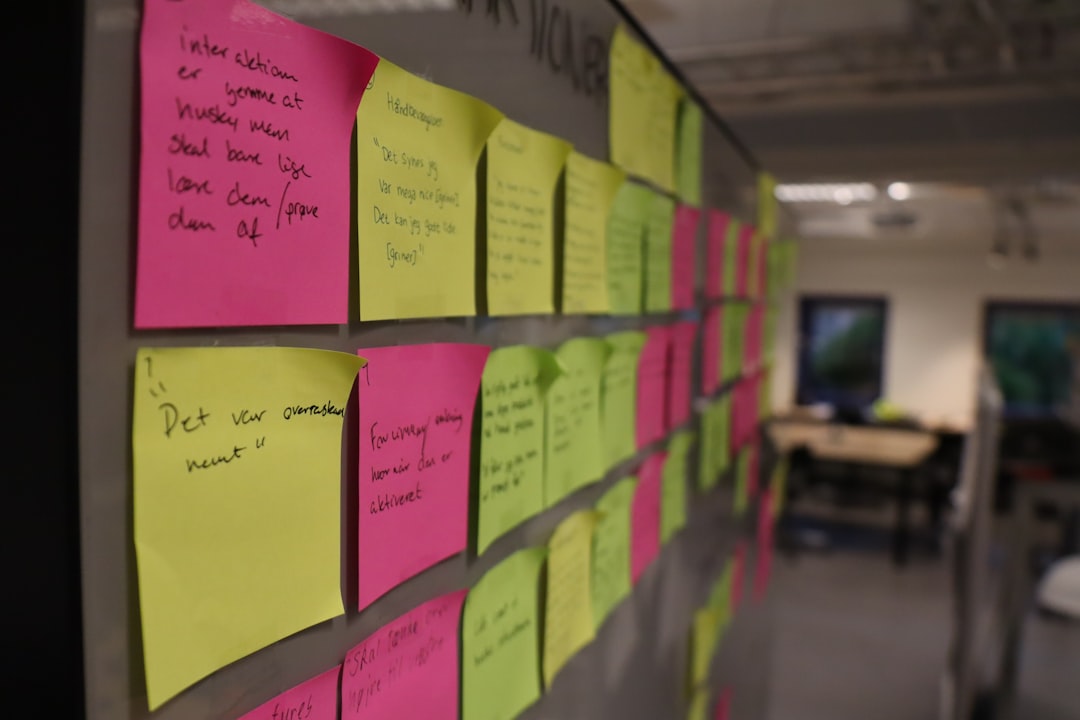
If you love sticky notes, you will love Trello.
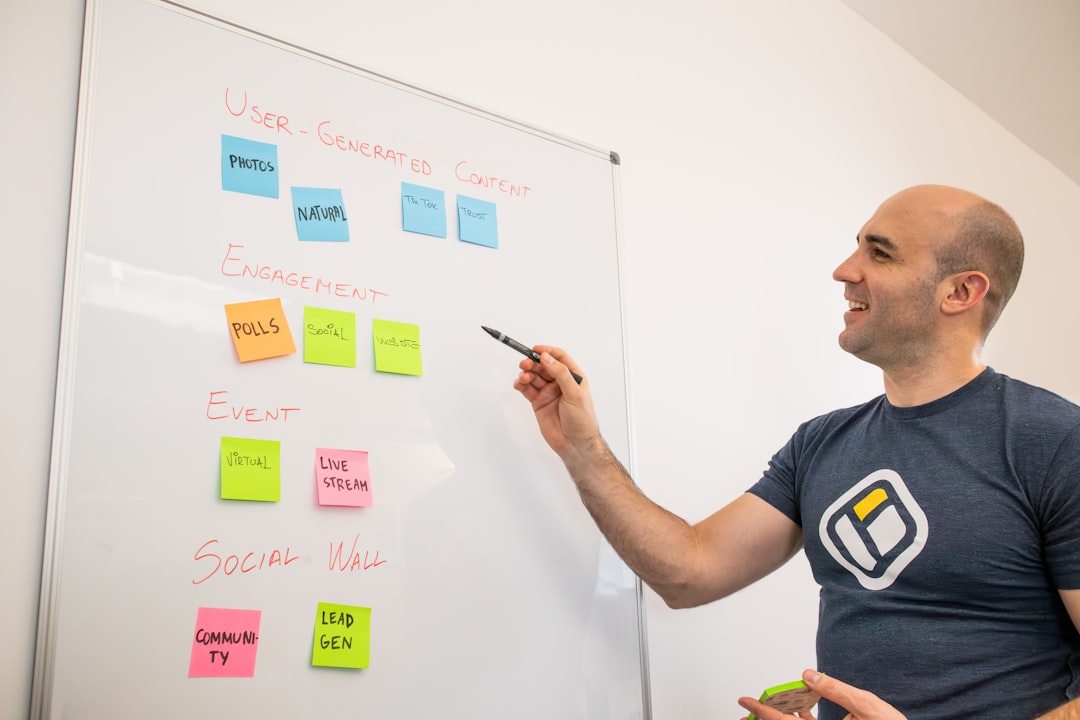
Trello is built around boards, lists, and cards. That’s it. Simple. Visual. Easy to understand in minutes.
How It Works
- Boards = Your project
- Lists = Stages (To Do, Doing, Done)
- Cards = Individual tasks
You drag cards from one list to another. That movement feels satisfying. It also gives instant clarity.
Why It’s Lightweight
Trello does not force you into complicated workflows. You create what you need. Nothing more.
- No heavy setup process
- No mandatory training videos
- No confusing reports
- No technical knowledge required
Open it. Create a board. Add tasks. Done.
Best For
- Solo freelancers
- Small teams
- Content planners
- Students managing assignments
Where It May Fall Short
If you want advanced reporting or deep time tracking, Trello might feel limited. But for most simple projects? It is perfect.
Fun Tip: Use colored labels to organize tasks by priority. Red for urgent. Green for low priority. Visual clarity reduces mental stress.
2. ClickUp – Powerful But Flexible
ClickUp has a reputation for being advanced. And it can be. But here’s the secret. You do not have to use all its features.
You can keep it light. Very light.

How It Works
ClickUp organizes work into:
- Spaces
- Folders
- Lists
- Tasks
At first glance, that sounds complex. But if you keep it small, it feels logical.
Start with one Space. Add one List. Begin adding Tasks. Ignore everything else.
Why It’s Lightweight (If You Want It To Be)
The magic of ClickUp is customization. You can hide features you do not use.
- Turn off advanced views
- Skip automations
- Keep only basic task management
- Use simple status labels
This gives you room to grow. But without pressure.
Best For
- Startups that may scale
- Teams needing task assignments
- People who want light structure now and more later
Where It May Fall Short
Because it offers many features, new users can get distracted. The trick? Start small. Stay minimal.
Fun Tip: Create only three statuses at first. To Do. In Progress. Done. That’s all most projects need.
3. Notion – Clean, Flexible, and Creative
Notion feels different. It is not just a project manager. It is a blank canvas.
You can build task boards, notes, calendars, documents, and databases all in one space.
How It Works
Everything in Notion lives inside pages.
- Create a page for a project
- Add a simple task list or board
- Insert notes, images, documents
It feels calm. No clutter. No sensory overload.
Why It’s Lightweight
You start with a blank page. No forced structure.
- No rigid system
- No complicated onboarding
- No pressure to configure dozens of settings
Just type and build.
Best For
- Writers
- Designers
- Solo founders
- Creative thinkers
Where It May Fall Short
If you need structured workflow rules or heavy reporting, Notion may require extra setup. It is flexible. But you must define your system.
Fun Tip: Use a template to save time. Notion offers many free project templates that keep things simple.
Quick Comparison Chart
| Feature | Trello | ClickUp (Simple Setup) | Notion |
|---|---|---|---|
| Ease of Setup | Very Easy | Moderate (if simplified) | Easy |
| Learning Curve | Low | Medium | Low to Medium |
| Visual Boards | Excellent | Very Good | Good |
| Customization | Basic | Advanced but Optional | Highly Flexible |
| Best For | Simple task tracking | Growing teams | Creative workflows |
| Free Plan | Yes | Yes | Yes |
How to Choose the Right Lightweight Tool
The biggest mistake people make is chasing features.
More features do not mean more productivity.
Instead, ask yourself three simple questions:
- Do I need structure or flexibility?
- Will I work alone or with a team?
- Do I care more about visuals or lists?
If you want plug-and-play simplicity, choose Trello.
If you might scale later, choose ClickUp.
If you love all-in-one creative space, choose Notion.
Why Lightweight Tools Often Win
Heavy tools promise control. But they often create friction.
Lightweight tools create momentum.
Here’s why simplicity wins:
- Faster onboarding – Start in minutes
- Lower resistance – Less mental fatigue
- Better adoption – Teams actually use them
- Reduced overwhelm – Focus on tasks, not settings
Remember this. A simple system you use beats a complex system you avoid.
Tips to Keep Any Tool Lightweight
No matter which tool you choose, complexity can creep in. Here’s how to prevent that.
1. Limit Status Options
Too many stages cause confusion. Keep 3 to 5 maximum.
2. Avoid Over-Categorizing
You do not need 20 tags. Start with 3 or 4.
3. Review Weekly
Archive old tasks. Delete unused lists. Keep it clean.
4. Focus on Action
Project tools are for doing. Not decorating.
Final Thoughts
Project management should feel empowering. Not complicated.
Lightweight tools help you stay focused on progress. They reduce noise. They remove mental clutter.
Trello keeps it visual and simple. ClickUp gives you room to grow. Notion offers creative freedom.
You do not need dozens of features. You need clarity. You need momentum. You need something you will actually use every day.
Start small. Keep it simple. And let your projects move forward with less friction and more flow.