Designing buildings used to mean giant desks, heavy paper, pencils, and a lot of erasing. Today, things are different. Architects and designers now work with powerful software that can turn simple lines into detailed 3D worlds. If you are a student, a hobbyist, or a professional, the right tool can save you time and spark your creativity. In this article, we will explore four popular architecture tools for 2D drafting and 3D modeling. We will keep it simple, clear, and fun.
TLDR: There are many architecture tools out there, but four stand out for 2D drafting and 3D modeling: AutoCAD, SketchUp, Revit, and Archicad. AutoCAD is great for precise 2D work. SketchUp is easy and perfect for beginners and fast 3D models. Revit and Archicad are powerful BIM tools for large, detailed projects. The best choice depends on your needs, budget, and experience level.
Let’s jump in.
1. AutoCAD – The Classic Drafting Powerhouse
When people hear “architecture software,” they often think of AutoCAD. It has been around for decades. And yes, it is still very popular.
AutoCAD is mainly known for 2D drafting. It helps you create precise floor plans, sections, and elevations. You can draw lines, arcs, circles, and detailed technical drawings with extreme accuracy.
Image not found in postmetaWhy people love AutoCAD:
- Very precise and accurate.
- Industry standard. Many firms use it.
- Great for construction documents.
- Large community and learning resources.
AutoCAD also supports basic 3D modeling. But it is not its strongest feature. Most people use it mainly for high-quality 2D drafting.
Who should use AutoCAD?
- Students learning technical drawing.
- Professionals making detailed construction plans.
- Designers who need clean, accurate 2D documentation.
One thing to remember. AutoCAD can feel complex at first. There are many commands. Many tools. But once you get used to it, it becomes very powerful.
2. SketchUp – Simple, Fast, and Fun
If AutoCAD feels serious and technical, SketchUp feels creative and playful.
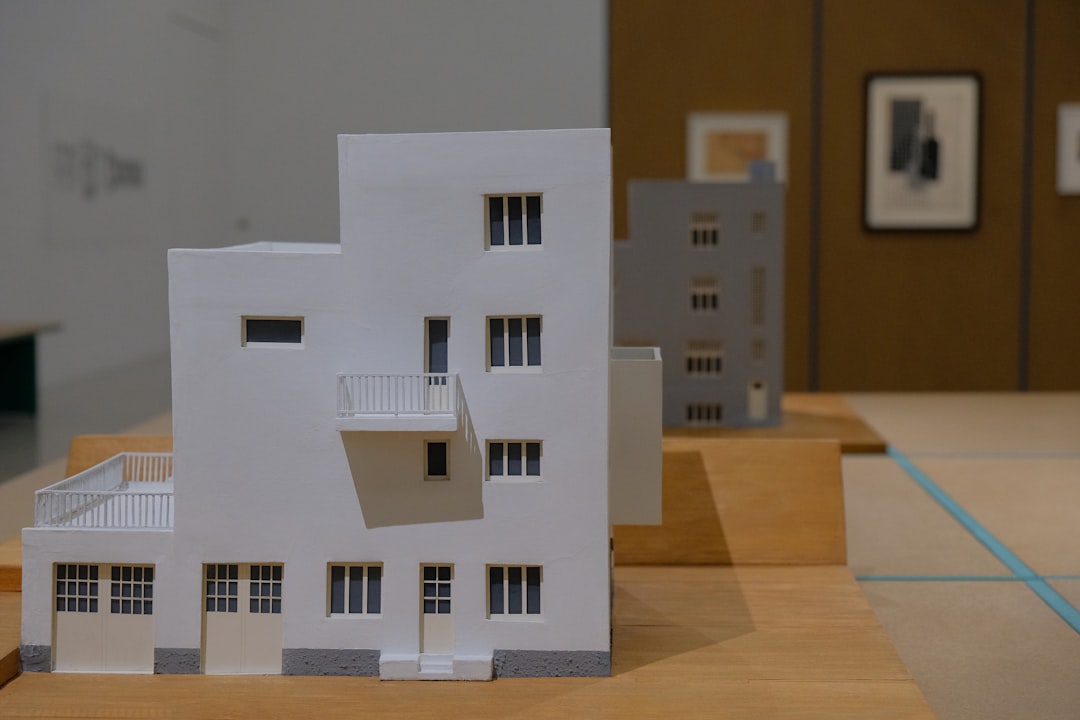
SketchUp is known for its easy learning curve. You can start modeling in 3D within minutes. It uses simple tools like push and pull. You draw a shape. Then you pull it into 3D. That’s it.
Why people love SketchUp:
- Very beginner friendly.
- Fast 3D modeling.
- Huge library of free 3D models.
- Great for conceptual design.
SketchUp is excellent for early design stages. You can quickly test ideas. Move walls. Change shapes. Experiment freely.
There is a free web-based version. There are also paid versions with more advanced features. This makes it accessible for students and hobbyists.
Is it good for 2D drafting?
Not really its strongest side. You can create 2D drawings. But it shines in 3D modeling and presentations.
Who should use SketchUp?
- Beginners in architecture.
- Interior designers.
- Anyone who wants fast 3D models.
- People who like visual thinking.
It is fun. It is visual. It feels less intimidating than many other tools.
3. Revit – Smart BIM for Big Projects
Now we move to something more advanced. Meet Revit.
Revit is not just a drafting or modeling tool. It is a BIM software. BIM stands for Building Information Modeling. This means your model is not just lines and shapes. It contains real information.
Walls know they are walls. Doors know their size. Windows know their height. Everything is connected.

Why people love Revit:
- All-in-one design and documentation.
- Changes update everywhere automatically.
- Great for teamwork.
- Perfect for complex buildings.
Imagine this. You move one wall. Every floor plan, section, and elevation updates instantly. That saves time. And reduces errors.
Revit handles both 2D documentation and 3D modeling smoothly. You design in 3D. The software generates 2D drawings from the model.
But there is a catch. Revit has a steep learning curve. It takes time to master.
Who should use Revit?
- Architecture firms working on large projects.
- Professionals who collaborate with engineers.
- Designers who need detailed documentation.
If you want to work on hospitals, offices, or skyscrapers, Revit is often required.
4. Archicad – Flexible and Designer Friendly BIM
Archicad is another powerful BIM software. It competes directly with Revit.
Like Revit, Archicad allows you to create intelligent 3D models. It also generates 2D drawings from your model. Everything is connected.
But many users say Archicad feels more design-focused. Some find its interface more intuitive.
Why people love Archicad:
- Strong BIM capabilities.
- Smooth 3D modeling tools.
- Good performance with large files.
- Flexible workflow.
Archicad is popular in Europe and many international markets. It supports open BIM standards. That makes file sharing easier across different platforms.
Who should use Archicad?
- Architects who want powerful BIM tools.
- Teams working internationally.
- Designers who prefer flexible modeling.
Just like Revit, it requires training. But once you understand it, it becomes a strong design partner.
Quick Comparison Chart
| Tool | Best For | 2D Drafting | 3D Modeling | Skill Level |
|---|---|---|---|---|
| AutoCAD | Precise technical drawings | Excellent | Basic to Moderate | Intermediate |
| SketchUp | Quick 3D concepts | Basic | Excellent | Beginner to Intermediate |
| Revit | Large BIM projects | Excellent (model-based) | Excellent | Advanced |
| Archicad | Flexible BIM workflow | Excellent (model-based) | Excellent | Advanced |
How to Choose the Right Tool
Choosing software can feel overwhelming. Here are a few simple questions to ask yourself:
- Are you a beginner? Try SketchUp.
- Do you need precise 2D plans? Go with AutoCAD.
- Working on large, complex buildings? Look at Revit or Archicad.
- Need to collaborate with engineers? BIM tools are better.
- On a tight budget? Check student or free versions.
Also think about your long-term goals. If you want to join a big architecture firm, learning BIM software is a smart move.
Final Thoughts
Architecture tools are more than just software. They are creative partners. They help you turn ideas into buildings. Lines into homes. Shapes into skyscrapers.
AutoCAD gives you precision and control.
SketchUp gives you speed and creativity.
Revit gives you smart, connected models.
Archicad gives you flexible and powerful BIM design.
There is no single “best” tool. Only the one that fits your needs.
And here is the good news. You can learn any of them. Step by step. Click by click. Line by line.
Architecture starts with imagination. The software just helps you build it.