Managing content and video production workflows has become increasingly complex. Creative teams today collaborate across time zones, handle large media files, coordinate freelancers, track approvals, and manage tight publishing schedules—all while maintaining a consistent brand voice. Standard project management tools often fail to address the unique needs of creatives, particularly those working in video production, multimedia campaigns, and content marketing at scale. Specialized creative project management platforms bridge this gap by combining task tracking with asset management, collaboration tools, and production workflow customization.
TL;DR: Creative project management software is essential for content and video teams juggling collaboration, approvals, and deadlines. Tools like Asana, Monday.com, and ClickUp stand out for their flexibility, workflow automation, and visual project tracking. Each platform supports creative production pipelines, but they differ in asset handling, scalability, and customization depth. Choosing the right tool depends on team size, production complexity, and integration needs.
What Creative Teams Truly Need from Project Management Software
Unlike traditional operations teams, content creators and video producers operate in dynamic workflows. Scripts evolve. Footage requires editing rounds. Designs move through layered approvals. Stakeholders request revisions at late stages. Effective software must accommodate flexibility without sacrificing structure.
- Visual workflow management (Kanban, timelines, calendars)
- File sharing and version tracking for media assets
- Collaborative review and approval systems
- Automation for repetitive production steps
- Scalable task hierarchies for large campaigns
- Integration capabilities with editing, storage, and marketing tools
Below are three creative project management platforms that consistently perform well for content and video production teams.
1. Asana
Best for: Structured creative teams managing multiple parallel campaigns.
Asana is widely known in the project management space, but its structured task system and timeline features make it particularly effective for content and video production environments. It balances clarity with flexibility.

Key Strengths
- Timeline View: Ideal for mapping content releases and production schedules.
- Task Dependencies: Ensures editing cannot begin before filming is completed.
- Custom Fields: Track content status such as scripting, filming, editing, approval.
- Portfolios: Monitor multiple content initiatives at once.
For video production, task dependencies are especially valuable. For instance, a campaign may require script approval before talent booking, and talent booking before filming. Asana makes these dependencies visible and enforceable.
Creative Workflow Example
A typical video workflow in Asana may include:
- Concept Development
- Scriptwriting
- Internal Review
- Filming
- Editing
- Graphics Overlay
- Final Approval
- Distribution
Each phase can be broken into subtasks, assigned to specific teammates, and tracked with deadlines.
Limitations
- Lacks built-in advanced proofing tools.
- Media storage capacity depends on plan level.
- Highly complex video pipelines may require integrations.
Nevertheless, Asana remains one of the most reliable solutions for organized creative operations where predictability and structure are priorities.
2. Monday.com
Best for: Visual teams that need customization and high workflow visibility.
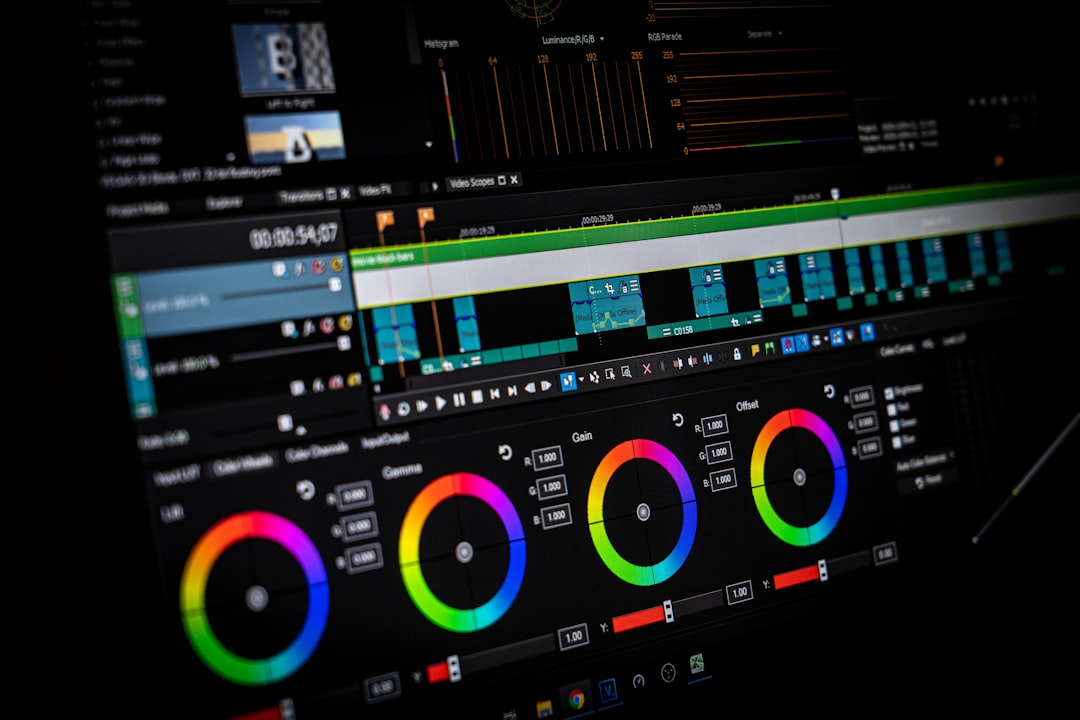
Monday.com distinguishes itself through highly visual dashboards and flexible board customization. It is particularly powerful for agencies and marketing departments managing varied creative outputs.
Key Strengths
- Customizable Boards: Build workflows specific to video lifecycle stages.
- Automation Recipes: Automatically notify editors when footage is uploaded.
- Content Calendars: Plan multi-channel publishing.
- Workload View: Prevent team burnout.
Monday.com shines in environments where visibility matters. Executives can quickly assess how many pieces are in pre-production versus editing or review. Its dashboards convert complex production data into digestible insights.
Advanced Automation Example
For instance:
- When status changes to “Ready for Review,” notify the Creative Director.
- When deadline approaches within two days, send automated reminder.
- When video approved, move task to Distribution board automatically.
This level of automation reduces manual coordination and improves turnaround time.
Limitations
- Costs increase quickly for larger teams.
- May require setup time to design optimal workflows.
- Advanced proofing features vary by plan.
For highly collaborative video teams working under rapid content schedules, Monday.com provides the flexibility to adapt workflows as projects evolve.
3. ClickUp
Best for: Growing creative teams that need scalability and deep customization.
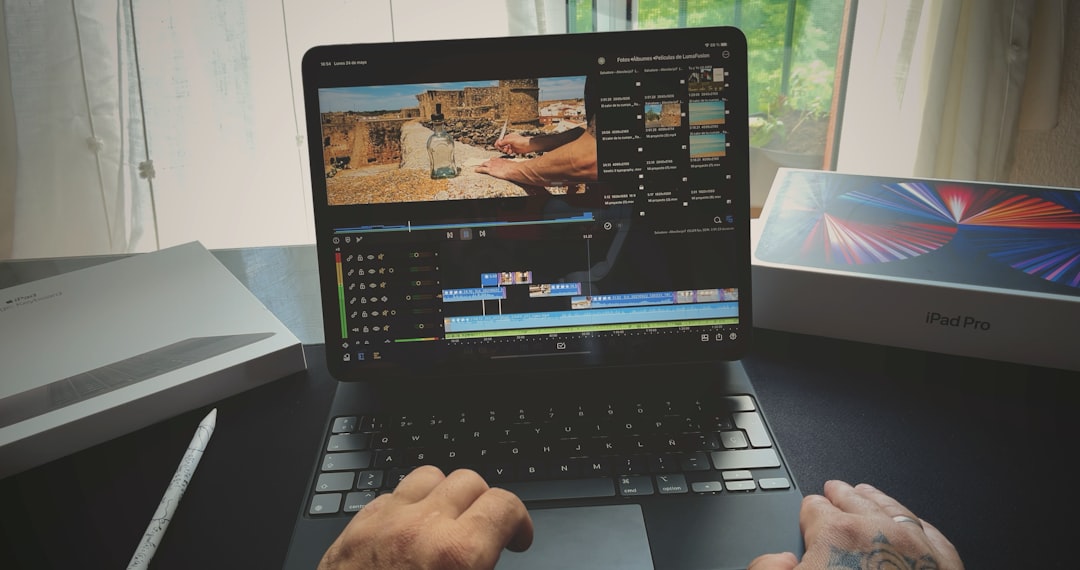
ClickUp has gained attention for offering extensive features at competitive pricing tiers. For creative production, it combines project management, document collaboration, goal tracking, and automation under one platform.
Key Strengths
- Multi-Level Task Hierarchy: Spaces, folders, lists, tasks, subtasks.
- Built-in Docs: Draft scripts directly within the platform.
- Proofing & Comments: Annotate images and video frames.
- Time Tracking: Useful for agencies billing clients.
ClickUp is particularly compelling for agencies managing many clients. Each client can have its own dedicated workspace while leadership maintains top-level visibility.
Integrated Workflow Example
A campaign might include:
- Script docs drafted and shared in ClickUp Docs.
- Production tasks linked directly to documents.
- Editors upload cuts for annotated review.
- Marketing team tracks distribution milestones.
This reduces tool fragmentation—an issue many creative teams face when juggling separate platforms for documents, tasks, and review feedback.
Limitations
- Interface can feel complex for new users.
- Setup requires thoughtful architecture planning.
- Performance may vary with very large projects.
Despite its learning curve, ClickUp offers remarkable depth for teams ready to invest in configuring their ideal workflow.
Comparison Chart
| Feature | Asana | Monday.com | ClickUp |
|---|---|---|---|
| Best For | Structured campaign tracking | Visual workflow teams | Scalable creative agencies |
| Task Dependencies | Advanced | Moderate | Advanced |
| Customization | High | Very High | Very High |
| Built-in Documentation | Limited | Moderate | Strong |
| Automation | Strong | Very Strong | Strong |
| Ease of Use | High | Moderate | Moderate |
| Ideal Team Size | Mid to Large | Mid to Large | Small to Enterprise |
How to Choose the Right Tool
Selecting project management software for content and video production should begin with workflow mapping. Before committing to any tool, creative leaders should:
- Document the current production lifecycle.
- Identify bottlenecks in approvals or communication.
- Determine integration requirements (e.g., Google Drive, Adobe tools).
- Evaluate scalability for future growth.
Small content teams may prioritize ease of use and minimal setup time.
Mid-sized video production departments often require dependency tracking and workload visibility.
Agencies and enterprise media teams should focus on scalability, automation depth, and permission controls.
No software compensates for unclear processes. The tool should enhance—not replace—a well-defined workflow.
Final Considerations
Creative production today demands both speed and structure. Deadlines are shorter, content volumes are higher, and stakeholder expectations continue to rise. The right project management platform helps teams maintain clarity without sacrificing creativity.
Asana excels in clarity and structured timelines. Monday.com offers highly visual and customizable workflows. ClickUp provides powerful depth and scalability for ambitious creative operations.
Ultimately, the best solution depends less on feature lists and more on operational alignment. Creative project management software should reduce friction, improve collaboration, and create transparency across production stages. When implemented thoughtfully, it becomes not merely a tool—but a competitive advantage.