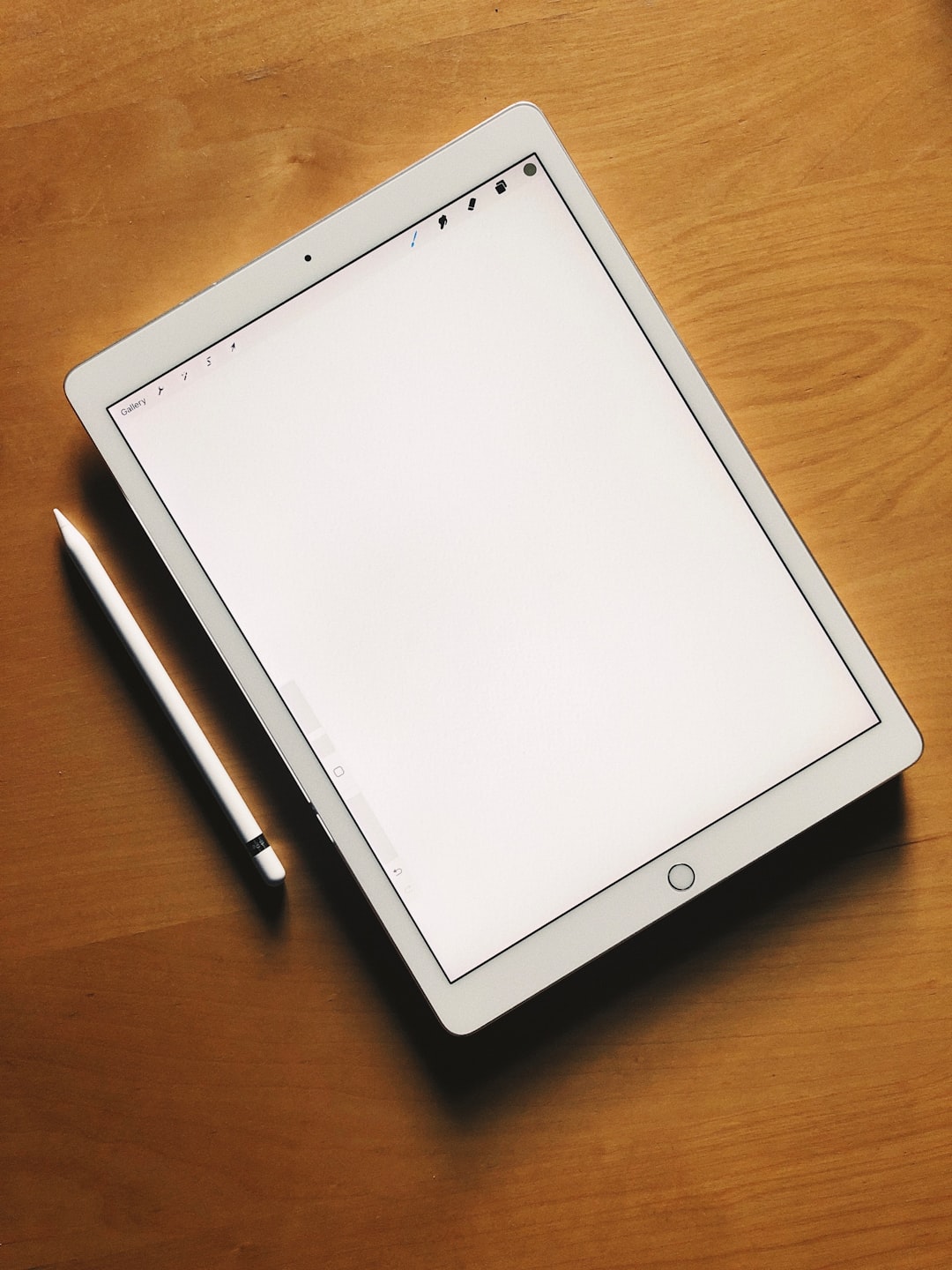
Digital note-taking has become essential for students, educators, and content creators who need fast organization, multimedia support, and seamless syncing across devices. While Notability remains a popular choice, it is no longer the only serious option available. Whether due to platform limitations, pricing changes, or specific workflow needs, many users are exploring capable alternatives that deliver equal—or greater—functionality. Below are six strong alternatives that combine reliability, flexibility, and long-term value.
TLDR: Notability is no longer the only high-quality note-taking solution for students and creators. Apps like GoodNotes, OneNote, Obsidian, Evernote, Noteshelf, and Apple Notes each offer unique strengths, from advanced handwriting tools to powerful knowledge management systems. Choosing the right tool depends on your workflow, device ecosystem, and collaboration needs. This guide compares features, strengths, and ideal use cases to help you make an informed decision.
Why Consider a Notability Alternative?
Students today need more than simple text notes. They require cloud syncing, handwriting recognition, audio recording, PDF annotation, collaboration tools, and organizational flexibility. Meanwhile, creators often look for publishing workflows, markdown support, and content repurposing features.
Common reasons users seek alternatives include:
- Subscription pricing concerns
- Limited customization options
- Platform restrictions (Apple-only compatibility)
- Desire for advanced knowledge management features
- Better collaboration functionality
Fortunately, several apps provide powerful solutions without sacrificing usability or professional polish.
1. GoodNotes
GoodNotes is often considered the most direct competitor to Notability—especially among iPad users. It excels in handwritten note-taking and digital planning.
Key Features:
- Advanced handwriting recognition
- Customizable digital paper templates
- Tabbed document organization
- Excellent PDF annotation
- Multi-device Apple syncing
Best For: Students who rely heavily on handwritten lecture notes and digital planners.
GoodNotes offers a more structured notebook-style organization than Notability, which many students find intuitive. Its search function is especially strong, allowing users to search handwritten content accurately.
Limitation: Primarily optimized for Apple devices, though newer versions are expanding compatibility.
2. Microsoft OneNote
Microsoft OneNote is one of the most versatile and accessible note-taking tools available today. Unlike many competitors, it is entirely free and works across Windows, Mac, iOS, Android, and web browsers.
Key Features:
- Free-form canvas layout
- Cloud sync via OneDrive
- Cross-platform functionality
- Real-time collaboration
- Strong integration with Microsoft Office
Best For: Students and teams who collaborate regularly or use Microsoft tools extensively.
Its notebook-section-page structure provides logical organization, while the flexible canvas allows users to combine text, images, drawings, and embedded files seamlessly. For group projects, shared notebooks make collaboration smooth and efficient.
Limitation: The interface may feel less polished for handwriting-heavy users compared to GoodNotes.
3. Obsidian
Obsidian is not just a note-taking app—it is a powerful knowledge management system. Designed around markdown files and linked notes, it is ideal for creators, researchers, and long-term thinkers.

Key Features:
- Bidirectional linking between notes
- Graph view visualization
- Local file storage (full data ownership)
- Extensive plugins and customization
- Markdown support
Best For: Writers, researchers, and content creators managing complex ideas.
Obsidian shines when users need to connect concepts across subjects or projects. Its graph view visually maps relationships between notes, making it particularly useful for thesis writing, research synthesis, or content planning.
Limitation: Less optimized for handwritten notes and may require a learning curve for new users.
4. Evernote
Evernote has been a major player in digital note-taking for years. Although it has shifted to a subscription model, it remains one of the most stable and feature-rich platforms.
Key Features:
- Powerful search, including text in images
- Web clipping tool
- Task management integration
- Multi-device synchronization
- Structured notebooks and tags
Best For: Students and creators who gather extensive research materials from the web.
Its web clipper allows users to save articles, PDFs, and images directly into organized notebooks. For students conducting research-heavy coursework, this feature alone can significantly streamline workflows.
Limitation: Subscription cost may not suit users seeking budget-friendly solutions.
5. Noteshelf
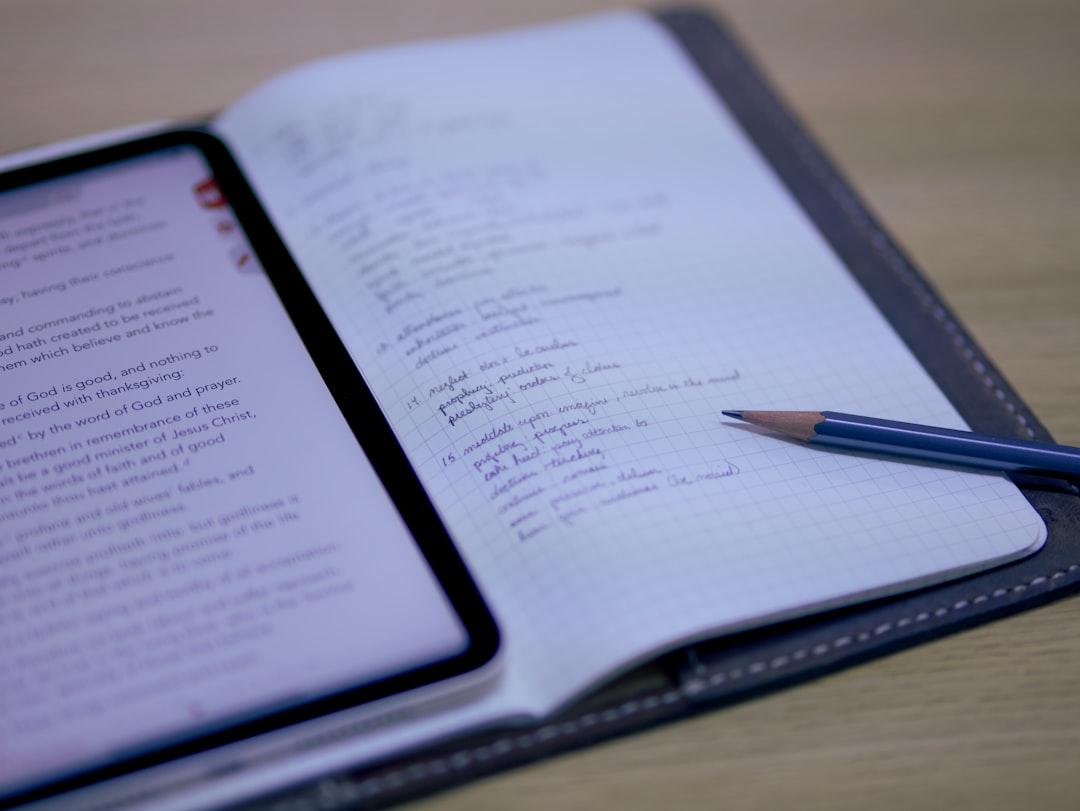
Noteshelf is a handwriting-first app that offers a strong balance between simplicity and powerful features. Often seen as a lightweight version of GoodNotes, it is intuitive yet capable.
Key Features:
- Smooth handwriting experience
- Audio note recording
- PDF import and annotation
- Cloud backup options
- Custom notebook covers and templates
Best For: Students who prefer simplicity with high-quality stylus support.
Noteshelf also allows audio recording synchronized with handwritten notes, similar to Notability. This makes it particularly helpful during lectures where reviewing context is essential.
Limitation: Fewer advanced productivity integrations compared to OneNote or Obsidian.
6. Apple Notes
Apple Notes is often underestimated. Pre-installed on Apple devices, it has evolved into a capable productivity tool suitable for both students and creators.
Key Features:
- Seamless Apple ecosystem integration
- Handwriting and sketch support
- Document scanning
- Shared folders and collaboration
- Strong privacy encryption
Best For: Apple users who need a free, reliable, built-in solution.
While it may lack advanced customization, Apple Notes integrates effortlessly with iCloud, Safari, and other Apple services. For straightforward note-taking, task lists, and scanned documents, it performs exceptionally well.
Limitation: Limited advanced formatting and export options.
Comparison Chart
| Tool | Best For | Handwriting Support | Collaboration | Platform Availability | Pricing Model |
|---|---|---|---|---|---|
| GoodNotes | Handwritten lecture notes | Excellent | Limited | Primarily Apple | One-time purchase / subscription |
| OneNote | Team collaboration | Good | Excellent | All major platforms | Free |
| Obsidian | Research and writing | Minimal | Plugin-based | All major platforms | Free + optional sync fee |
| Evernote | Web research | Basic | Good | All major platforms | Subscription |
| Noteshelf | Stylus note-taking | Excellent | Limited | iOS, Android | One-time purchase |
| Apple Notes | Simple organization | Good | Good | Apple only | Free |
How to Choose the Right Alternative
Selecting the right app depends on several practical considerations:
- Device Ecosystem: Are you fully invested in Apple, or do you use multiple platforms?
- Note Style: Do you rely on handwriting, typing, or markdown?
- Collaboration Needs: Are you working alone or in teams?
- Budget: Do you prefer a free tool or a one-time purchase?
- Long-Term Knowledge Management: Do you need simple storage or interconnected research?
Students focusing on lecture capture may prioritize handwriting and audio sync. Creators building long-form content or research databases may benefit from tools like Obsidian. Collaborative teams will likely gravitate toward OneNote.
Final Thoughts
Notability remains a capable platform, but it is no longer the only high-quality option for serious students and creators. GoodNotes and Noteshelf offer strong handwriting experiences. OneNote provides unmatched cross-platform collaboration. Obsidian delivers advanced knowledge structuring. Evernote excels in research collection. Apple Notes offers an accessible and free baseline solution.
The right choice ultimately depends on how you think, create, and organize. By identifying your workflow priorities and testing one or two alternatives, you can confidently choose a solution that enhances productivity, encourages consistency, and supports long-term academic or creative success.
In an era where information management directly impacts performance, selecting the right digital notebook is not a minor decision—it is a strategic one.