
Meetings can be amazing. Or they can be a total waste of time. We have all sat through long calls wondering what the point was. The good news? AI meeting assistants are here to save the day.
These smart tools listen, take notes, summarize discussions, and even track action items. It feels like having a super-efficient intern who never gets tired. And never forgets anything.
TLDR: AI meeting assistants record, transcribe, and summarize your meetings automatically. They help track action items and keep everyone aligned. Tools like Otter.ai, Fireflies.ai, Fathom, Avoma, and tl;dv stand out for their features and ease of use. If you want shorter meetings and clearer follow-ups, these tools can make a big difference.
Let’s look at five AI meeting assistants that can help you run more productive meetings.
1. Otter.ai
Best for: Real-time transcription and simple summaries.
Otter.ai is one of the most popular AI meeting assistants. It joins your Zoom, Google Meet, or Microsoft Teams calls and starts taking notes automatically.
It transcribes conversations in real time. You can watch the text appear as people speak. This is great for interviews, team meetings, and brainstorming sessions.

Why people love it:
- Live transcription
- Speaker identification
- Searchable notes
- Easy sharing with teammates
You can highlight important parts. You can add comments. And you can search for keywords later. No more scrolling through endless recordings.
Big win: It saves time on manual note-taking.
Small downside: Advanced features may require a paid plan.
2. Fireflies.ai
Best for: Automated summaries and conversation intelligence.
Fireflies.ai goes beyond simple transcription. It listens to your meetings and creates clear summaries with action items.
It also tracks topics like pricing, objections, or deadlines. This is especially helpful for sales and customer success teams.
Standout features:
- AI-generated summaries
- Action item tracking
- Topic and sentiment analysis
- CRM integrations
Imagine finishing a meeting and already having a neat summary waiting in your inbox. That is what Fireflies does.
It also lets you search all past meetings by keyword. Need to find when someone mentioned a budget number three weeks ago? Just type it in.
Big win: Great insights for sales calls.
Small downside: The interface can feel busy at first.
3. Fathom
Best for: Free AI notes for Zoom users.
Fathom is a favorite among startups and small teams. It offers powerful features and has a generous free plan.
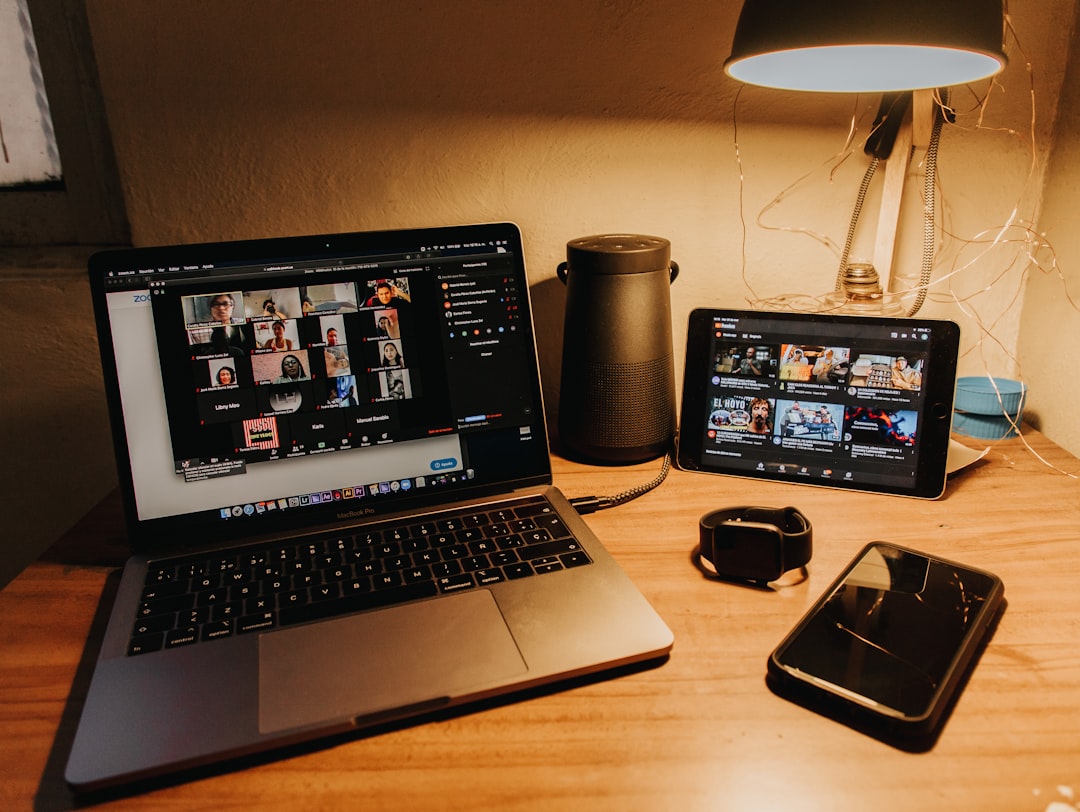
It records your Zoom calls and instantly creates summaries. It also highlights key moments automatically.
What makes Fathom special:
- Free unlimited recordings (with limits depending on plan)
- Instant AI summaries
- Highlight clips you can share
- Simple and clean dashboard
You can turn parts of a meeting into short clips. This is perfect for sharing updates with people who could not attend.
It feels lightweight. Not overwhelming. Just useful.
Big win: Easy to use and budget-friendly.
Small downside: Works best with Zoom.
4. Avoma
Best for: Structured meetings and team collaboration.
Avoma is more than just a note-taker. It helps you plan, run, and analyze meetings.
You can create meeting agendas inside the platform. During the call, Avoma records and transcribes everything. Afterward, it organizes notes by topic.
Top features:
- Collaborative agenda templates
- Smart notes organized by topic
- Coaching insights for managers
- Conversation analytics
This makes it powerful for managers and sales leaders. You can see how often reps talk versus listen. You can track objections. You can spot coaching opportunities.
It turns meetings into learning tools.
Big win: Strong structure and organization.
Small downside: More features mean a bit more setup time.
5. tl;dv
Best for: Quick highlights and async teamwork.
The name says it all. tl;dv stands for “too long; didn’t view.” It focuses on making long meetings easier to digest.
It records and transcribes calls. Then it lets you create quick highlights and tagged moments.
Why teams like it:
- Time-stamped highlights
- Easy tagging of teammates
- Automatic summaries
- Works with popular video platforms
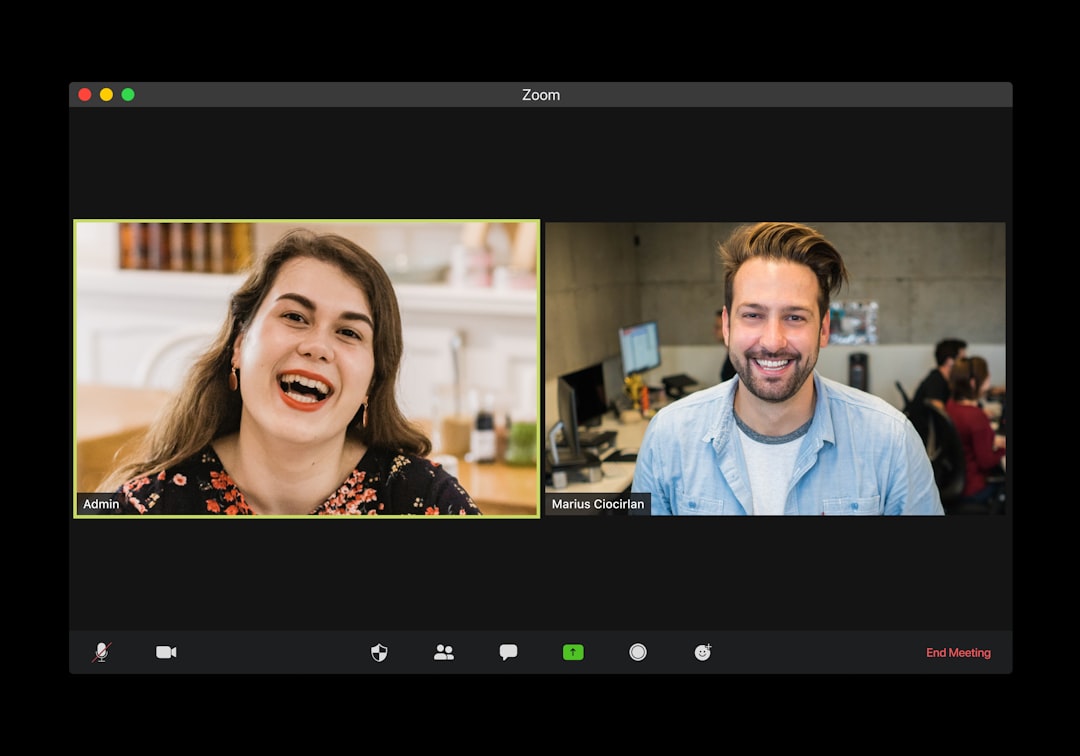
This is perfect for remote teams across time zones. Instead of watching a full hour-long meeting, someone can jump to the important two-minute clip.
Big win: Great for async collaboration.
Small downside: Advanced integrations may require higher-tier plans.
Quick Comparison Chart
| Tool | Best For | Transcription | AI Summaries | Integrations |
|---|---|---|---|---|
| Otter.ai | Live notes | Yes | Yes | Zoom, Meet, Teams |
| Fireflies.ai | Sales insights | Yes | Advanced | CRM and more |
| Fathom | Free Zoom notes | Yes | Yes | Zoom focused |
| Avoma | Structured meetings | Yes | Advanced | Multiple platforms |
| tl;dv | Highlights and async work | Yes | Yes | Major video tools |
How AI Meeting Assistants Boost Productivity
Let’s keep it simple. These tools help in five big ways:
- No more manual note-taking. You can focus on listening and contributing.
- Clear action items. Everyone knows what to do next.
- Searchable history. Find past decisions in seconds.
- Better accountability. It is all written down.
- Shorter meetings. Less repetition. More clarity.
When people know the meeting is recorded and summarized, they tend to be clearer and more direct. That alone can save hours each month.
Tips for Getting the Most Out of Them
Buying a tool is easy. Using it well is the real trick.
- Set a clear agenda. AI works best with structure.
- Review summaries quickly. Fix small mistakes early.
- Share notes with everyone. Transparency boosts alignment.
- Track action items. Do not let them sit in a document.
Also, tell participants that the meeting will be recorded. Transparency builds trust.
Are AI Meeting Assistants Worth It?
In most cases, yes.
If you attend more than five meetings a week, the time savings add up fast. Even saving ten minutes per meeting can mean hours gained each month.
They reduce misunderstandings. They improve follow-ups. And they make remote work smoother.
No tool is perfect. Transcripts may have small errors. Summaries might miss minor details. But overall, the benefits are huge.
Final Thoughts
Meetings are not going away. But boring, messy, unproductive meetings can.
Otter.ai is great for live transcription. Fireflies.ai shines in sales insights. Fathom is perfect if you want a free and simple option. Avoma brings structure and coaching power. tl;dv makes async work easy.
The best choice depends on your team’s needs. Start small. Test one tool. See how it changes your workflow.
You might be surprised.
Because when AI handles the notes, you can handle the thinking.