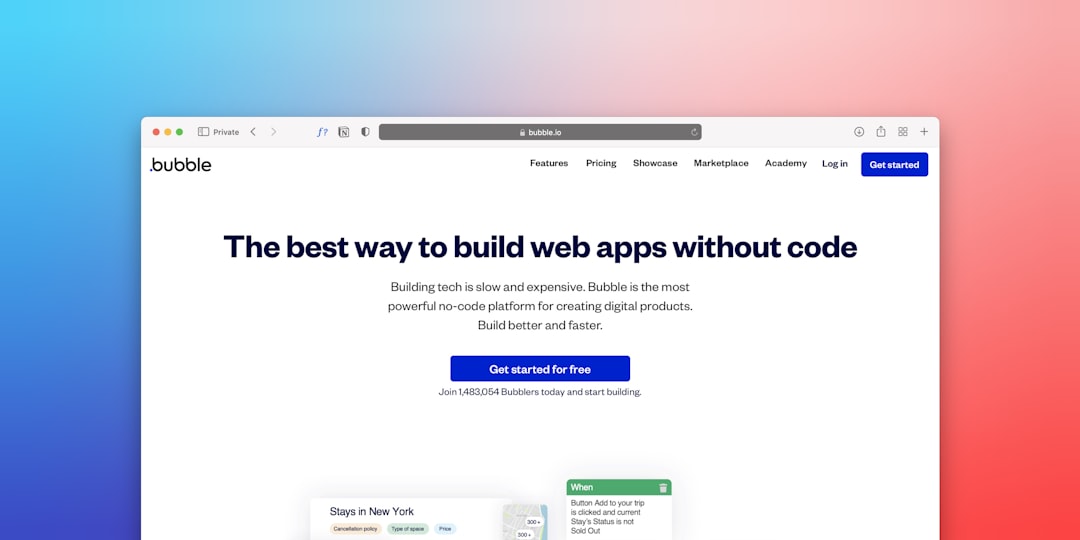
Turning a great idea into a working digital product used to require a team of developers, a sizable budget, and months of development time. Today, no-code app builder tools are changing that reality. Entrepreneurs, small business owners, educators, and creators can now design, build, and launch apps without writing a single line of code. Whether you want to create a marketplace, an internal workflow tool, a mobile app, or a SaaS product, no-code platforms make it more accessible than ever.
TL;DR: No-code app builders allow you to turn ideas into fully functional apps without programming knowledge. Tools like Bubble, Glide, Adalo, and Webflow provide visual development environments that dramatically reduce cost and time to market. Each platform serves different needs—from mobile apps to internal tools to full web applications. Choosing the right tool depends on your product goals, scalability requirements, and customization needs.
Below are 7 powerful no-code app builder tools that help transform concepts into real, usable products — complete with a comparison chart to help you decide which one fits your needs.
1. Bubble
Best for: Complex web applications and SaaS products
Bubble is often considered the most powerful no-code platform available. It allows you to build fully functional web applications with custom databases, user authentication, workflows, and API integrations.
What makes Bubble stand out is its visual programming logic. Instead of typing code, you create workflows using drag-and-drop elements and rule-based actions. This flexibility allows you to build:
- Marketplaces
- Social networks
- SaaS platforms
- Internal business tools
Pros:
- Extremely customizable
- Strong community and plugin ecosystem
- Capable of scaling to serious products
Cons:
- Steeper learning curve than simpler tools
- Primarily focused on web apps, not native mobile apps
If you’re serious about building a robust web product without engineers, Bubble is one of the strongest options available.
2. Glide
Best for: Data-driven apps and internal tools
Glide turns spreadsheets into sleek applications. By connecting Google Sheets or Glide Tables, you can quickly generate polished apps for teams or customers.
It’s especially popular for:
- Inventory management systems
- Client portals
- Event apps
- Team dashboards
Glide’s interface is intuitive and beginner-friendly. You simply connect your data and customize layouts visually.
Pros:
- Extremely fast setup
- Clean, modern UI components
- Great for MVPs and internal business apps
Cons:
- Less flexibility for complex logic
- Not ideal for highly customized SaaS platforms
If speed matters more than deep complexity, Glide is a fantastic launchpad.
3. Adalo
Best for: Native mobile apps
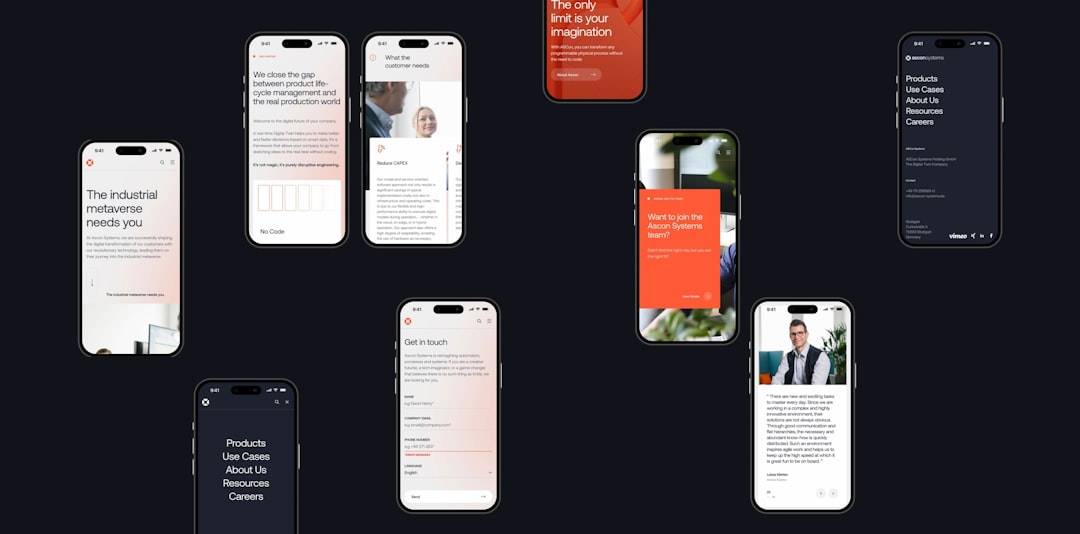
Adalo enables you to build mobile apps that can be published to the Apple App Store and Google Play. Unlike many no-code tools that primarily focus on web apps, Adalo emphasizes mobile-first design.
You can visually design screens, link databases, and create in-app purchases and login systems — all without coding.
Pros:
- True mobile app publishing
- Easy drag-and-drop interface
- Built-in database capabilities
Cons:
- Performance limitations for large-scale apps
- Less backend flexibility than Bubble
For entrepreneurs aiming to validate a mobile app idea quickly, Adalo provides an accessible starting point.
4. Webflow
Best for: Visually stunning websites with advanced interactions
Webflow sits at the intersection of web design and development. While technically not a traditional app builder, it allows users to create powerful, interactive websites without coding.
Webflow shines in:
- Marketing websites
- Landing pages
- Membership sites
- Content-driven platforms
Its CMS functionality allows dynamic content creation, making it possible to build blog platforms and lightweight web apps.
Pros:
- Amazing design flexibility
- Clean, production-ready output
- Built-in hosting
Cons:
- Not designed for complex application logic
- Can feel overwhelming for beginners
If visual polish is your top priority, Webflow delivers professional-level results.
5. Softr
Best for: Client portals and membership platforms
Softr enables users to build apps on top of Airtable data. It’s particularly popular for directories, internal tools, and gated content platforms.
With pre-built blocks and authentication features, you can create:
- Job boards
- Online communities
- Private resource libraries
- Business dashboards
Pros:
- Quick learning curve
- Strong integration with Airtable
- Affordable for small teams
Cons:
- Limited beyond Airtable ecosystem
- Less suitable for highly customized applications
Softr balances simplicity with functionality, making it ideal for creators and small businesses.
6. Thunkable
Best for: Cross-platform mobile apps
Thunkable allows you to build mobile apps visually and deploy them to both Android and iOS from a single project.
Unlike purely drag-and-drop builders, Thunkable also provides logic blocks similar to visual programming environments. This gives you greater control over app behavior.
Pros:
- Cross-platform publishing
- Flexible logic system
- Educational-friendly environment
Cons:
- UI design flexibility is somewhat limited
- Complex apps can get difficult to manage
Thunkable works well for startups and educators teaching app development fundamentals without syntax-heavy coding.
7. OutSystems
Best for: Enterprise-grade applications
OutSystems is more advanced than most no-code tools on this list. It combines low-code and no-code capabilities, allowing businesses to build scalable, secure enterprise applications.
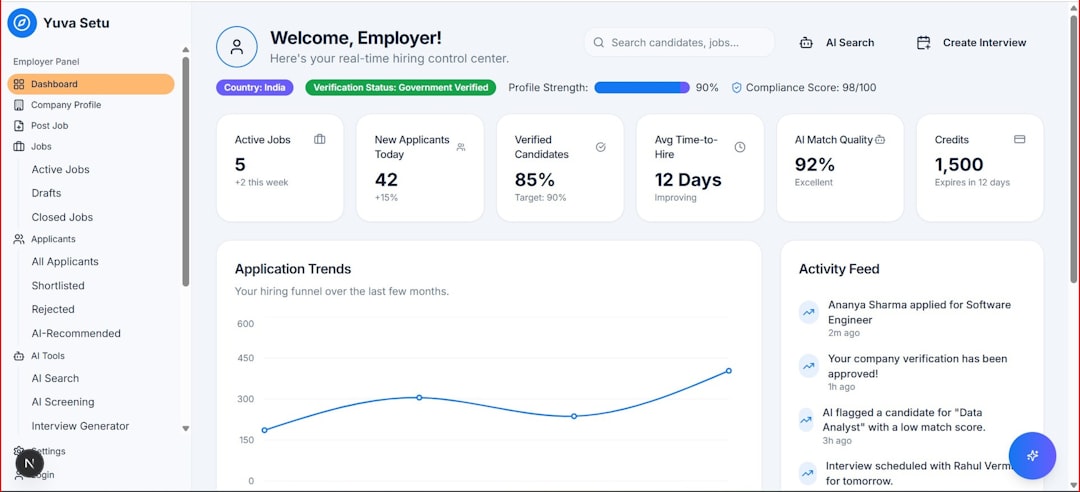
It’s commonly used for:
- Internal corporate systems
- Customer service platforms
- Workflow automation
- Large-scale digital transformation projects
Pros:
- Enterprise scalability
- Advanced security features
- Integration-friendly
Cons:
- Higher pricing
- More complex setup
OutSystems is best suited for corporations looking to innovate quickly while maintaining enterprise standards.
Comparison Chart
| Tool | Best For | Mobile Apps | Web Apps | Ideal User |
|---|---|---|---|---|
| Bubble | Complex SaaS | No (Web focused) | Yes | Startups & Entrepreneurs |
| Glide | Data-driven tools | Yes | Yes | Small Businesses |
| Adalo | Native mobile apps | Yes | Limited | App Founders |
| Webflow | Interactive websites | No | Yes | Design-focused creators |
| Softr | Client portals | Limited | Yes | Creators & Agencies |
| Thunkable | Cross-platform apps | Yes | No | Educators & Startups |
| OutSystems | Enterprise solutions | Yes | Yes | Large Organizations |
How to Choose the Right No-Code Tool
With so many options available, selecting the right platform comes down to a few key questions:
- Are you building for mobile or web?
- How complex is your product logic?
- Do you need to scale to thousands of users?
- What is your budget?
If your goal is to validate an idea quickly, lean toward faster and simpler tools like Glide or Softr. If you’re building a full-scale SaaS business, Bubble may offer the flexibility you need. And for corporate innovation, enterprise-grade platforms become more relevant.
Final Thoughts
The no-code movement isn’t just a passing trend — it represents a fundamental shift in how digital products are built. By removing technical barriers, these platforms empower more people to innovate, experiment, and launch products that solve real problems.
You no longer need to know how to code to create software. What you need is a clear idea, a willingness to learn the tool, and the drive to bring your concept to life.
Whether you’re launching a startup, digitizing internal workflows, or building your next big idea, the right no-code tool can turn your vision into a fully functional product — faster than ever before.