A single image can be more than a static post, a thumbnail, or a nice visual sitting in your camera roll. For today’s creators, one image can become the starting point for an entire stream of video ideas. With AI tools that can analyze visuals, suggest narratives, generate motion, write scripts, create voiceovers, and adapt content for different platforms, even one photo can be transformed into a week’s worth of reels, shorts, tutorials, ads, and storytelling pieces.
TLDR: One image can become many different video ideas when creators use AI to analyze its subject, mood, style, and storytelling potential. By changing the angle, audience, format, or purpose, the same image can inspire tutorials, behind-the-scenes clips, cinematic edits, educational videos, product promos, and more. AI helps speed up brainstorming, scripting, editing, and repurposing so creators can produce more content without starting from scratch every time.
Why One Image Is Enough to Start a Content Engine
Many creators assume they need a full video shoot, multiple scenes, or a detailed storyboard before they can make great video content. While planning is valuable, AI has changed what is possible from even the smallest creative input. A single image contains more information than it may seem: a subject, setting, color palette, emotion, composition, lighting, context, and possible story.
For example, a photo of a coffee cup on a desk might suggest videos about productivity, morning routines, remote work, cozy aesthetics, time management, small business life, or even mental health. A fashion portrait could become a styling guide, a trend breakdown, a character introduction, a before-and-after transformation, or a brand campaign. AI can help identify these possibilities and expand them into multiple video concepts.
The real opportunity is not simply turning an image into motion. It is using that image as a creative seed. From that seed, AI can generate variations, hooks, scripts, shot lists, captions, voiceovers, scene ideas, and platform-specific formats.

Start by Analyzing the Image Like a Storyteller
Before asking AI to generate videos, creators should look closely at what the image already communicates. This step helps avoid generic results and makes the final ideas more original.
Ask questions such as:
- What is the main subject? Is it a person, product, place, object, outfit, meal, artwork, or scene?
- What emotion does it suggest? Calm, excitement, mystery, luxury, nostalgia, humor, ambition, or comfort?
- Who would care about this image? Beginners, fans, customers, travelers, parents, artists, fitness enthusiasts, entrepreneurs?
- What problem or desire could it connect to? Looking better, saving time, learning a skill, feeling inspired, choosing a product, escaping routine?
- What happened before or after this moment? This is where many video ideas are hiding.
AI can assist by describing the image and suggesting themes, but creators should add their own context. If the photo is of a handmade candle, AI might identify it as cozy home decor. But the creator may know it was made during a difficult personal season, created for a holiday launch, or inspired by a childhood memory. That extra human context makes the video ideas more meaningful.
Turn the Image Into Different Content Angles
The easiest way to multiply ideas is to change the angle. One image can serve different purposes depending on how it is framed. AI is especially useful for generating these variations quickly.
Here are several angles creators can build from a single image:
- Educational: Teach something related to the image.
- Inspirational: Use the image as a visual metaphor or motivational moment.
- Behind the scenes: Show how the image was created, styled, edited, or chosen.
- Problem solving: Explain a common mistake or offer a solution.
- Storytelling: Build a narrative around what happened before, during, or after the image.
- Promotional: Present the image as part of a product, service, event, or personal brand message.
- Trend based: Adapt the image to a trending audio, meme, challenge, or visual format.
Imagine a creator has one image of a finished painting. AI could help turn it into a time-lapse concept, a color palette breakdown, a video about creative block, a studio tour teaser, a collector-focused sales video, or a short story about the painting’s meaning. The original image stays the same, but the message changes.
Create Video Hooks From the Image
A strong hook is often the difference between a viewer scrolling past and stopping to watch. AI can generate dozens of opening lines based on the image’s content and intended audience. Creators can then choose the most natural or surprising option.
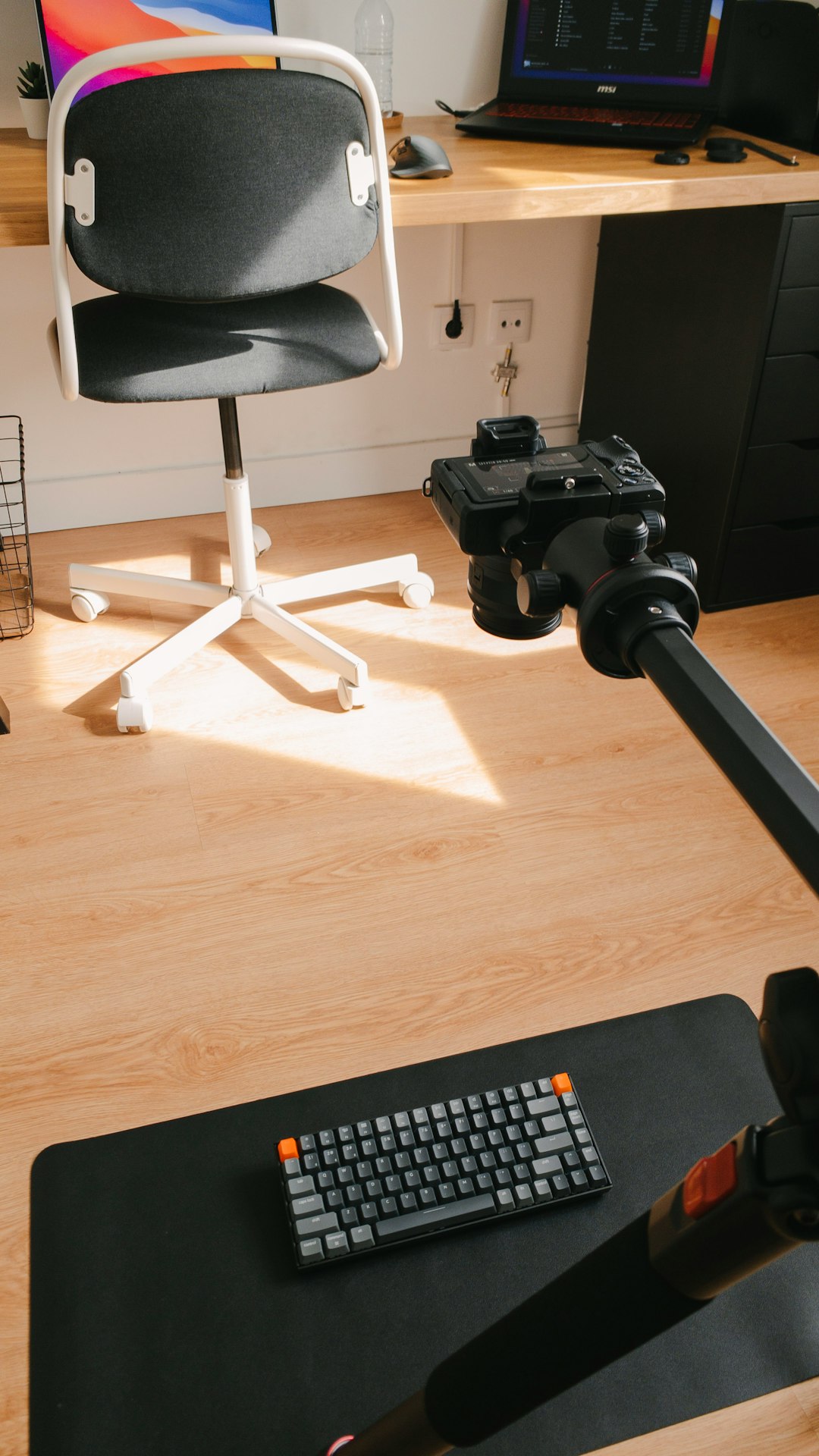
For a photo of a workspace, AI might suggest hooks like:
- “This desk setup changed how I work in the morning.”
- “Here are three things in this image that make me more productive.”
- “This looks simple, but it took me months to get right.”
- “If your workspace feels chaotic, start with this one corner.”
Hooks can also be tailored by platform. A TikTok hook may be punchier and more conversational, while a YouTube intro may create curiosity over a longer structure. An Instagram Reel might lean into aesthetics, while a LinkedIn video might highlight lessons, process, or professional insight.
Generate Multiple Scripts From One Visual
Once the angle and hook are chosen, AI can help turn the idea into a short script. The key is to request scripts in different formats. Instead of asking for “a video script,” creators can ask for a 15-second Reel, a 30-second product explainer, a 60-second educational clip, or a 3-minute YouTube short-form commentary.
Using the same image, creators might generate:
- A quick tip video: “Three lessons from this setup.”
- A mini story: “How this image represents a turning point.”
- A tutorial: “How to recreate this look, scene, or result.”
- A comparison video: “Before this image versus after this image.”
- A sales video: “Why this product, service, or idea matters.”
- A personal reflection: “What I wish people knew about this moment.”
The creator should edit the AI draft so it sounds authentic. AI can build structure, but personality comes from lived experience, specific details, humor, phrasing, and opinion.

Animate the Image for Motion-Based Concepts
AI image-to-video tools can create motion from a still image, making it appear as if the camera is moving, the environment is alive, or the subject is subtly animated. This is useful for creators who want more dynamic visuals without filming new footage.
A still landscape can become a cinematic pan with moving clouds. A product shot can become a rotating hero clip. A portrait can receive subtle hair movement, blinking, or background motion. A food photo can be transformed with steam, falling ingredients, or a slow zoom.
However, motion should support the idea rather than distract from it. If the video is educational, a gentle zoom and text overlays may work better than dramatic animation. If the video is cinematic or promotional, richer movement can make the image feel premium. Creators should consider the mood they want before generating motion.
Use AI to Build Scenes Around the Image
Another powerful method is treating the original image as one scene in a larger video. AI can help imagine what comes before it and what follows it. This is especially useful for storytelling, advertising, and narrative content.
For example, a single image of a person holding a suitcase could become:
- A travel vlog intro about leaving home.
- A short film about starting over.
- A packing tips video.
- A motivational clip about taking risks.
- An ad for luggage, travel coaching, or destination planning.
The creator can ask AI to create a three-scene structure: setup, image moment, payoff. The original image becomes the emotional or visual anchor, while the surrounding scenes create context. Even if those additional scenes are made from stock footage, AI-generated visuals, simple text, or voiceover, the content feels more complete.
Adapt the Same Image for Different Platforms
Different platforms reward different types of videos. A single image can produce more content when creators adapt it to fit each environment rather than posting the same piece everywhere.
- TikTok: Use the image with quick cuts, bold text, trending audio, or a personal confession-style narration.
- Instagram Reels: Emphasize visual polish, lifestyle appeal, transformation, or concise tips.
- YouTube Shorts: Build around curiosity, clear structure, and a satisfying ending.
- LinkedIn: Connect the image to professional lessons, entrepreneurship, leadership, or industry insight.
- Pinterest: Make the video useful, searchable, and visually inspiring, especially for tutorials or ideas.
AI can rewrite captions, resize scripts, suggest keywords, and recommend pacing for each platform. This allows creators to get multiple posts from one concept without feeling repetitive.
Extract Micro-Topics From Visual Details
Many creators overlook the small elements inside an image. AI can identify objects, colors, layout choices, lighting techniques, props, facial expressions, background details, and possible symbols. Each detail can become its own micro-topic.
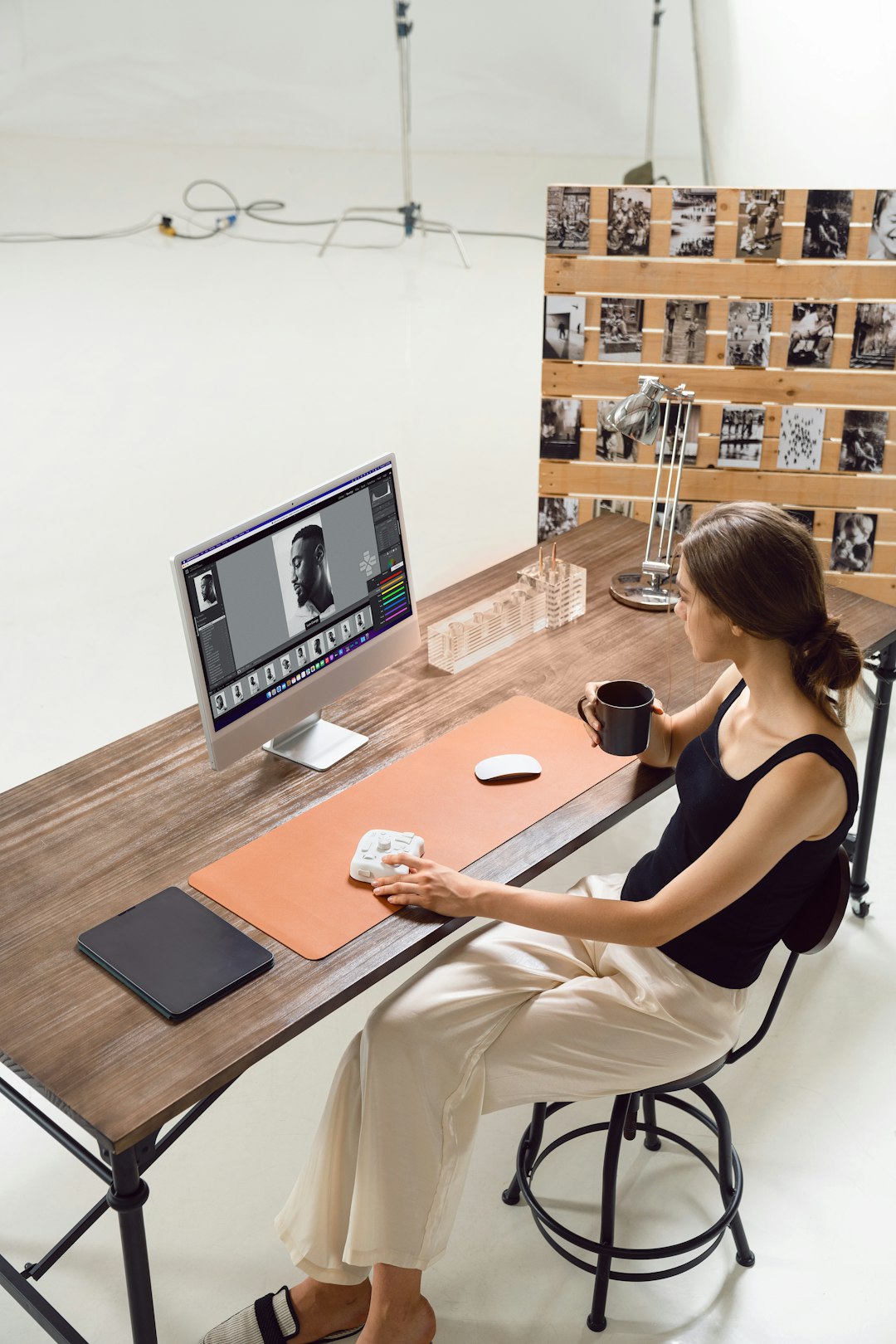
A photo of a home office might include a notebook, plant, lamp, coffee mug, monitor, wall art, and window light. Each detail could inspire a video: why plants improve workspaces, how lighting affects mood, how to organize a notebook system, or how to create a cozy work corner on a budget.
This is where one image can turn into not just five videos, but twenty. The creator is not only making videos about the whole image, but also about the meaningful pieces inside it.
Combine AI With Your Own Creative Judgment
AI is excellent at generating options, but creators still need to decide what is worth publishing. Not every idea will match the brand, audience, or creator’s voice. The best results happen when AI expands the possibilities and the creator curates them.
A practical workflow could look like this:
- Upload or describe the image and ask AI to identify possible themes.
- Choose three audience groups who might care about the image.
- Generate ten video angles for each audience.
- Select the strongest five based on relevance and originality.
- Ask for hooks and scripts in different lengths.
- Create motion or supporting visuals if needed.
- Edit the final video with captions, voiceover, music, and branding.
This workflow prevents creators from staring at a blank page. Instead of asking, “What should I post today?” they can ask, “How many ways can I reinterpret this one visual?”
Examples of Video Ideas From One Image
Let’s say the image is a close-up of a handmade ceramic mug on a wooden table. Here are several possible video ideas AI could help develop:
- Process video: “How this mug was made from clay to glaze.”
- Brand story: “Why small imperfections make handmade pieces special.”
- Lifestyle clip: “A slow morning routine in 20 seconds.”
- Educational video: “Three things to look for when buying handmade ceramics.”
- Product promo: “Meet the mug designed for your quiet coffee moments.”
- ASMR video: “Pouring coffee into handmade ceramic with natural sound.”
- Comparison video: “Handmade mug versus mass-produced mug.”
- Personal story: “The first piece I made after almost quitting.”
The same image can speak to buyers, artists, home decor lovers, coffee enthusiasts, and people who enjoy calming lifestyle content. That is the advantage of using AI for idea expansion: it reveals audiences and stories that may not be obvious at first glance.
Avoid Making Every Video Feel the Same
Repurposing one image does not mean repeating the same message. To keep content fresh, creators should vary the structure, pacing, visual treatment, and emotional tone. One video can be fast and funny, another calm and cinematic, another practical and educational.
Creators can also rotate formats:
- A voiceover story one day.
- A text-only tip video the next.
- A motion-based cinematic edit after that.
- A talking-head reaction using the image as reference.
- A carousel-style video with zoomed-in details.
This variety helps prevent audience fatigue while still making the most of the original asset. It also trains creators to think strategically about content instead of constantly chasing new footage.
The Bigger Creative Shift
AI is changing content creation from a production-heavy process into an idea-expansion process. Creators no longer need to wait until they have a perfect shoot or a large batch of assets. They can begin with one image, explore its meaning, and build a flexible content plan around it.
The most successful creators will not simply rely on AI to make random videos. They will use it as a collaborator: a brainstorming partner, script assistant, visual developer, and editing accelerator. The image provides the spark, AI provides possibilities, and the creator provides taste, purpose, and personality.
In a crowded content landscape, the creators who win are often the ones who can see more potential in what they already have. One image may look like a single post, but with AI, it can become a story, a lesson, a campaign, a conversation, and a creative system. The next time you capture a strong image, do not ask only where to post it. Ask how many videos it can become.