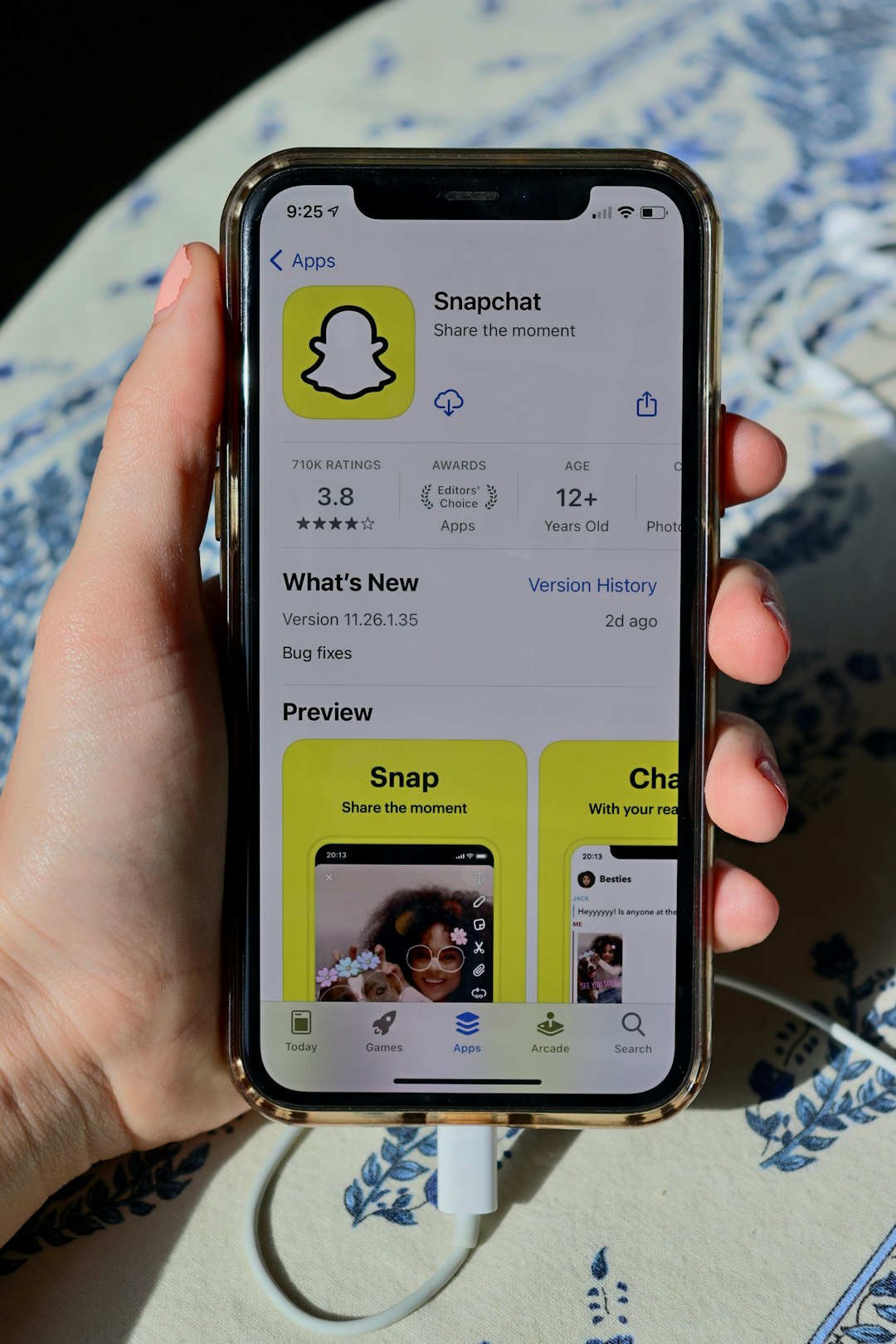
Snapchat member search is like a tiny treasure hunt. You type a name. Snapchat shows people, chats, Stories, Lenses, and more. But it does not work like a normal phone book. It uses clues, not magic.
TLDR: Snapchat member search helps you find people by username, display name, contacts, Snapcode, or Quick Add. It may show close matches, but it will not reveal private details. The best way to find someone is with their exact username or Snapcode. Use it kindly, and do not spam strangers.
What Is Snapchat Member Search?
Snapchat member search is the search feature inside the Snapchat app. It helps you find other Snapchat users. These users are often called members, friends, or Snapchatters.
You can use search to find:
- Friends you already know
- People from your phone contacts
- Public profiles
- Creators and influencers
- Group chats
- Stories and Spotlight content
- Filters, Lenses, and places
So yes, it finds people. But it also finds a lot more. Snapchat search is like a snack drawer. You open it for one thing. Then you find ten other things.
Where Is Snapchat Search?
Finding the search bar is easy. Open Snapchat. Look near the top of the screen. You should see a magnifying glass icon or a search field.
Tap it. Now you can type a name, username, or keyword. Snapchat will start showing results right away. It may show friends, profiles, communities, and content.
If you are on the Chat screen, search can also help you find old chats. If you are on the camera screen, search can help you find friends or features. Snapchat moves fast. But the search icon is usually not hiding too hard.

How Snapchat Member Search Works
Snapchat search uses a mix of signals. A signal is just a clue. Snapchat looks at these clues to decide what to show first.
Common signals include:
- Username: The unique name someone chooses.
- Display name: The name people see in chats and profiles.
- Your contacts: People in your phone address book, if you allow access.
- Mutual friends: People connected to people you know.
- Location settings: Sometimes used for nearby content, not private stalking.
- Public profile activity: Creators and public accounts may appear more easily.
- Past interactions: People you have chatted with may appear faster.
Snapchat does not usually show every account in a giant list. It tries to show the most useful matches. That is why one person may see different results than another person.
Username Search: The Best Method
The easiest way to find someone is by their exact username. Usernames are unique. That means two people cannot have the same one.
For example, if your friend says their username is coolcat123, type it exactly. Watch for spelling. Watch for numbers. Watch for extra letters. Snapchat usernames can be tricky little goblins.
If the username is correct, the profile should appear. Then you can tap Add. Snapchat may say Added after you send the request.
If you cannot find the person, try these quick checks:
- Did you spell the username right?
- Did you add spaces by accident?
- Did they change their display name?
- Did they delete or deactivate the account?
- Have they blocked you?
A username is the cleanest search path. It is the Snapchat version of a street address.
Display Name Search: Helpful, But Messy
A display name is the name shown on a profile. It can be a real name. It can be a nickname. It can be something wild like Soup Wizard. Snapchat allows fun.
Display name search can help if you do not know the exact username. But it is not perfect. Many people can use the same display name. There may be hundreds of people named Alex, Mia, or Bestie.
When searching by display name, look at other clues. A bitmoji may help. Mutual friends may help. A public profile photo or bio may help.
Still, be careful. Do not add a random person just because the name looks right. You might send your cousin’s funny Snap to a stranger named Kyle. Awkward.
Search With Phone Contacts
Snapchat can find friends from your phone contacts. But only if you give it permission. When you allow contact syncing, Snapchat compares your saved phone numbers with accounts connected to those numbers.
To use this, go to the add friends area. You may see options like All Contacts or Find Friends. Snapchat may suggest people from your address book.
This is useful when you know someone’s phone number but not their Snapchat username. It is also useful after getting a new phone or making a new account.
But remember this:
- You can turn contact syncing off.
- Other people may not allow phone number discovery.
- Some accounts are not linked to a visible phone number.
- Snapchat will not give you someone’s phone number.
Contact search is a bridge. It is not a secret spy tunnel.
Snapcode Search: Scan and Go
A Snapcode is Snapchat’s special QR style code. It looks like a yellow square with dots. Each user has one. It is a fast way to add someone.
To use a Snapcode, open Snapchat and point the camera at the code. Press and hold on the screen. Snapchat should scan it. Then you can add the person.
People share Snapcodes on posters, websites, business cards, social profiles, and event signs. Creators love them. Businesses love them. Your friend who really wants streaks also loves them.

What Is Quick Add?
Quick Add is Snapchat’s suggestion tool. It recommends people you may know. It is a little like “People You May Know” on other apps.
Quick Add may use clues such as mutual friends, contacts, or shared connections. For example, if three of your friends added one person, Snapchat may think you know that person too.
You can tap Add if the suggestion looks right. You can also tap the little X to hide a suggestion. Quick Add can be useful. It can also be random. Treat it like a party invitation from a robot. Sometimes correct. Sometimes weird.
Can You Search Without an Account?
In most cases, Snapchat member search works inside the app. You need an account to add people, chat, view private Stories, or send Snaps.
Some public profiles may appear through web search or shared links. But private Snapchat accounts are not open like regular websites. Snapchat is built around friends and permission.
So if you want the full search experience, use the app. Log in. Search there.
Why You Cannot Find Someone
Sometimes search does not find the person you want. Annoying? Yes. Normal? Also yes.
Here are common reasons:
- Wrong username: One wrong letter can break the search.
- Changed account: They may have made a new profile.
- Privacy settings: They may limit who can find them.
- Blocked account: If they blocked you, you may not see them.
- Deleted account: The account may no longer exist.
- Search delay: New accounts may not appear instantly.
- Typing issue: Autocorrect can cause sneaky errors.
If search fails, ask the person directly. Ask for their exact username or Snapcode. That is the fastest fix. It is also polite.
Privacy: What Snapchat Search Does Not Show
Snapchat member search does not give you secret information. It will not show private chats. It will not show private Snaps. It will not show someone’s location unless they share it with you through Snap Map settings.
It also will not give you hidden phone numbers, emails, passwords, or personal data. And that is good. Nobody wants a social app that acts like a detective with no boundaries.
Think of Snapchat search as a way to knock on the door. It is not a way to climb through the window.
Tips for Finding the Right Person
Want better search results? Use these simple tips.
- Ask for the exact username. This saves time.
- Use Snapcode when possible. Scanning is faster than typing.
- Check spelling twice. Usernames can be strange.
- Look for mutual friends. This helps confirm the person.
- Compare Bitmoji and profile details. Small clues matter.
- Do not mass add strangers. It can look spammy.
- Keep your own profile clear. A recognizable display name helps friends find you.
Also, if you want people to find you, share your username clearly. Do not use a username that looks like a Wi Fi password from 2007. Unless that is your brand. Then shine on.
How to Make Your Own Account Easier to Find
If friends cannot find you, your own settings may be the issue. Open Snapchat settings. Look for options about phone number, email, privacy, and contact discovery.
You can make things easier by doing this:
- Use a display name people recognize.
- Share your username in messages.
- Send your Snapcode when needed.
- Allow contact discovery if you are comfortable.
- Keep your account active.
You do not have to make yourself easy to find by everyone. You choose your comfort level. Privacy is personal. Some people want a big public profile. Some want a tiny friend circle. Both are fine.

Member Search for Public Profiles and Creators
Snapchat also has public profiles. These are common for creators, brands, musicians, athletes, and people who post public content. Public profiles are easier to discover than private accounts.
If you search for a creator, Snapchat may show their public profile, Stories, or Spotlight videos. You may be able to subscribe instead of adding them as a friend.
This is important. Adding and subscribing are not the same. Adding is more personal. Subscribing is more like following public content.
Good Manners When Using Snapchat Search
Search is useful. But manners still matter. If someone does not add you back, do not keep adding them again and again. If someone blocks you, respect it. If someone asks not to be contacted, stop.
Snapchat is supposed to be fun. It is for jokes, quick updates, silly faces, memories, and chats. It is not for bothering people.
Here is the golden rule: Search to connect, not to creep.
Quick Troubleshooting Checklist
If Snapchat member search is acting strange, try this:
- Update the Snapchat app.
- Restart your phone.
- Check your internet connection.
- Log out and log back in.
- Clear Snapchat cache in settings.
- Check if Snapchat is down.
- Try the exact username again.
Most search problems are simple. A bad connection can make results slow. An old app can make features buggy. A typo can ruin everything. Tiny errors love drama.
Final Thoughts
Snapchat member search is simple once you know the pieces. You can search by username, display name, contacts, Snapcode, Quick Add, and public profiles. Each method uses different clues.
The exact username is usually best. Snapcodes are super fast. Quick Add is helpful, but not perfect. Contacts can help if permissions are turned on.
Most of all, remember privacy. Snapchat search helps people connect. It does not unlock private lives. Use it with respect, keep it friendly, and enjoy the hunt. Happy snapping!