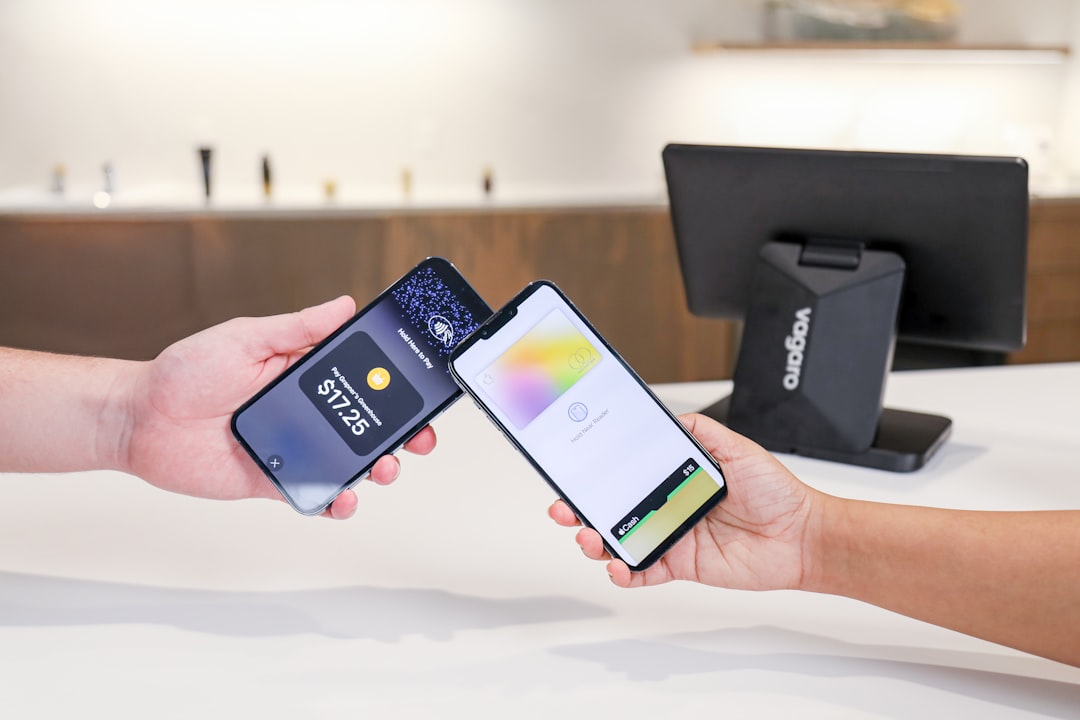
For many Chick-fil-A customers, the question is not just what to order, but how quickly they can pay and get on with the day. Between the drive-thru line, mobile ordering, curbside pickup, and in-restaurant checkout, Apple Pay has become one of the most convenient ways to buy a Chicken Sandwich, Waffle Potato Fries, or a frosted drink without pulling out a wallet.
TLDR: Yes, Chick-fil-A accepts Apple Pay at locations nationwide in most in-restaurant checkout lanes, drive-thrus, and through the Chick-fil-A mobile app. Because many restaurants are independently operated, rare exceptions can happen due to local equipment issues or temporary payment outages. For the smoothest experience, use Apple Pay in the Chick-fil-A app or look for the contactless payment symbol at the register or drive-thru window.
Does Chick-fil-A Accept Apple Pay Nationwide?
Yes, Chick-fil-A generally accepts Apple Pay nationwide. Customers can typically use Apple Pay when ordering inside the restaurant, at the drive-thru, and through the Chick-fil-A app on iPhone. This makes Chick-fil-A one of the many major quick-service restaurant chains that supports contactless digital payments across the United States.
That said, the word nationwide deserves a little explanation. Chick-fil-A restaurants are operated by local franchise operators, and while the brand broadly supports Apple Pay, individual locations may occasionally experience technical limitations. For example, a card reader may be offline, a payment terminal may not be configured correctly, or a temporary network problem may prevent contactless payments from going through. These cases are uncommon, but they are possible.
In everyday terms, if you walk into a Chick-fil-A or pull up to the drive-thru with your iPhone or Apple Watch ready, there is a very good chance you can pay using Apple Pay without any issue.
Where Can You Use Apple Pay at Chick-fil-A?
Chick-fil-A gives customers several ways to order, and Apple Pay works across many of them. Here are the most common places where you can use it:
- Inside the restaurant: At most Chick-fil-A counters, you can tap your iPhone or Apple Watch near the contactless reader to pay.
- At the drive-thru: Many Chick-fil-A drive-thru windows support Apple Pay through handheld or window-mounted payment terminals.
- In the Chick-fil-A app: iPhone users can typically select Apple Pay as a payment method during mobile checkout.
- Curbside pickup orders: If you place a curbside order through the app, Apple Pay can usually be used at checkout.
- Mobile dine-in orders: Some locations allow table or dine-in mobile ordering through the app, where Apple Pay may also be available.
The most reliable Apple Pay experience is often through the Chick-fil-A app, since you complete payment before arriving. This can be especially useful during breakfast rushes, lunch peaks, or when the drive-thru line is wrapped around the building.
How to Use Apple Pay Inside Chick-fil-A
Using Apple Pay inside Chick-fil-A is simple if you already have it set up on your iPhone or Apple Watch. Once the cashier finishes entering your order, ask to pay with Apple Pay or contactless payment. Then hold your device near the payment terminal.
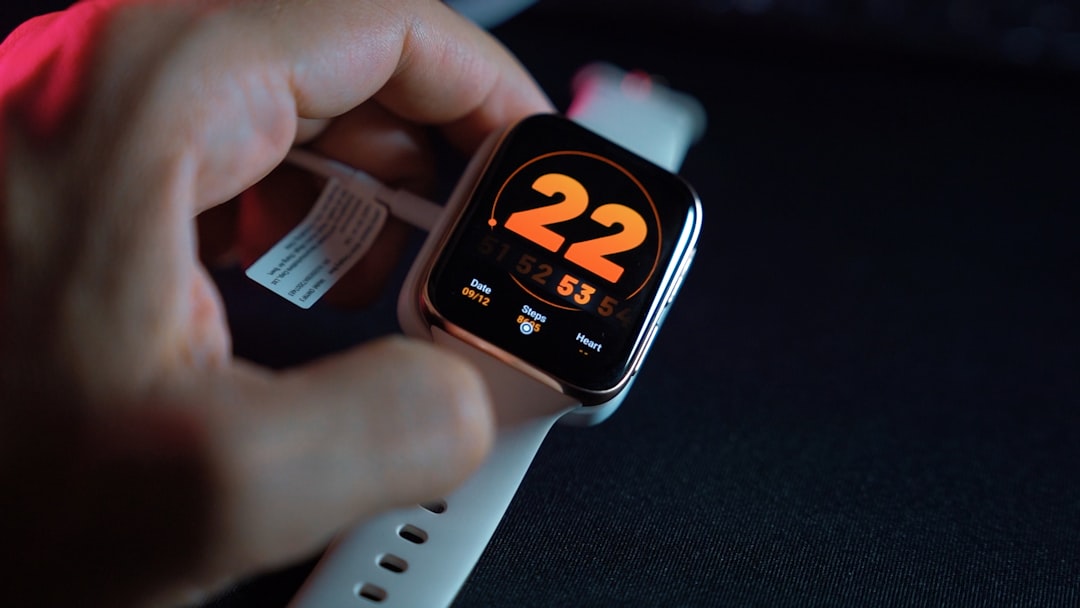
On an iPhone with Face ID, double-click the side button, authenticate with Face ID, and hold the phone close to the reader. On an iPhone with Touch ID, rest your finger on the Touch ID sensor and hold the phone near the terminal. With an Apple Watch, double-click the side button and hold the watch close to the reader until you feel a tap or hear a confirmation tone.
It usually takes only a second or two. The terminal will confirm the payment, and your receipt will print or be made available depending on the location’s system.
How to Use Apple Pay in the Chick-fil-A Drive-Thru
Apple Pay can be especially convenient in the drive-thru because it reduces the need to hand over a physical card. At many Chick-fil-A locations, employees use handheld payment devices, or the window has a contactless reader that can process mobile wallet payments.
After placing your order, let the team member know you would like to use Apple Pay. When the reader is ready, hold your iPhone or Apple Watch close to it and authenticate the payment. If the employee is using a handheld reader, they may bring it close enough for you to tap safely from your car window.
There are times when the drive-thru setup may vary from one restaurant to another. If Apple Pay is not available at the exact payment point, the staff may ask for another payment method. Still, most modern Chick-fil-A drive-thrus are equipped to handle contactless options.
Using Apple Pay in the Chick-fil-A App
The Chick-fil-A app is one of the easiest ways to use Apple Pay because it allows you to order ahead, choose your pickup method, and pay before you arrive. If you have Apple Pay enabled on your iPhone, it should appear as a payment option during checkout.
Here is the general process:
- Open the Chick-fil-A app and choose your preferred restaurant.
- Select your order type, such as pickup, dine-in, curbside, or drive-thru where available.
- Add menu items to your order.
- Go to checkout and review your total.
- Choose Apple Pay as your payment method.
- Confirm with Face ID, Touch ID, or your passcode.
Using the app also lets you earn Chick-fil-A One rewards, redeem available treats, and reorder past favorites. If you are a frequent customer, combining Apple Pay with the app may be the fastest and most rewarding way to pay.
Can You Earn Chick-fil-A Rewards When Paying With Apple Pay?
Yes, you can still earn Chick-fil-A One rewards when using Apple Pay, as long as your purchase is connected to your Chick-fil-A One account. The easiest way to ensure this is by ordering through the Chick-fil-A app while signed in.
If you pay in person with Apple Pay, you may need to scan your Chick-fil-A One QR code before checkout or upload your receipt afterward if the app allows it. The exact process can vary slightly, but Apple Pay itself does not prevent you from earning points. It is simply the payment method; your rewards account is a separate part of the transaction.
This is helpful because some customers worry that using a digital wallet might interfere with rewards. At Chick-fil-A, it generally does not. Just make sure the order is linked to your account before or after payment.
Why Apple Pay Is a Good Fit for Chick-fil-A
Chick-fil-A is known for speed, hospitality, and an efficient ordering experience. Apple Pay fits naturally into that system because it is quick, secure, and easy to use in busy environments.
There are several benefits:
- Speed: A quick tap is often faster than inserting a chip card or counting cash.
- Security: Apple Pay uses tokenization, meaning your actual card number is not shared with the merchant.
- Convenience: You can pay with an iPhone or Apple Watch even if your wallet is in a bag or at home.
- Cleaner checkout: Contactless payments reduce the need to physically exchange cards or cash.
- App compatibility: Apple Pay works well with mobile ordering and pickup options.
For families, commuters, students, and office workers grabbing lunch, these small conveniences add up. When the line is moving quickly, being ready with Apple Pay can make the whole process smoother for both the customer and the restaurant team.
Is Apple Pay Safe to Use at Chick-fil-A?
Apple Pay is considered very safe, and in some ways, it can be safer than using a physical credit or debit card. When you add a card to Apple Wallet, Apple does not store your actual card number on the device or share it with the merchant during a transaction. Instead, Apple Pay uses a unique device account number and transaction-specific security code.
This means that when you tap to pay at Chick-fil-A, the restaurant does not receive your real card number. If a payment terminal or merchant system were ever compromised, your actual card details would be less exposed than they might be with a traditional swipe or chip transaction.
Apple Pay also requires authentication through Face ID, Touch ID, passcode, or Apple Watch wrist detection. That adds another layer of protection if your phone is lost or stolen.
What If Apple Pay Does Not Work at Chick-fil-A?
Although Apple Pay is widely accepted at Chick-fil-A, occasional problems can happen. If your payment does not go through, the issue may not necessarily be Chick-fil-A’s policy. It could be related to your device, your bank, the terminal, or the restaurant’s network connection.
If Apple Pay fails, try the following:
- Make sure your card is active in Apple Wallet.
- Check that Face ID or Touch ID worked before holding the device to the reader.
- Move your device closer to the contactless symbol on the terminal.
- Try another card in Apple Wallet if you have one available.
- Ask if the terminal supports contactless payments or if there is another reader available.
- Have a backup payment method just in case.
In most cases, the problem is temporary and easy to solve. If Apple Pay works elsewhere but not at a specific Chick-fil-A, the location may be experiencing a local payment issue.
Does Chick-fil-A Accept Other Digital Wallets?
In addition to Apple Pay, many Chick-fil-A locations also accept other contactless payment methods, such as Google Pay and contactless credit or debit cards. Availability can vary by location and ordering method, but contactless payments are now common across the brand’s restaurants.
The Chick-fil-A app may also allow saved credit cards, gift card balances, and other digital payment options. If you are not using an iPhone, you may still have convenient cashless choices depending on your device and the restaurant’s payment setup.
What About Delivery Orders?
Apple Pay availability for Chick-fil-A delivery depends on how you place the order. If you order delivery through the Chick-fil-A app and Apple Pay appears at checkout, you can usually use it. However, if you order through a third-party delivery service, such as DoorDash, Uber Eats, or Grubhub, payment options are controlled by that platform rather than Chick-fil-A directly.
In other words, Chick-fil-A may accept Apple Pay, but your delivery payment experience depends on the app or service processing the transaction. Always check the checkout screen before finalizing your order.
Final Verdict: Apple Pay Is Widely Accepted at Chick-fil-A
Chick-fil-A does accept Apple Pay nationwide in most situations, including in-store orders, drive-thru payments, and mobile orders through the Chick-fil-A app. While rare location-specific or technical exceptions may occur, Apple Pay is a standard and widely supported payment option across the chain.
For the best experience, set up Apple Pay before you arrive, keep a backup card handy, and use the Chick-fil-A app if you want to combine fast checkout with rewards points. Whether you are picking up breakfast, grabbing lunch between meetings, or treating the family to dinner, Apple Pay offers a quick, secure, and convenient way to pay at Chick-fil-A.