AI image tools have moved from novelty to everyday creative infrastructure, and Arting.ai sits in that fast-growing category: a browser-based platform for creating visuals from prompts, transforming existing images, and experimenting with different artistic styles. This review looks at what Arting.ai does well, where it may fall short, how its pricing typically works, and which alternatives are worth considering before you commit.
TLDR: Arting.ai is a practical AI image generation platform for users who want quick visuals without a steep learning curve. For example, a small ecommerce seller could generate 30 product lifestyle concepts in an afternoon instead of briefing a designer for every variation. Its biggest strengths are speed, style variety, and accessibility, while its limitations depend on output consistency, commercial licensing details, and credit costs. If you produce more than 100 images per month, compare its paid plan or credit pricing closely against alternatives before choosing.
What Is Arting.ai?
Arting.ai is an AI-powered image generation and editing website designed for people who want to create digital art, social media visuals, concept images, portraits, and marketing graphics from text prompts or uploaded images. Like many modern AI art platforms, it lowers the barrier to visual creation: you describe what you want, choose a style or mode, and let the model generate options.
That does not mean it replaces professional illustration, photography, or design strategy. Instead, it works best as a creative accelerator. You can use it to brainstorm campaign visuals, test aesthetics, create reference art, or produce quick assets for blogs, mood boards, thumbnails, and personal projects.
Key AI Image Generation Features
The core appeal of Arting.ai is its ability to produce images from natural language prompts. A user might type something like, “a futuristic coffee shop on Mars, cinematic lighting, warm interior, ultra detailed”, and receive several AI-generated interpretations. This makes it useful for ideation when you do not yet know the exact look you want.
Commonly useful features include:
- Text to image generation: Create original visuals from written prompts, with options to shape theme, style, mood, and composition.
- Image to image transformation: Upload an existing image and use AI to reinterpret it, enhance it, or restyle it.
- Style presets: Generate images in looks such as anime, realistic photography, fantasy art, illustration, product render, or cinematic concept art.
- Portrait and avatar creation: Produce stylized profile images, character portraits, or fictional personas.
- Background and concept generation: Useful for creators who need quick scenes, backdrops, or visual references.
- Prompt experimentation: Test multiple versions of the same idea by changing adjectives, lighting, camera angle, or art style.
The best results usually come from detailed prompts. Instead of writing “dog in a park”, you will get stronger outputs with “golden retriever sitting in a sunlit city park, shallow depth of field, natural photography, soft morning light, 50mm lens style.” AI generators reward specificity, and Arting.ai is no exception.
User Experience: Is Arting.ai Easy to Use?
Arting.ai appears designed for accessibility rather than technical control. That is a benefit for beginners, marketers, bloggers, students, and small business owners who want images quickly. You generally do not need to install models, configure hardware, or understand advanced parameters to start creating.
However, ease of use can come with trade-offs. More advanced creators may want deeper control over seed values, inpainting, aspect ratios, model selection, negative prompts, or exact composition. If Arting.ai offers these controls in your version of the platform, they can significantly improve repeatability. If not, you may find yourself regenerating images several times to get a usable result.
A good workflow is to create broad concepts first, select the closest result, then refine the prompt step by step. For example, a content creator making YouTube thumbnails might generate 12 images, shortlist 3, then adjust colors, facial expression, and background clarity until the image fits the final layout.
Image Quality and Creative Results
Arting.ai can produce visually impressive results, especially for stylized art, fantasy scenes, futuristic concepts, avatars, and social media-friendly imagery. Like most AI image generators, it performs best when the request matches patterns the model has learned well: portraits, dramatic landscapes, product mockups, aesthetic interiors, and polished digital illustration.
Where it may struggle is with complex hands, exact text inside images, brand-specific layouts, consistent character identity across many generations, or highly technical product accuracy. This is normal for many AI image tools, but it matters if you need professional-grade reliability.
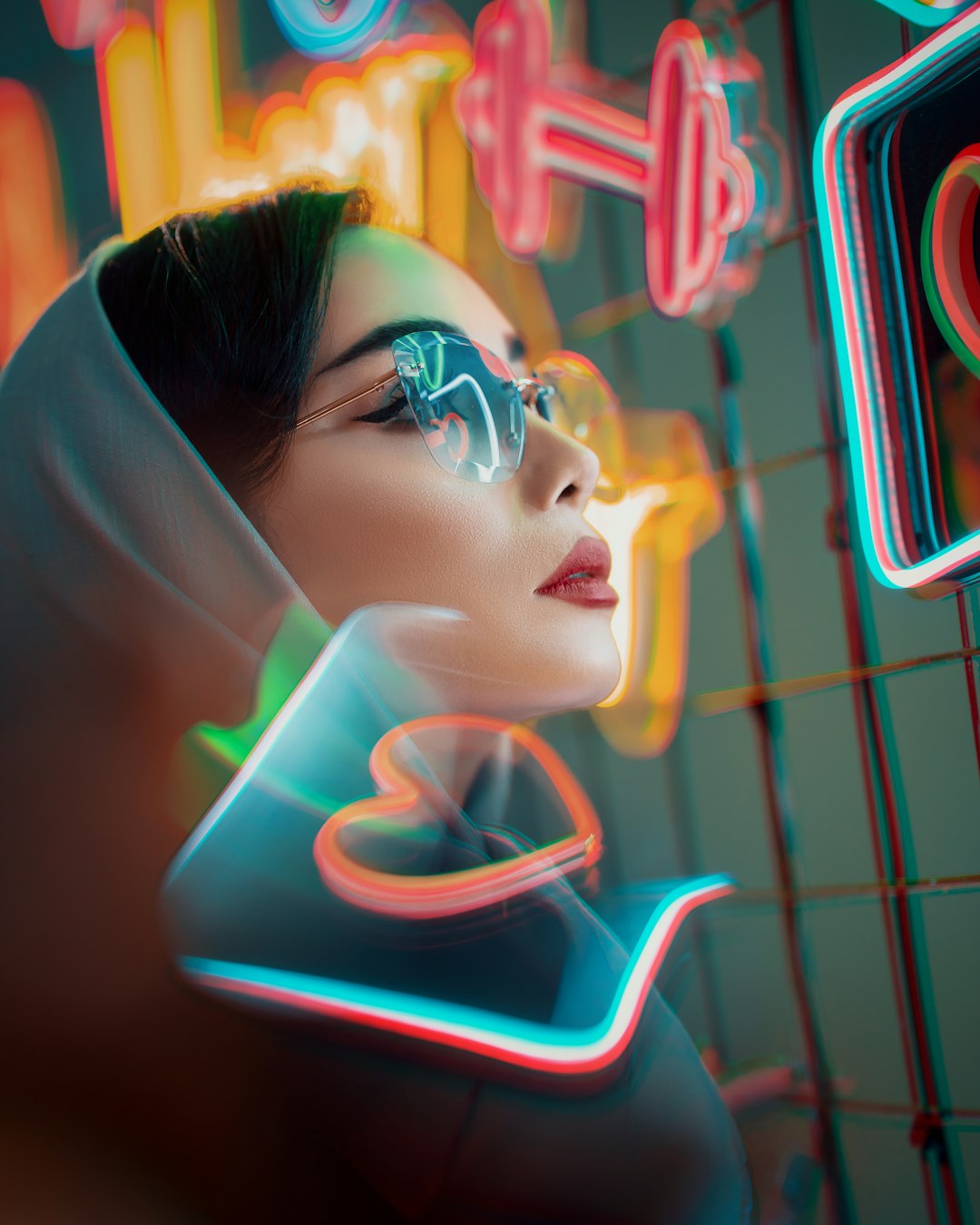
For casual and semi-professional content, the quality is often more than enough. For commercial campaigns, packaging, book covers, or paid ads, you should review outputs carefully for artifacts, odd details, and licensing suitability.
Arting.ai Pricing: What to Expect
Pricing for AI tools changes frequently, so it is important to check Arting.ai’s official pricing page before purchasing. In general, platforms like Arting.ai often use a freemium or credit-based model. This usually means you can test the tool with a limited number of generations, then pay for more credits, faster processing, higher resolution exports, or premium features.
Here is how to evaluate its pricing:
- Free access: Good for testing image quality, interface, and prompt behavior before spending money.
- Credit packs: Useful if your image needs are occasional, such as a few blog graphics or concept images per month.
- Subscription plans: Better for frequent users who generate dozens or hundreds of images regularly.
- Commercial usage terms: Always check whether generated images can be used in ads, merchandise, client projects, or resale products.
- Resolution limits: Some plans may restrict export size or charge extra for upscaling.
A helpful way to compare value is to calculate your cost per usable image, not just cost per generation. If you generate 100 images and only 25 are good enough to use, your effective cost is four times higher than it first appears. This is why free testing is valuable: it helps you estimate how many generations you need to get one final asset.
Best Use Cases for Arting.ai
Arting.ai is especially useful for:
- Social media creators who need fresh visuals for posts, reels, covers, or thumbnails.
- Bloggers and publishers looking for custom header images instead of generic stock photos.
- Game and story creators developing characters, locations, or concept art.
- Small businesses testing visual directions for campaigns before hiring a designer or photographer.
- Students and hobbyists exploring AI art without complex software.
It is less ideal if you require exact brand consistency, print-ready typography, legally sensitive imagery, or precise product reproduction. In those cases, AI output should be treated as a draft or reference rather than a finished deliverable.
Arting.ai Alternatives
If you are comparing Arting.ai with other AI image platforms, these alternatives are worth reviewing:
- Midjourney: Excellent for artistic, cinematic, and highly stylized images. It is popular among concept artists and visual storytellers, though its workflow may feel less traditional for beginners.
- DALL·E: Strong for prompt understanding and practical image generation, especially when you want straightforward results from natural language descriptions.
- Adobe Firefly: A strong option for users who care about commercially safer workflows and integration with creative software.
- Leonardo AI: Useful for game assets, concept art, and more controlled image generation, with many style and model options.
- Stable Diffusion: Best for advanced users who want maximum control, local generation, custom models, and deep customization.
- Ideogram: Particularly interesting if you need better text rendering inside images, such as posters, logos, or typographic designs.
Pros and Cons
Pros:
- Beginner-friendly AI image creation
- Useful for brainstorming and fast visual concepts
- Multiple styles and creative directions
- No advanced technical setup required
- Helpful for social content, avatars, and blog visuals
Cons:
- Output consistency may vary between generations
- Pricing and credit value should be checked carefully
- May not offer enough control for advanced AI artists
- Commercial rights and licensing require close review
- Not always reliable for text, hands, or precise product details
Final Verdict
Arting.ai is a solid choice for users who want a simple, fast, and creative AI image generator for everyday visual projects. Its strongest role is not replacing a full design process, but helping you move from idea to image quickly. For creators, marketers, and small teams, that speed can be genuinely valuable.
If you only need occasional images, start with the free or lowest-cost option and measure how many usable results you get. If you generate visuals at scale, compare pricing, licensing, and workflow controls against alternatives such as Midjourney, DALL·E, Firefly, Leonardo AI, Stable Diffusion, and Ideogram. Overall, Arting.ai is worth trying if you want accessible AI art generation with minimal friction and plenty of room for creative experimentation.