
Google Analytics “not provided” keywords mean you can no longer see most organic search queries inside GA, so the best move is to stop chasing the missing column and rebuild keyword insight from landing pages, Search Console, rankings, and conversions. The data is not gone everywhere. It is just split across tools, with privacy limits and sampling rules making the picture less tidy than marketers would like.
TLDR: “Not provided” hides the exact search terms people used before reaching your site from Google’s organic results. For example, a SaaS site may see 18,000 organic sessions in GA4, but 92% of keyword data appears as unavailable or grouped elsewhere. To analyze performance, pair GA4 landing page data with Google Search Console queries, impressions, click through rate, and average position. If one blog post gains 40% more organic sessions while related queries rise from position 9 to position 4, you have a strong clue about what is working.
What “Not Provided” Actually Means
In older versions of Google Analytics, you could open an organic keyword report and see the phrases people searched before clicking your result. That was useful. It was also painfully direct. You could connect “best accounting software for freelancers” to visits, leads, and sales.
Then Google started encrypting searches for signed-in users. Over time, this covered nearly all Google searches. The result was the famous “not provided” label. Instead of showing the query, Analytics showed a blank wall.
The reason is privacy. Google does not pass most organic search query data into Google Analytics. Paid search is treated differently because advertisers need query data to manage campaigns. Yes, that difference annoys many SEO teams. It feels a bit rich that organic marketers get a locked drawer while ad platforms still get plenty of detail.
What the Missing Data Does Not Mean
“Not provided” does not mean SEO is impossible to measure. It does not mean keywords no longer matter. It does not mean you should ignore search intent.
It means your analysis has to shift from keyword-level certainty to probability based on multiple signals. That sounds less satisfying, but it can still be accurate enough to make smart decisions.
Think of it like this: you may not know every exact phrase behind a visit, but you can usually identify the topic, intent, page type, ranking movement, and business outcome. That is enough to decide what to update, expand, prune, or promote.
Where to Find Useful Organic Search Data
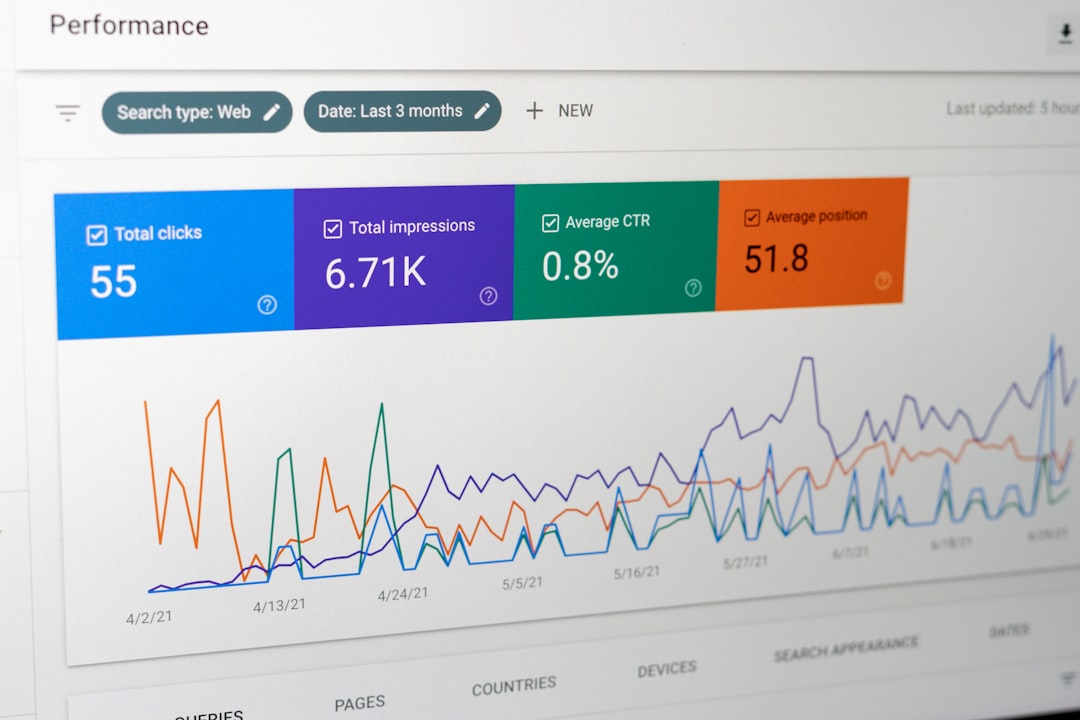
Your best source is Google Search Console. It shows queries, impressions, clicks, click through rate, and average position. It is not perfect. The interface can be clunky, and waiting for fresh data can feel slower than it should. Still, it is the closest source to Google organic query data.
Use these sources together:
- GA4: organic sessions, engagement, conversions, revenue, landing pages, user behavior.
- Google Search Console: queries, impressions, clicks, CTR, average ranking position.
- Rank tracking tools: daily or weekly position changes for target keywords.
- CRM or sales data: lead quality, pipeline value, closed deals, customer lifetime value.
- Content inventory: page type, topic, publish date, updates, internal links, target intent.
The real value comes from joining these data points. GA4 tells you what visitors did. Search Console tells you what search demand looked like. Your CRM tells you whether traffic mattered.
Start With Landing Pages, Not Keywords
The landing page is now the center of organic analysis. A page usually ranks for many related queries, not just one keyword. A guide about “email marketing pricing” might rank for price comparisons, software costs, monthly plans, and beginner questions.
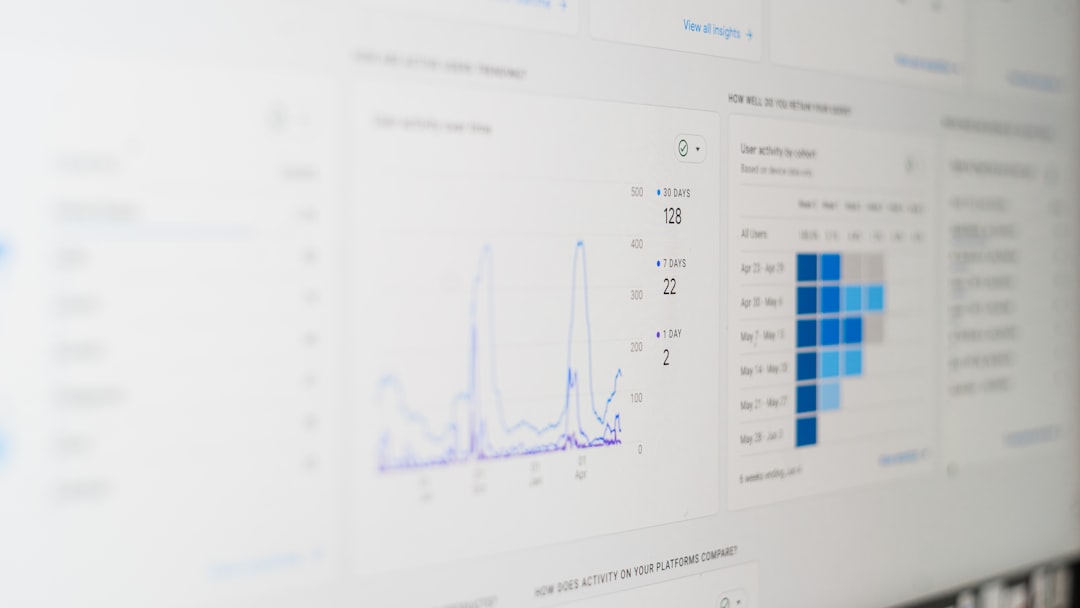
In GA4, go to your landing page report and filter by organic search. Look for pages with rising or falling sessions, engagement rate, and conversions. Then match those pages in Search Console.
Ask these questions:
- Which queries are driving clicks to this page?
- Are impressions growing while clicks stay flat?
- Is average position improving or dropping?
- Does the page match the intent behind the top queries?
- Are users converting after landing on this page?
If impressions rise by 60% but CTR drops from 4.8% to 2.1%, your title or meta description may be weak. If clicks rise but conversions stay flat, the content may attract the wrong intent. If position drops from 3 to 8, expect traffic to fall soon.
Use Search Console Query Data the Right Way
Search Console query data is useful, but it has limits. It may group low-volume queries. It can show rounded or filtered data. It reports average position, which can blend many locations, devices, and result types.
Do not treat one number as absolute truth. Study patterns instead.
For example, compare the last 28 days with the previous 28 days. If a product page gained 1,200 more impressions, 180 more clicks, and moved from position 7.6 to 5.2 across high-intent terms, that is a meaningful win. If impressions rose but position sank, Google may be testing the page for more queries without rewarding it yet.
Build Keyword Groups Instead of Keyword Lists
Old SEO reports often focused on single keywords. That approach is too narrow now. Build groups around intent.
Useful groups include:
- Brand queries: searches containing your company or product name.
- Commercial queries: “best,” “pricing,” “reviews,” “alternatives,” “compare.”
- Informational queries: “how to,” “what is,” “examples,” “guide.”
- Problem queries: searches that describe pain, errors, symptoms, or goals.
- Local queries: searches with city, region, or “near me” intent.
This helps you report performance in a way that matches business goals. A fall in informational clicks may not hurt revenue. A 15% drop in commercial clicks could be serious.
Connect Organic Traffic to Conversions
Organic reports are weak when they stop at traffic. More visits are nice, but visits do not pay invoices. Track what organic users do after they land.
In GA4, set up key events such as form submissions, purchases, demo requests, newsletter signups, account creations, file downloads, or calls. Then review performance by landing page and traffic source.
A page with 10,000 organic visits and 12 leads may be less useful than a page with 900 visits and 45 leads. This is where “not provided” matters less. You may not know every query, but you can still see which page brings qualified action.
For B2B sites, push lead source and landing page data into your CRM. If organic search generated 300 leads last quarter, but only 18 became opportunities, quality may be the issue. If 80 leads became 22 opportunities, protect and expand the pages that brought them in.
Watch for Intent Mismatches
Missing keyword data often hides intent problems. A page may get traffic for queries you did not expect. Search Console can reveal this fast.
Say your page targets “project management software pricing”, but Search Console shows many clicks for “free project management template”. Those users may bounce or skip your demo form. The page is drawing people who want a template, not software.
You have options:
- Create a separate template page and link it to your product page.
- Adjust the existing page to make the offer clearer.
- Rewrite headings to match the intended commercial query.
- Add comparison tables, pricing FAQs, and proof points.

Create a Practical Monthly SEO Report
A good organic report should answer three questions: What changed? Why did it change? What should we do next?
Include these sections:
- Organic traffic: sessions, users, engaged sessions, and change by month.
- Top landing pages: winners, losers, and pages with unusual movement.
- Search Console trends: clicks, impressions, CTR, and average position.
- Keyword groups: brand, commercial, informational, local, and problem based.
- Conversions: leads, sales, revenue, assisted conversions, and conversion rate.
- Actions: content updates, technical fixes, internal links, and new page ideas.
Keep the report short enough that people read it. No one needs 40 screenshots. Show the pattern, explain the likely cause, and recommend the next step.
How to Make Peace With “Not Provided”
“Not provided” is frustrating, but it does force better SEO measurement. Instead of obsessing over one exact query, you start measuring pages, intent, topic coverage, and business impact.
The best workflow is simple. Use GA4 to find organic landing page performance. Use Search Console to understand the queries behind those pages. Group keywords by intent. Track rankings for your most valuable terms. Tie everything back to conversions.
You will not recover the old keyword report. That ship is gone. But you can still answer the question that matters most: Is organic search bringing the right people to the right pages, and are those people taking actions that help the business?