Medical voice to text turns spoken clinical notes into written documentation so clinicians can chart faster, reduce after-hours typing, and keep patient records more complete. Instead of forcing a physician, nurse, or therapist to type every detail into an electronic health record, the system listens, transcribes, and often formats the content for review. The best tools do not replace clinical judgment. They reduce the clerical load around it.
TLDR: Medical voice-to-text technology converts clinical speech into text using speech recognition, medical vocabulary models, and secure documentation workflows. For example, a family physician seeing 24 patients in a day may save 3 to 5 minutes per visit if dictation replaces manual typing, which adds up to more than an hour saved. The clinician still reviews and signs the note, but the first draft appears much faster. This supports quicker chart completion, cleaner handoffs, and less end-of-day documentation fatigue.
What Medical Voice to Text Actually Does
Medical voice to text is a specialized form of speech recognition built for healthcare. It captures spoken words from a clinician and converts them into typed text inside a note, report, referral, discharge summary, or message.
General dictation tools can miss medical terms. That creates risk. A clinical system must understand words such as tachycardia, metformin, laparoscopic cholecystectomy, and subdural hematoma. It also has to handle accents, background noise, abbreviations, drug names, and specialty phrases.
A strong platform usually includes:
- Automatic speech recognition to detect and convert speech into text.
- Medical language models trained on clinical vocabulary.
- Context analysis to choose the right term when words sound alike.
- Formatting tools for punctuation, headings, lists, and templates.
- Security controls for protected health information.
- Integration with electronic health record systems.

How Clinical Speech Becomes Written Documentation
The process begins when a clinician speaks into a microphone, mobile app, headset, workstation, or exam room device. The audio is captured and cleaned. Noise reduction helps separate the speaker from keyboards, hallway chatter, alarms, or room sounds.
Next, the speech recognition engine breaks the audio into small sound units. It compares those patterns with likely words. In healthcare, this comparison must be highly specific. “Ileum” and “ilium” sound similar but mean very different things. “No chest pain” must not become “chest pain.” Small errors can change clinical meaning.
After the first pass, the system applies medical context. It checks whether the phrase fits the clinical subject. A cardiology note will contain different terms than an orthopedic note. A medication list has its own structure. Modern tools may also identify sections such as History of Present Illness, Assessment, and Plan.
The final step is review. The clinician corrects errors, confirms meaning, and signs the documentation. This review step is not optional. Voice-to-text software can be accurate, but it is still software. It can misunderstand dosage, negation, or names. Human approval protects the patient and the organization.
Why It Speeds Up Healthcare Workflows
Typing is slow, especially during busy clinics. Many clinicians can speak 120 to 160 words per minute. Most type far less while thinking, clicking, and searching through EHR fields. Voice documentation cuts that gap.
The time savings show up in several places:
- During the visit: clinicians can capture findings without stopping to type long paragraphs.
- After the visit: draft notes are ready sooner, so charts close faster.
- At shift change: nurses and physicians can create clearer handoff notes.
- In reporting: radiology, pathology, and surgical reports can move from dictation to review quickly.
- In billing support: more complete documentation can support coding accuracy.
Honestly, it feels like a waste when a trained clinician spends another 90 minutes at night fixing notes that could have been drafted during the day. Voice-to-text technology does not solve every EHR annoyance. But it can remove a large chunk of repetitive typing.
Where It Fits in Real Clinical Work
Medical voice to text is used across many settings. Primary care physicians use it for progress notes. Surgeons use it for operative summaries. Radiologists use it for imaging reports. Nurses may use it for shift notes, wound descriptions, or care coordination updates. Therapists can dictate treatment progress after sessions.
A common scenario is simple. A clinician finishes an exam and says, “Assessment: acute sinusitis, likely viral. Plan: supportive care, saline spray, return if symptoms worsen or fever persists beyond three days.” The system places the speech into the note. The clinician checks it, makes one or two edits, and signs.
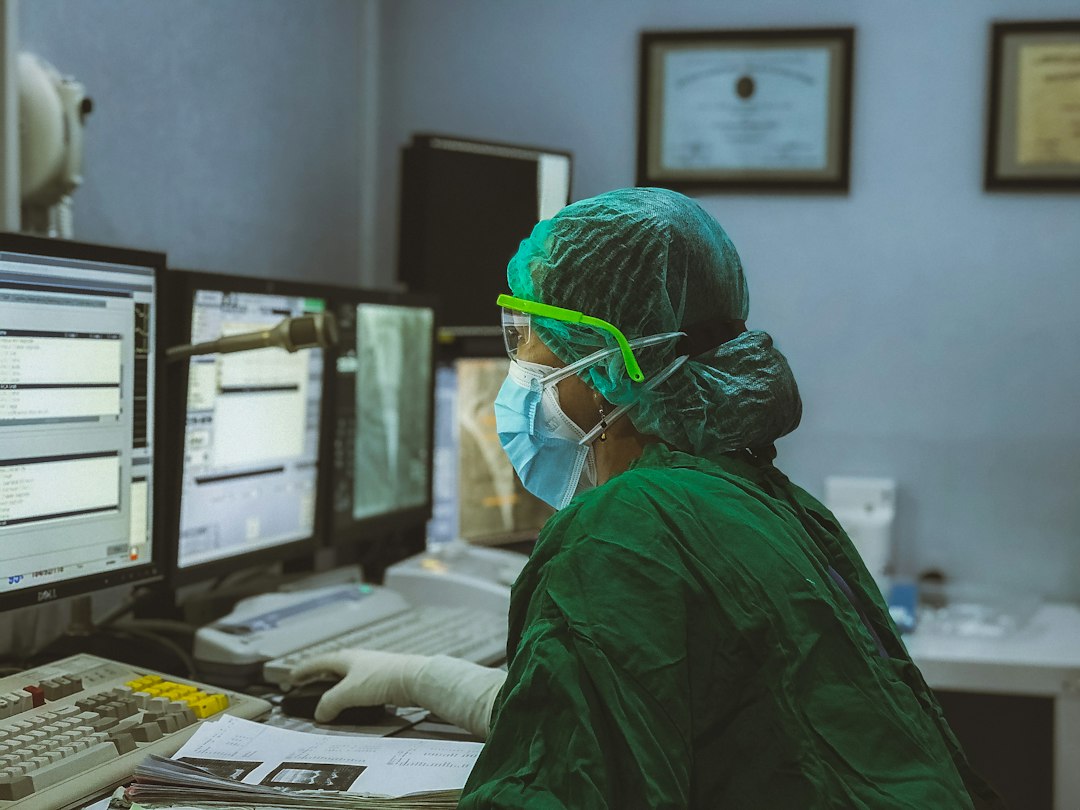
More advanced systems offer ambient documentation. These tools listen to the clinical conversation, identify relevant medical content, and draft a note. They may separate patient history from assessment and plan. This can feel impressive, but caution is needed. Ambient tools must avoid adding details that were not said. They also need clear patient consent policies.
Benefits for Patients and Clinicians
The main benefit is time. When notes are completed faster, clinicians can focus more attention on patient care. Patients may also notice better eye contact when the clinician is not staring at a keyboard for most of the visit.
There are other gains too:
- Less burnout pressure: reduced after-hours charting can support better work-life balance.
- Better note completeness: spoken details may be captured before memory fades.
- Faster communication: referrals, discharge instructions, and summaries can be produced sooner.
- Improved consistency: templates and structured dictation can standardize documentation.
- Accessibility: clinicians with hand strain or mobility limits may document more comfortably.
For healthcare organizations, faster documentation can also reduce bottlenecks. A signed report that arrives in 20 minutes instead of 2 hours can speed decisions. In emergency care, specialty review, and discharge planning, that difference matters.
Risks, Limits, and Quality Controls
The catch is that bad speech recognition can create quiet errors. A wrong medication, missed negative, or incorrect measurement may look polished on the screen. That is dangerous because clean formatting can hide flawed content.
Common problems include:
- Sound alike terms: clinical words that sound nearly identical.
- Negation errors: “no shortness of breath” recorded as “shortness of breath.”
- Background noise: busy wards and emergency areas can reduce accuracy.
- Speaker variation: accents, speed, and speech patterns affect output.
- Template mismatch: text may land in the wrong section of the note.
Good programs use clear review rules. Clinicians should proofread before signing. High-risk fields such as allergies, medication doses, laterality, and diagnoses deserve extra attention. Organizations should monitor error patterns and train staff on better dictation habits.
Privacy and Compliance Must Be Built In
Clinical dictation contains protected health information. That means security is not a nice extra. It is a baseline requirement.
Healthcare organizations should assess whether the system supports encryption, access controls, audit logs, retention rules, and appropriate vendor agreements. Data should be handled according to applicable privacy laws and internal policy. If audio is stored, teams need to know where it is stored, who can access it, and how long it remains available.
How to Use It Well
Successful adoption depends on workflow fit. A tool may have strong recognition but still annoy clinicians if it adds too many clicks. Expect frustration if it takes 12 extra seconds just to open the microphone or insert text into the right field. That delay repeats all day.
Healthcare teams should choose systems that work inside existing documentation habits. Training also matters. Clinicians get better results when they speak clearly, use short phrases, dictate punctuation when needed, and review high-risk terms before signing.
A practical rollout starts with one department or use case. Measure chart closure time, correction rates, user satisfaction, and after-hours documentation. If the numbers improve, expand carefully. If they do not, fix the workflow before buying more licenses.
The Bottom Line
Medical voice-to-text technology helps turn clinical speech into usable documentation with less typing and faster turnaround. Its value comes from speed, accuracy, security, and careful human review. When implemented well, it supports clinicians without pretending to replace them. The result is simpler charting, faster communication, and more time for patient care.