
The safest redesign starts with a full SEO audit before any wireframe, copy rewrite, or migration plan is approved. A site team should benchmark rankings, crawl every indexable URL, protect high-value pages, and map redirects before designers or developers change the structure.
TLDR: Semrush is stronger for keyword visibility, backlink risk, competitor gaps, and ongoing rank tracking, while Screaming Frog is better for technical crawling, URL inventories, redirects, canonicals, and metadata checks. A practical workflow uses both, plus Google Search Console, GA4, PageSpeed Insights, and a log file tool. For example, a 4,200 URL ecommerce site that audited redirects before launch cut post-redesign organic traffic loss from a projected 28% to 6% within the first 30 days. The faster the audit starts, the fewer ugly surprises appear after launch.
Why SEO Auditing Comes Before Redesign
A redesign can wreck organic traffic when URLs change, internal links vanish, content gets trimmed, or JavaScript blocks search engines. It happens more often than teams admit. A polished new site means little if the top money pages lose rankings two weeks after launch.
The audit should answer three basic questions: what exists, what performs, and what must be protected. Screaming Frog helps list what exists. Semrush helps show what performs in search. Analytics tools show what users and search engines already value.
Semrush vs Screaming Frog: The Short Verdict
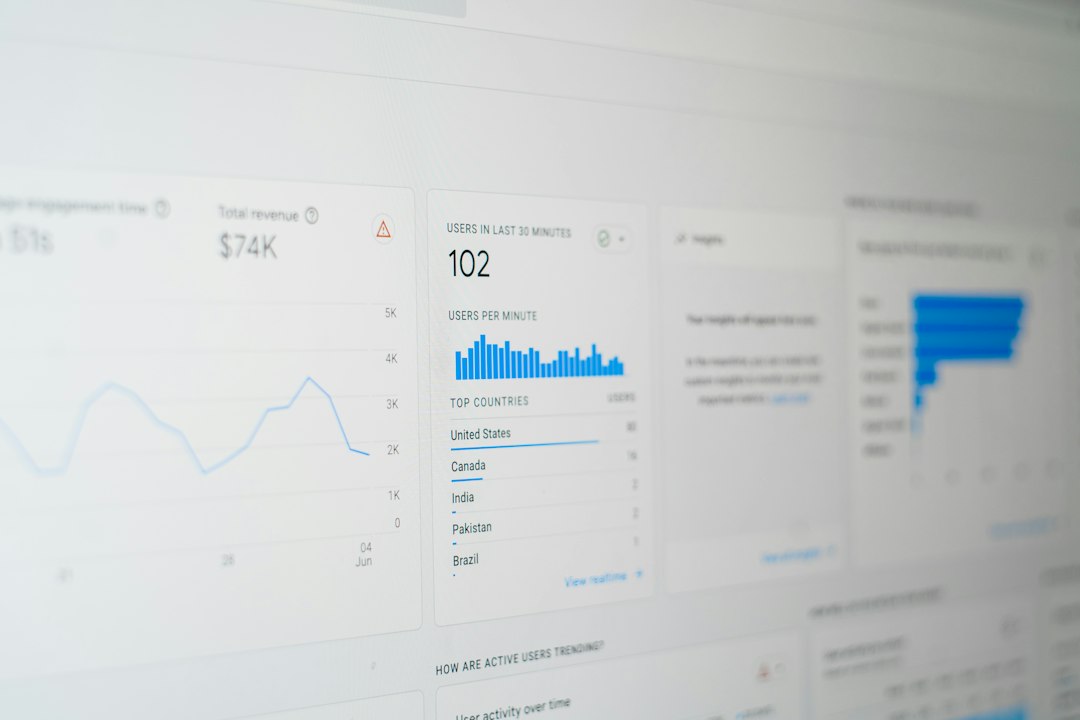
Semrush is best for market and visibility data. It shows keyword rankings, search volume, backlink issues, competitor overlap, traffic estimates, and position changes. It is useful when a team needs to know which pages bring demand and which topics should survive the redesign.
Screaming Frog is best for technical truth. It crawls the site like a search engine. It finds broken links, missing titles, duplicate metadata, thin pages, blocked pages, redirect chains, canonical conflicts, hreflang issues, and status code problems.
The catch is that neither tool is enough alone. Semrush may show that a page ranks for 40 keywords, but it will not always expose every internal crawl trap. Screaming Frog may list 9,000 URLs in detail, but it will not automatically explain which pages drive revenue or brand demand.
Pre Redesign SEO Checklist
- Crawl the current site: Use Screaming Frog to export all URLs, status codes, titles, meta descriptions, headings, canonicals, word counts, directives, and internal links.
- Pull performance data: Use Google Search Console for clicks, impressions, average position, and indexed page data. Use GA4 for conversions, revenue, engagement, and landing page performance.
- Identify high-value URLs: Mark pages with rankings, backlinks, sales, leads, assisted conversions, or strong internal link value.
- Map redirects: Every removed or changed URL needs a relevant 301 redirect. Avoid dumping old pages onto the homepage.
- Review keyword coverage: Use Semrush to see which pages rank and which keywords should be retained in new copy.
- Check backlinks: Export linked pages from Semrush, Ahrefs, or Google Search Console. These URLs need extra care.
- Audit templates: Check category pages, product pages, blog posts, service pages, location pages, and resource hubs separately.
- Test staging: Crawl the staging site before launch. Block staging from indexation, but allow audit access.
- Measure page speed: Use PageSpeed Insights, Lighthouse, and Chrome UX reports where available.
- Prepare launch monitoring: Set alerts for traffic drops, indexing changes, 404 spikes, ranking shifts, and server errors.
Where Semrush Fits Best
Semrush works well during planning. It helps a team decide which content should stay, expand, merge, or disappear. Its Organic Research reports show keyword positions by URL. Its Position Tracking can monitor priority search terms before and after launch. Its Backlink Analytics can flag pages with strong external links.
The tool is also useful for competitor checks. If competitors rank with stronger category pages, better FAQs, or richer comparison content, the redesign can include those content formats from the start.
Honestly, it feels like some Semrush reports take more clicks than they should. Exporting a clean page-level view can take several filters and tabs. Still, the search visibility data is hard to ignore, especially for teams that need business-friendly charts for stakeholders.
Where Screaming Frog Fits Best
Screaming Frog is the workhorse for technical SEO. Before a redesign, it creates a full URL inventory. After the redesign, it checks whether the new site matches the plan. That comparison is vital.
Its best uses include redirect testing, metadata checks, canonical validation, internal link analysis, and indexability reviews. It can also connect to Google Analytics, Google Search Console, PageSpeed Insights, and external APIs, which makes audits much richer.
Expect to waste time on memory settings if the site is large and the machine is underpowered. A 150,000 URL crawl can slow down badly without database storage mode and sensible crawl limits. That said, when configured well, it gives unmatched control.
Other Tools Worth Using
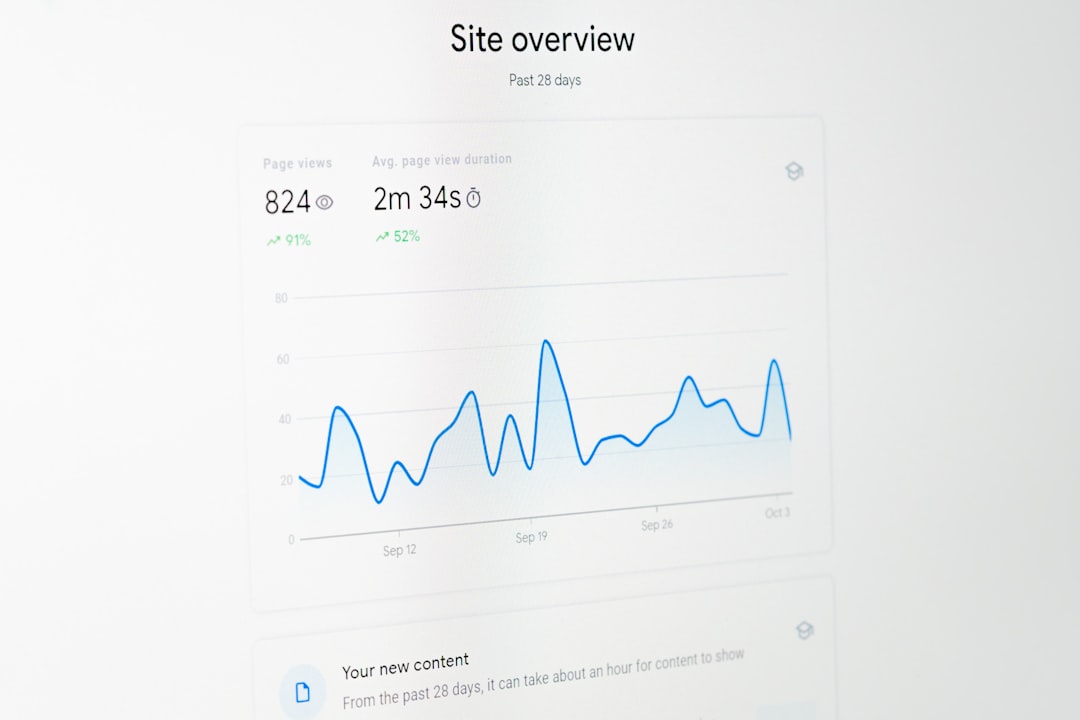
- Google Search Console: Best source for real search query, indexing, crawl, and page experience data from Google.
- GA4: Shows which landing pages drive leads, sales, engagement, and assisted conversions.
- Ahrefs: Strong for backlink checks and content gap research. Useful as a second opinion beside Semrush.
- Sitebulb: Helpful for visual crawl reports and issue explanations. Many teams find its audit hints easier to read.
- Lumar: Useful for enterprise sites with millions of URLs, governance needs, and recurring technical monitoring.
- PageSpeed Insights: Checks Core Web Vitals and lab speed data for redesigned templates.
- Log file analyzers: Show how Googlebot actually crawls a site, not how a tool hopes it crawls.
- ContentKing or similar monitoring tools: Helpful for catching live SEO changes right after launch.
Redesign Risks Each Tool Helps Catch
Lost URLs: Screaming Frog catches missing pages and 404 errors. Semrush helps show whether those missing pages had rankings.
Weak redirects: Screaming Frog can test old URLs against the redirect map. Google Search Console can later show 404s that slipped through.
Content cuts: Semrush and GA4 show whether removed copy supported rankings or conversions. Cutting “boring” text from category pages often hurts search traffic.
Internal link damage: Screaming Frog shows orphaned pages and reduced link depth. This matters when mega menus, footers, or blog hubs change.
Speed problems: PageSpeed Insights and Lighthouse catch heavy scripts, oversized images, layout shifts, and poor mobile performance.
A Practical Audit Workflow
- Four to eight weeks before launch: Crawl the current site with Screaming Frog. Export all URLs and technical fields.
- At the same time: Export top pages from Google Search Console, GA4, Semrush, and backlink tools.
- Build a master URL sheet: Label each URL as keep, improve, merge, redirect, or remove.
- Create the redirect map: Match each old URL to the closest relevant new URL.
- Crawl staging: Check indexability, metadata, canonicals, headings, schema, links, and speed.
- Test redirects before launch: Use Screaming Frog list mode to confirm every redirect returns the expected result.
- Launch and monitor daily: Watch rankings, 404s, crawl stats, conversion rates, and index coverage for at least four weeks.
Semrush or Screaming Frog: Which Should Be Chosen?
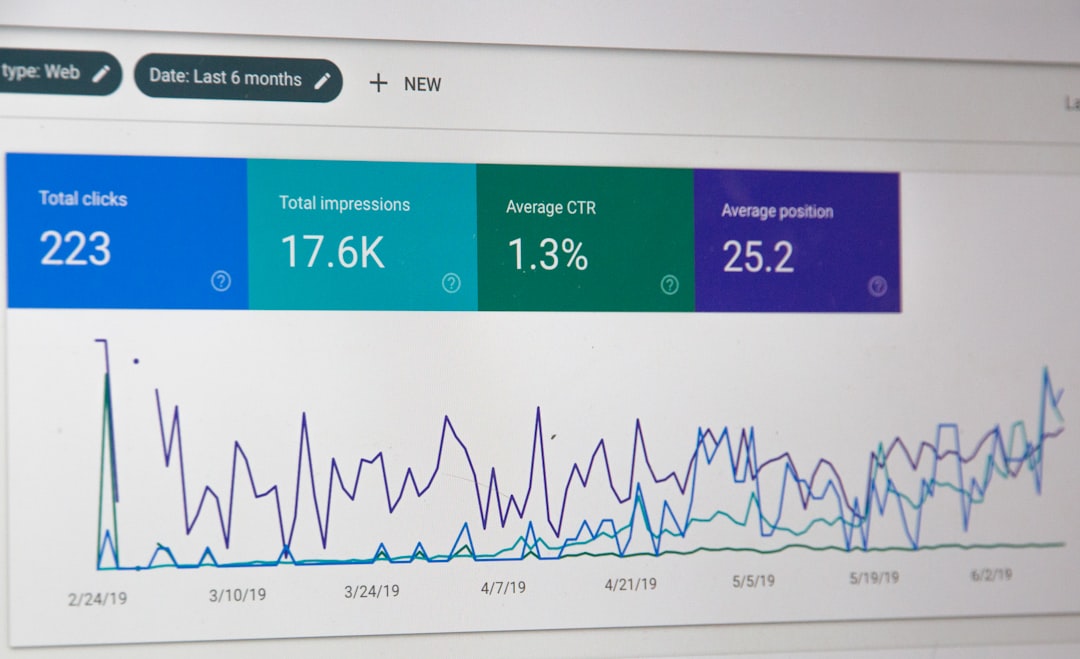
If only one tool can be picked, the answer depends on the risk. For a small brochure site with stable URLs, Semrush may be enough to protect rankings and content priorities. For a large site with URL changes, filters, pagination, international pages, or ecommerce templates, Screaming Frog is the safer first choice.
For serious redesigns, the best answer is both. Semrush says which pages matter in search. Screaming Frog shows whether those pages can still be found, crawled, indexed, and understood after the redesign.
FAQ
Should an SEO audit happen before or after a redesign?
It should happen before, during, and after. The pre redesign audit protects valuable pages. The staging audit catches errors before launch. The post launch audit confirms that search engines can access the new site.
Is Semrush better than Screaming Frog?
Semrush is better for keywords, competitors, backlinks, and visibility reports. Screaming Frog is better for technical crawling and URL checks. They solve different problems.
What is the biggest SEO risk during a redesign?
The biggest risk is changing or removing high-performing URLs without proper redirects and content planning. This can cause fast ranking and traffic drops.
How long should SEO monitoring continue after launch?
Daily checks should run for the first two to four weeks. Weekly checks should continue for at least two more months, since indexing and ranking changes can lag.
Does every old URL need a redirect?
Every valuable changed or removed URL should have a relevant 301 redirect. Low-value junk pages can return a proper 410 or 404, but that choice should be deliberate.