
Ubuntu usually does not need traditional antivirus software for low-risk desktop use, but many Ubuntu systems still benefit from malware scanning. If you install updates, use official repositories, avoid random scripts, and keep browser extensions under control, your risk is far lower than on a typical Windows PC. The answer changes when Ubuntu handles shared files, email, web uploads, company data, or compliance requirements.
TLDR: For a personal Ubuntu laptop, antivirus is often optional; good patching and safe software sources matter more. For an Ubuntu file server, mail gateway, or mixed office network, antivirus makes sense because Linux can store and pass malware to Windows machines. For example, a small office with 25 Windows laptops and 2 Ubuntu file shares may use ClamAV to scan nightly uploads, while a company with 100+ endpoints may prefer Bitdefender for central reporting and real-time controls. ClamAV is free and practical; Bitdefender is broader, managed, and better suited to business security teams.
Does Ubuntu Get Viruses?
Yes, Ubuntu can be infected. No operating system is magic. Linux malware exists, including rootkits, cryptominers, SSH worms, ransomware, malicious browser extensions, and poisoned packages. That said, Ubuntu has several protections that reduce day-to-day risk.
- Software repositories reduce the need to download random installers.
- User permissions limit what normal apps can change.
- AppArmor can restrict risky behavior from supported programs.
- Fast security updates close known flaws quickly.
- Smaller desktop market share makes mass malware less attractive than Windows malware.
The catch is that most serious incidents on Linux do not look like old-fashioned “virus” infections. They often start with a weak SSH password, an exposed service, a vulnerable web app, a stolen key, or a bad container image. A normal antivirus tool may not stop those problems by itself.
When Ubuntu Does Not Need Antivirus
A home Ubuntu desktop may not need an always-on antivirus suite. If your system is used for browsing, documents, video calls, coding, and light gaming, your best defenses are simple.
- Turn on automatic security updates.
- Use official Ubuntu repositories or trusted package sources.
- Avoid running
curl | shcommands from unknown sites. - Use a password manager and unique passwords.
- Enable a firewall if you run services.
- Back up important files to a separate location.
In this case, antivirus may add little value. It can also slow scans, flag harmless developer files, or annoy you with unclear warnings. Honestly, it feels like some Linux antivirus tools were built for administrators first and ordinary users much later.
When Ubuntu Should Have Antivirus
Antivirus becomes more useful when Ubuntu is part of a wider network. The goal may not be only to protect Ubuntu. It may be to protect everyone who touches files passing through it.
Use antivirus on Ubuntu if the system does any of the following:
- Runs a file server used by Windows and macOS users.
- Processes email attachments on a mail server or gateway.
- Accepts web uploads from customers, staff, or contractors.
- Stores client files in a regulated industry.
- Runs in a business network with endpoint security standards.
- Hosts containers or workloads exposed to the internet.
In these settings, antivirus is one layer. It should sit beside patching, logging, MFA, restricted SSH access, backups, and vulnerability management.
ClamAV for Ubuntu: Strengths and Limits
ClamAV is the most common free antivirus scanner on Linux. It is open source, widely packaged, and easy to install on Ubuntu. Many administrators use it to scan file shares, email attachments, and upload folders.
Install it with:
sudo apt update
sudo apt install clamav clamav-daemon
Then update signatures and run a scan:
sudo freshclam
clamscan -r /home
ClamAV is useful because it is transparent. You can automate it with cron or systemd timers. You can scan specific folders without buying a license. You can integrate it with mail servers, Samba shares, and web upload pipelines.
Its weaknesses are also clear. ClamAV is mainly a signature-based scanner. It is not a full endpoint protection platform. Real-time scanning is possible through clamd and related tools, but setup can be awkward. Expect to waste time on tuning exclusions if you scan developer directories, virtual machines, or large archives. A full home directory scan can also feel slow, especially on older laptops with many small files.
Bitdefender for Linux: What It Offers
Bitdefender for Linux is usually aimed at businesses, not casual Ubuntu desktop users. The relevant product is commonly delivered through Bitdefender GravityZone and its Linux endpoint agent. It is built for managed fleets, servers, and compliance-heavy setups.
Compared with ClamAV, Bitdefender offers a wider security stack. Features can include real-time antimalware, policy management, centralized dashboards, reporting, quarantine controls, and integration with broader endpoint protection tools. Depending on the license and deployment, it may also support advanced threat controls and response features.
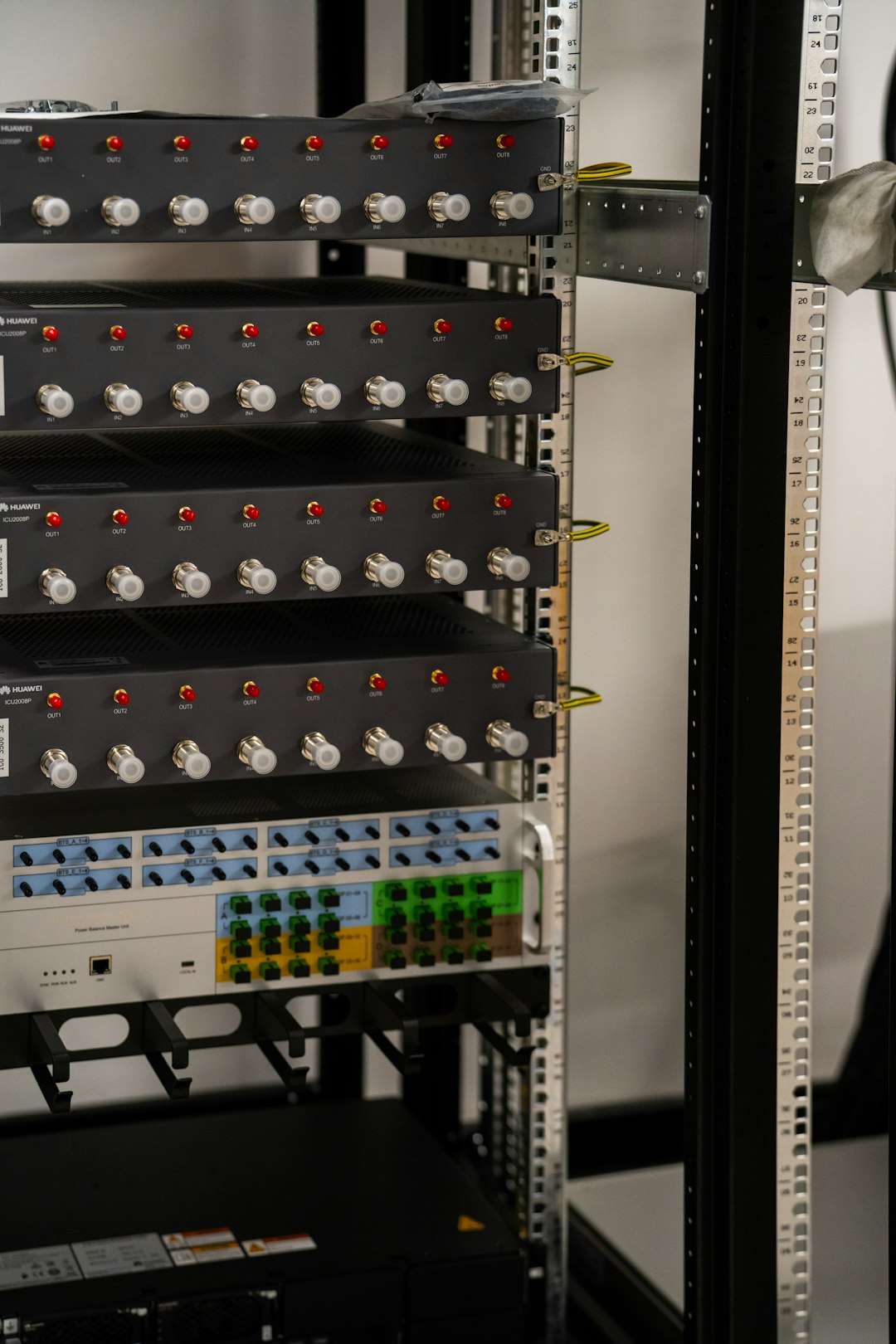
This matters for companies. A security team does not want to SSH into 80 Ubuntu servers to check scan logs. They want one console. They want alerts. They want proof that endpoints are protected. They want policy changes pushed in minutes, not after a long afternoon of scripts.
The downside is cost and complexity. Bitdefender is not the light, simple answer for one personal laptop. Licensing, agent deployment, portal setup, and policy tuning take time. For a small home user, that is overkill. For a business with audit pressure, it may be exactly the point.
ClamAV vs Bitdefender for Linux
| Category | ClamAV | Bitdefender for Linux |
|---|---|---|
| Best for | Home users, admins, file scanning, mail scanning | Businesses, managed endpoints, servers, audits |
| Cost | Free and open source | Commercial license |
| Real-time protection | Possible, but less polished | Core feature in managed deployments |
| Management | Local tools and scripts | Central console and policies |
| Reporting | Basic logs | Business-grade reporting |
| Ease for one PC | Simple enough | Often too much |
Which One Should You Choose?
Choose ClamAV if you want a free scanner for an Ubuntu desktop, file server, upload directory, or mail gateway. It is a sensible first step. It is also easy to remove if you decide it adds little value.
Choose Bitdefender if you manage Ubuntu in a company, especially where security policies, audit logs, and central control matter. It is better suited to teams that need consistent protection across Linux, Windows, and macOS systems.
Skip antivirus, at least initially, if you run a single low-risk Ubuntu desktop and follow strong security habits. Spend that time on updates, backups, browser hygiene, disk encryption, and account protection. Those steps prevent more real trouble than a scanner left idle in the background.
Practical Recommendation
For most personal Ubuntu users, install ClamAV only when you have a reason, such as scanning downloads before sharing them with Windows users. For servers, add ClamAV or a commercial tool based on the role of the machine. For businesses, compare Bitdefender with your wider security needs, not just with ClamAV. They solve different problems.
Ubuntu does not need antivirus in every case. But some Ubuntu systems absolutely should have it. The right choice depends on risk, not habit.