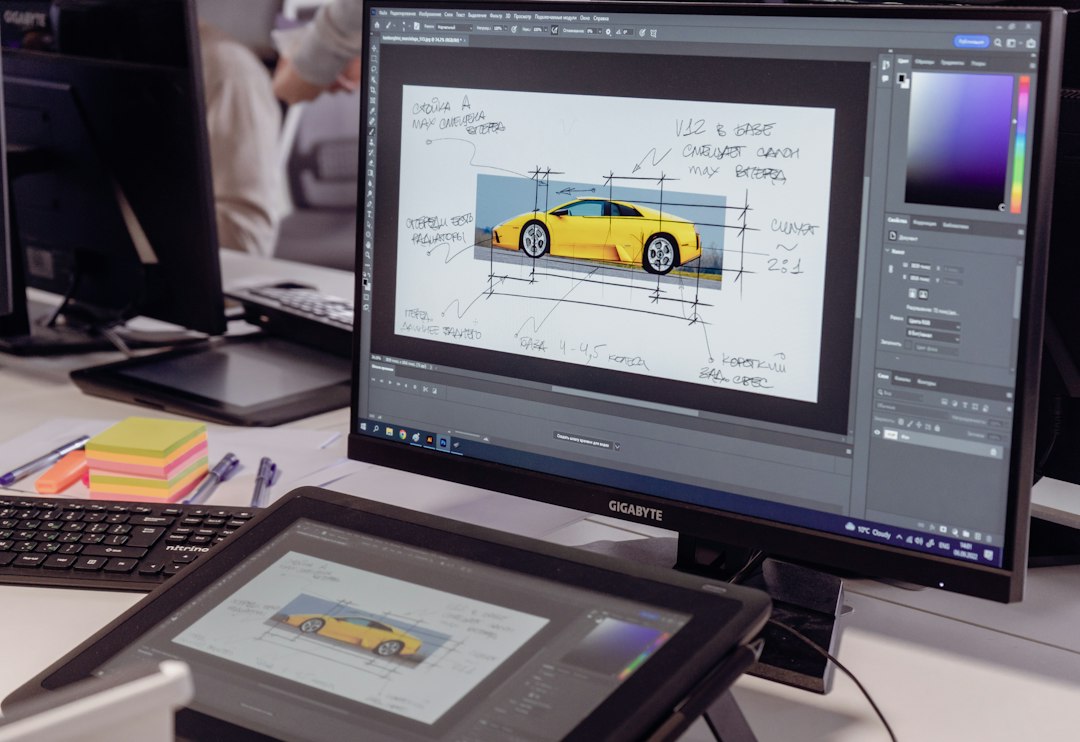
Choose Fusion, Onshape, SOLIDWORKS, Rhino, or FreeCAD if Shapr3D feels too limited, too tablet-focused, or too costly for your CAD workflow. Shapr3D is strong for sketching and direct modeling across iPadOS, macOS, Windows, and visionOS, but many teams still need deeper assemblies, simulation, history control, or browser-based collaboration [source: Shapr3D].
TLDR: The best Shapr3D alternative for most product teams is Autodesk Fusion, because it combines CAD, CAM, simulation, and cloud file access in one package. If a 12-person hardware team reviews parts twice a week, Onshape can cut file handoff steps from six to two by keeping models in a shared browser workspace. SOLIDWORKS is still the safest pick for serious mechanical engineering. FreeCAD is the budget option, but expect more setup time.
1. Autodesk Fusion
Best for: startups, product designers, CNC users, and small engineering teams.
Autodesk Fusion is often the closest full-featured replacement for Shapr3D. It covers parametric modeling, direct editing, assemblies, rendering, simulation, drawings, and CAM. That matters if your concept sketch needs to become a machined prototype without jumping through three different apps.
The cross-device story is solid. You can work on a desktop, store files in the cloud, and review models from other devices. It is not as fluid on a tablet as Shapr3D, but it is much stronger when the work gets serious.
- Pros: strong all-in-one toolset, great CAM, good pricing for small teams.
- Cons: cloud file handling can feel slow, and the interface has a learning curve.
- Choose it if: you need design, manufacturing, and simulation in one system.
The catch is that simple tasks can take extra clicks. Opening a project, checking versions, and switching workspaces may feel heavier than Shapr3D’s sketch-first flow.
2. Onshape
Best for: distributed teams, browser-based CAD, and version-controlled product work.
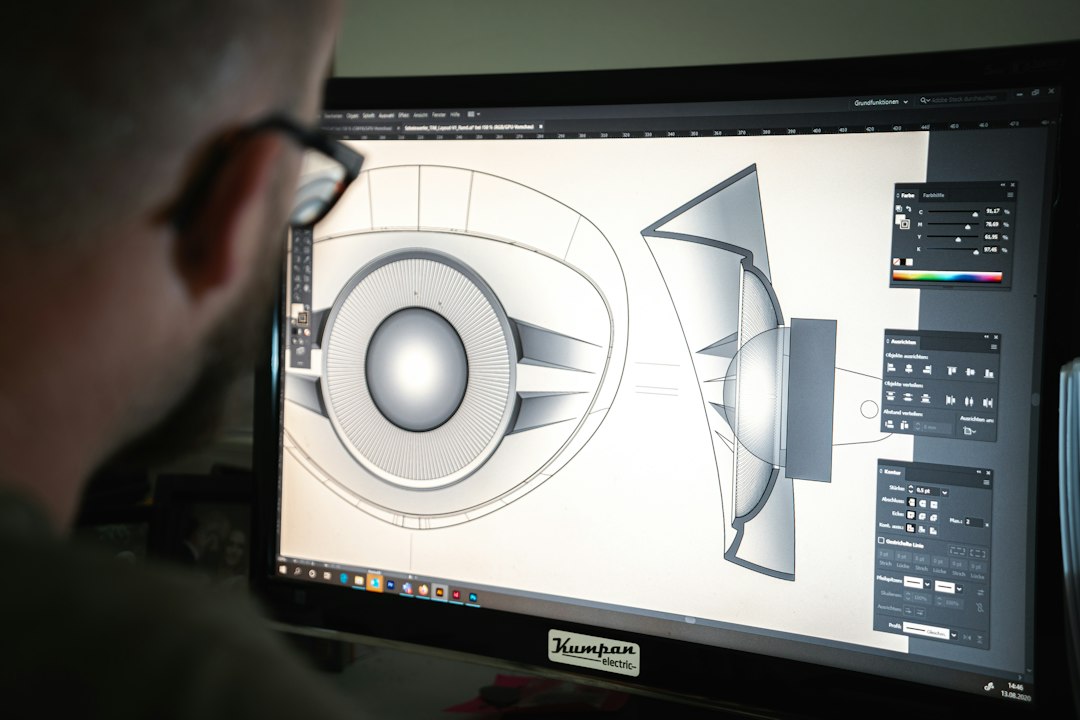
Onshape is fully cloud-based. There is no local install for the main CAD workspace. You open a browser, sign in, and work. For teams tired of sending files named final final v7, that alone is a relief.
Its biggest strength is collaboration. Multiple people can work in the same document. Version history is built in. Permissions are clear. This makes it useful for engineering teams spread across offices, suppliers, and contractors.
- Pros: excellent collaboration, browser access, clean version control.
- Cons: needs reliable internet, and offline work is limited.
- Choose it if: your team reviews models often and hates file chaos.
Onshape also supports professional CAD features such as assemblies, drawings, configurations, and release management. According to PTC, Onshape runs in a browser with no downloads or installs for the core CAD system [source: Onshape].
3. SOLIDWORKS
Best for: mechanical engineering, complex assemblies, and production-ready design.
SOLIDWORKS is not the trendiest option, but it remains one of the most trusted CAD tools in manufacturing. If you work with factories, machine shops, or mechanical engineers, there is a good chance they already use it or accept its files.
It is stronger than Shapr3D for detailed assemblies, drawings, tolerances, sheet metal, weldments, and engineering documentation. It also has a large ecosystem of add-ons and training material.
- Pros: deep mechanical CAD tools, wide industry adoption, strong documentation.
- Cons: expensive, Windows-first, and not ideal for casual tablet work.
- Choose it if: you need serious mechanical design and supplier compatibility.
Honestly, it feels like overkill for simple consumer product concepts. But when a 300-part assembly needs mates, drawings, and revision control, SOLIDWORKS makes sense fast.
4. Rhino
Best for: industrial design, surfaces, architecture, jewelry, and complex forms.
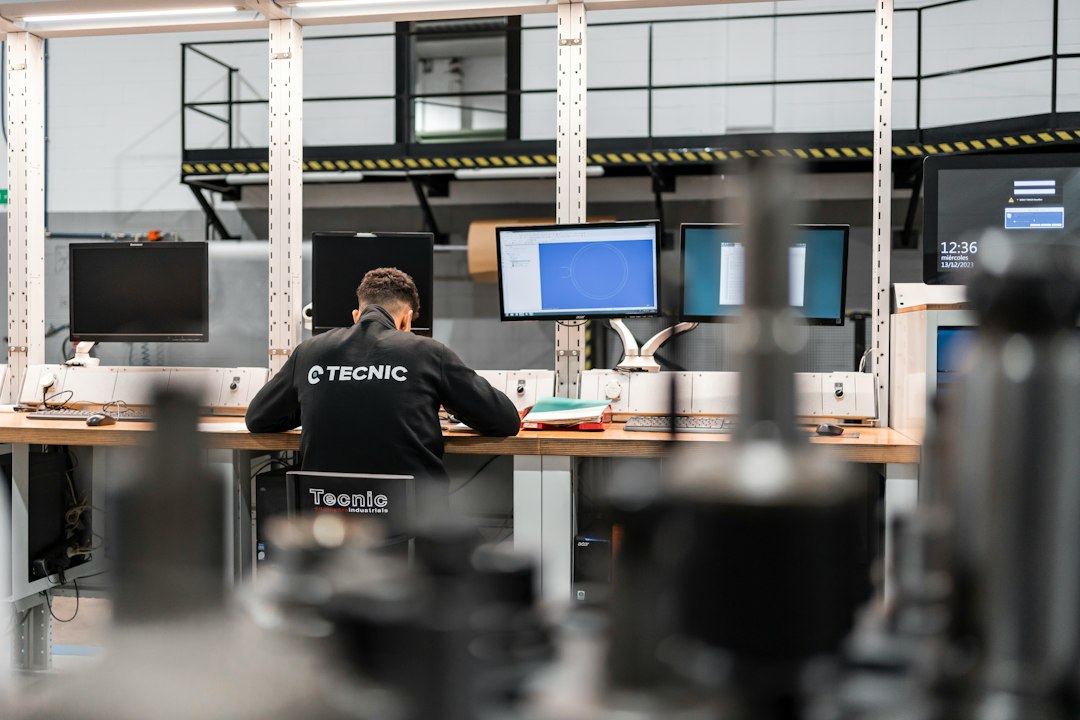
Rhino is a different kind of Shapr3D alternative. It is not mainly a history-based mechanical CAD tool. It shines when shape freedom matters. Designers use it for smooth surfaces, organic products, footwear, marine design, and architecture.
Rhino is also popular because of Grasshopper, its visual programming system. That gives designers a way to build parametric patterns, forms, and repeated geometry without coding in the usual sense.
- Pros: excellent surface modeling, huge plugin ecosystem, flexible file support.
- Cons: less structured for mechanical assemblies, fewer built-in manufacturing workflows.
- Choose it if: you care more about form, surfaces, and geometry control than standard machine design.
Rhino works well beside other tools. A product designer may shape the outer shell in Rhino, then send it to Fusion or SOLIDWORKS for engineering details.
5. FreeCAD
Best for: students, hobbyists, open-source users, and budget-conscious engineers.
FreeCAD is the obvious choice if cost is the main issue. It is open source and built around parametric modeling. It can handle parts, assemblies through add-ons, technical drawings, and many common CAD file types.
It is not as polished as Shapr3D. Some workflows feel rough. Tool names can be confusing. Expect to waste time on setup, especially if you need assembly tools or workbench add-ons. Still, it is hard to complain too much when the price is zero.
- Pros: free, open source, parametric, active community.
- Cons: uneven interface, weaker collaboration, more manual setup.
- Choose it if: you want control, low cost, and no subscription.

How to Pick the Right Shapr3D Alternative
Start with the work, not the brand. If you design parts that go straight to CNC, pick Fusion. If your team works in different places, pick Onshape. If you build complex mechanical products, pick SOLIDWORKS. If form and surface quality matter most, pick Rhino. If money is tight, pick FreeCAD.
Shapr3D is still excellent for fast concept modeling, especially with a stylus. But it is not the best fit for every engineering workflow. The right alternative depends on how you move from idea to prototype, and from prototype to production.