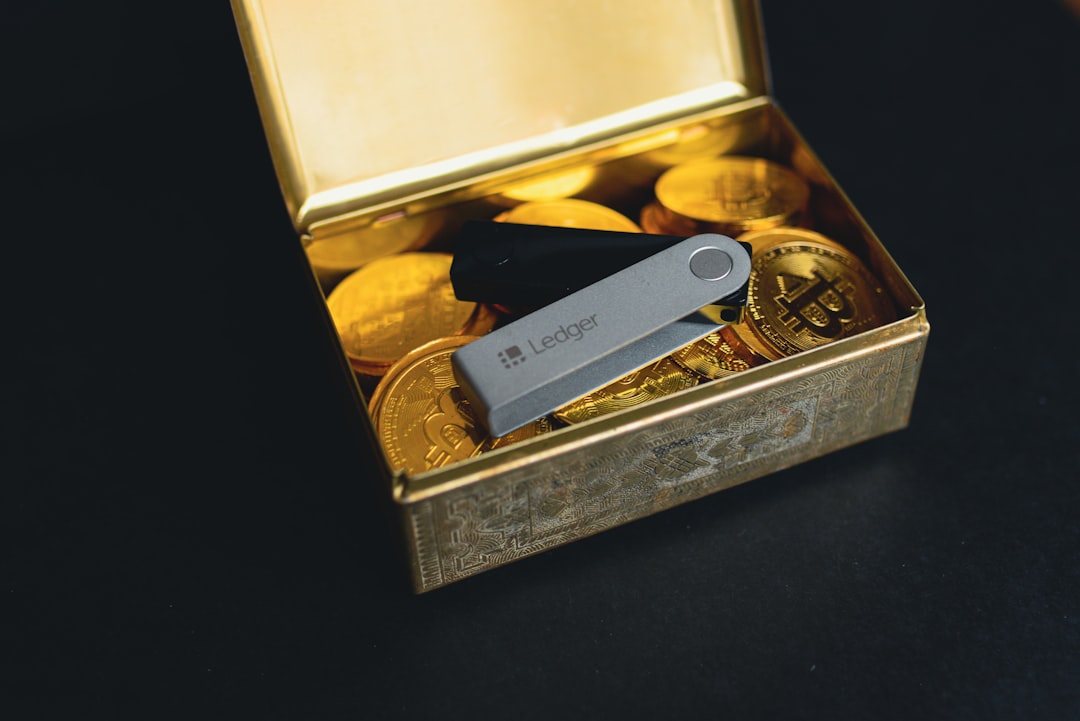
Tangem Card is the easiest pick for daily crypto use, while Ledger and Trezor are better if you want deeper controls, screens, seed phrases, and wider app support. Ledger says its wallets support thousands of coins and tokens, which matters if you hold more than Bitcoin and Ethereum [source: Ledger].
TLDR: Tangem is best for quick phone-based payments and simple cold storage. Ledger Nano X is the most practical all-rounder if you want Bluetooth, mobile support, and broad asset coverage. Trezor Safe 3 is a strong choice for Bitcoin-heavy users who like open-source software. For example, someone moving $2,000 from an exchange to cold storage may finish faster with Tangem, but a Ledger or Trezor gives more visible checks before signing.
1. Tangem Card: best for simple everyday security
Tangem Card looks like a bank card, not a gadget. You tap it on your phone with NFC, approve in the Tangem app, and you are done. No cable. No battery. No screen. That is the charm.
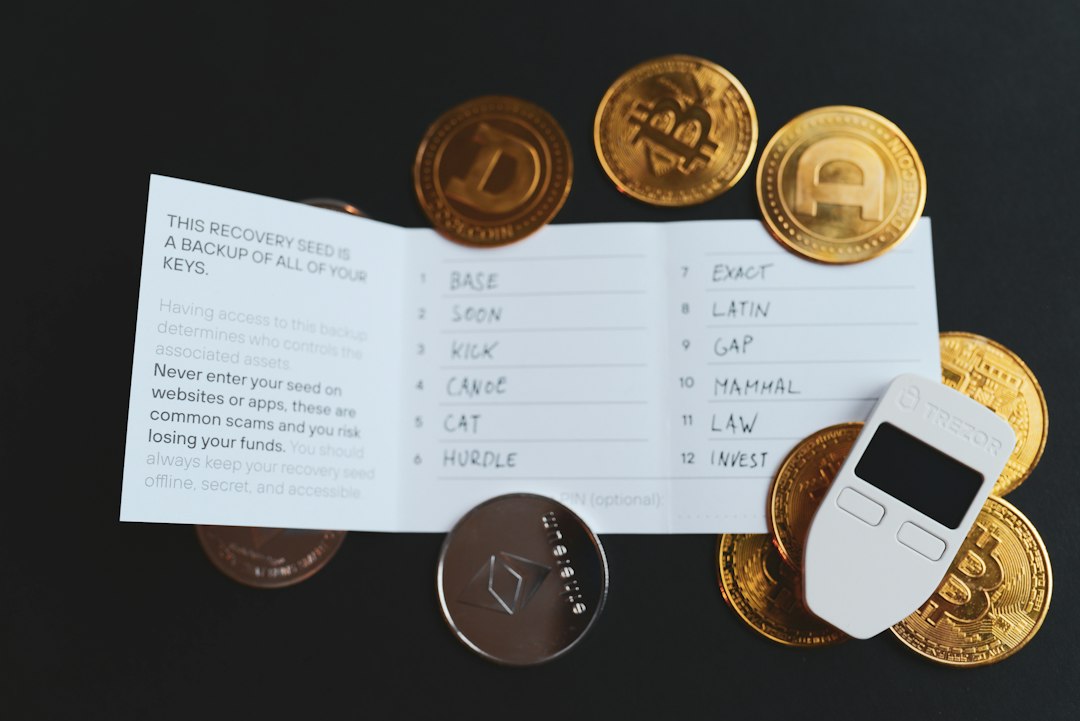
The setup is also less scary for beginners. Tangem can create the private key inside the card, and many users buy a set of two or three cards as backups. That means you are not forced to write down a seed phrase if you do not want to. Some people love that. Others hate it, because they want full seed control.
- Best for: beginners, mobile users, quick transfers
- Annoyance: no screen, so you must trust the phone app display
- Everyday rating: excellent for speed, weaker for visual verification
2. Ledger Nano S Plus: best low-cost Ledger
The Ledger Nano S Plus is a small USB hardware wallet with a screen and buttons. It is cheaper than the Nano X and supports many assets through Ledger Live and third-party apps.
It does not have Bluetooth, so it feels more “desk wallet” than “coffee shop wallet.” That can be a good thing. Less wireless stuff means fewer things to worry about. Still, expect to waste time on firmware updates now and then. It is not awful, but it can turn a 30-second transfer into a five-minute chore.
- Best for: budget buyers with many coins
- Annoyance: USB only, no iPhone cable joy for many users
- Everyday rating: good, but not as smooth as Tangem
3. Ledger Nano X: best mainstream all-rounder
Ledger Nano X adds Bluetooth and a battery. That makes it better for phone users who still want a real screen for checking addresses. If you send crypto often, this matters.
The screen lets you compare the receiving address before you approve. That extra check can save you from malware that swaps addresses on your phone or computer. The catch is that Ledger’s closed secure element design bothers some privacy-minded users. They prefer software and firmware that can be inspected more openly.
4. Ledger Stax: best premium Ledger
Ledger Stax is the stylish option. It has an E Ink touchscreen and a larger display than the Nano line. It feels more like a modern device and less like a USB stick from 2012.
That larger screen is not just cosmetic. It makes address checks easier. It is also nicer for NFTs and account details. But the price is hard to ignore. If you only move Bitcoin once a month, Stax may feel like buying a luxury watch to tell the time.
- Best for: users who want comfort and a bigger screen
- Annoyance: high price for basic storage needs
- Everyday rating: very good, if you can justify the cost
5. Trezor Safe 3: best open-source value
Trezor Safe 3 is one of the strongest rivals to Ledger Nano S Plus. Trezor is known for open-source code and clear recovery tools. The Safe 3 also includes a secure element, which older Trezor models did not have in the same way.
Trezor Suite is clean and friendly. Bitcoin users will like features such as coin control. That helps you manage privacy by choosing which coins to spend. Trezor lists supported coins on its official site, though asset support can depend on third-party wallets [source: Trezor].
Honestly, it feels like Trezor cares more about education than hype. The setup screens explain things well. New users still need patience, but they are less likely to feel lost.
6. Trezor Model T: best Trezor touchscreen classic
Trezor Model T has been around for years, and it still makes sense for users who want a touchscreen. Entering PINs and passphrases on the device feels safer than typing them on a computer.
It is not cheap. It also feels bulky next to a Tangem Card. But for people who use passphrases often, the touchscreen is a real help. If your security plan includes hidden wallets, backups, and careful address checks, Model T still earns its space on the desk.
Tangem vs Ledger vs Trezor: which one should you buy?
- Choose Tangem Card if you want the easiest wallet for daily phone use.
- Choose Ledger Nano S Plus if you want strong coin support at a lower price.
- Choose Ledger Nano X if mobile signing and Bluetooth matter.
- Choose Ledger Stax if you want a premium screen and smoother handling.
- Choose Trezor Safe 3 if you want open-source software and good value.
- Choose Trezor Model T if you want a touchscreen for PINs and passphrases.
For most people, the safest split is simple: keep small spending amounts on Tangem or a software wallet, and store larger holdings on Ledger or Trezor. Do not keep your full stack on an exchange. Use backups. Test a small transfer first. Boring habits beat fancy hardware every time.