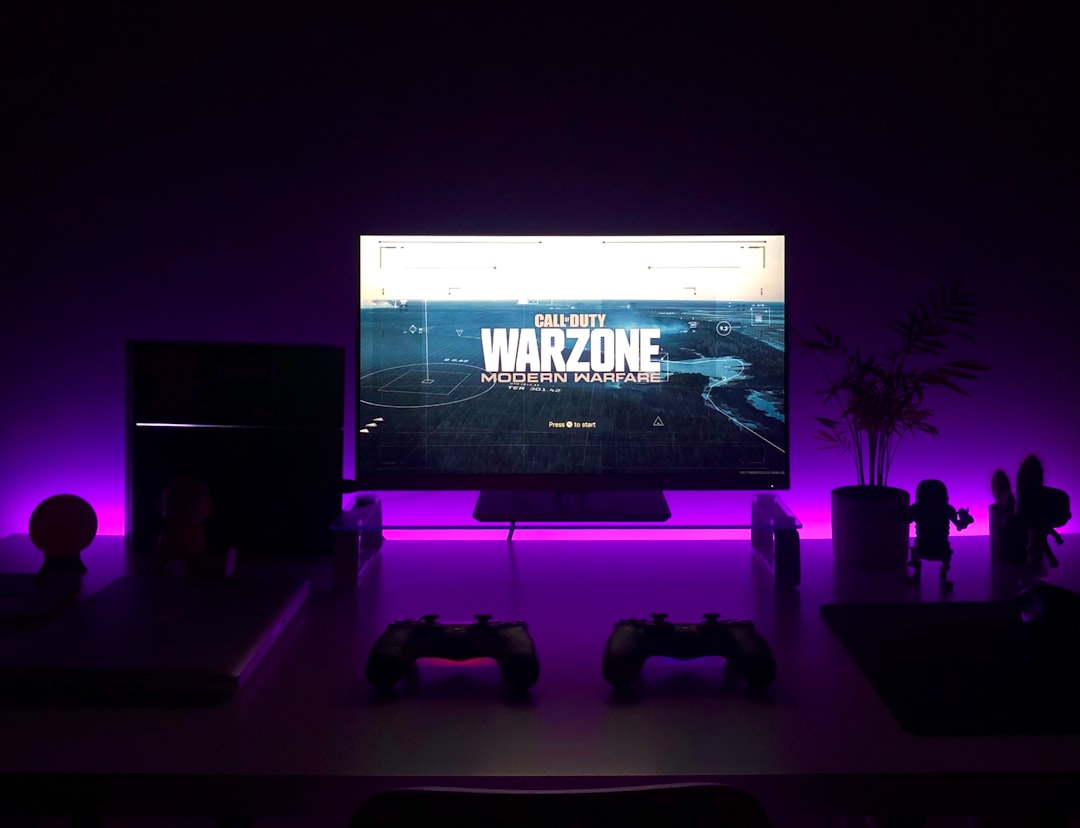
Virtual reality is booming! From gaming to fitness, people are diving into new digital worlds. That means VR accessories are flying off the (virtual) shelves. If you’re using WooCommerce to sell these exciting gadgets, you’re already off to a strong start. Let’s explore some fun and simple strategies to level up your VR accessory store.
1. Keep Your Product Pages Simple and Fun
Don’t overwhelm your customers. Keep descriptions clear and benefits-focused.
- Highlight comfort, usability, and compatibility.
- Use short bullet points to list cool features.
- Include fun, friendly language that matches tech-savvy audiences.
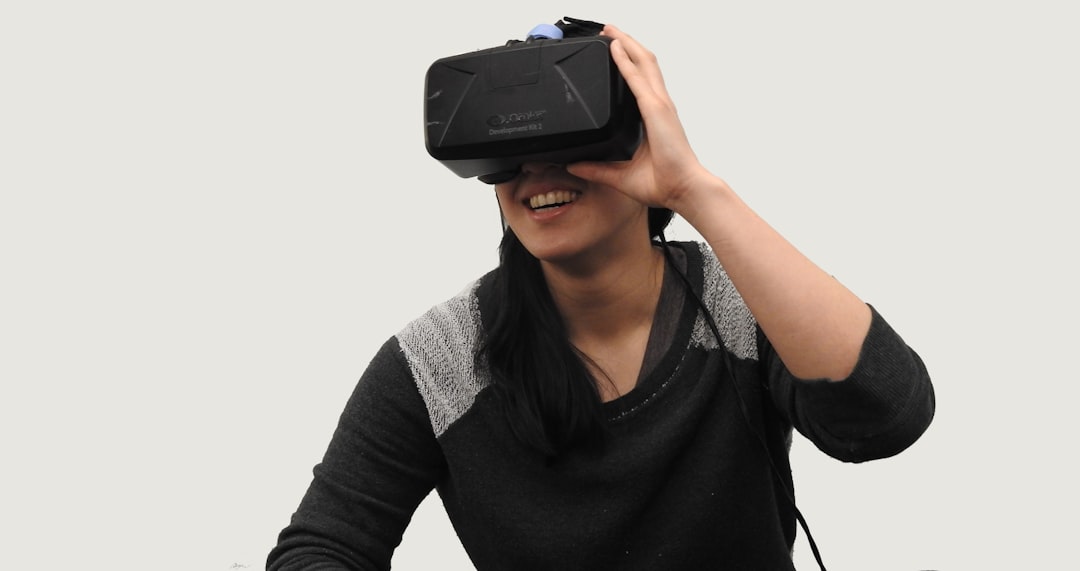
And don’t forget pictures! Use vivid shots of your VR gear in action.
2. Bundle Accessories
One of the best ways to increase sales is through bundling.
Create packages like:
- “VR Starter Kit” – a headset cover, extra straps, and lens wipes.
- “Gaming Pro Combo” – controller grips plus rechargeable batteries.
Use WooCommerce’s built-in tools or plugins to handle product bundles with ease.
3. Use Product Videos
People want to see how accessories work. A short, punchy video can do wonders!
- Show how to attach a strap or install a lens protector.
- Highlight the difference your product makes during gameplay.
Embed videos directly on product pages or post them on social media.
4. Offer Discounts and Giveaways
Let’s be honest — everyone loves a deal!
- Launch discounts on new accessories.
- Create limited-time offers before a VR hardware release.
- Host giveaways to encourage people to join your mailing list or follow you online.
Use the countdown timer plugin in WooCommerce to add extra urgency!
5. Let Customers Leave Reviews
Social proof matters. A lot.
Enable product reviews and ask your happy customers to rate your VR gear.
You can even include their photos using WooCommerce extensions.
More reviews lead to more trust. More trust leads to more sales. Simple!
6. Cross-Sell Like a Pro
When someone’s checking out with a VR headset cover, suggest a lens cleaner or carrying case.
This works best with related items and friendly prompts like:
- “Pair it with this!”
- “Keep your gear safe on the go.”
Use WooCommerce’s Linked Products feature to handle this.

7. Design a Mobile-Friendly Store
Your buyers are tech lovers. They shop from their phones. Make their experience smooth!
- Use responsive themes made for WooCommerce.
- Make checkout quick and easy with mobile payment options.
The easier it is to shop, the more they’ll buy.
8. Use Augmented Reality (AR) Previews
This is where the fun really begins! Some WooCommerce extensions allow you to let users view products in their real-world space using AR.
Imagine showing how a wall mount looks before they buy it. Super cool, right?
9. Keep Content Fresh With a Blog
Help buyers stay in the know about VR tech and gear.
Share helpful blog posts like:
- “Best Accessories for Meta Quest 3 in 2024”
- “How to Clean and Store Your VR Headset the Right Way”
You’ll build trust, boost SEO, and show off your true VR knowledge.
10. Stay Connected Through Email
Offer a discount in exchange for their email address.
Then send out news, product launches, or even VR trivia games!
WooCommerce integrates with many email tools like Mailchimp and Klaviyo — use them!
In Conclusion
Running a WooCommerce store for VR accessories is exciting. With the right strategies, your shop can beam ahead of the competition.
Keep it fun, keep it user-friendly, and stay curious. Virtual reality is changing fast — and so can your business.