
As modern work environments evolve, especially with the rise of remote and hybrid workplaces, the debate between using VPN access remote solutions versus traditional internal networks becomes more essential. Organizations must consider security, scalability, and usability when determining the best network configuration for their workforce. While both VPNs and traditional networks serve the purpose of connecting employees to internal business resources, they have significant differences in how they operate and what benefits or drawbacks they offer.
This article explores the six key differences between VPN remote access and traditional networks, providing clarity for IT decision-makers and business owners on which option might best suit their organization’s needs.
1. Accessibility
One of the most prominent differences between VPN remote access and traditional networks is how users access company resources.
- Traditional Networks: Employees typically need to be physically present in the office or connected via on-site infrastructure. Accessibility is often limited to in-office hours unless remote desktop protocols are configured.
- VPN Remote Access: Enables users to connect to internal resources securely from virtually anywhere in the world using the internet. Employees can work from home, cafes, or while traveling—without being bound to the office server’s physical location.

This flexibility boosts productivity and supports modern employment styles, making VPNs a preferred option for companies with remote teams.
2. Security Protocols
Security remains a top priority for any network architecture. VPNs and traditional networks take different approaches to protect data and resources.
- Traditional Networks: Often rely on internal firewalls, local access control, and physical security. However, this can be limited when extending access beyond the company premises.
- VPN Access Remote: Utilizes encryption protocols like IPSec and SSL/TLS to create secure tunnels. This means data is encrypted end-to-end, offering an extra layer of protection against potential cyber threats during transmission.
Moreover, many modern VPNs now include multi-factor authentication (MFA) and advanced monitoring to detect unusual access patterns, enhancing the overall security posture even when users connect from unsecured networks.
3. Scalability
Growth is integral to a business’s success. How well a company can scale its network infrastructure significantly affects performance and user experience.
- Traditional Network: Expanding an on-site network demands significant hardware upgrades, new server configurations, and sometimes even more physical space. This requires time, money, and IT manpower.
- VPN Access Remote: Scaling with VPNs is generally more straightforward. Most cloud-based VPN solutions can handle a growing number of users with minimal lag or performance degradation, offering an easy and efficient way to support larger teams.
4. Cost Structure
Costs associated with each option can vary dramatically, especially as your organization scales up or adapts to hybrid models.
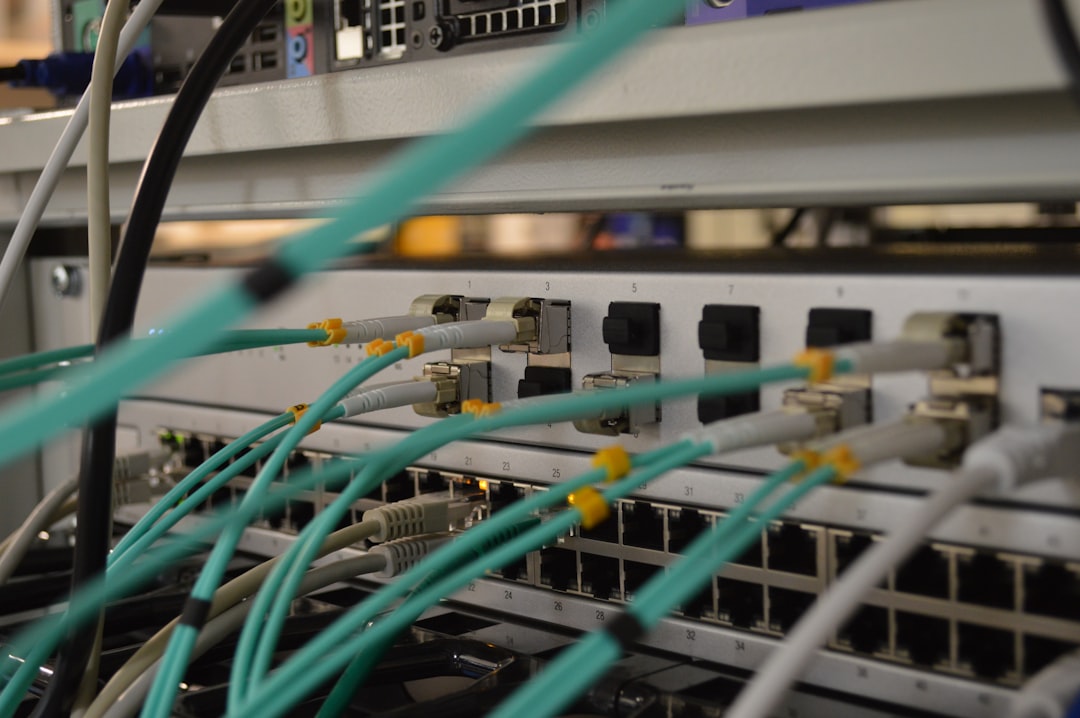
- Traditional Networks: Require upfront investment in physical infrastructure such as servers, routers, cables, and dedicated IT personnel for maintenance. Over time, these can result in high capital expenditures (CapEx).
- VPN Remote Access: Tends to have lower upfront costs because most operations happen through existing personal or cloud-based devices. VPN subscriptions usually fall under operational expenditures (OpEx), which can be easier to manage and adjust as business needs change.
For startups and small businesses, VPNs offer a budget-friendly, secure alternative to expensive and complicated traditional setups.
5. Maintenance and Management
Ongoing updates, system health, and troubleshooting are essential for both types of networks. However, they differ in the complexity of management.
- Traditional Networks: Require onsite IT staff to manage infrastructure. Hardware failures, software updates, and network downtimes demand manual intervention and can disrupt operations.
- VPN Access Remote: Offers easier updates and management, especially when deployed through a centralized cloud platform. Most issues can be resolved remotely, and updates can be pushed without physical presence at the user’s location.
As a result, maintenance with VPNs can be more efficient, especially for organizations with distributed teams.
6. User Experience and Performance
The final but critical factor is how each solution affects end users in terms of speed, reliability, and interface.
- Traditional Networks: Usually boast faster internal speeds since traffic doesn’t have to traverse external networks. However, accessing the network remotely may present challenges.
- VPN Remote Access: While initial connections may seem slower due to encryption layers and routing, modern VPNs are optimized for performance. However, bandwidth limitations and server loads can affect overall user experience, making enterprise-grade VPNs a necessity for larger organizations.
Ultimately, choosing between VPN and traditional networks will hinge on business priorities—whether that’s maximized speed or maximum flexibility.
Final Thoughts
VPN remote access offers convenience, scalability, and cost-effectiveness for today’s dynamic workforce. In contrast, traditional networks may still serve organizations aiming for higher in-house data speeds and physical control over infrastructure. With evolving cybersecurity threats and increasing workforce mobility, VPN access has grown not only in popularity but also in sophistication, making it a reliable alternative to traditional setups.
Before making changes to your network architecture, assess your organization’s needs in terms of location, team size, budget, and security expectations. Each option has its place—it’s about aligning the technology with your operational model.
Frequently Asked Questions
1. What is a VPN?
A VPN, or Virtual Private Network, is a service that creates a secure and encrypted connection over the Internet, allowing users to access private network resources remotely.
2. Is using a VPN safe for businesses?
Yes, VPNs are generally safe, especially those that include modern encryption protocols and security features like two-factor authentication. They help prevent data interception and unauthorized access.
3. Can VPNs replace traditional networks completely?
In many cases, yes. However, for businesses that operate entirely on-premises without frequent remote access needs, traditional networks may still be suitable. Hybrid models are also common.
4. How do VPNs improve remote work?
VPNs allow employees to access internal company resources from any location, which supports flexible work arrangements and can increase overall productivity.
5. Are VPNs expensive to implement?
Not necessarily. Many VPN solutions are subscription-based and can be scaled as per needs, making them more cost-effective compared to the extensive infrastructure required for traditional networks.
6. What kind of support is needed to manage VPN access?
Most modern VPN services offer centralized management consoles, automation, and remote troubleshooting tools. They often require less technical involvement compared to managing physical networks.
By understanding these differences, businesses can make a more informed choice that aligns with their operations, security posture, and end-user needs.