
So, you’re ready to explore the cloud with AWS. Awesome decision! But where do you start? The AWS universe is huge, and it’s easy to feel overwhelmed. Don’t worry — we’ve got your back. In this guide, we’ll break it all down for you.
TL;DR
If you’re starting your AWS journey, focus on the official AWS Training and the AWS Free Tier. Use fun resources like YouTube, free courses, and interactive sandboxes. Certification isn’t required, but it helps guide learning. Start small, stay curious, and enjoy the cloud ride!
Why Start with AWS?
Amazon Web Services (AWS) is the biggest cloud platform in the world. From streaming movies to banking apps — chances are, they’re using AWS. By learning AWS, you’re opening the door to tons of career and business opportunities.
Plus, AWS offers free and beginner-friendly tools to help you get started. You don’t need to be a developer or an IT wizard to begin.
1. AWS Free Tier — Your Free Playground
One of the best ways to learn is to get your hands dirty. AWS Free Tier lets you do just that — without spending a dime (if you’re careful).
- Includes services like EC2, S3, and Lambda
- 12-month free usage for many core services
- Some services have always-free limits
It’s the best way to practice in a real environment without fear.

2. AWS Training and Certification — Straight from the Source
Yes, AWS actually makes its own training courses. And many of them are free!
Check out these beginner-friendly options:
- AWS Cloud Practitioner Essentials — perfect for total beginners
- Getting Started with Compute, Storage, and Networking
- AWS Skill Builder — an awesome hub of self-paced learning
They even have learning plans tailored for different roles like Cloud Engineer or Solutions Architect.
3. YouTube — Cloud Fun, Free, and Fast
YouTube is full of AWS goodness. It’s free, easy to binge, and perfect for visual learners.
Here are some popular channels:
- freeCodeCamp.org — Full AWS beginner courses
- TechWorld with Nana — Great for DevOps and AWS concepts
- A Cloud Guru (now part of Pluralsight)
Pro tip: Watch along and try out examples in your Free Tier account. Instant hands-on learning!
4. The AWS Documentation — Nerdy but Necessary
The truth is… every cloud wizard eventually learns to read the docs.
Yes, they look scary. But they hold golden information:
- Step-by-step tutorials
- Command-line examples
- Architecture diagrams
Start small. Look up one service at a time — like S3 or Lambda. Bookmark helpful pages for quick access later.
5. Hands-On Labs — Guided Practice
Some platforms offer cloud labs where you can play with AWS without needing your own account.
Best hands-on lab sites:
- Qwiklabs — from Google, surprisingly great for AWS too
- Cloud Academy — has challenges and interactive learning paths
- LearnSandbox — sandbox-style AWS learning
This is great if you’re nervous about breaking things in your real AWS account (though, let’s be honest, it’s super forgiving).

6. Practice Exams and Flashcards — Memory Boosters
Even if you’re not aiming for certifications yet, practice tests help solidify your knowledge. Plus, flashcards make remembering terms like EC2 or IAM less painful.
Sites like:
- Tutorials Dojo — Excellent practice exams
- Quizlet — User-made AWS flashcards
- Whizlabs — Good for bite-sized learning
Use them to check your understanding and keep things fresh in your mind.
7. Join the AWS Community — Learn with Others
Learning alone can get boring. Luckily, the AWS community is massive and friendly.
Places to connect with other learners:
- Reddit — Try r/aws or r/AWSCertifications
- Discord — Join AWS study groups
- LinkedIn — Follow AWS influencers and engineers
Ask questions, share wins, get job tips, and find inspo. Community support is a game-changer when you hit roadblocks.
8. AWS Whitepapers and Blogs — Level Up Later
Once you’ve got the basics, check out more advanced resources.
AWS Whitepapers explain best practices, architectures, and security. They’re written by AWS engineers and are valuable even for non-techy readers.
The AWS Blog is great for finding how new features work and seeing real-world use cases.
9. Experiment, Break, Repeat
With cloud learning, experimentation is key. Don’t be afraid to mess things up. That’s how you learn.
Try building these fun beginner projects:
- A static website on S3
- A chatbot using Lex and Lambda
- A photo uploader with S3 and API Gateway
These projects are simple yet powerful. They’ll give you confidence and look great on your resume.
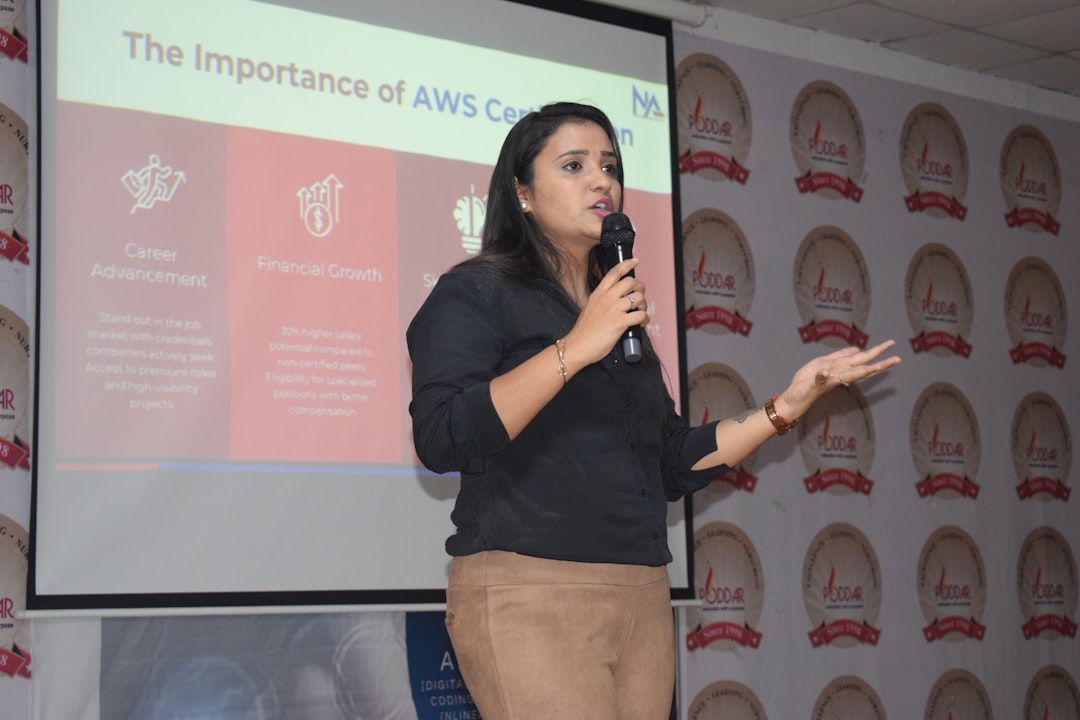
Bonus: Should I Get Certified?
This is a big question. The short answer is: it depends.
The AWS Certified Cloud Practitioner is a great first step. It’s designed for beginners and proves you know the basics.
If you’re job-hunting or switching careers, it helps open doors. Otherwise, treat it as a nice milestone, not a must-have.
Final Thoughts
AWS is a powerful skill — and learning it doesn’t have to be dry or difficult. Start with the free resources. Be curious. Build stuff. Break stuff. Ask for help. And celebrate those “a-ha!” moments.
The cloud is waiting. Happy learning!