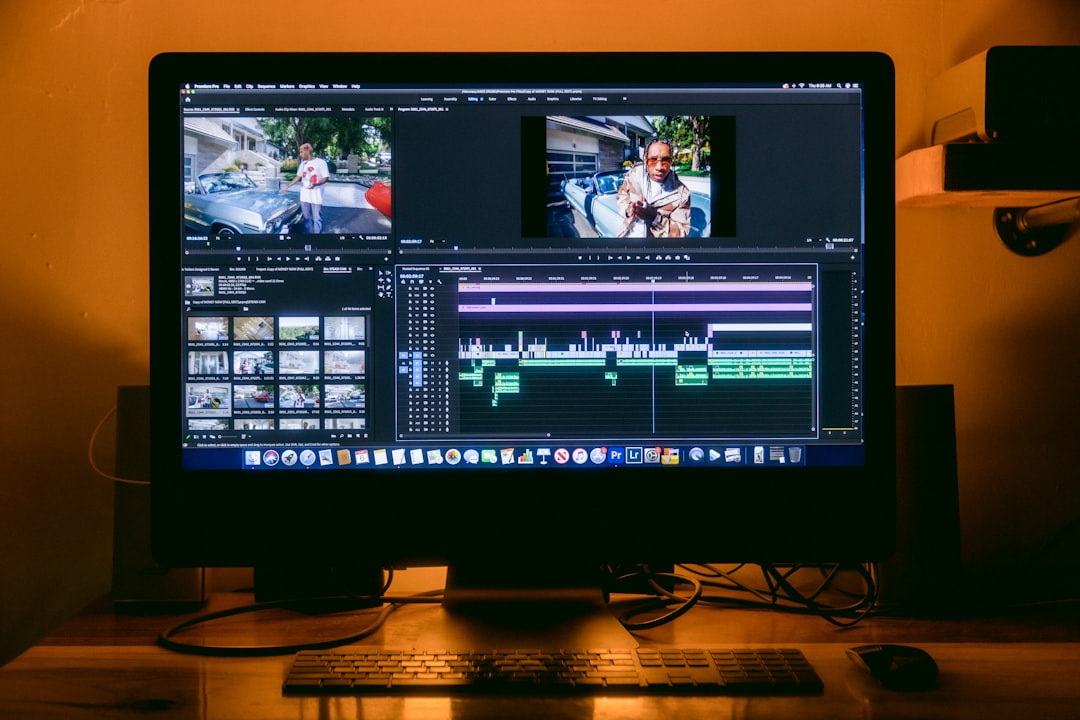
So you’re sitting on gold — a hilarious Zoom fail, an epic gaming moment, or a TikTok-worthy dance from your last vacation. You just need it trimmed, maybe a funny caption, and voilà — instant social media glory. But ugh, big editing programs are too slow and too heavy. What if all you need is something fast, lightweight, and easy? That’s where the following tools come in!
TL;DR
Need to trim, crop, or add subtitles to your videos quickly without launching a rocket ship? These 9 tools are ultra-light and perfect for quick content edits. Most of them offer simple video playback, trimming, and subtitle options. Great for making social media clips in minutes!
1. VLC Media Player + Extensions
Yes, VLC. The orange cone we all know and love. While VLC is best known for playing nearly any kind of media file, it can also do some basic editing jobs.
- Trim videos: Use the record function during playback to clip the part you want.
- Convert or crop: Use Media > Convert/Save for basic conversion and transcoding.
- Subtitles: Add or remove subtitle tracks easily.
It’s free, runs smooth, and works on everything from Windows to Linux.
2. Shotcut
Shotcut is more than just a player — it’s an open-source editor that lets you do quick adjustments without overwhelming you.
- Drag and drop interface
- Trim and cut with magnetic timeline tools
- Add text and captions
It’s a bit more full-featured than VLC but still way lighter than pro tools like Premiere.

3. Kapwing
Want something in the cloud? Kapwing’s your gal! This online-based editor is fast and free (with some limitations).
- Trim, crop, and resize videos with a few clicks
- Auto-generate subtitles and style them
- Export directly for Insta, TikTok, or YouTube
No downloads. All browser-based. Easy-peasy for quick social content.
4. Clideo
Clideo is another browser-based editor for folks who like a clean interface and minimal effort.
- Cut, crop, add subtitles without even registering
- Merge videos or convert formats
- Privacy-friendly: Files auto-delete after 24 hours
It’s great for one-off social clips or memes without installing anything.
5. iMovie (iOS & Mac)
iMovie keeps it beautifully simple for Mac users. It’s clean, fast, and doesn’t mess around.
- Trim, crop, rotate with smooth transitions
- Create short trailers right from templates
- Work directly from your phone if you’re an iPhone user
This one’s perfect for Apple lovers who want slick results without the Final Cut fuss.

6. Veed.io
Veed is super popular with content creators and influencers. Why? Because it’s insanely easy.
- Auto subtitles with stylish fonts
- Easy trim and crop tools with real-time preview
- Record + edit via webcam or screen capture
The free version gives you what you need, but the paid version unlocks more subtitle formatting and export options.
7. DaVinci Resolve (Cut Page only)
This one is for power users who still want speed. The full DaVinci Resolve is massive, but if you stick to the Cut page, it’s pretty snappy for fast jobs.
- Advanced trimming features without bloated load times
- Add subtitles manually with more control
- Perfect for creators who want lightweight power
It’s a steeper learning curve than others, but very rewarding once you know the ropes.
8. OBS Studio + Quick Edits
Okay, OBS is really a recorder. But pair it with quick tools like Shotcut or VLC and you have a solid, lightweight edit workflow.
- Capture content from desktop or webcam
- Trim in post using free tools, no bloat
- Add overlays and captions straight into your stream
Great for gamers and tutorial creators who want simple, fast post-editing.
9. Media.io
Want instant uploads and instant exports? Media.io gets you there. No installs, just features.
- Cut, trim, and compress files in one go
- Remove audio or add music easily
- Simple subtitle tools with export options for social
It’s made by Wondershare, the folks behind Filmora — but way faster and lighter.
Bonus Tips for Speedy Edits
- Plan before you edit: Decide the clip section and subtitles ahead of time.
- Use keyboard shortcuts: Most tools let you trim and move faster with key combos.
- Keep exports optimized: 720p or 1080p at a small file size is plenty for social media.

In a Nutshell…
You don’t need fancy, bloated editing software to create awesome short clips. Whether you’re clipping the best bits of your vlog, adding funny captions, or trimming story highlights for Instagram — there’s a tool for that. And it takes less time than making instant noodles!
So pick your favorite, do a quick snip, toss in some text, and hit share. Fame awaits, editor legend!