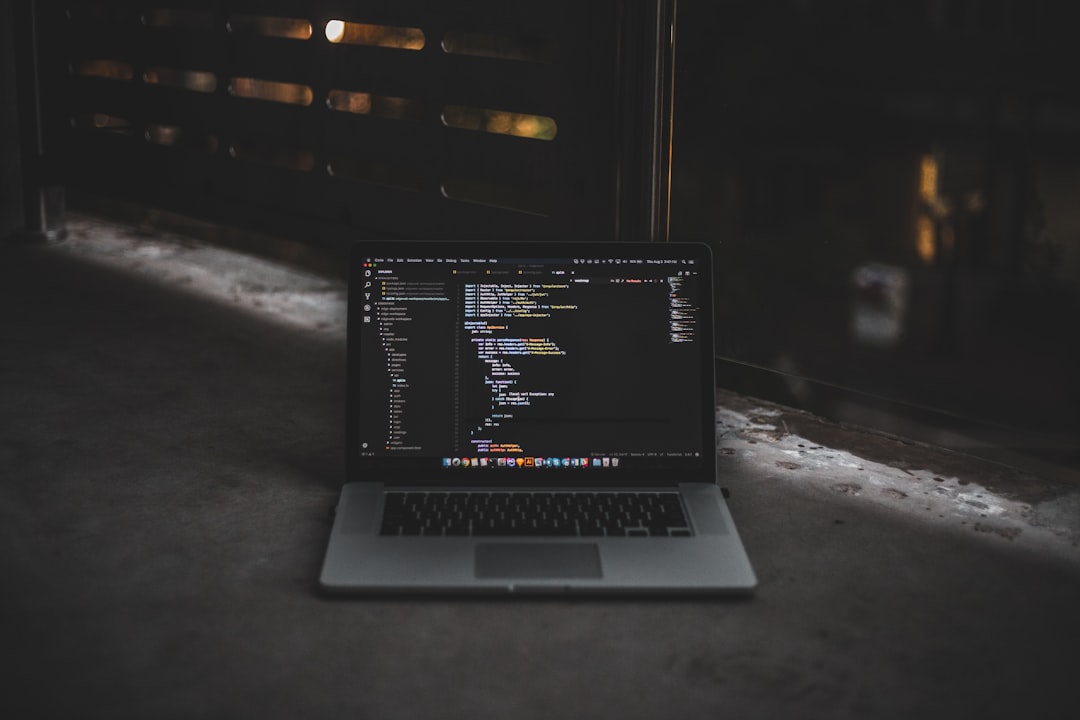
Whether you’re a budding programmer or a seasoned developer looking to dive into a new codebase, reading source code effectively is a crucial skill in software development. It’s through reading code that we learn from others, uncover bugs, contribute to open source, or navigate proprietary systems in a professional setting.
TL;DR
To read source code effectively, start by understanding high-level structures like architecture and entry points before diving into detailed logic. Use the tools and documentation available to navigate the codebase intelligently. Focus on the intent behind the code, not just the syntax. Practice regularly by studying real-world projects and breaking down unfamiliar patterns or libraries.
Why Reading Source Code Matters
Reading other people’s code isn’t just a learning exercise—it’s an essential skill. The benefits are measurable: you become a better developer, you gain exposure to different architectural patterns, and you develop debugging intuition. Whether you’re contributing to a large open-source project or understanding how a new library works, the ability to read and interpret code is foundational.
Step 1: Prepare Yourself to Read
Before diving into a codebase, it’s important to set the right expectations. Large codebases can be overwhelming, and unfamiliar syntax or naming conventions can slow you down. Start with these tips:
- Be patient: Understanding takes time. You won’t grasp everything at once.
- Choose an appropriate scope: Avoid trying to comprehend the entire codebase initially. Focus on a feature or module.
- Gather documentation: Look for README files, design documents, and issue trackers that provide context.
Step 2: Understand the High-Level Structure
Start with a bird’s-eye view of the project. Understand how its components are organized and how they interact. Look for:
- Entry points: In many applications, there’s one file or method that signals where the program begins. For example, in a Python project, this might be main.py; in Java, the Main class.
- Project structure: Are files grouped by functionality, by layer (e.g., controller, model, view), or by something else?
- Dependencies: Which libraries or modules does the application rely on? Understanding these may help you navigate unfamiliar logic.
Modern IDEs and editors can generate class diagrams, dependency trees, and function call graphs. Use these visual tools to navigate complexity.
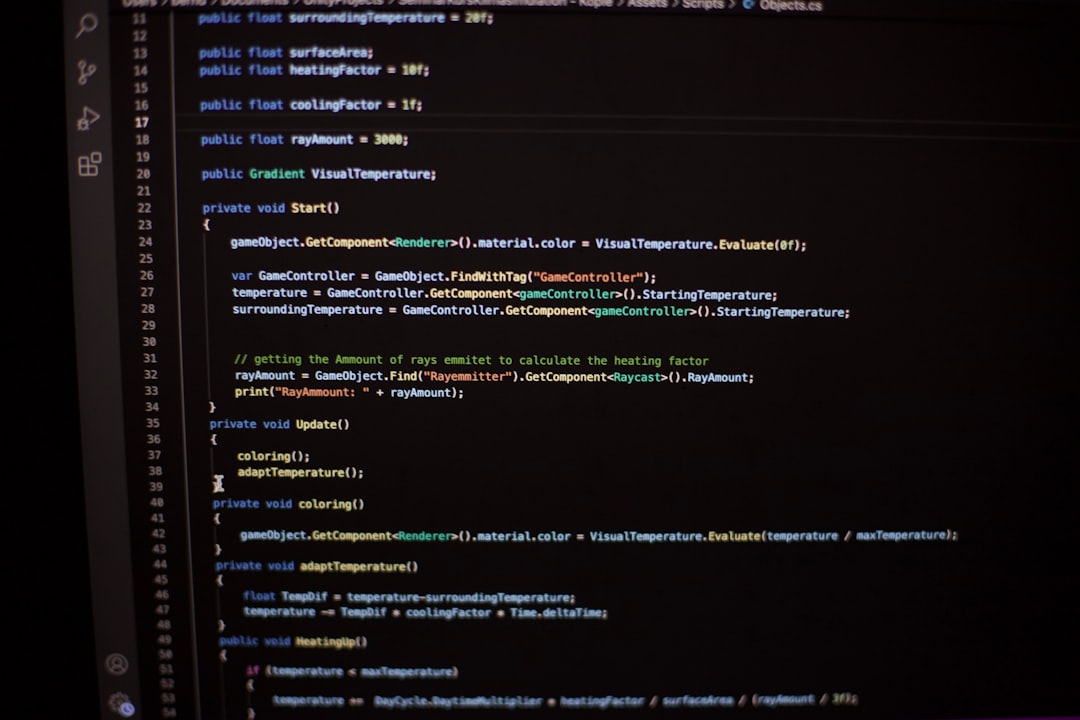
Step 3: Identify Important Components
You can think of this step as learning to recognize landmarks in a new city. Seek out components that are central to the core functionality of the application. Consider the following strategies:
- Read the README: Most well-maintained projects have clear descriptions of how components interact.
- Trace a feature: Choose a specific feature—like user login—and trace the flow of code that makes it possible.
- Follow the data: Track how data flows through the application: from input to processing to output.
Step 4: Use Tools to Help You Navigate
Reading code isn’t just a manual task anymore. Use tools to improve comprehension:
- Code Indexers: Tools like ctags, GNU Global, or Sourcegraph let you jump to function definitions or references.
- Version Control: Check Git history to understand how code evolved. Identify which developers frequently modify specific files.
- Linters and Static Analyzers: These can highlight bugs, anti-patterns, or undocumented sections of the code.
Automation tools are especially useful in large repositories, where manually exploring every file is impractical.
Step 5: Read with Questions in Mind
Instead of reading code like a novel from top to bottom, interrogate it like a detective. Ask:
- What problem is this code solving?
- What inputs does it expect?
- What are the side effects?
- What assumptions does it make about the environment?
This focused examination helps you extract actionable understanding, even from messy or incomplete code.
Step 6: Take Notes and Map Relationships
Don’t rely solely on memory—create your own documentation. Draw class inheritance trees, sequence diagrams, or state machines. These visual aids can complement what existing documentation may lack.
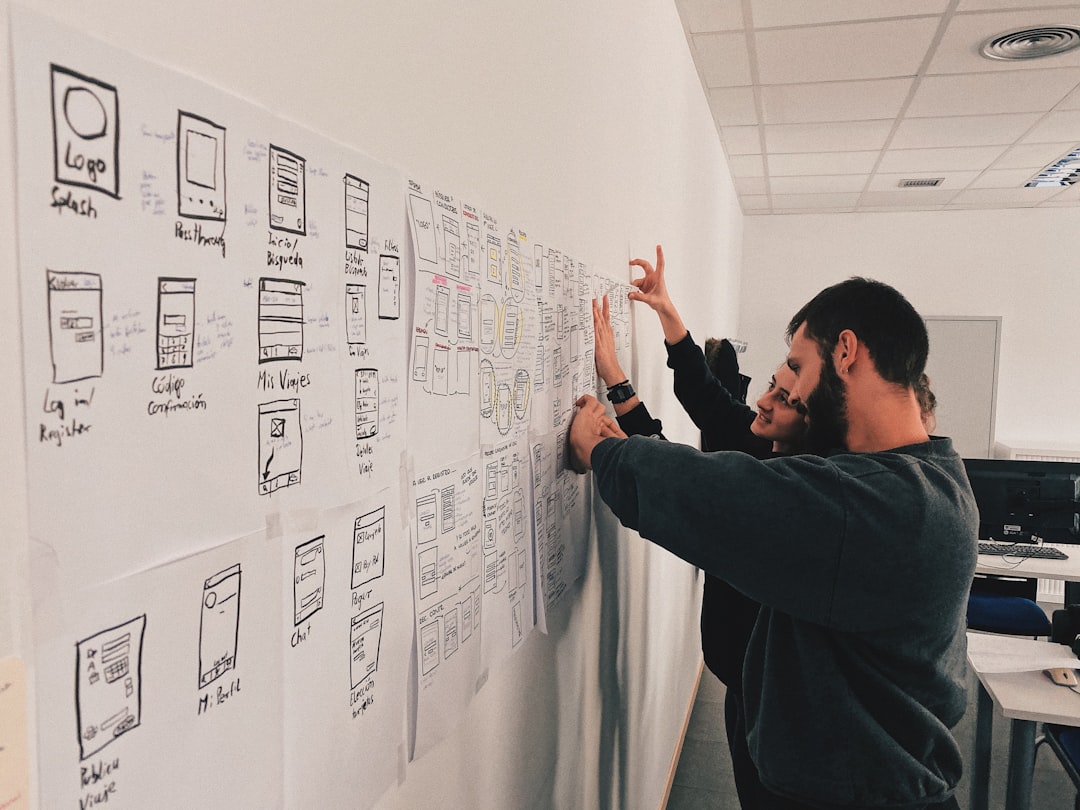
Also consider writing out high-level summaries for modules you’ve understood. These can later help your teammates as well.
Step 7: Dig Deeper into Specific Sections
Once you’ve grasped the surface, it’s time to dig into complex functions and modules. Break these larger code blocks into smaller parts.
- Trace control flow: Use breakpoints or print statements to see how the execution proceeds.
- Step through the debugger: Interactive debuggers let you inspect variables, call stacks, and state dynamically.
- Compare similar functions: Often, modules follow a similar template. Understanding one helps you unravel the others.
Always look for patterns: They offer predictable architecture and reusable logic which simplifies the learning process.
Step 8: Practice Makes Perfect
Reading code is a skill, and like all skills, it improves with practice. Some excellent exercises include:
- Analyzing open-source projects: Familiarize yourself with repositories on GitHub. Look for contributions marked “good first issue.”
- Reverse engineering simple apps: Take a small project or webpage and figure out how it works under the hood.
- Code review participation: Reading pull requests helps you improve both technical understanding and communication.
Some codebases known for readability include Django, Flask, React, and Kubernetes. Pick one and dive in regularly.
Common Pitfalls to Avoid
A few mistakes may slow your progress or prove frustrating. Be mindful of these:
- Not using version control history: Often, a Git blame or log tells you why something was written, which is just as important as understanding what was written.
- Skipping documentation: It’s easy to miss hidden gems in project wikis or comments.
- Assuming the worst: Code you don’t understand isn’t necessarily bad code—it might just be unfamiliar or optimized.
Conclusion
Learning to read source code is a journey—a crucial part of becoming a proficient software developer. It transforms the way you think about software: from viewing it as a black box to appreciating it as a dynamic system of choices, trade-offs, and ideas.
In the end, reading code is about building empathy with other developers. You begin to see their reasoning, recognize their constraints, and even anticipate their mistakes. The more you do it, the more intuitive it becomes—and the better you become at writing readable, maintainable code yourself.