Every amazing nonprofit deserves a logo that speaks from the heart. Whether you’re planting trees, feeding families, or advocating for justice, your mission matters. And your logo? It’s the visual ambassador of your cause. But hiring a designer can be expensive—and a little intimidating. That’s where logo generators come in to save the day.
TLDR: Best Logo Generators for Nonprofits
Need a logo that looks good and fits your nonprofit’s spirit? We’ve got you. In this guide, you’ll find the top logo makers that are easy to use and budget-friendly. Whether you’re just starting or refreshing your brand, these tools make it simple to create something beautiful without needing design skills. Let’s dive in!
Why Logo Generators Are a Big Win for Nonprofits
Logos aren’t just shapes and colors—they’re your story in a single snap. But let’s face it: nonprofits often have tight budgets. Every dollar counts. That’s why logo generators are so helpful.
Here’s why they rock:
- Affordable (some are even free!)
- Easy to use—no design degree needed
- Fast—you can make a logo in minutes
Now, let’s look at the logo champions!
1. Canva — Best for All-Around Creativity
Why it works: Canva is super popular, and for good reason. Their logo maker is simple, intuitive, and full of templates tailored to social causes. You can choose icons, play with fonts, and adjust colors easily.
- Free plan with lots of goodies
- Drag-and-drop features that are fun to use
- Great for team collaboration
Bonus: Canva has special programs for nonprofits that unlock premium features for free. That’s a huge win!
2. Looka — Best for Quick, Stylish Logos
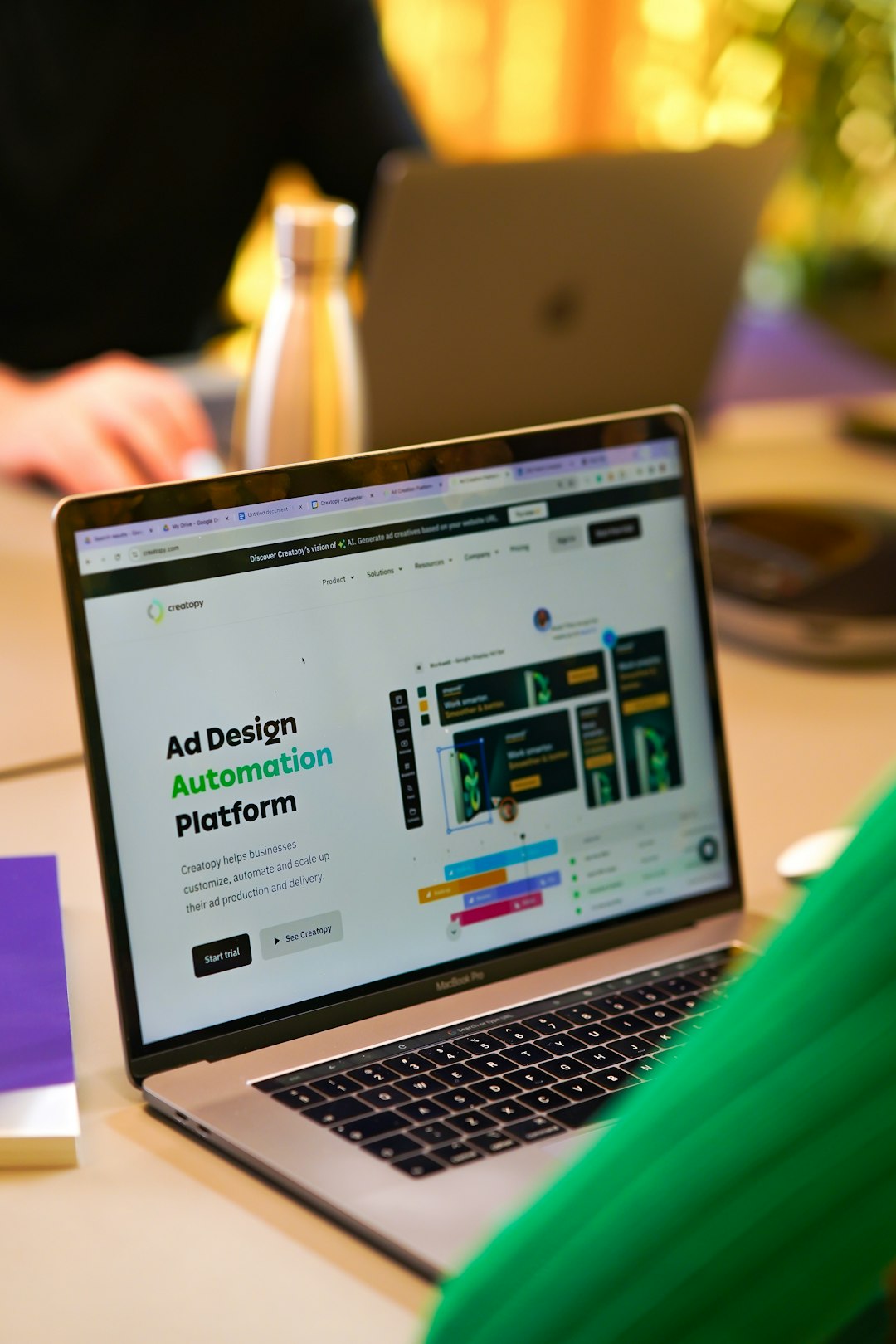
Why it works: Looka combines AI with sleek design options. It asks you questions about your mission and style, then *poof*! It shows you dozens of logo options in seconds.
- You get lots of choices fast
- Minimal and modern styles—great for advocacy and activism
- One-time payment: no subscriptions
This tool is best if you want something polished and professional looking right away.
3. Namecheap Logo Maker — Best for Freebies
Why it works: If your budget is absolute zero, Namecheap’s logo generator is your best buddy. It’s 100% free, and you can download high-resolution logos with no hidden fees.
- Choose from many icons & fonts
- No signup needed
- Perfect for early-stage nonprofits
Simple, fast, and totally free. What’s not to love?
4. Hatchful by Shopify — Best for Social Media
Why it works: Hatchful is designed with small orgs and entrepreneurs in mind. Nonprofits can use its templates to build online-friendly logos that also look good on social media profiles.
- Step-by-step wizard to guide your choices
- Auto-formats logos for Facebook, Twitter, and more
- No design experience needed
If your mission lives on Instagram or Facebook, Hatchful keeps your branding consistent and beautiful.
5. LOGO.com — Best for Mission-Focused Messaging
Why it works: This tool does more than just logos. It helps set up a full brand kit—fonts, color schemes, and social banners included. It’s great for nonprofits that want a consistent visual identity.
- AI-powered + manual customization
- Create a logo and get instant branding materials
- Affordable price for the full kit
LOGO.com gives you that “we’re totally legit” look, even if you just started last week.
6. Tailor Brands — Best for Growing Organizations
Why it works: Tailor Brands thinks long-term. It’s great for nonprofits that plan to grow steadily and might need more services, like a website or custom domain, later on.
- Slick, professional logo designs
- Full suite of branding and marketing tools
- Subscription plans fit different needs
Tailor Brands is like the Swiss army knife of logo generators. One tool, many jobs!
Quick Tips for Creating the Perfect Nonprofit Logo
Even with all these amazing tools, you still need to make wise choices when building your logo. Here’s a cheat sheet just for you:
- Keep it simple—people should understand your logo at a glance.
- Use meaningful colors—does blue say “calm”? Does red feel “urgent”? Pick colors wisely!
- Pick the right font—clean, easy-to-read fonts are the way to go.
- Make it scalable—your logo should look sharp on posters and stickers.
Common Logos Traps to Avoid
We love enthusiasm, but slow down just a bit so you don’t fall into these common traps:
- Don’t use too many elements—clutter is the enemy of clarity.
- Avoid super trendy styles—you want your logo to last, not expire in a year.
- Don’t skip the color test—look at your logo in black & white too!
Final Thoughts: Let Your Logo Speak for Your Mission
Great logos don’t have to cost a fortune. They don’t even need a pro. With these reliable logo generators, your nonprofit can shine bright—without burning a hole in your budget.
So go ahead—spark some change with a logo that speaks from the heart.
Whether you’re helping animals, saving the planet, or defending human rights, these tools are here to amplify your message with just a few clicks. The world is waiting to see what your mission looks like—literally!