Creating quick, engaging screen recordings has become an essential part of modern communication. Whether you are onboarding new employees, building online courses, sharing product walkthroughs, or providing customer support, video messaging tools help you explain complex ideas clearly and efficiently. While Loom has become a popular solution for fast screen recording and sharing, it is not the only option available. A wide range of alternatives offer different pricing models, advanced editing features, enhanced security, and unique collaboration tools.
TLDR: There are many excellent Loom alternatives that cater to different needs, from simple screen capture tools to advanced video creation platforms. Some focus on collaboration and team workflows, while others emphasize editing power or high-resolution recording. Choosing the right tool depends on your budget, desired features, and how you plan to share your content. Below, we explore the best Loom alternatives and compare their strengths to help you make an informed decision.
Before diving into specific platforms, it helps to understand what most users look for when choosing a screen recording and tutorial tool. Core features typically include:
- Screen and webcam recording
- Audio capture
- Basic video editing
- Easy sharing through links
- Cloud storage
- Collaboration tools
However, some users may also require advanced editing, live streaming, watermark-free exports, or integration with project management software. Let’s explore some of the most compelling Loom alternatives available today.
1. OBS Studio
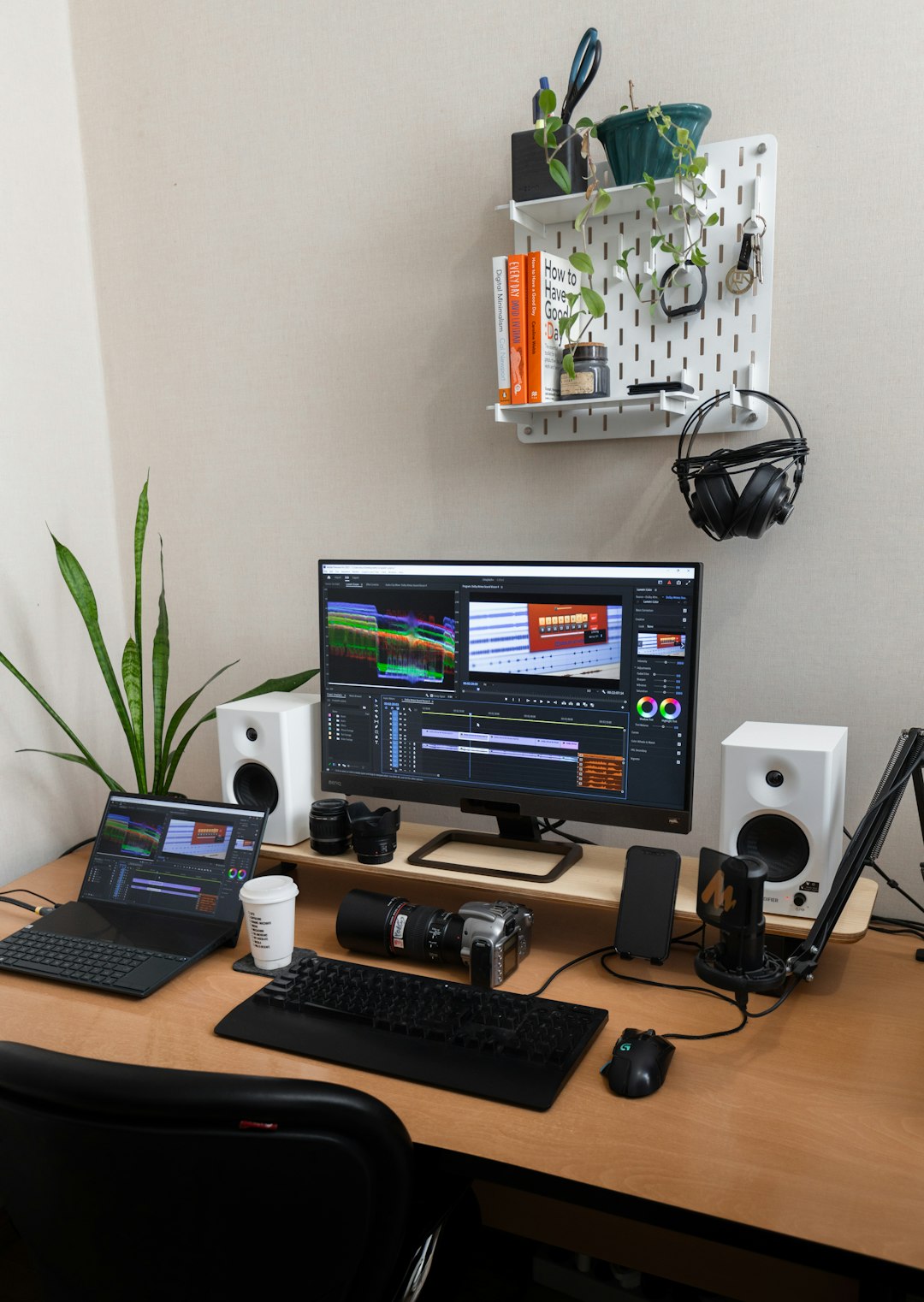
OBS Studio (Open Broadcaster Software) is a powerful and free open-source tool widely used by streamers and content creators. Unlike Loom, which focuses on quick sharing, OBS is built for flexible recording and broadcasting.
Key benefits:
- Completely free and open-source
- High-quality video recording with custom resolution and frame rates
- Advanced audio mixing
- Multiple video sources and scene transitions
The trade-off is complexity. OBS does not offer built-in cloud hosting or easy link sharing. You will need to edit and upload your videos manually. However, for users who want complete control over recording quality and layout, OBS is an exceptional alternative.
2. Camtasia
Camtasia is a premium screen recording and video editing suite that goes far beyond basic recording. It combines capture features with a powerful drag-and-drop editor.
Why choose Camtasia?
- Advanced editing timeline
- Built-in effects, annotations, and transitions
- Interactive quizzes and clickable elements
- Professional polish for tutorial content
Camtasia is especially popular with course creators and L&D departments. While it comes with a higher price tag than Loom, the integrated editing capabilities eliminate the need for additional software.
3. ScreenPal (formerly Screencast-O-Matic)
ScreenPal offers a balanced combination of affordability and functionality. It includes screen recording, webcam capture, built-in editing, and hosting options.
- Budget-friendly plans
- Stock music and media library
- Automated captions
- Cloud backup
This platform is ideal for educators, small businesses, and freelancers who want more editing control than Loom provides without investing in enterprise solutions.
4. Vimeo Record
Vimeo Record blends screen recording with Vimeo’s professional video hosting capabilities. It feels similar to Loom in its simplicity but benefits from Vimeo’s robust video infrastructure.
- Ad-free professional hosting
- Enhanced privacy controls
- Video analytics
- Team collaboration
For businesses that already use Vimeo or require stronger branding and security controls, this can be a natural upgrade.
5. Snagit
Snagit is well known for screen capture, but it also includes powerful screen recording functionality. It focuses heavily on visual clarity and annotation.
Top features:
- Easy screen recording and GIF creation
- Robust image editing tools
- Smart annotations and templates
- Quick export options
Snagit works particularly well for step-by-step tutorials that combine images and short videos. It does not offer deep hosting or collaborative features like Loom, but for internal documentation, it is an excellent alternative.
6. Clipchamp
Now owned by Microsoft, Clipchamp combines browser-based screen recording with user-friendly video editing tools.
- Browser-based convenience
- Templates for tutorials and presentations
- Stock media integration
- Cloud storage support
This makes Clipchamp a good option for users who want to edit content quickly without installing complex software.
7. Vidyard
Vidyard is a business-focused video platform that emphasizes sales, marketing, and analytics. It goes beyond simple recording by tying videos directly into CRM systems and engagement tracking.
- Viewer analytics and heatmaps
- CRM integrations
- Personalized video messaging
- Enterprise-grade security
If you are using screen recordings to drive revenue or nurture leads, Vidyard may offer more value than Loom.
Feature Comparison Chart
| Tool | Free Plan | Built-In Editing | Cloud Hosting | Best For |
|---|---|---|---|---|
| OBS Studio | Yes | Limited | No | Advanced recording control |
| Camtasia | No (Trial) | Advanced | No | Professional tutorials |
| ScreenPal | Yes | Moderate | Yes | Educators and small teams |
| Vimeo Record | Yes | Basic | Yes | Professional hosting |
| Snagit | No (Trial) | Moderate | No | Documentation and guides |
| Clipchamp | Yes | Moderate | Yes | Quick browser editing |
| Vidyard | Yes (Limited) | Basic | Yes | Sales and marketing teams |
How to Choose the Right Alternative

Choosing the best Loom alternative depends on your workflow and goals. Ask yourself the following questions:
- Do I need advanced editing? If yes, Camtasia or Clipchamp may be better suited.
- Is collaboration important? Vimeo Record or Vidyard offer stronger team capabilities.
- Am I on a tight budget? OBS Studio provides professional recording for free.
- Do I require analytics? Vidyard stands out for business insights.
Another factor to consider is ease of use. Tools like Loom became popular largely because of their simplicity. If onboarding time and usability are top priorities, more streamlined solutions may be preferable to complex software like OBS.
Emerging Trends in Screen Recording Tools
Screen recording platforms continue to evolve rapidly. Several trends are shaping the future of tutorial creation:
- AI-powered transcription and captions
- Automated highlight generation
- Interactive video elements
- Stronger security and compliance controls
- Seamless integration with productivity tools
Many Loom alternatives are incorporating artificial intelligence to enhance editing, summarize content, or automatically generate subtitles. This reduces production time and increases accessibility.
Final Thoughts
Loom may be convenient, but it is far from the only option for creating effective screen recordings and tutorials. Whether you need powerful editing, precise recording controls, deeper analytics, or affordable pricing, there is a solution tailored to your needs.
The key is to align the tool with your objectives. Content creators and educators may prioritize editing flexibility. Sales teams will value tracking and CRM integration. IT professionals might focus on resolution and audio control. By understanding the strengths of each alternative, you can select a platform that enhances your workflow rather than limiting it.
With so many high-quality alternatives available, creating engaging, professional screen recordings has never been more accessible. The right tool will not just capture your screen—it will elevate your message.