
For freelancers, service providers, small shops, and side businesses, payment requests need to be clear, organized, and easy to act on. A Venmo invoice generator can help turn a simple payment note into a more professional request that includes customer details, itemized charges, due dates, and payment instructions. While Venmo is best known for quick peer-to-peer payments, many business users rely on structured invoice templates or invoice generator tools to prepare polished requests before sharing payment details through Venmo.
TLDR: A Venmo invoice generator helps businesses create professional payment requests that are clear, itemized, and easy for clients to pay. It typically includes the payer’s information, services provided, totals, due dates, and Venmo payment instructions. Since Venmo itself is not a full accounting platform, many users create invoices separately and then direct customers to pay through Venmo. The best results come from combining a clean invoice format with accurate payment notes and proper recordkeeping.
What Is a Venmo Invoice Generator?
A Venmo invoice generator is a tool, template, or workflow used to create a formal payment request that can be paid through Venmo. It may be a downloadable invoice template, an online invoice builder, accounting software, or a custom document prepared by a business. The purpose is to provide the payer with a professional summary of what is owed, why it is owed, and how payment should be completed.
Unlike traditional invoicing platforms that may process card payments, apply late fees, or sync directly with bookkeeping software, Venmo is primarily a payment app. For that reason, a Venmo invoice often works as a supporting document. The invoice explains the transaction, while Venmo handles the payment transfer.
For businesses that use Venmo, this approach can be especially useful when dealing with recurring customers, local clients, event payments, creative services, consulting fees, home services, and small retail transactions.
Why Professional Payment Requests Matter
A casual Venmo request may be enough between friends, but business payments require more detail. A professional invoice improves trust and reduces confusion. It tells the customer exactly what is being charged and provides a written record for both sides.
Clear invoices also help businesses avoid awkward follow-ups. When a payment request includes the amount, due date, description of services, and Venmo handle, the customer has fewer reasons to delay or ask for clarification.
Professional payment requests can help with:
- Clarity: Customers can see what they are paying for.
- Credibility: A polished invoice makes a small business appear more organized.
- Recordkeeping: Invoices support bookkeeping, tax preparation, and payment tracking.
- Faster payment: Clear instructions make it easier for customers to pay promptly.
- Dispute prevention: Itemized details reduce misunderstandings about charges.
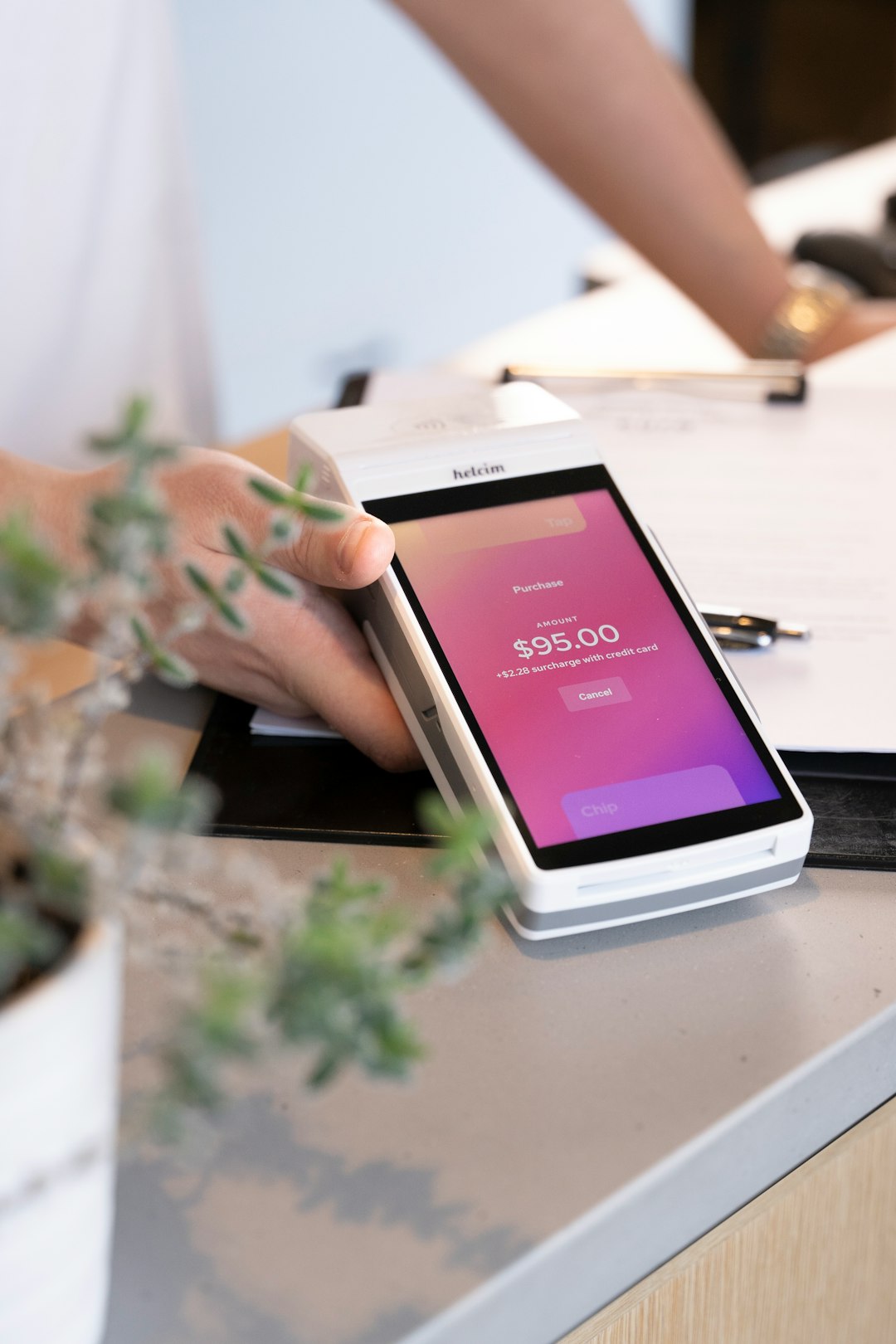
Key Elements of a Venmo Invoice
A strong Venmo invoice should look professional and include enough information to stand on its own. Even when the actual payment happens inside the Venmo app, the invoice should function as a complete business document.
1. Business Information
The top of the invoice should include the business name, contact email, phone number, website if applicable, and business address when needed. If the business uses a Venmo business profile, the profile name or handle should be listed clearly.
2. Client Information
The invoice should identify the customer or company being billed. This may include the client’s name, business name, email address, phone number, or billing address. Including client information makes the invoice easier to track later.
3. Invoice Number and Date
Every invoice should have a unique invoice number. This can be simple, such as INV 001, INV 002, or a date-based system. The invoice date and payment due date should also be included.
4. Itemized Products or Services
The invoice should list each product, service, session, or project separately. Each line item should include a short description, quantity or hours, rate, and total. This gives the customer a transparent breakdown of the price.
5. Total Amount Due
The total should be easy to find and visually distinct. Taxes, discounts, deposits, fees, or balances should be shown before the final amount.
6. Venmo Payment Instructions
The payment section should explain how the customer should complete the Venmo transaction. It may include the Venmo username, business profile name, QR code if available, and the exact note the customer should enter.
Example payment instruction: Please pay the total amount due through Venmo to @BusinessName and include invoice number INV 014 in the payment note.
How to Create a Venmo Payment Request Step by Step
Creating a professional payment request involves more than typing an amount into an app. A structured process helps the business maintain consistency and avoid missing important details.
- Choose an invoice format: The business may use an online generator, spreadsheet, PDF template, or invoicing software.
- Add business branding: A logo, business name, and consistent colors can make the invoice look more official.
- Enter client details: The customer’s name and contact information should be accurate.
- Itemize the charges: Each service or product should be listed with a description and price.
- Calculate totals: Taxes, discounts, delivery fees, or deposits should be included clearly.
- Add Venmo instructions: The Venmo handle, payment note, and due date should be easy to find.
- Save the invoice: A PDF version is often best for sending and archiving.
- Send the request: The invoice can be emailed, messaged, or shared with the customer, followed by a Venmo payment request if appropriate.
- Track the payment: Once paid, the business should mark the invoice as paid and store the payment confirmation.
Using Venmo Business Profiles
Venmo offers business profiles for eligible sellers and service providers. A business profile separates commercial activity from personal transactions and can make the payment experience more professional. It also allows customers to find the business more easily and may provide better transaction visibility than a personal profile.
However, a business profile does not replace a full invoice system. It is still wise for businesses to create separate invoices that include itemized details and payment terms. The Venmo transaction can then be matched with the invoice number in the payment note.
For example, a photographer may send an invoice for a portrait session, then ask the client to pay through the Venmo business profile while referencing the invoice number.

Best Practices for Professional Venmo Invoices
Professional payment requests should be simple, accurate, and consistent. A clean invoice does not need to be complicated, but it should make the payment process obvious.
- Use consistent invoice numbers: A clear numbering system helps prevent duplicate or missing records.
- Include payment due dates: A due date creates urgency and sets expectations.
- Use concise descriptions: Line items should be specific but not overly long.
- Request invoice numbers in Venmo notes: This makes reconciliation easier.
- Send invoices as PDFs: PDFs are more professional and less easily altered than editable files.
- Keep copies: Both unpaid and paid invoices should be stored securely.
- Confirm payment status: The business should verify that the Venmo payment was received before marking the invoice paid.
Common Mistakes to Avoid
Many businesses make the mistake of treating Venmo payment requests too casually. A short note such as “Payment for work” may not provide enough information for accounting or customer confidence. A better approach is to create a proper invoice and use the Venmo note field as a reference point.
Common mistakes include:
- Sending a payment request without an invoice number.
- Using a personal Venmo account for business transactions when a business profile is more appropriate.
- Failing to itemize services or products.
- Not listing a payment due date.
- Forgetting to include taxes, service fees, or discounts.
- Using vague Venmo notes that are difficult to match with invoices.
- Neglecting to save copies of invoices and payment confirmations.
Security and Recordkeeping Considerations
Any payment process should be handled carefully. Businesses should verify that the Venmo handle listed on the invoice is correct before sending it to a customer. A small typo could direct funds to the wrong account. If QR codes are used, they should be tested before being added to an invoice.
Recordkeeping is equally important. Invoices, receipts, and payment confirmations should be stored in an organized system. This may be a cloud folder, accounting program, or secure local archive. Each paid invoice should be matched with its Venmo transaction date, amount, and payment note.
Businesses should also consider local tax and reporting requirements. Venmo payments for goods and services may have reporting implications, depending on the jurisdiction and transaction volume. A qualified tax professional can provide guidance based on the business’s specific situation.
When a Venmo Invoice Generator Is Most Useful
A Venmo invoice generator is useful when a business wants the convenience of mobile payments without sacrificing professionalism. It is especially practical for businesses that serve local customers, provide one-time services, or operate with lean administrative systems.
Typical use cases include:
- Freelance writing, design, photography, or consulting.
- Personal training, tutoring, lessons, or coaching.
- Home services such as cleaning, repairs, lawn care, or organization.
- Event vendors, performers, caterers, or decorators.
- Small retail sales, custom orders, or local delivery.
Sample Venmo Invoice Layout
A simple Venmo invoice does not need to be complex. It only needs to be complete and readable. A typical layout may include the following sections:
- Header: Business name, logo, contact information.
- Invoice details: Invoice number, issue date, due date.
- Bill to: Customer name and contact information.
- Line items: Description, quantity, rate, subtotal.
- Summary: Subtotal, tax, discount, total due.
- Payment instructions: Venmo username, payment note, deadline.
- Terms: Late payment policy, refund terms, or project notes.
This structure gives the customer all necessary information in one location. It also helps the business maintain a consistent process across multiple clients and projects.
Final Thoughts
A Venmo invoice generator can help a business turn a quick mobile payment into a polished and traceable transaction. By using professional invoice details, clear payment instructions, and organized records, a business can make Venmo payments feel more reliable and businesslike.
The strongest approach is to treat each Venmo payment as part of a broader invoicing process. The invoice explains the work, the total, and the terms, while Venmo provides the payment method. When both parts are handled carefully, customers receive a smoother experience and businesses gain better control over their payment records.
FAQ
Does Venmo have a built-in invoice generator?
Venmo is primarily a payment platform and does not function like a full traditional invoicing system. Many businesses create invoices using separate templates, generators, or accounting tools, then include Venmo payment instructions.
Can a business send invoices and receive payment through Venmo?
Yes, many businesses send invoices separately and request payment through a Venmo business profile. The invoice should include the Venmo handle and a clear payment note, such as the invoice number.
What should be included on a Venmo invoice?
A Venmo invoice should include business information, client details, invoice number, date, due date, itemized charges, total amount due, and Venmo payment instructions.
Is a Venmo business profile better than a personal account for invoices?
For commercial transactions, a Venmo business profile is generally more appropriate because it separates business activity from personal payments and presents a more professional image.
Should customers include the invoice number in the Venmo note?
Yes. Including the invoice number in the Venmo note helps the business match the payment to the correct invoice and simplifies bookkeeping.
Can Venmo invoices be used for tax records?
Invoices and Venmo payment confirmations can support tax records, but they should be organized carefully. A business may also need guidance from a tax professional regarding reporting requirements.
What is the best format for sending a Venmo invoice?
A PDF is often the best format because it looks professional, is easy to send, and preserves the invoice layout across devices.