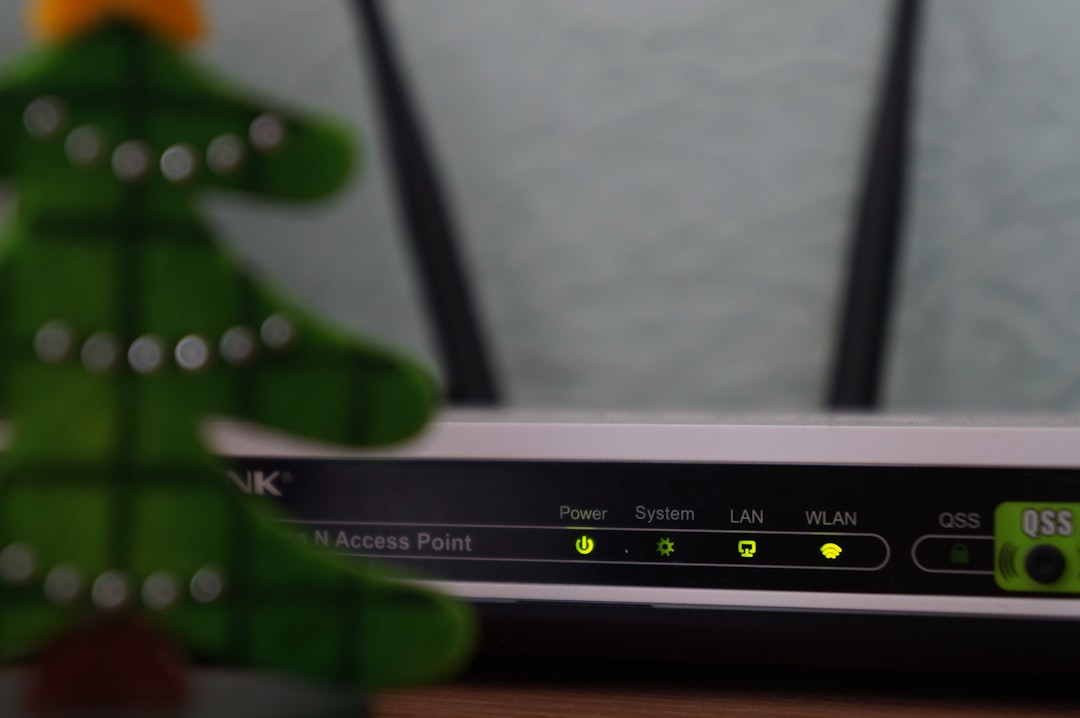
Knowing the type of internet connection in a home or office can help explain speed, reliability, latency, equipment needs, and upgrade options. A household may be using fiber, cable, DSL, fixed wireless, satellite, cellular, or even a dial-up connection without realizing it, especially if the service was installed years ago or bundled with other utilities.
TLDR: The easiest way to check an internet connection type is to review the internet bill, look at the modem or router, check the provider’s account portal, or run an online speed and latency test. Fiber usually has very high speeds and low latency, cable often uses a coaxial cable, DSL uses a phone line, and satellite or fixed wireless typically relies on an outdoor receiver. If the equipment and bill are unclear, the internet service provider can confirm the connection type directly.
Why the Internet Connection Type Matters
The connection type affects more than download speed. It can influence upload performance, video call quality, online gaming latency, weather sensitivity, and the type of modem or gateway required. For example, a fiber connection is usually faster and more stable than DSL, while satellite internet may work in remote areas but can have higher latency.
Identifying the connection type also helps when comparing plans. A household paying for “high-speed internet” may discover that the technology behind the plan limits performance. In some cases, switching from DSL to cable, or from cable to fiber, can produce a major improvement even if the advertised download speed looks similar.
Check the Internet Bill or Provider Account
The simplest place to start is the monthly bill or online account dashboard. Internet providers often list the plan name, speed tier, equipment rental, and sometimes the connection technology. Terms such as fiber, cable internet, DSL, 5G home internet, or satellite may appear in the plan description.
If the bill only shows a brand name or bundle name, the user can look for clues in the service details. A plan described as fiber 500 or gigabit fiber is usually fiber-optic. A plan associated with a cable television bundle is often cable internet. A rural plan installed with a dish or outdoor antenna may be satellite or fixed wireless.
Look at the Cables Connected to the Modem
The physical cable entering the modem or gateway is one of the strongest clues. Different internet technologies usually use different wiring:
- Fiber: Often uses a thin fiber-optic line connected to an optical network terminal, also called an ONT. The ONT may then connect to the router with an Ethernet cable.
- Cable: Uses a round coaxial cable, similar to the cable used for traditional cable TV.
- DSL: Uses a telephone line, usually with a smaller connector than Ethernet.
- Satellite: Typically connects to a modem through wiring from an outdoor satellite dish.
- Fixed wireless: Often uses an outdoor antenna or receiver that connects indoors to a router or power adapter.
- Cellular or 5G home internet: Usually uses a gateway with a SIM or built-in cellular modem and may not require a wired line from outside.
Care should be taken not to unplug unfamiliar equipment while checking, especially if phone service, security systems, or work devices depend on the same connection.
Identify the Modem, Gateway, or ONT
The device model can reveal the connection type. A user can look for the brand and model number printed on the modem, router, or gateway, then search the model online. A cable modem is commonly labeled with terms such as DOCSIS. DSL modems may mention ADSL or VDSL. Fiber installations often include a separate ONT provided by the service provider.
Some homes use an all-in-one gateway that combines modem and Wi-Fi router functions. In that case, the connection type may still be visible on the label, in the device settings page, or in the provider’s app.
Run a Speed and Latency Test
A speed test cannot always identify the connection type with certainty, but it can provide useful clues. The user should test from a device connected by Ethernet when possible, because Wi-Fi can reduce results and make the connection seem slower than it really is.
Typical patterns include:
- Fiber: Often has high download and upload speeds, sometimes symmetrical, with low latency.
- Cable: Usually has strong download speeds but lower upload speeds compared with download speeds.
- DSL: Often has lower speeds overall, especially if the home is far from the provider’s equipment.
- Satellite: May show acceptable download speeds but noticeably high latency.
- 5G or fixed wireless: Speeds can vary based on signal strength, tower congestion, location, and weather.
For a clearer result, several tests should be run at different times of day. Evening slowdowns may suggest network congestion, especially on shared technologies such as cable or wireless broadband.
Check the Router or Gateway Settings
Many routers and gateways have an admin page or mobile app showing connection information. The details may include WAN type, signal levels, modem status, or cellular signal strength. A cable modem may display downstream and upstream channels. A DSL modem may display line status, attenuation, and sync rate. A cellular gateway may show LTE or 5G signal values.
This step is useful when the household cannot access the provider account or when the bill is vague. However, login details are often printed on the device label or provided by the internet service provider. If the equipment is managed by the provider, some settings may be locked.
Inspect Outdoor Equipment
Outdoor equipment can also reveal the connection type. A satellite connection usually requires a dish with a clear view of the sky. Fixed wireless internet often uses a small antenna or receiver mounted on a roof, wall, or pole and aimed toward a nearby tower. Fiber, cable, and DSL generally enter through utility lines or underground wiring and may not have a large visible receiver.

In apartment buildings, the connection type may be harder to identify from outside. Shared wiring closets, building-wide fiber, or coaxial distribution systems can hide the source. In those cases, the provider or property manager may be the best source of information.
Contact the Internet Service Provider
If the connection type remains unclear, contacting the provider is the most reliable method. The account holder can ask a direct question: “What type of internet connection is installed at this address?” The provider should be able to confirm whether the service is fiber, cable, DSL, satellite, fixed wireless, or cellular-based.
The provider may also confirm whether upgrades are available. In some neighborhoods, fiber may have been added after an older DSL or cable service was installed. In rural areas, fixed wireless or satellite may be the only available options, but newer services may improve speed or latency.
Common Signs of Each Connection Type
- Fiber internet: Very fast speeds, strong uploads, low latency, ONT equipment, and Ethernet from ONT to router.
- Cable internet: Coaxial cable, DOCSIS modem, fast downloads, and uploads that are often much lower than downloads.
- DSL internet: Phone line connection, older modem, slower speeds, and performance affected by distance from provider equipment.
- Satellite internet: Outdoor dish, higher latency, rural availability, and possible weather-related interruptions.
- Fixed wireless: Outdoor antenna or receiver, variable speeds, and signal dependent on tower distance and line of sight.
- Cellular or 5G home internet: Indoor gateway, SIM-based service, speeds affected by cellular coverage and congestion.
FAQ
How can someone tell if the internet connection is fiber?
Fiber service often includes an optical network terminal, or ONT, where the fiber line enters the property. The plan may also advertise symmetrical or near-symmetrical upload and download speeds, along with low latency.
Is Wi-Fi the same as the internet connection type?
No. Wi-Fi is the local wireless network inside the home or office. The internet connection type refers to how the service reaches the property, such as fiber, cable, DSL, satellite, or fixed wireless.
Can a speed test identify the connection type?
A speed test can suggest the likely type, but it cannot always confirm it. Equipment, billing details, provider records, and cable inspection are more reliable.
Why does the bill not clearly say the connection type?
Some providers use marketing names instead of technical descriptions. If the plan name is unclear, the provider’s support team or online account details can usually confirm the technology used.
What is the best internet connection type?
Fiber is often considered the best for speed, reliability, and low latency. However, the best option depends on availability, price, location, and the household’s needs.