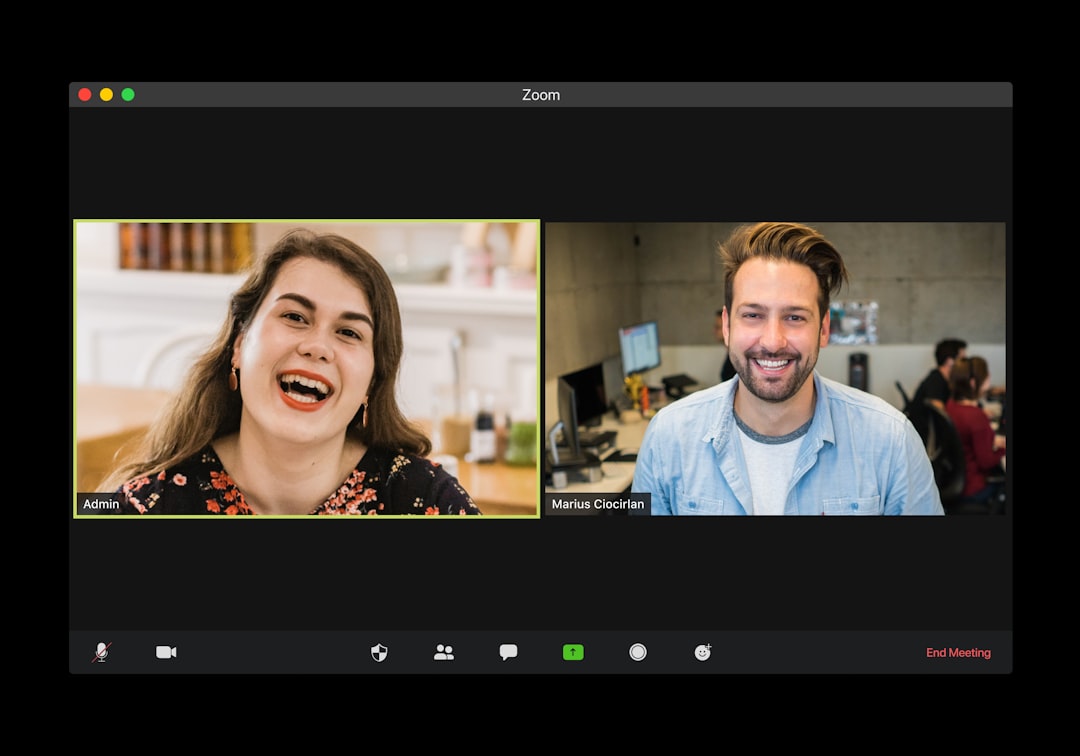
Skype is great for long chats, quick calls, job interviews, language lessons, and seeing your uncle’s forehead way too close to the camera. But where people gather, scammers follow. They use fake profiles, sweet words, scary warnings, and “urgent” problems to trick you.
TLDR: Skype scams usually start with a stranger, a strange link, or a sudden emergency. Never share passwords, payment codes, personal documents, or remote access to your device. Be careful with romance, job offers, tech support, and investment promises. If something feels rushed, secret, or too good to be true, hit pause and verify it.
1. The Fake Romance Scam
This one starts with charm. A friendly person messages you. They say you are interesting. They love your smile. They may call you dear after five minutes. Soon, they have feelings. Big feelings.
Then comes the problem. Their wallet was stolen. Their child is sick. They need money for a plane ticket to visit you. Somehow, love now requires gift cards.
How to avoid it:
- Do not send money to someone you have never met in person.
- Be suspicious if they avoid video calls.
- Watch for dramatic stories and urgent requests.
- Do a reverse image search on their profile photo.
Real love does not ask for prepaid cards before dessert.

2. The “Skype Support” Scam
A message appears. It says your Skype account has a problem. Maybe it will be deleted. Maybe it was hacked. Maybe a “support agent” needs your password right now.
Spoiler alert: real support teams do not ask for your password. They also do not panic-message you like a raccoon in a trash can.
How to avoid it:
- Never share your password with anyone.
- Do not click account warning links from random messages.
- Go to the official Skype or Microsoft website yourself.
- Turn on two-factor authentication if available.
If someone claims to be support, slow down. Real support can wait while you verify.
3. The Fake Job Interview Scam
Skype is often used for job interviews. Scammers know this. They create fake companies and fake job posts. The job looks amazing. Great pay. Remote work. No experience needed. You are hired after a short chat. Wow. You are a genius!
Then they ask for personal details. Or they send a fake check. Or they say you must pay for training, software, or equipment first.
How to avoid it:
- Research the company on its official website.
- Check the interviewer’s email address.
- Never pay to get a job.
- Be careful with requests for bank details or ID documents.
A real employer pays you. You do not pay them for the honor of being employed.
4. The Phishing Link Scam
A contact sends you a link. It says, “Is this you in this video?” Or, “Look at this file.” Curiosity wakes up. Your mouse hand gets itchy.
The link may open a fake login page. It looks like Skype or Microsoft. You enter your username and password. Now the scammer has them. Then your account starts sending the same message to your friends. Congratulations, you are now part of the scam parade.
How to avoid it:
- Do not click strange links, even from friends.
- Ask your friend if they really sent it.
- Check the website address carefully.
- Use a password manager. It can help spot fake sites.
When in doubt, do not click. Your curiosity will survive.
5. The Blackmail or Sextortion Scam
This scam can feel very scary. A stranger gets friendly. Then flirty. They may ask for private photos or video. Later, they threaten to share the content with your family, friends, or workplace unless you pay.
Sometimes they do not even have real photos. They may lie. They may claim they recorded your camera. Fear is their tool.
How to avoid it:
- Do not share intimate images with strangers.
- Cover your webcam when not in use.
- Do not pay blackmailers. It often leads to more demands.
- Save evidence and report the account.
- If you are in danger or underage, contact local authorities or a trusted adult.
You are not alone. Scammers use shame to keep people quiet. Do not let them.
6. The Tech Support Remote Access Scam
A person calls and says your computer has viruses. They may say they are from Microsoft, Skype, or another famous company. They sound serious. They tell you to install remote access software so they can “fix” the problem.
Once inside, they can steal files, install malware, or lock your device. Then they charge you to “repair” the mess they created. Very classy. Like a burglar selling door locks.
How to avoid it:
- Do not give remote access to strangers.
- Hang up on surprise tech support calls.
- Use trusted antivirus software.
- Ask a known local technician if you need help.
Your computer does not need a mystery doctor from the internet.
7. The Investment or Crypto Scam
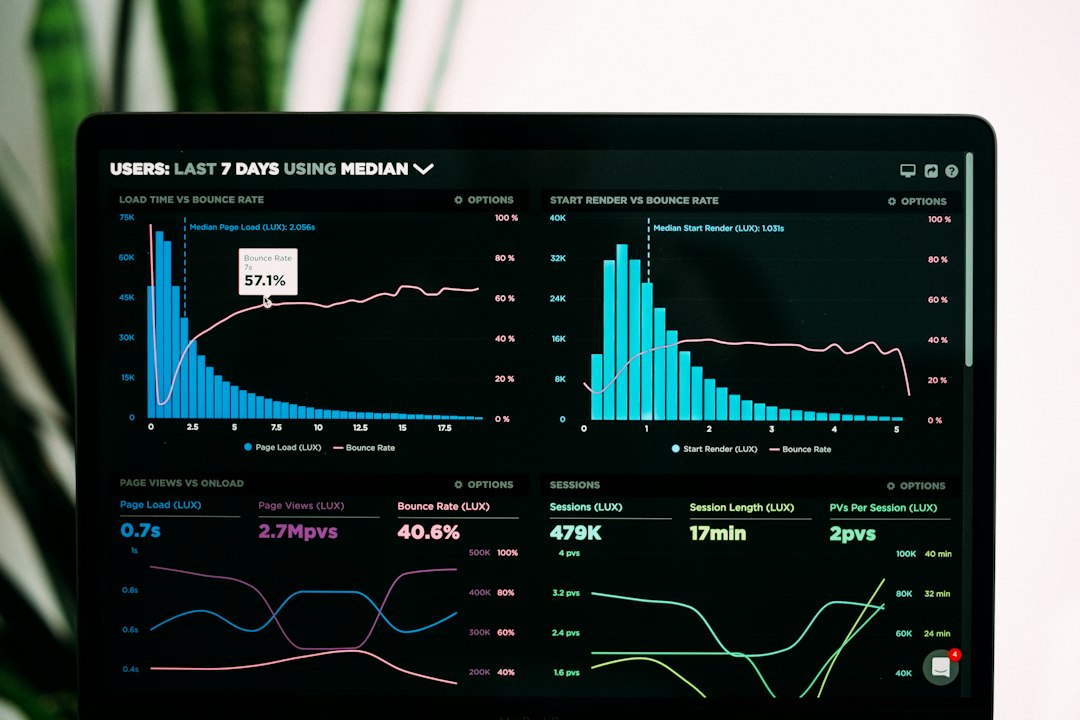
A new Skype contact has a hot tip. They made huge money with crypto, stocks, or a secret trading platform. They show screenshots. Big numbers. Fancy charts. Maybe even a fake website with your “profit” growing every day.
Then you try to withdraw. Oops. You must pay a fee first. Then another fee. Then a tax. Then a “verification charge.” Your money is doing cardio, running away from you.
How to avoid it:
- Do not trust investment advice from random contacts.
- Be wary of guaranteed profits.
- Check if the platform is regulated.
- Never send crypto to prove you can receive crypto.
Real investing has risk. Anyone promising easy riches is probably selling easy losses.

8. The Impersonation Scam
A message comes from someone who looks like your boss, friend, cousin, or coworker. The profile photo is right. The name is right. They need a favor. Fast.
They may ask you to buy gift cards. Or send a file. Or share a code. Or move money. The trick is pressure. They want you to act before your brain puts on its glasses.
How to avoid it:
- Verify through another channel, like a phone call or email.
- Do not share login codes or security codes.
- Be careful with “I am in a meeting, do not call” messages.
- Ask a question only the real person would know.
If your “boss” wants gift cards at midnight, your boss may be a scammer in a cheap digital costume.
Quick Safety Habits for Skype
You do not need to become a cyber ninja. A few simple habits help a lot.
- Keep Skype updated. Updates fix security problems.
- Use strong passwords. Long and unique is best.
- Turn on extra security. Two-factor authentication adds a useful lock.
- Check privacy settings. Limit who can contact you.
- Report suspicious users. It helps protect others too.
- Trust your gut. If something feels weird, it probably is.
What to Do If You Got Scammed
First, breathe. Scammers are professionals. Being tricked does not mean you are foolish. It means someone worked hard to fool you.
- Change your password for Skype and your Microsoft account.
- Log out of other sessions if the account settings allow it.
- Contact your bank if you sent money or shared card details.
- Warn your contacts if your account sent scam messages.
- Report the scam to Skype, Microsoft, and local fraud authorities.
- Scan your device for malware.
Skype is a useful tool. Scammers are just the annoying pop-up ad of human behavior. Stay calm. Check before you click. Verify before you pay. And remember: if a stranger on Skype promises love, riches, or urgent tech rescue, it is time to smile, wave, and block.