
The best Google Optimize alternative in 2026 is not one tool; it is the right mix of A/B testing, personalization, analytics, and conversion rate optimization tools.
TLDR: If you miss Google Optimize, start by choosing what you need most: tests, targeting, analytics, or full CRO work. For example, a small store with 40,000 monthly visitors might use VWO for A/B tests, GA4 for traffic data, and Microsoft Clarity for heatmaps. If its checkout conversion moves from 2.4% to 2.9%, that tiny lift can mean hundreds of extra sales. Big teams may prefer tools like Optimizely, Adobe Target, or AB Tasty.
Why Google Optimize Alternatives Matter in 2026
Google Optimize was loved because it was simple. You could test a headline. Swap a button. Change a hero image. Then you could connect the test to Google Analytics.
Then it went away. Classic Google move. Build a useful free thing. Let marketers get attached. Then pull the plug.
So now teams need something else. The good news? The market is packed with strong options. The annoying news? Many tools sound the same on their pricing pages.
Honestly, it feels like every platform says it has AI personalization, easy testing, and deep insights. Great. But can you set up a simple button test in under 10 minutes? That is the real question.
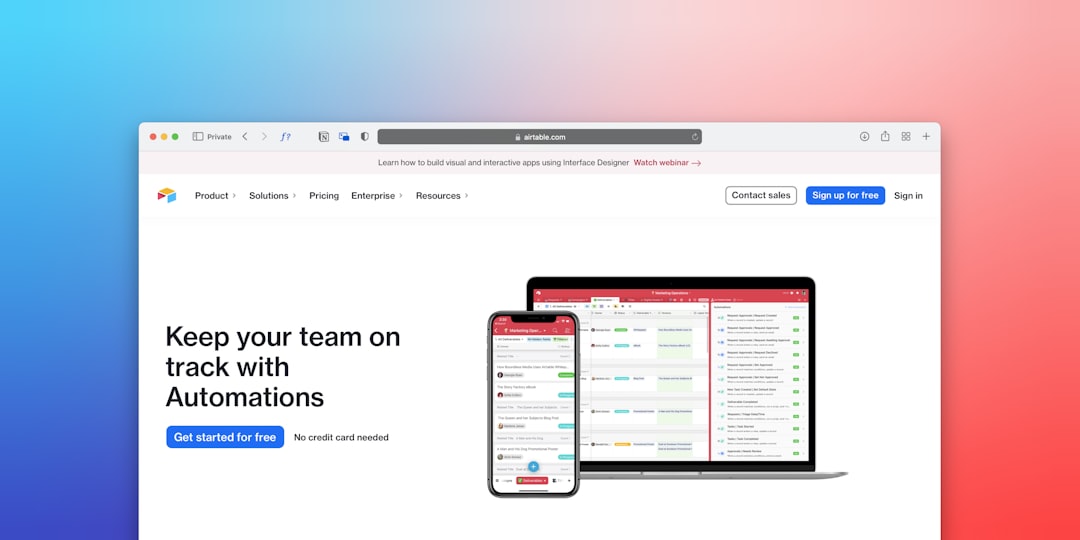
1. A/B Testing Platforms
Use this type if your main goal is simple: test one page against another.
A/B testing tools help you compare versions of a page. Version A might have a blue button. Version B might have a green button. The tool sends visitors to each version and tracks which one wins.
Best for:
- Landing page tests
- Headline tests
- Button and form tests
- Product page experiments
- Checkout flow tests
Popular tools in 2026:
- VWO — Friendly for marketing teams. Good visual editor.
- Convert — Strong for privacy minded teams.
- Optimizely — Powerful, but often better for larger companies.
- AB Tasty — Good mix of testing and personalization.
Simple rule: If you run fewer than 5 tests per month, do not buy the biggest platform. You will pay for buttons you never click.
2. Personalization Tools
Personalization tools change the website based on who the visitor is.
A returning customer might see a loyalty offer. A first time visitor might see a welcome discount. Someone from Germany might see local shipping details. Someone from a paid ad might see a matching message.
This is where things get fun. Also a bit scary. Bad personalization feels like a robot wearing a fake mustache.
Best for:
- Ecommerce stores with many customer types
- SaaS websites with several buyer groups
- Travel and booking sites
- Media sites with logged in users
- Brands with lots of traffic sources
Good options:
- Adobe Target — Strong enterprise personalization.
- Dynamic Yield — Useful for retail and ecommerce teams.
- Bloomreach — Good for content and commerce journeys.
- AB Tasty — Solid for lighter personalization and testing.
The catch is that personalization needs clean data. If your customer data is a mess, the tool will happily create a mess at scale.
3. Product Experimentation Tools
Some tests do not happen on a website page. They happen inside an app. Or inside a product feature.
That is where product experimentation tools shine. They help product teams test features, pricing screens, onboarding flows, and user prompts.
These tools often include feature flags. That means you can turn a feature on or off for certain users. No panic deployment. No sweaty Friday release.
Best for:
- SaaS products
- Mobile apps
- Fintech platforms
- Gaming apps
- Teams that test inside logged in experiences
Top choices:
- LaunchDarkly — Great for feature flags and controlled rollouts.
- Statsig — Strong for product experiments.
- GrowthBook — Open source option with good flexibility.
- PostHog — Combines product analytics, session replay, and tests.
Expect to waste time on setup if engineering is not involved early. These tools are not just “marketing toys.” They need clean events and careful releases.

4. Analytics Tools
Testing without analytics is just guessing with nicer charts.
Analytics tools tell you what users do. Where they land. Where they leave. What they click. What causes pain.
Google Analytics 4 is still common. It is free, powerful, and tied to Google Ads. But many teams find it harder to use than old Universal Analytics. One report can feel three clicks too far away.
Best for:
- Traffic source tracking
- Conversion funnel reports
- Audience behavior
- Campaign performance
- Test result context
Useful analytics tools:
- GA4 — Best free starting point for many websites.
- Amplitude — Great for product and user journey analysis.
- Mixpanel — Good for event based product analytics.
- Plausible — Simple, privacy friendly web analytics.
- Matomo — Good for teams wanting more data control.
A smart setup might use GA4 for marketing reports and Amplitude for product behavior. That is not overkill if both teams need different answers.
5. Heatmap and Session Replay Tools
Numbers tell you what happened. Heatmaps and replays show you why it may have happened.
You can watch users rage click a broken filter. You can see them miss your signup button. You can spot a form field that causes instant sadness.
Best for:
- Finding page friction
- Watching real user sessions
- Improving forms
- Understanding mobile behavior
- Getting ideas for A/B tests
Good tools:
- Microsoft Clarity — Free and surprisingly useful.
- Hotjar — Great for heatmaps, surveys, and recordings.
- FullStory — Strong for larger teams and support use cases.
- Lucky Orange — Simple and useful for smaller sites.
Do not watch 200 recordings for fun. Your eyes will melt. Watch 20 sessions from one problem page. Then fix the obvious stuff.
6. Full CRO Platforms and Agencies
CRO means conversion rate optimization. It includes research, testing, copy, UX, analytics, and strategy.
A full CRO platform may include testing, heatmaps, surveys, and targeting in one place. A CRO agency adds people who plan and run the whole process.
Best for:
- Brands with steady traffic
- Teams that lack time
- Companies with complex funnels
- Stores with high average order value
- B2B sites with long sales cycles
This route costs more. But it can save time. If one winning test adds $30,000 per month, paying experts starts to make sense.

How to Pick the Right Alternative
Start with your biggest pain. Do not start with a feature list.
- If you need simple page tests: Try VWO, Convert, or AB Tasty.
- If you need enterprise testing: Consider Optimizely or Adobe Target.
- If you need app experiments: Try Statsig, GrowthBook, or LaunchDarkly.
- If you need behavior data: Use GA4, Amplitude, Mixpanel, or PostHog.
- If you need visual clues: Add Clarity, Hotjar, or FullStory.
Also check your traffic. A/B tests need enough visitors. If your landing page gets 500 visits a month, a test may take forever. In that case, use surveys, session recordings, and direct customer feedback first.
A Simple 2026 Stack That Works
Here is a clean setup for a growing ecommerce store:
- GA4 for traffic and revenue tracking
- Microsoft Clarity for heatmaps and replays
- VWO for A/B testing
- Klaviyo or a similar email tool for segmented follow ups
- A monthly CRO review to choose the next tests
Simple. Not boring. Not bloated.
Final Takeaway
The best Google Optimize alternative depends on your job. Marketers need fast page testing. Product teams need feature experiments. Analysts need clean data. CRO teams need all of it working together.
Pick the tool that solves your next problem. Not the tool with the shiniest demo. Your conversion rate will thank you. Your budget will too.