
A custom B2B ecommerce solution should start with buyer workflow, pricing logic, and ERP integration before any storefront design begins. B2B buyers now expect self-service ordering, contract pricing, account terms, and fast reordering without calling sales for every quote. U.S. B2B ecommerce sales reached $2.297 trillion in 2023, which shows how much revenue now flows through digital channels [source: Digital Commerce 360].
TLDR: A business should build its B2B ecommerce platform around real purchasing behavior, not around a generic shopping cart. For example, a parts distributor processing 1,200 repeat orders per month could reduce manual order entry by 30% to 40% by adding saved order lists, customer-specific pricing, and ERP-synced inventory. The best build plan starts with business rules, then moves to integrations, user roles, checkout, testing, and rollout. The result is a sales channel that helps buyers order faster and helps internal teams stop retyping the same data all day.
Start With the Business Model, Not the Platform
A B2B ecommerce project fails when the team picks software first and maps workflows later. The better path is simple. The company should list how customers buy, who approves orders, how pricing works, and which systems hold the truth.
Most B2B transactions are not clean retail-style purchases. A buyer may need volume discounts, net 30 terms, quote approval, tax exemption, bulk shipping, or a purchase order number. Some customers see one catalog. Others see another. Some can order restricted products. Others cannot.
The catch is that many ecommerce tools make these rules feel like annoying exceptions. A sales rep ends up fixing orders anyway. That defeats the whole point.
Before development begins, the team should document:
- Customer groups: dealers, wholesalers, distributors, enterprise accounts, field offices, and resellers.
- Pricing rules: contract pricing, tiered pricing, quote pricing, promotions, and regional pricing.
- Approval flows: order limits, manager approval, budget controls, and buyer permissions.
- Product rules: restricted items, custom SKUs, bundles, spare parts, and substitutes.
- Fulfillment needs: split shipments, pickup, freight quotes, lead times, and backorders.
Define the Core Features Buyers Actually Need
A custom B2B ecommerce solution should remove friction from repeat buying. That means fewer clicks, clearer pricing, and no mystery around stock or delivery.
The core feature set usually includes:
- Account-based catalogs so each customer sees approved products and correct pricing.
- Quick order forms for buyers who already know SKU numbers.
- Saved lists for weekly, monthly, or seasonal reorders.
- Quote requests for complex orders or negotiated deals.
- Purchase order checkout with credit limits and payment terms.
- Role-based users so buyers, approvers, finance staff, and admins have different access.
- Real-time inventory pulled from the ERP or warehouse system.
- Order history with invoices, tracking, returns, and reorder buttons.
It drives teams mad when a buyer needs 18 clicks to repeat last month’s order. A good custom build can turn that into three or four clicks. That small change matters when a procurement team places hundreds of orders a year.
Choose the Right Technical Approach
A company has three main options: customize an existing B2B ecommerce platform, build on a headless commerce stack, or create a fully custom system. Each option has tradeoffs.
Customizing a platform is often faster. It works well when the business has common needs, such as account pricing, bulk ordering, and ERP sync. The downside is plugin clutter. Too many add-ons can slow the site and create upgrade problems.
Headless commerce separates the storefront from the backend. This helps companies that need custom buyer portals, mobile apps, sales rep tools, or regional sites. It can cost more, but it gives more control over the buyer experience.
Fully custom development fits unusual workflows. Manufacturers, industrial suppliers, medical distributors, and complex wholesalers may need this route. It requires more planning, more testing, and stronger internal ownership.
The best choice depends on order volume, catalog complexity, integrations, security needs, and future plans. The cheapest option at launch is not always the cheapest after two years.
Plan ERP, CRM, and Inventory Integrations Early
Integration is where many B2B ecommerce projects get messy. The storefront may look polished, but if pricing, inventory, and customer records are wrong, buyers lose trust fast.
The ecommerce system should connect with the core business systems:
- ERP: pricing, inventory, order status, invoices, taxes, credit limits, and fulfillment.
- CRM: account ownership, sales activity, quotes, leads, and customer notes.
- PIM: product data, specs, images, documents, manuals, and attributes.
- WMS: warehouse stock, picking, packing, and shipment updates.
- Payments: cards, ACH, terms, deposits, and fraud screening.
APIs are usually the cleanest connection method. Batch sync can work for less urgent data, such as product updates or invoice archives. Real-time sync is better for stock levels, customer credit, and pricing. According to McKinsey, B2B buyers now use many channels during the buying process, so clean data across systems has become a real sales issue [source: McKinsey].

Design for Sales Teams as Well as Buyers
A B2B ecommerce site should not replace the sales team. It should remove low-value admin work and give reps better account insight.
Sales reps may need the ability to log in as a customer, build carts, send quotes, view abandoned orders, and suggest substitutes. Customer service teams may need quick access to invoices, shipment status, return requests, and account notes.
This internal experience matters. If staff members hate the admin tools, they will avoid them. Then the business ends up with scattered spreadsheets and order updates trapped in email threads.
Build Security and Permissions Into the Foundation
B2B ecommerce involves sensitive data. Customer pricing, order history, tax records, and payment details must be protected. Security cannot be a final checklist item.
A custom build should include:
- Single sign-on for enterprise buyers where needed.
- Multi-factor authentication for admins and high-risk accounts.
- Role-based access for buyers, approvers, finance users, and reps.
- Audit logs for pricing changes, account edits, and order approvals.
- Data encryption for stored and transmitted information.
Compliance needs may also apply, depending on the industry and region. A medical supplier, government contractor, or food distributor may need extra controls around documentation and access.
Test With Real Customers Before Full Launch
Internal testing is not enough. Employees know the company’s quirks. Customers do not. A pilot group should test the portal before launch, ideally with different account types and buying habits.
The pilot should measure:
- Time needed to place a repeat order.
- Search success rate for common products.
- Checkout errors and abandoned carts.
- Quote request completion rate.
- Support tickets created during ordering.
If a buyer cannot find a common SKU in under 10 seconds, search needs work. If freight costs appear too late, checkout needs work. If the ERP rejects clean-looking orders, the integration rules need work.
Roll Out in Phases
A phased launch lowers risk. The business can start with a small group of loyal customers, then add more accounts after bugs are fixed. It can also launch basic ordering first, then add advanced tools such as approval workflows, subscriptions, or personalized dashboards.
A practical rollout may look like this:
- Phase 1: Customer login, catalog, pricing, cart, checkout, and ERP order sync.
- Phase 2: quotes, saved lists, order approvals, invoices, and self-service returns.
- Phase 3: analytics, sales rep tools, recommendations, and customer-specific portals.
Track the Right Metrics After Launch
Success is not just traffic. A B2B ecommerce site should improve sales efficiency and customer retention.
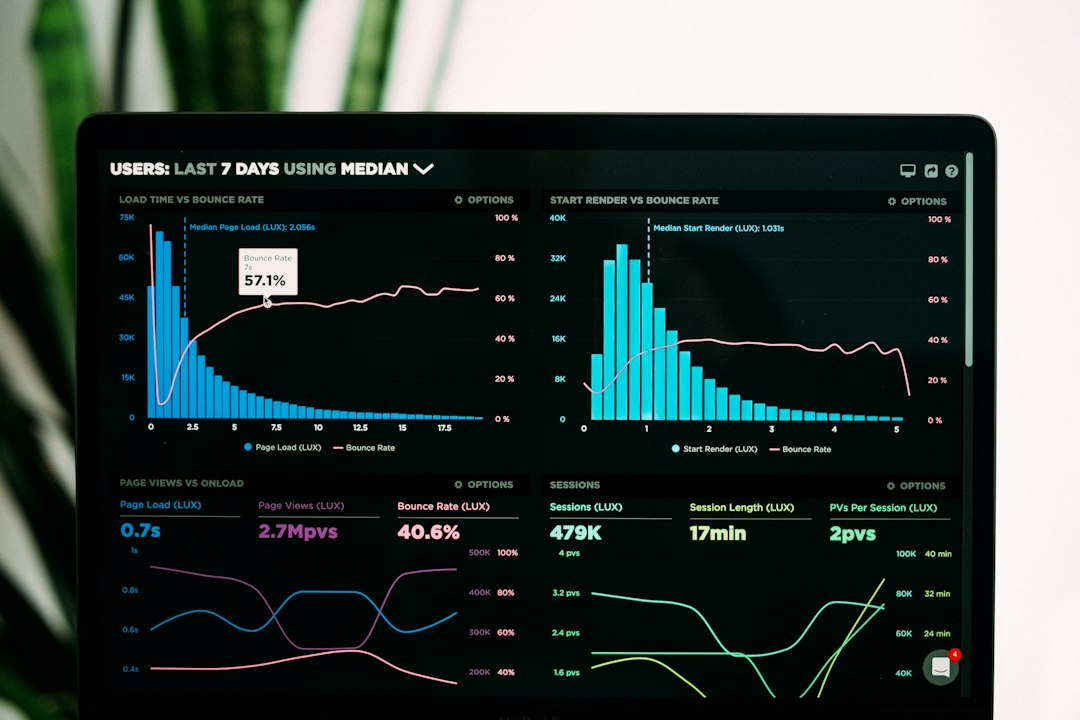
The company should track digital revenue, repeat order rate, average order value, quote conversion, order error rate, support ticket volume, and customer adoption. It should also compare manual order entry hours before and after launch. That number often tells the clearest story.
A strong custom system becomes a working sales channel, not just a catalog online. It gives buyers control. It gives staff fewer repetitive tasks. It gives leadership better data.
FAQ
How long does it take to build a custom B2B ecommerce solution?
Most projects take 3 to 9 months, depending on integrations, catalog size, approval rules, and data quality. A phased launch can shorten time to first release.
How much does a custom B2B ecommerce platform cost?
Costs vary widely. A smaller customized platform may cost tens of thousands of dollars. A complex custom build with ERP, CRM, PIM, and warehouse integrations can cost much more.
What is the most important feature for B2B ecommerce?
Accurate account-based pricing is often the most critical feature. If buyers see the wrong price, they lose trust and call sales instead.
Should a business build custom software or use an existing platform?
An existing platform works well for standard workflows. A custom build fits businesses with complex catalogs, unusual pricing, strict compliance, or unique approval processes.
Why do B2B ecommerce projects fail?
They often fail because teams ignore data cleanup, underestimate integrations, or copy retail checkout patterns that do not fit B2B buying.