Modern software rarely lives in one simple place. A single application might include a web server, a database, a background worker, a cache, and several configuration files that all need to work together. For beginners, this can make deployment feel mysterious: the app works on one laptop, fails on another machine, and behaves differently in production. Docker helps solve this problem by packaging applications and their dependencies into lightweight, portable units called containers.
TLDR: Docker lets developers package an application with everything it needs to run, so it behaves consistently across laptops, test servers, and production environments. Containers are lighter than virtual machines and start quickly, making them useful for development, deployment, and DevOps automation. With Docker, teams can reduce “it works on my machine” problems, simplify setup, and ship software more reliably.
What Is Docker?
Docker is a platform for building, running, and managing containers. A container is a self-contained environment that includes an application’s code, runtime, system tools, libraries, and settings. Instead of installing all dependencies directly on your computer or server, you place them inside a container and run the container wherever Docker is available.
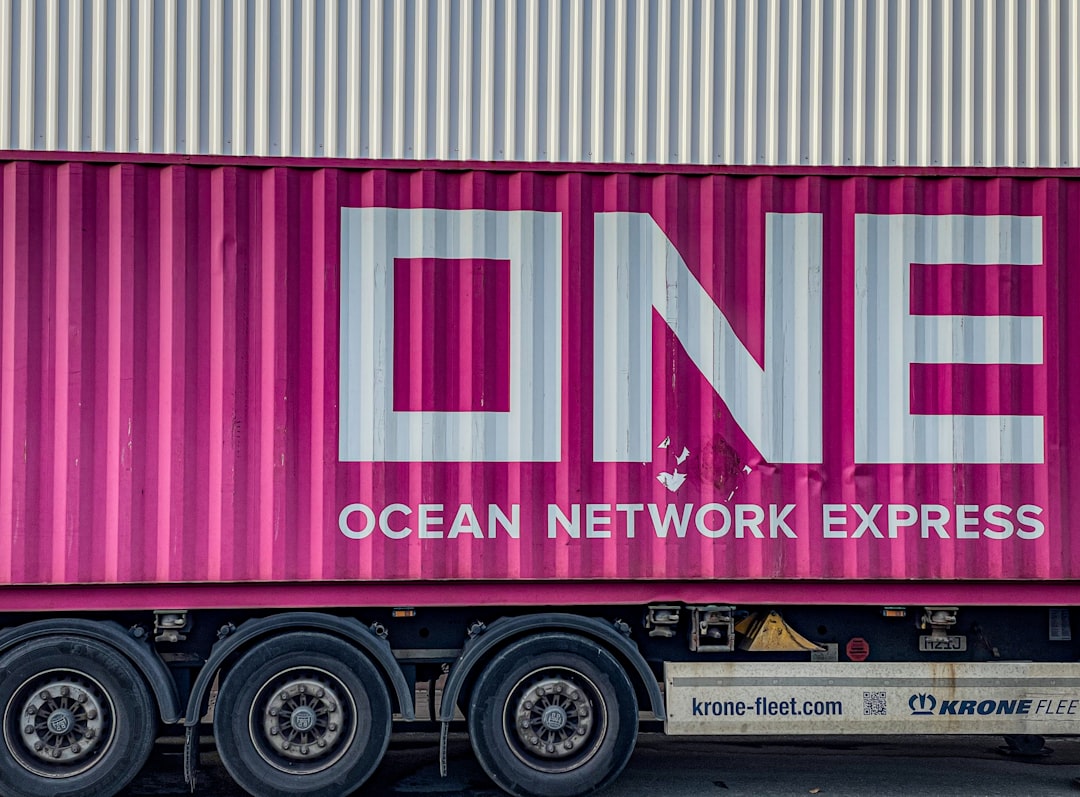
Think of Docker like a standardized shipping container for software. Before shipping containers became common, transporting goods was slow and inconsistent because every item had to be handled differently. Standard containers changed global shipping by making boxes predictable and easy to move between ships, trains, and trucks. Docker does something similar for applications: it makes software easier to move between development, testing, and production.
The Problem Docker Solves
Many beginners first understand Docker when they encounter the classic developer frustration: “But it works on my machine.” This happens because computers and servers are rarely identical. One developer may have Node.js version 18, another may have version 20, and the production server may have missing system libraries. Even small differences can break an application.
Docker reduces these problems by making the runtime environment part of the application package. If your app needs a specific Python version, certain operating system packages, and environment variables, Docker can define all of that in a repeatable way. The result is a more predictable workflow where the same container can run on a developer’s laptop, a staging server, or a cloud platform.
Containers vs Virtual Machines
At first, containers may sound similar to virtual machines, but they are different. A virtual machine includes a full operating system, virtual hardware, and the application environment. This makes virtual machines powerful, but also heavy. They can take significant memory, storage, and time to start.
A container, on the other hand, shares the host machine’s operating system kernel while keeping the application isolated. This makes containers much lighter and faster. You can often start a container in seconds and run many containers on the same machine without the overhead of multiple full operating systems.
- Virtual machines: Heavier, include a full guest operating system, highly isolated.
- Containers: Lightweight, share the host kernel, start quickly, easier to scale.
- Best use: Virtual machines are useful for strong OS-level separation; containers are ideal for portable app deployment and microservices.
Important Docker Concepts
To understand Docker, you only need to learn a few core ideas. These concepts appear again and again in Docker tutorials, DevOps pipelines, and cloud deployments.
1. Docker Image
A Docker image is a blueprint for a container. It contains the application code, dependencies, configuration, and instructions for running the app. Images are read-only templates. When you start an image, Docker creates a running container from it.
2. Docker Container
A container is a running instance of an image. If an image is like a recipe, the container is the meal prepared from that recipe. You can start, stop, restart, remove, and duplicate containers as needed.
3. Dockerfile
A Dockerfile is a text file that describes how to build a Docker image. It might specify a base image, copy application files, install dependencies, expose a port, and define the command used to start the application. For example, a web application Dockerfile may begin with a Node.js image, install packages, copy source code, and run the server.
4. Docker Hub and Registries
A registry is a place where Docker images are stored and shared. Docker Hub is the most well-known public registry, but companies often use private registries for internal software. Developers can pull existing images, such as PostgreSQL, Redis, or Nginx, instead of installing those services manually.
How Docker Simplifies App Deployment
Without Docker, deploying an application often involves a long checklist: install the right language runtime, configure the web server, install system packages, set environment variables, copy files, and hope nothing conflicts with existing software. Docker turns much of this into a repeatable build process.
Once an image is created, deployment becomes more consistent. The same image can be tested and then promoted to production. This is important because production should run the exact thing that was tested, not a hastily recreated environment that is “almost the same.”
For example, imagine a team building a Python API. Instead of telling every developer to install Python, pip packages, database clients, and system libraries manually, the team can provide a Docker setup. A new developer can clone the project and run a command to start the app in a container. This makes onboarding faster and reduces setup errors.
Docker in DevOps Workflows
Docker is especially valuable in DevOps, where teams focus on automation, collaboration, and reliable delivery. In a DevOps workflow, code often moves through several stages: development, testing, continuous integration, staging, and production. Containers create a common package that can travel through each stage with fewer surprises.
In continuous integration and continuous delivery pipelines, Docker can be used to build an image whenever new code is pushed. Automated tests can run inside containers, ensuring the test environment matches the application’s required setup. If the tests pass, the same image can be pushed to a registry and deployed to a server or container orchestration platform.
This approach offers several benefits:
- Consistency: The app runs in the same packaged environment across the pipeline.
- Speed: Containers start quickly, making automated testing and deployment faster.
- Rollback simplicity: If a release fails, teams can redeploy an older image version.
- Scalability: Multiple containers can be started to handle more traffic.
- Cleaner infrastructure: Dependencies stay inside containers instead of cluttering the host system.
Why Developers Like Docker
Developers appreciate Docker because it makes local development more predictable. Instead of installing databases, queues, and language runtimes directly on a laptop, they can run them as containers. This is particularly helpful when switching between projects. One project might need MySQL 5.7, while another needs MySQL 8. Docker allows both to exist without fighting each other.
Docker also makes experimentation easier. Want to try a new database or tool? Pull an image, run a container, and remove it when finished. This reduces the risk of breaking your system with leftover packages or complex uninstall steps.
Another useful tool is Docker Compose. Compose lets you define multiple services in one configuration file. For example, a typical web app might have an application container, a database container, and a cache container. With one command, Docker Compose can start the whole environment. This is a major convenience for local development and small deployments.
A Simple Example Scenario
Imagine you are building a small blog application. It needs a backend server, a PostgreSQL database, and an Nginx reverse proxy. Traditionally, you might install all three directly on your computer, configure them manually, and repeat the process on the production server.
With Docker, you can containerize each part:
- Backend container: Runs your application code and its language runtime.
- Database container: Runs PostgreSQL with a defined version.
- Proxy container: Runs Nginx and forwards requests to the backend.
These containers can communicate over a Docker network. If the setup is defined properly, another developer can run the same stack with minimal effort. This creates a shared development environment that behaves much more like production.
Docker and Microservices
Docker became popular alongside the rise of microservices. In a microservices architecture, an application is split into smaller services, each responsible for a specific function. One service might handle payments, another user accounts, and another notifications.
Containers are a natural fit for microservices because each service can have its own environment. A payment service might use Java, while a notification service uses Go. Docker allows each service to run independently without requiring the entire system to share the same runtime or dependencies.
However, running many containers across multiple servers introduces a new challenge: orchestration. Tools like Kubernetes help manage container scheduling, scaling, networking, and recovery. Beginners do not need to learn Kubernetes immediately, but it is useful to know that Docker often forms the foundation for larger container platforms.
Common Beginner Misunderstandings
Docker is powerful, but beginners sometimes misunderstand what it does. Docker is not a programming language, and it does not magically fix poorly written applications. It packages and runs applications in isolated environments, but you still need good code, responsible configuration, and secure deployment practices.
Another misconception is that containers are completely separate computers. They are isolated, but they share parts of the host system, especially the kernel. This is why container security matters. You should use trusted images, keep images updated, avoid running containers with unnecessary privileges, and avoid storing secrets directly inside images.
Best Practices for Getting Started
If you are new to Docker, start small. Containerize a simple application before attempting a full production system. Learn how to build an image, run a container, view logs, map ports, and mount volumes. These basics will help you understand the daily Docker workflow.
- Use official images when possible, especially for databases and language runtimes.
- Keep images small by avoiding unnecessary packages and files.
- Use environment variables for configuration that changes between environments.
- Do not store passwords or API keys directly in Dockerfiles or images.
- Tag image versions clearly so deployments are easier to track and roll back.
- Read container logs regularly to understand how your application behaves.
Why Docker Matters
Docker changed software delivery by making environments more portable, repeatable, and automated. For beginners, it may seem like an extra layer at first, but its value becomes clear when projects grow or teams collaborate. Instead of spending hours fixing setup problems, developers can focus more on building features and improving reliability.
In modern DevOps workflows, Docker supports faster testing, smoother deployments, and better consistency between development and production. It is not the only container technology, and it is not a replacement for understanding infrastructure, but it is one of the most useful tools for learning how modern applications are packaged and shipped.
At its core, Docker simplifies a difficult question: “How do we make this application run correctly somewhere else?” By packaging an app with its dependencies into a container, Docker gives teams a practical answer. For anyone beginning a journey into software development, cloud computing, or DevOps, learning Docker is a smart step toward building and deploying applications with confidence.