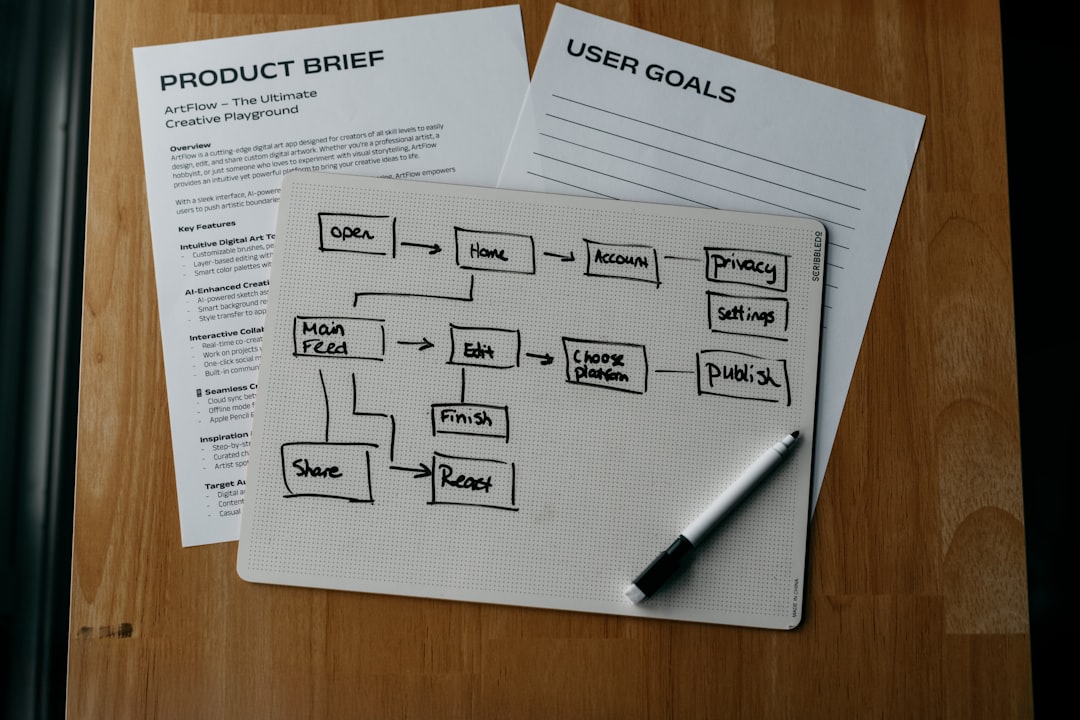
Accessible software is not a “nice to have”; it is a core quality requirement for modern web and application development. For developers, the right accessibility testing tools can identify issues early, support compliance with standards such as WCAG, and reduce the risk of excluding users with disabilities. The tools below are widely used, practical, and suitable for teams that want accessibility checks to become part of everyday development rather than a late-stage audit.
TLDR: The best accessibility testing tools for developers include axe DevTools, Lighthouse, WAVE, Accessibility Insights, Pa11y, IBM Equal Access Accessibility Checker, Storybook Accessibility Addon, and Playwright with axe-core. Automated tools are excellent for catching many common problems, but they cannot replace manual testing with keyboards, screen readers, and real users. The strongest approach is to combine browser-based checks, CI automation, and component-level testing throughout the development lifecycle.
1. axe DevTools
axe DevTools, built on the open-source axe-core engine, is one of the most trusted accessibility testing options for developers. It is available as a browser extension and can also be integrated into automated test suites. The tool identifies issues such as missing labels, insufficient color contrast, invalid ARIA usage, and structural problems in HTML.
Its main strength is the quality of its guidance. Instead of simply reporting that something is wrong, axe DevTools explains why the issue matters and often suggests how to fix it. This makes it highly useful for developers who want to learn accessibility principles while improving code quality.
- Best for: Development teams that need reliable, actionable accessibility checks.
- Strength: Strong rules engine and excellent developer guidance.
- Limitation: Some advanced features require a paid plan.
2. Google Lighthouse
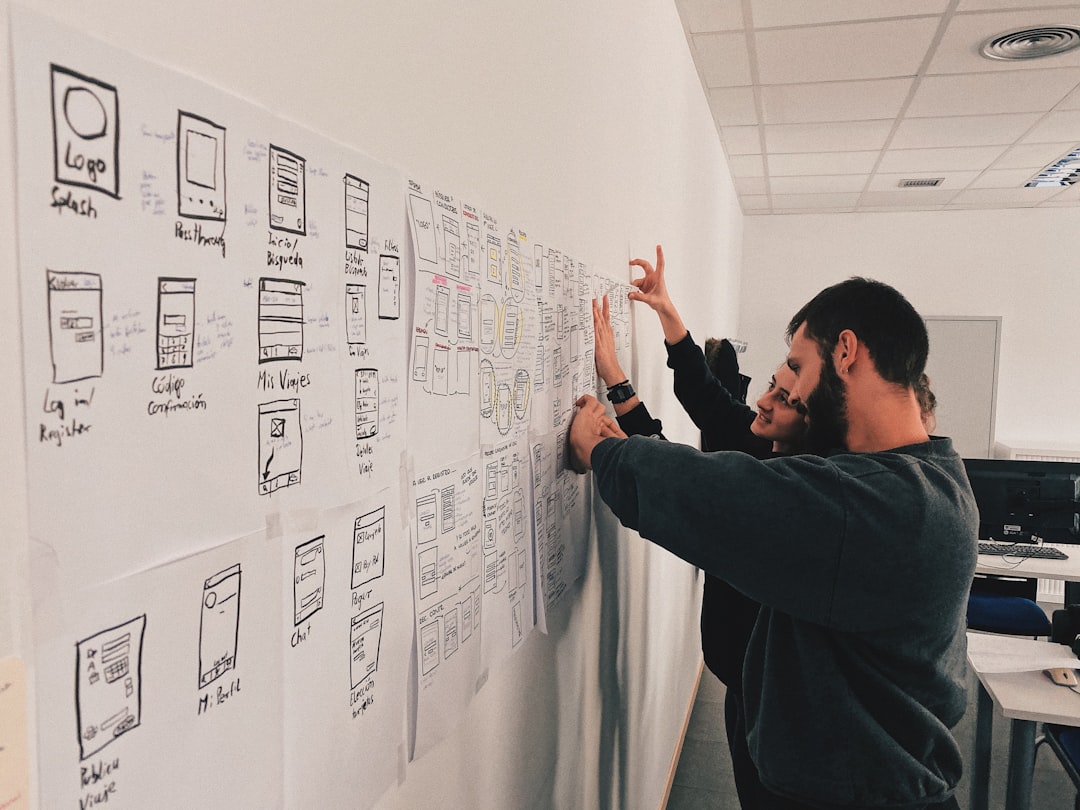
Google Lighthouse is built into Chrome DevTools and provides audits for performance, SEO, best practices, and accessibility. For developers, it is convenient because it requires no separate installation and can be run directly in the browser during routine development.
Lighthouse assigns an accessibility score and highlights specific issues, such as missing alternative text, poor form labeling, or low contrast. While the score can be useful for tracking progress, it should not be treated as a complete accessibility verdict. A page can score well and still contain significant usability barriers that automated checks cannot detect.
- Best for: Quick checks during development and performance-focused workflows.
- Strength: Built into Chrome and easy to use.
- Limitation: Limited coverage compared with deeper accessibility testing tools.
3. WAVE
WAVE, developed by WebAIM, is a browser-based accessibility evaluation tool that visually annotates web pages. It shows icons and alerts directly on the page, making it easy to understand where problems occur in the interface.
WAVE is particularly effective for reviewing page structure, heading hierarchy, alternative text, form labels, and contrast issues. Because the results are presented visually, it is also useful for designers, content editors, product managers, and QA testers who may not work directly in code.
- Best for: Visual inspection of accessibility issues on live pages.
- Strength: Clear page overlays and easy-to-understand feedback.
- Limitation: Less suited to large-scale automated CI testing.
4. Accessibility Insights
Accessibility Insights from Microsoft is a serious option for teams that want both fast checks and guided manual testing. It supports web, Windows, and Android accessibility testing, making it valuable for organizations with broader product ecosystems.
The web version includes a quick automated scan and a more comprehensive assessment workflow. The guided assessment helps teams verify keyboard access, focus order, landmarks, semantics, and other areas that cannot be fully evaluated by automation alone.
- Best for: Teams that want structured manual and automated testing.
- Strength: Strong guidance and practical workflows.
- Limitation: Full assessments take more time than simple automated scans.
5. Pa11y
Pa11y is an open-source accessibility testing tool designed for command-line and automated workflows. Developers can run it against web pages, integrate it into scripts, and use it within continuous integration pipelines.
Pa11y is especially valuable when teams want accessibility checks to run automatically before code is merged or deployed. It can help establish a quality gate that prevents repeated regressions from reaching production. Because it is scriptable, it fits well into modern development environments.
- Best for: CI pipelines and command-line accessibility testing.
- Strength: Flexible, open-source, and automation-friendly.
- Limitation: Requires technical setup and configuration.
6. IBM Equal Access Accessibility Checker
IBM Equal Access Accessibility Checker is part of IBM’s accessibility toolkit and provides a browser extension and rules engine for identifying accessibility concerns. It is built around established accessibility standards and is suitable for enterprise environments where consistency and documentation matter.
The checker can identify common WCAG-related issues and provide severity levels, which helps teams prioritize fixes. Its reporting approach is useful for organizations that need to communicate accessibility status to engineering leads, compliance teams, or stakeholders.
- Best for: Enterprise teams and standards-driven workflows.
- Strength: Clear issue categorization and strong compliance orientation.
- Limitation: May feel more formal than lightweight developer tools.
7. Storybook Accessibility Addon
For teams building design systems or reusable UI components, the Storybook Accessibility Addon is highly practical. It uses axe-core to test individual components directly inside Storybook, allowing developers to catch issues before components are used across multiple pages or applications.
This is important because inaccessible components can multiply problems throughout a product. A button, modal, menu, or form field that fails accessibility requirements may be reused hundreds of times. Testing at the component level helps teams prevent defects at the source.
- Best for: Component libraries and design systems.
- Strength: Early detection inside the UI development workflow.
- Limitation: Does not replace full-page testing or user-flow testing.

8. Playwright with axe-core
Playwright is a modern end-to-end testing framework, and when combined with axe-core, it becomes a powerful accessibility testing solution. Developers can write tests that navigate real user flows and then run accessibility checks at important points in the journey.
This approach is ideal for teams that already use automated browser testing. For example, a test can log in, open a dashboard, submit a form, or complete checkout, then check the resulting page for accessibility violations. This makes accessibility part of functional testing rather than a separate activity.
- Best for: Automated accessibility checks in realistic user flows.
- Strength: Strong integration with end-to-end testing.
- Limitation: Requires test engineering experience.
How to Choose the Right Tool
The best accessibility testing tool depends on your workflow. If you need quick browser feedback, start with Lighthouse, WAVE, or axe DevTools. If you need automation in CI, consider Pa11y or Playwright with axe-core. If your team maintains a design system, add Storybook Accessibility Addon to test components before they reach production.
It is also important to understand the limits of automation. Automated tools can detect many technical failures, but they cannot reliably determine whether link text is meaningful in context, whether visual instructions are understandable, or whether a complex interaction is genuinely usable with assistive technology. Manual testing remains essential.
Recommended Testing Approach
- Test during development: Use browser extensions and DevTools before opening a pull request.
- Test components: Validate reusable UI elements in Storybook or a similar environment.
- Automate regression checks: Add accessibility scans to CI pipelines.
- Perform manual reviews: Test with keyboard navigation, screen readers, zoom, and reduced motion settings.
- Document and prioritize: Track severity, user impact, and WCAG references where relevant.
Final Thoughts
The best accessibility testing tools help developers find issues earlier, reduce rework, and build more inclusive products. axe DevTools, Lighthouse, WAVE, Accessibility Insights, Pa11y, IBM Equal Access Accessibility Checker, Storybook Accessibility Addon, and Playwright with axe-core each serve a different role in a mature accessibility workflow.
For most teams, the right strategy is not to choose only one tool, but to combine several: one for quick browser checks, one for automated testing, and one for component or user-flow validation. When paired with manual testing and accessibility awareness, these tools can help developers create digital experiences that are more robust, compliant, and usable for everyone.