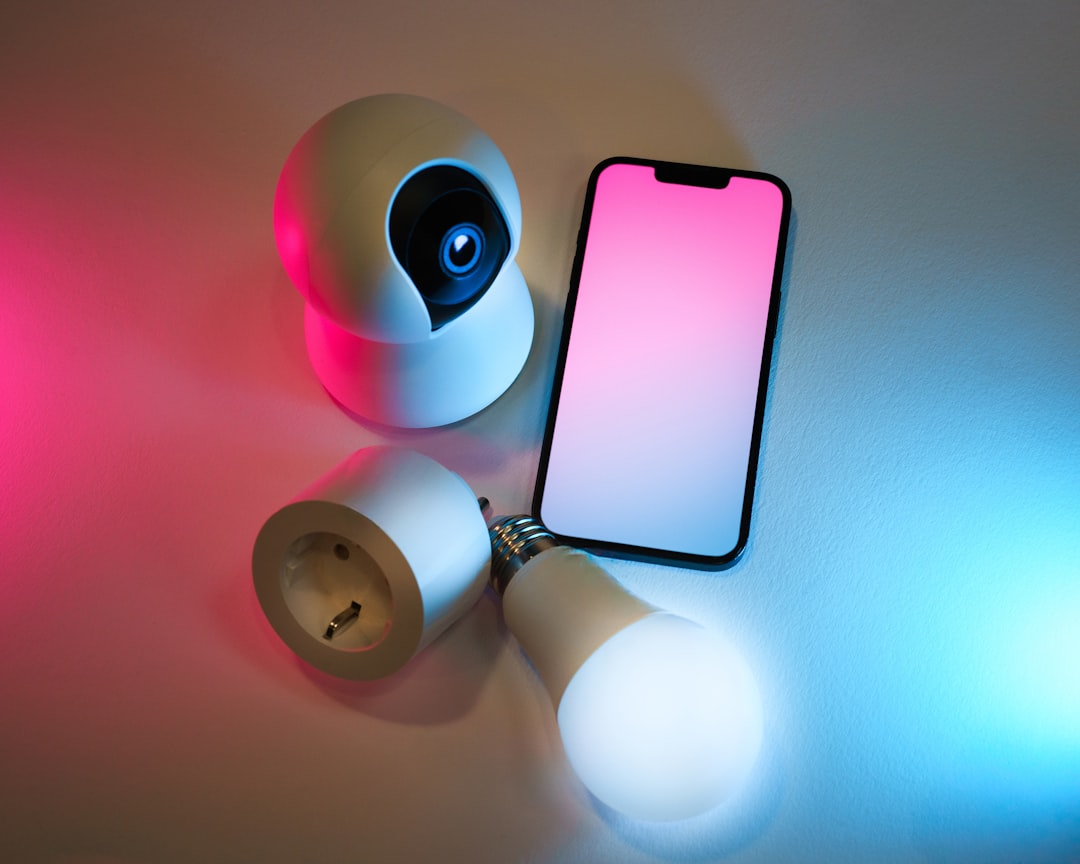
Home security has moved from wall-mounted keypads and call-center monitoring to apps, sensors, automations, and voice assistants. For Apple users, HomeKit offers a privacy-focused way to build a smart home alarm using compatible devices, while traditional security systems still promise professional installation, 24/7 monitoring, and a more structured emergency response.
TLDR: Apple HomeKit is best for people who want flexible, app-controlled security that fits into an existing Apple ecosystem, while traditional systems are better for those who want professional monitoring and a “set it and forget it” setup. For example, a renter in a one-bedroom apartment might secure the space with three HomeKit sensors and a camera for under $400, while a monitored traditional system could cost $30–$60 per month after installation. If you value automation and privacy, HomeKit is compelling; if you want guaranteed emergency dispatch support, traditional security still has the edge.
What Is an Apple HomeKit Home Alarm?
An Apple HomeKit home alarm is not usually a single product. Instead, it is a custom security setup built from HomeKit-compatible devices such as door sensors, motion detectors, cameras, smart locks, sirens, lights, and hubs. You manage these devices through the Apple Home app on an iPhone, iPad, Apple Watch, or Mac.
With HomeKit, your “alarm system” can be as simple or as advanced as you want. A basic setup might include contact sensors on the front door and windows. A more advanced setup could trigger lights, record video, lock doors, and send notifications when motion is detected after midnight.
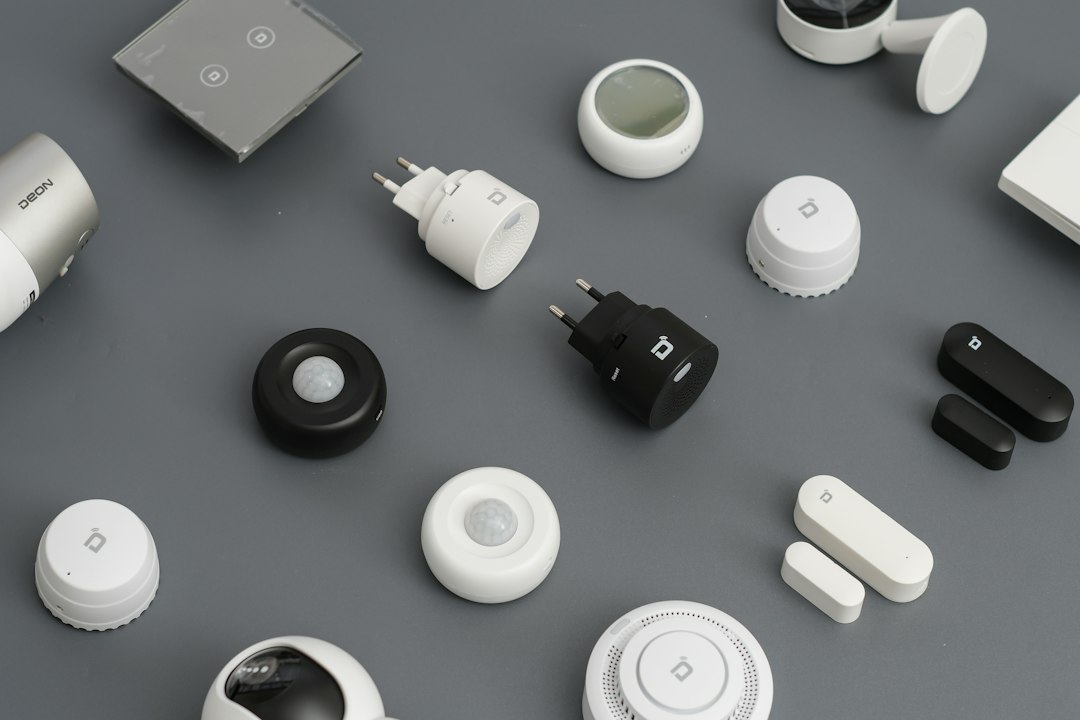
The real strength of HomeKit is automation. For example, you can create a rule that says: if the front door opens while nobody is home, turn on hallway lights, start recording video, and send an alert to every family member. This makes HomeKit feel less like a classic alarm and more like a responsive security environment.
What Are Traditional Security Systems?
Traditional security systems are the familiar packages offered by companies such as ADT, Vivint, Brinks, and other local or national providers. They usually include a control panel, door and window sensors, motion detectors, alarm siren, professional installation, and optional cameras or smart locks.
The biggest difference is professional monitoring. When a traditional alarm is triggered, the system may contact a monitoring center. Depending on your plan and local rules, the monitoring team can call you, verify the emergency, and contact police, fire, or medical services.
This creates peace of mind, especially for homeowners who travel often, older adults living alone, or families who want a formal emergency response process. However, that peace of mind usually comes with contracts, monthly fees, and less flexibility than a DIY smart home setup.
Cost: Upfront Flexibility vs. Monthly Commitment
Cost is one of the clearest differences between HomeKit and traditional security systems.
- HomeKit setup: You buy compatible devices individually. There may be no monthly fee unless you pay for cloud video storage, such as iCloud+ for HomeKit Secure Video.
- Traditional system: You may pay for equipment, installation, activation, and a monthly monitoring plan.
A HomeKit setup can start small. You might buy one smart camera, two door sensors, and a smart plug for a siren. Over time, you can add more sensors or cameras. This is ideal if you want to control spending and avoid subscriptions.
Traditional systems are often more expensive over several years. A $45 monthly plan costs $540 per year, or $2,700 over five years, not including installation or upgraded equipment. Still, for many users, that cost is justified by professional monitoring and support.
Ease of Use and Installation
HomeKit is usually easiest for people already familiar with Apple devices. Adding a device often means scanning a HomeKit code, naming the room, and setting preferences in the Home app. The interface is clean, and notifications appear naturally on iPhones and Apple Watches.
However, building a reliable HomeKit alarm does require planning. You need to choose compatible devices, place sensors correctly, manage Wi-Fi or Thread connectivity, and think through automations. It is DIY-friendly, but not completely effortless.
Traditional systems are simpler in a different way. A technician may install everything, test sensors, explain the control panel, and connect the system to monitoring. For users who do not enjoy troubleshooting smart home devices, this is a major advantage.
Privacy and Data Control
Apple strongly emphasizes privacy, and this is one of HomeKit’s biggest selling points. With HomeKit Secure Video, supported cameras can analyze video locally through an Apple home hub, such as an Apple TV or HomePod, before storing encrypted footage in iCloud. Apple cannot view the video content.
This approach appeals to users who are uncomfortable sending camera footage to third-party security companies. It also gives homeowners more control over who can view cameras and receive alerts.
Traditional security providers vary widely in privacy practices. Some offer strong protections, while others rely more heavily on cloud processing or third-party integrations. Before choosing a provider, it is worth reading how video, audio, location data, and user access are handled.
Reliability During Emergencies
Reliability is where traditional systems often shine. Many professionally monitored systems include cellular backup and battery backup. If your internet goes down or power is interrupted, the system may still communicate with the monitoring center.
HomeKit depends more heavily on your home network, Apple home hub, and device batteries. If your Wi-Fi fails, some automations and remote alerts may become unreliable. Thread and Matter-compatible devices can improve stability, but the overall setup still depends on correct configuration.
That does not mean HomeKit is unreliable. A well-designed HomeKit security setup can be excellent. But if you want emergency services contacted when you are asleep, traveling, or unreachable, a traditional monitored alarm is usually stronger.
Smart Home Features and Automation
HomeKit is the more exciting option for smart home enthusiasts. It can combine security with lighting, climate, locks, speakers, cameras, and occupancy detection. You can create scenes such as Good Night, which locks doors, turns off lights, lowers the thermostat, and activates selected sensors.
Traditional security systems increasingly offer smart home features too, but they are often limited to supported devices within the provider’s ecosystem. You may have fewer choices and less detailed automation than HomeKit provides.
- Choose HomeKit if: you want custom automations, Apple privacy features, no long-term contract, and easy expansion.
- Choose traditional security if: you want professional monitoring, emergency dispatch support, installation help, and backup communication.
- Consider a hybrid setup if: you want HomeKit for cameras and automations, plus a monitored alarm for emergencies.
Which One Is Better?
The better choice depends on your home, habits, and risk tolerance. For renters, apartment dwellers, tech-savvy homeowners, and Apple loyalists, a HomeKit alarm can be affordable, elegant, and powerful. It is especially appealing if you want alerts, automations, and camera privacy without a monthly monitoring contract.
For families, frequent travelers, larger homes, or people who want a formal safety net, a traditional security system may be worth the ongoing cost. Professional monitoring is still the clearest advantage, especially when seconds matter and you may not be able to respond to your phone.

Final Verdict
Apple HomeKit home alarms are flexible, private, and highly customizable, but they require more personal responsibility. Traditional security systems are structured, professionally supported, and more emergency-focused, but they often cost more and can be less flexible.
If you want a modern, Apple-friendly security setup that you can build at your own pace, HomeKit is an excellent choice. If you want someone else watching the alarm when you cannot, traditional security remains hard to beat. For many homes, the smartest answer may be combining both: HomeKit for daily awareness and automation, and a monitored system for serious emergency backup.