
Maze is usually the better fit for fast, structured product research, while UserTesting is stronger for deep video feedback and live customer conversations. Product teams that need quick validation of prototypes, flows, and concepts often get more speed from Maze. Teams that need richer human context, especially voice, facial reactions, and moderated sessions, often get more value from UserTesting.
TLDR: Maze suits teams running frequent unmoderated studies, such as a product squad testing three checkout prototypes with 75 users and comparing task success rates. UserTesting suits teams that need richer qualitative feedback, such as watching 10 target customers explain why a pricing page feels confusing. Maze may help a team spot that completion drops from 82% to 54% on one screen. UserTesting may explain why that drop happens through recorded reactions and follow-up questions.
What Maze Does Best
Maze is built for speed. It helps product teams test concepts, prototypes, information architecture, and live product flows without needing to schedule every participant. A researcher can set up a study, define tasks, add follow-up questions, and collect results through a shared link or panel.
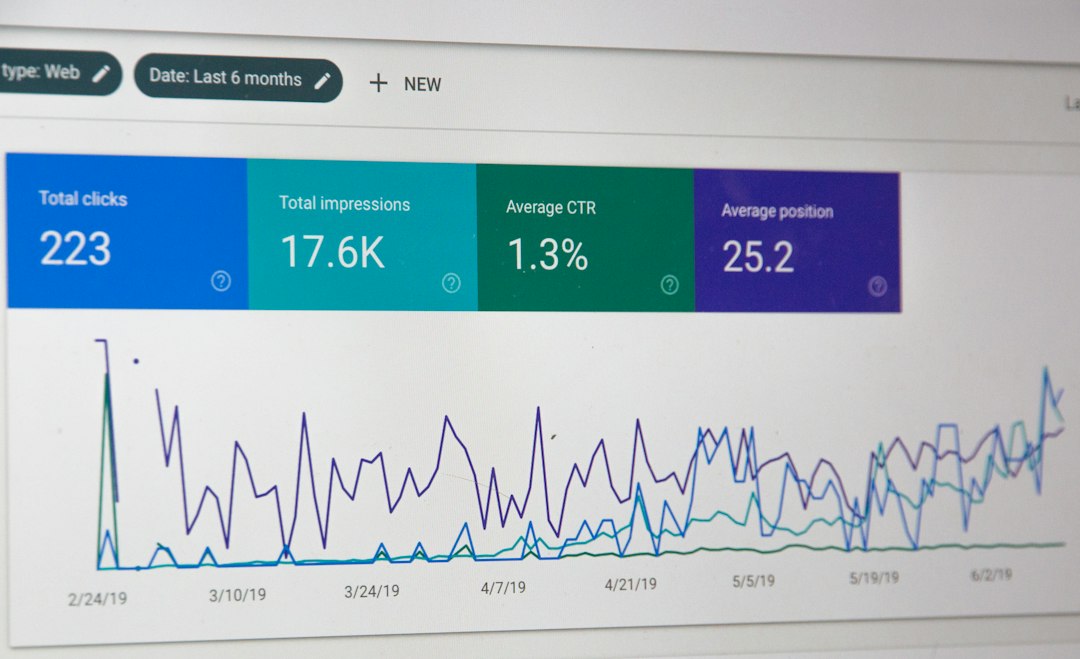
Its biggest strength is structured research at scale. Maze turns user actions into metrics such as task success, misclick rates, time on task, heatmaps, and path analysis. For product research, that is useful when a team needs evidence before changing a core flow.
Maze works especially well for:
- Prototype testing before engineering work starts.
- Usability benchmarking across design versions.
- Tree testing and information architecture checks.
- Concept validation with surveys and preference questions.
- Continuous discovery when teams test every sprint.
The catch is that Maze can feel a bit thin when the team needs emotional nuance. A user may fail a task, leave a short comment, and move on. That gives the product team a signal, but not always the full story. For some studies, those missing “why” moments matter a lot.
What UserTesting Does Best
UserTesting is known for video-based feedback. Participants speak while using a product, prototype, website, or app. Teams can run unmoderated tests, moderated interviews, and specialized studies with recruited participants.
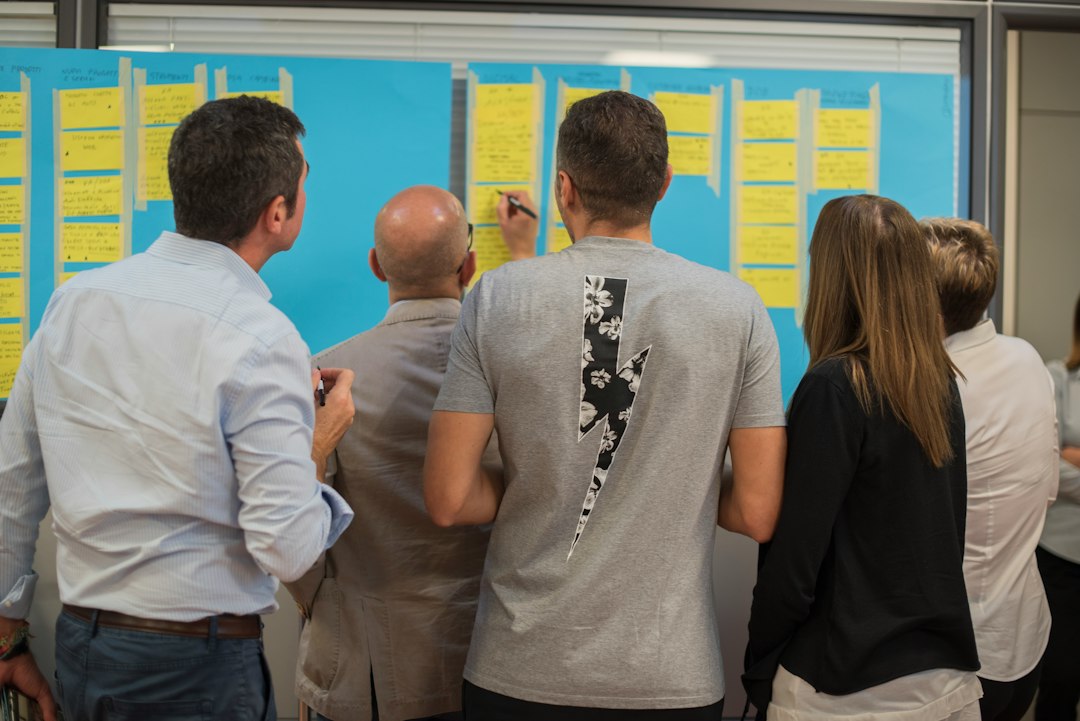
Its strength is human context. Researchers can hear confusion, hesitation, delight, and frustration. Stakeholders often understand problems faster when they watch real users struggle for 30 seconds than when they read a slide with a percentage.
UserTesting works especially well for:
- Moderated interviews with target users.
- Exploratory product research before a solution is clear.
- Messaging and value proposition testing.
- Customer journey research across multiple touchpoints.
- Stakeholder buy-in through video clips and highlight reels.
Honestly, it feels like UserTesting can be more than a team needs for simple prototype checks. If the goal is only to compare two button labels with 100 respondents, a full video research setup may feel heavy. The extra richness is valuable, but it can also slow down analysis.

Maze vs UserTesting: Core Differences
| Category | Maze | UserTesting |
|---|---|---|
| Best for | Fast unmoderated tests and metrics | Video feedback and moderated research |
| Research style | Quant-heavy with some qualitative input | Qual-heavy with survey and task data |
| Speed | Very fast for repeatable studies | Fast, but analysis can take longer |
| Output | Dashboards, heatmaps, task metrics | Videos, clips, transcripts, insights |
| Typical users | Product designers, PMs, UX researchers | UX researchers, insights teams, product leaders |
Product Research Use Cases
For early product discovery, UserTesting often has an edge. A team can ask users about current habits, pain points, and workarounds. This is useful when the team does not yet know what to build. A live interview can uncover needs that would never appear in a fixed survey.
For design validation, Maze often wins. A product team can test a Figma prototype, collect 50 responses, and compare success rates between two versions. If Version A has a 68% task success rate and Version B reaches 81%, the team gets a clear signal.
For post-launch research, both tools have value. Maze can measure whether users complete a task in a live product flow. UserTesting can show why users distrust a feature, misunderstand a label, or abandon a page.
Participant Panels and Recruiting
Both platforms offer access to research participants, but the experience differs. Maze is useful when teams need larger samples for quick validation. It also supports sending studies to a company’s own users, which can be cheaper and more relevant.
UserTesting has a strong participant network for targeted feedback. It can be better when a team needs specific roles, industries, or behaviors. For example, a B2B product team may need finance managers at mid-sized firms. That kind of targeting is often where UserTesting feels more mature.
Analysis and Reporting
Maze makes reporting simple. Its dashboards are built for product teams that want quick answers. Completion rate, drop-off points, paths, and heatmaps are easy to share with designers and PMs.
UserTesting analysis can be richer, but it often takes more work. Researchers may need to review recordings, tag themes, clip moments, and create summaries. The payoff is stronger storytelling. The downside is time. Expect to waste time on long videos if the study plan is too broad or the questions are vague.
Pricing and Team Fit
Pricing can vary by plan, seat count, panel usage, and enterprise needs. Maze is often seen as more approachable for teams that want regular testing without building a large research operation. It can fit startups, scale-ups, and product teams that run frequent design checks.
UserTesting is often a better match for larger organizations with formal research programs. It supports deeper studies, stakeholder-ready video evidence, and broader customer insight work. The cost may be harder to justify if the team only needs lightweight prototype validation.
Which Platform Should Product Teams Choose?
Maze is the better choice when speed, repeatability, and measurable usability data matter most. It helps teams answer questions such as: Can users complete this task? Where do they drop off? Which design performs better?
UserTesting is the better choice when depth, emotion, and conversation matter most. It helps teams answer questions such as: Why does this value proposition miss the mark? What do customers expect from this workflow? How do users describe the problem in their own words?
Many mature teams use both. Maze handles frequent tactical testing. UserTesting supports deeper discovery and persuasive video evidence. If only one platform can be chosen, the right answer depends on research maturity. A design-heavy team shipping weekly may prefer Maze. A research-led organization studying behavior across segments may prefer UserTesting.
FAQ
-
Is Maze better than UserTesting?
Maze is better for fast unmoderated testing, prototype validation, and usability metrics. UserTesting is better for rich qualitative feedback, interviews, and video-based insight. -
Is UserTesting worth it for product research?
UserTesting is worth it when teams need to understand user motivation, confusion, language, and emotion. It may be too heavy for simple A/B prototype checks. -
Can Maze replace a UX researcher?
No. Maze can automate study delivery and reporting, but a researcher still needs to frame questions, reduce bias, interpret results, and guide product decisions. -
Which tool is better for startups?
Maze is often a stronger fit for startups because it supports quick learning cycles and lean product validation. UserTesting may fit better once research needs become broader. -
Which tool gives better stakeholder evidence?
UserTesting often gives stronger stakeholder evidence through video clips. Maze gives cleaner performance metrics. The best option depends on whether the team needs emotional proof or numerical proof.