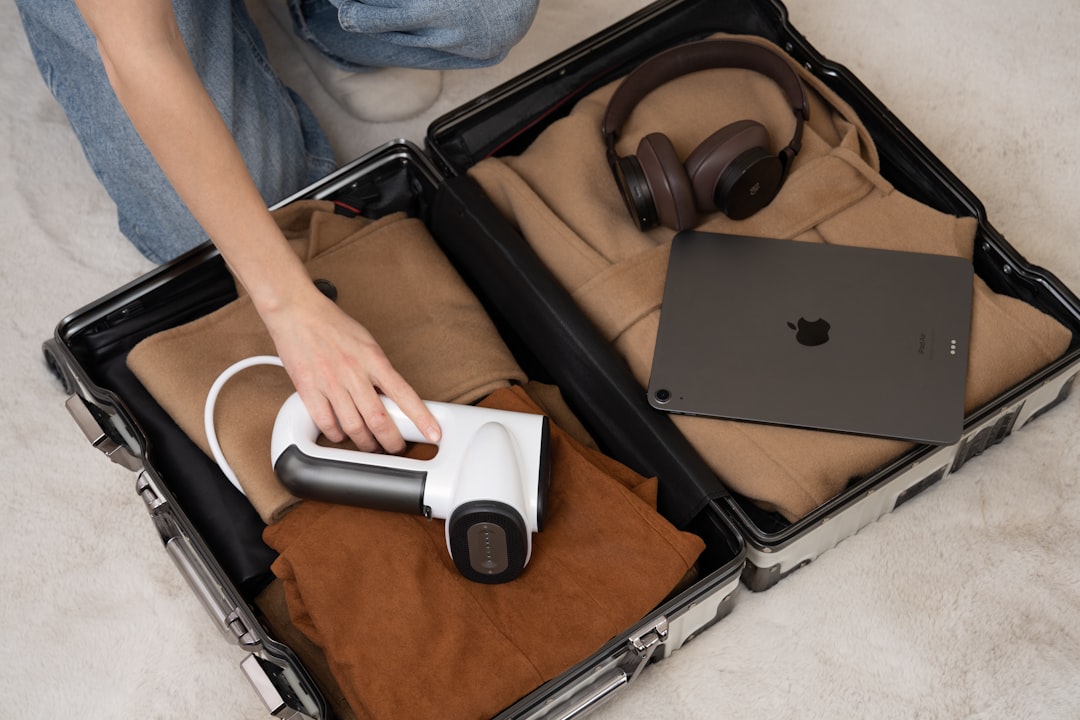
Airports are exciting. They are also tiny puzzle rooms with snacks. One big puzzle is this: should your laptop go in your checked bag, or should it ride with you in the cabin? The short answer is yes, the TSA allows laptops in checked baggage. But the smarter answer has a few bright red warning lights.
TLDR: You can put a laptop in checked baggage under TSA rules. But it is usually better to pack it in your carry-on. Spare lithium batteries and power banks must go in your carry-on, not checked bags. For safety, theft, and damage reasons, keep your laptop with you if you can.
So, can you put a laptop in checked baggage?
Yes. The TSA says laptops are allowed in both carry-on bags and checked bags.
That sounds simple. And it is. Mostly.
Your laptop has a lithium ion battery inside it. These batteries are common. They power phones, tablets, cameras, and laptops. The TSA and FAA allow devices with lithium batteries in checked baggage if the battery is installed in the device.
So your laptop can go in your checked suitcase.
But here is the important part. Just because you can do it does not mean you should do it.
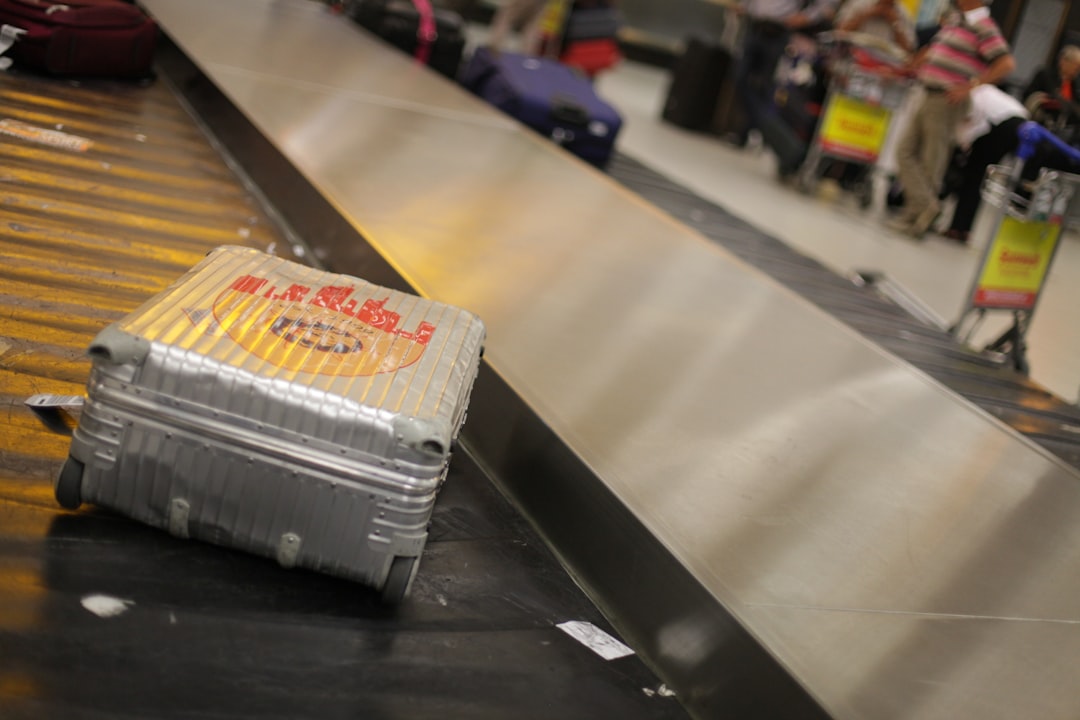
A checked bag lives a rough life. It gets tossed. It gets stacked. It rides on belts. It may sit in cold or hot places. It may get delayed. Sometimes it takes a surprise vacation without you.
Your laptop may not enjoy this adventure.
The TSA rule in simple words
Here is the basic rule:
- Laptops are allowed in carry-on bags.
- Laptops are allowed in checked bags.
- Spare lithium batteries are not allowed in checked bags.
- Power banks are not allowed in checked bags.
That last part matters a lot.
A laptop with its battery installed is usually fine in a checked bag. But a loose laptop battery is different. A spare battery can short circuit. It can overheat. In rare cases, it can catch fire.
That is why spare lithium batteries must travel in the cabin with you. Crew members can deal with a problem in the cabin. They cannot easily deal with a smoking suitcase deep in the cargo hold.
Power banks count as spare lithium batteries. So do portable chargers. Put them in your carry-on.
Why carry-on is better
If you have room, keep your laptop in your carry-on bag. This is the golden travel move.
Here is why:
- Less damage: You control the bag. No one throws it across a conveyor belt like a suitcase rodeo.
- Less theft risk: A laptop is valuable. Checked bags are not the best place for valuables.
- Less delay stress: If your checked bag is late, your laptop is still with you.
- Battery safety: If something goes wrong, people can notice it fast.
- Easy access: You can work, watch movies, or pretend to work while watching movies.
Airlines and safety agencies often recommend carrying valuable electronics in your cabin bag. That includes laptops, tablets, cameras, and gaming devices.
Your laptop is not a pair of socks. Treat it like a tiny expensive office.
What about TSA screening?
If your laptop is in your carry-on, it usually has to go through the X-ray machine.
At many TSA checkpoints, you must remove laptops from your bag and place them in a separate bin. This helps officers get a clear view.
But there are exceptions.
- If you have TSA PreCheck, you can often leave your laptop in your bag.
- If you use a checkpoint friendly laptop bag, you may be allowed to keep it inside.
- Some newer scanners let travelers keep electronics packed.
- TSA officers can always ask you to remove it anyway.
So listen to the officer. Watch the signs. Follow the local instructions. Airport rules can feel like a game show. The host is TSA.
Image not found in postmetaHow to pack a laptop in checked baggage
Sometimes you have no choice. Maybe your carry-on is full. Maybe you are moving. Maybe you packed seven hoodies for a two-day trip. It happens.
If your laptop must go in checked baggage, pack it carefully.
1. Turn it all the way off
Do not just put it to sleep. Shut it down completely.
A sleeping laptop can wake up. It can heat up. It can drain the battery. It can have a very bad day inside a suitcase.
Turn it off. Then close it.
2. Protect it from bumps
Use a padded sleeve. Then place it in the middle of your suitcase.
Surround it with soft things. Clothes work well. Sweaters are great. Pajamas are heroes.
Do not place it near the edges of the bag. Edges take hits. The middle is safer.
3. Keep it away from liquids
Shampoo is sneaky. So is lotion. So is that fancy hot sauce you bought as a gift.
Put liquids in sealed plastic bags. Keep them far from the laptop.
A cracked screen is sad. A laptop full of conditioner is tragic.
4. Remove loose accessories
Take out USB drives, dongles, memory cards, and external devices.
Small parts can snap. Ports can bend. A tiny adapter can become a tiny weapon during baggage handling.
5. Do not pack spare batteries with it
This is a big rule.
Spare lithium batteries must go in carry-on baggage. Cover the battery terminals if needed. Keep them in original packaging if possible. Or place each one in its own plastic bag.
Power banks go in your carry-on too. No exceptions for “but it is cute and pink.”
What if your laptop has a removable battery?
Some older laptops have removable batteries. If the battery is installed in the laptop, it may be allowed in checked baggage.
But if you remove the battery, it becomes a spare battery. Then it must go in your carry-on.
Simple rule:
- Battery inside the laptop: usually okay in checked baggage.
- Battery outside the laptop: carry-on only.
Also, check the battery’s watt-hour rating. Most normal laptop batteries are under the common airline limit. Very large batteries may need airline approval. If your laptop is a normal consumer laptop, you are probably fine.
Can you pack a gaming laptop in checked baggage?
Yes, but please be careful.
Gaming laptops are big. They are heavy. They often cost a lot. They also have high-powered batteries and delicate parts.
If possible, carry it on. If you check it, use serious padding. A soft T-shirt is nice. But a padded sleeve plus clothes is better.
Also, remove gaming mice, chargers, controllers, and cables if they could press against the screen. A charger brick can damage a screen if the bag gets crushed.
Your gaming laptop fought dragons. It should not lose to a suitcase zipper.
What about chargers?
Laptop chargers are allowed in checked and carry-on bags.
They do not usually contain lithium batteries. They are just power adapters. You can pack them wherever you want.
Still, many travelers keep chargers in carry-on bags. Why? Because if your checked luggage is delayed, your laptop still needs food. Electricity is laptop food.
Wrap the cord loosely. Do not bend it hard. Put it in a pouch if you can. This helps stop cord spaghetti.
What about international flights?
TSA rules apply to flights leaving from or traveling within the United States. Other countries may have their own aviation security rules.
Most countries have similar rules for laptops and lithium batteries. But airline policies can be different.
Before you travel, check:
- Your airline’s baggage rules.
- The airport security rules for your departure country.
- Battery limits for lithium ion devices.
- Any special rules for recalled or damaged batteries.
This is extra important if you have multiple batteries, camera gear, drones, or professional equipment.

Damaged or recalled laptop batteries
This part is not fun, but it is important.
Do not fly with a damaged battery. Do not fly with a swollen battery. Do not fly with a laptop that smells burned, gets very hot, or has battery warnings.
A swollen battery is not “just a little puffy.” It is a safety problem.
Also, some batteries or devices may be recalled. Recalled lithium batteries can be restricted or banned from aircraft unless the problem has been fixed.
If your laptop model has a known battery recall, check with the manufacturer before flying.
Should you declare a laptop in checked baggage?
Usually, no. You do not need to declare a normal laptop to TSA just because it is in your checked bag.
However, checked bags are screened. If TSA needs to inspect your bag, they may open it. They may leave a notice inside.
Do not lock your checked bag with a non-TSA lock. If inspection is needed, the lock may be cut. Use a TSA-approved lock if you want to lock the bag.
Smart packing checklist
Use this quick checklist before your trip:
- Put your laptop in your carry-on if possible.
- Shut it down fully before packing.
- Use a padded sleeve.
- Keep it in the center of the suitcase if checked.
- Surround it with soft clothes.
- Keep liquids far away.
- Pack power banks in carry-on only.
- Pack spare lithium batteries in carry-on only.
- Keep chargers where you can find them.
- Back up your files before flying.
Do not forget your data
Your laptop can be replaced. Your files may not be so easy.
Before travel, back up important files. Use cloud storage or an external drive. If you use an external drive, keep it separate from the laptop. That way one lost bag does not take everything.
Also, use a strong password. Turn on device tracking if your laptop supports it. Encrypt sensitive files if needed.
This sounds serious because it is. But it is easy to do before you leave. Future you will be grateful.
The final answer
Yes, you can put a laptop in checked baggage under TSA rules. A laptop with its battery installed is allowed in checked luggage.
But the best choice is usually your carry-on bag. It is safer. It is gentler. It keeps your expensive tech close. It also avoids the awful feeling of watching the baggage carousel spin without your suitcase.
Remember the big battery rule. Installed laptop battery? Usually okay. Spare lithium battery or power bank? Carry-on only.
So pack smart. Keep your laptop protected. Follow TSA and airline rules. Then enjoy your flight with one less travel mystery buzzing in your brain.