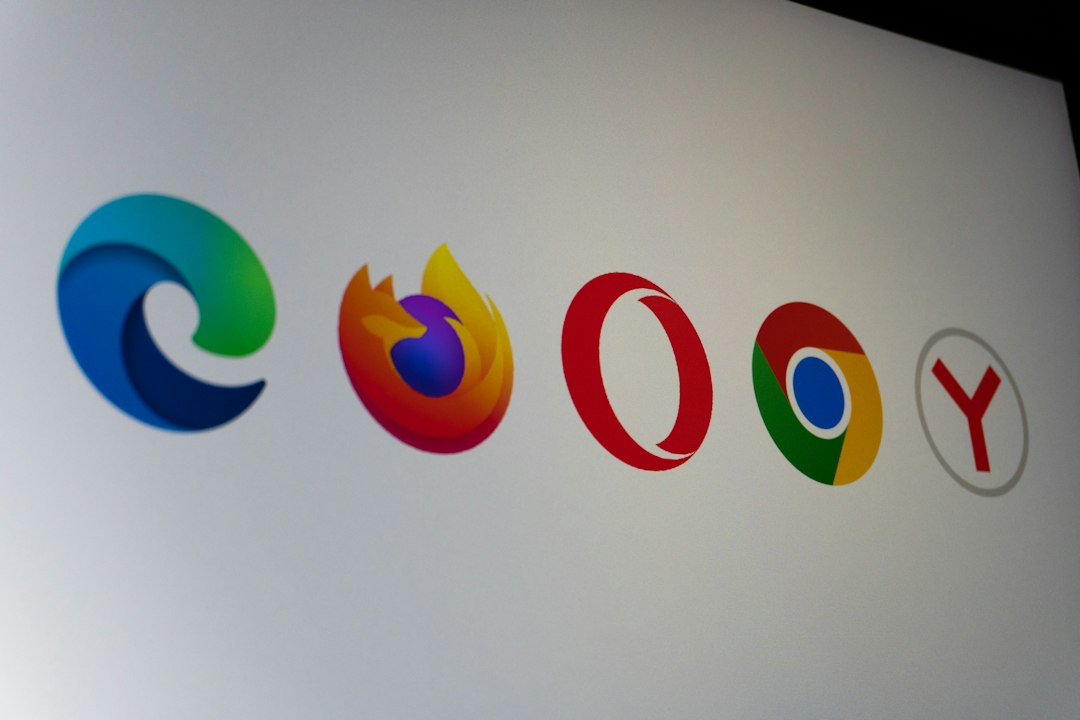
Safari is the best pick for privacy on Apple devices, Chrome is the best for raw compatibility, and Microsoft Edge is the most balanced choice for Windows users who want speed without babysitting settings. Chrome still dominates browser use worldwide, holding roughly two thirds of global market share, which explains why most websites are built with it in mind [source: StatCounter]. But popularity is not the same as privacy. If you care about tracking, battery life, and fewer annoying pop-ups, the best browser depends on your device.
TL;DR: Use Safari if you are on a Mac, iPhone, or iPad and want stronger default privacy with great battery life. Use Edge on Windows if you want fast performance, sleeping tabs, and decent tracking controls without much setup. Use Chrome if you need the widest extension support or use Google apps all day. For example, if you keep 30 tabs open during work, Edge’s sleeping tabs can noticeably cut memory use, while Safari often lasts longer on battery during video and browsing sessions.
Privacy: Safari wins by default
Safari is the easiest browser to recommend for privacy because it blocks a lot of tracking without asking users to tweak five menus first. Apple’s Intelligent Tracking Prevention limits cross-site tracking, and Safari also hides more fingerprinting signals than many users realize. It is not perfect. No browser is. But its default setup is strong.
Chrome is more complicated. Google has added privacy controls, cookie settings, and features like Privacy Sandbox. Still, Chrome comes from an ad company. That matters. You can make Chrome more private, but expect to spend time turning things off. Honestly, it feels backwards that a browser this powerful still needs that much cleanup.
Microsoft Edge sits in the middle. Its tracking prevention has three simple levels: Basic, Balanced, and Strict. Balanced is a good everyday setting. Strict blocks more trackers, but some sites may act weird. Edge also includes Microsoft services by default, which some users will want to disable right away.
- Best privacy out of the box: Safari
- Best privacy after tweaking: Edge or Chrome with strict settings and extensions
- Most tracking concerns: Chrome, mainly because of Google’s ad business
Performance: Edge and Safari feel the lightest
Performance is not just about benchmark scores. It is about how fast tabs open, how warm your laptop gets, and whether your battery drops from 80% to 40% before lunch.
Safari is excellent on Apple hardware because Apple controls both the browser and the device. On a MacBook, Safari often uses less energy than Chrome. Pages feel smooth. Video playback is efficient. If you live in Apple’s world, Safari is hard to beat.
Edge is very fast on Windows. Since it uses Chromium, the same engine behind Chrome, sites load well and compatibility is strong. The real bonus is sleeping tabs. Tabs you have not used for a while pause in the background. That helps when you have email, dashboards, docs, and random research tabs open all day.
Chrome is still quick, but it can be heavy. It has improved memory handling, yet many people still notice the same old problem: open enough tabs and your laptop fan starts complaining. It drives me crazy that Chrome can feel instant at 9 a.m. and bloated by 3 p.m. after a normal workday.
Extensions and compatibility: Chrome still leads
If a website supports one browser perfectly, it is probably Chrome. That is Chrome’s biggest strength. Web apps, admin panels, analytics tools, and browser extensions usually work there first. If your job depends on odd plug-ins or niche tools, Chrome is the safe choice.
Edge is nearly as good because it supports many Chrome extensions through the Chrome Web Store. That makes it a strong alternative. You get Chrome-like compatibility with some useful Microsoft performance features.
Safari is the weakest here. Its extension library is smaller. Some web apps also behave better in Chromium browsers. For casual browsing, that may not matter. For developers, marketers, gamers, and heavy SaaS users, it can be a daily annoyance.
Security: all three are solid
Chrome, Safari, and Edge all update often and include phishing protection, sandboxing, password tools, and safe browsing warnings. In plain English, they are all safe enough for normal users if kept updated.
The bigger risk is usually behavior. Weak passwords. Sketchy extensions. Fake download buttons. Old software. A privacy-focused browser will not save you from installing a shady coupon extension that reads every page you visit.
- Keep automatic updates on.
- Use fewer extensions. Remove anything you do not trust.
- Turn on stronger tracking protection. Edge and Safari make this easy.
- Use a password manager. Built-in tools are fine for many people.
Best browser by user type
- MacBook user: Pick Safari. It gives the best mix of privacy, speed, and battery life.
- Windows laptop user: Pick Microsoft Edge. It is fast, efficient, and already built in.
- Google Workspace user: Pick Chrome. Gmail, Docs, Meet, and Drive tend to feel most natural there.
- Privacy-first user: Pick Safari on Apple devices, or Edge with Strict tracking prevention on Windows.
- Extension-heavy user: Pick Chrome or Edge.
Final verdict
Safari is best for privacy and battery life on Apple devices. It asks less from the user and blocks more tracking by default. Microsoft Edge is the best practical choice for Windows. It is fast, polished, and lighter than many people expect. Chrome is best for compatibility, but it is not the privacy champion.
If you want the simplest rule, use the browser made for your device unless you have a clear reason not to. Safari for Apple. Edge for Windows. Chrome when your work tools demand it. That choice will give most people the best balance of privacy, speed, and fewer headaches.