CruiseMapper is the best first choice for most cruise passengers, while MarineTraffic is better for serious live AIS tracking and VesselFinder is the simplest option when you just want a ship’s current position fast. Most large passenger ships use AIS, and IMO rules require AIS on passenger ships and on cargo ships of 300 gross tonnage and up on international voyages [source: IMO]. That is why these apps can show cruise ships on a map, though coverage still depends on shore stations, satellites, and data delays.
TLDR: Pick CruiseMapper if you care about cruise itineraries, port times, deck plans, and ship details in one place. Pick MarineTraffic if you want the strongest AIS toolset, alerts, fleet lists, and more professional tracking. Pick VesselFinder if you want a cleaner, faster ship lookup with fewer distractions; for example, checking whether a 7-night Caribbean cruise is still on track for its 8:00 a.m. port call may take under a minute if the ship has a recent AIS update.
Quick Verdict
- Best for cruise passengers: CruiseMapper
- Best for live tracking depth: MarineTraffic
- Best for simple vessel lookup: VesselFinder
- Best free experience: CruiseMapper for cruise planning, VesselFinder for basic map checks
- Best paid features: MarineTraffic
If your main question is, “Where is my cruise ship right now?”, all three can help. The real difference is what happens after that first search. CruiseMapper answers passenger questions. MarineTraffic answers tracking and shipping questions. VesselFinder sits in the middle, with a basic map-first style that many people will prefer.
CruiseMapper: Best for Cruise Travelers
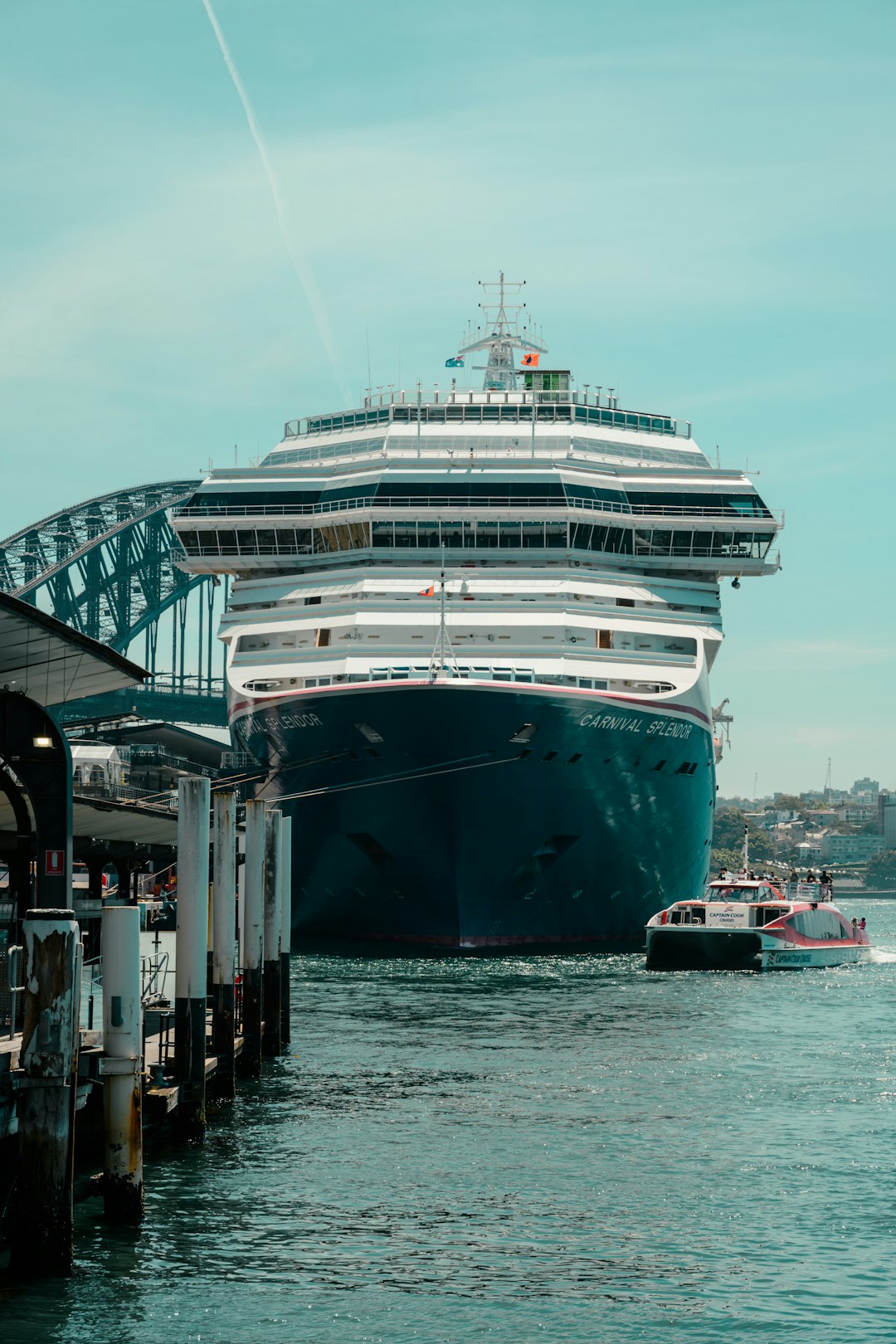
CruiseMapper feels built for people going on a cruise, not for port operators or shipping analysts. That matters. You can search by ship, cruise line, port, or itinerary. You can often see route maps, scheduled port calls, ship facts, cabin information, and deck plans.
This is useful before, during, and after a sailing. If your family member is on Wonder of the Seas, you probably care less about technical vessel data and more about the next port, the current route, and whether the ship is still running close to schedule. CruiseMapper gives that context better than the other two.
The weak point is live precision. AIS positions may lag. In open ocean, updates can be sparse unless satellite data is available. The interface can also feel packed. Honestly, it feels like some pages try to show everything at once, which can slow down a simple check.
MarineTraffic: Best for Serious AIS Tracking
MarineTraffic is the heavyweight option. It has broad vessel coverage, detailed maps, port activity, filters, past tracks, fleet tools, and alert features. If you track multiple ships, compare routes, or need more than a casual cruise update, this is the strongest platform.
Its strength is data depth. You can inspect vessel type, speed, course, destination, last report time, and map layers. For cruise fans, that can be fun. For marine professionals, it can be useful. For a parent checking whether a ship has left Nassau, it may be more than needed.
The catch is cost and friction. Some features sit behind paid plans. It drives me crazy that a simple task can take several taps when filters, account prompts, and map layers get in the way. Still, if accuracy tools and alert options matter, MarineTraffic is hard to beat.
VesselFinder: Best for Fast Ship Lookup
VesselFinder is often the easiest tool for a quick check. Search the ship name, open the result, view the map, and read the latest AIS details. The design is more direct than MarineTraffic and less cruise-heavy than CruiseMapper.
That makes it a good backup. If one service has stale data, try another. AIS coverage is not identical across platforms. A ship may show a more recent update on VesselFinder than on another site, or the reverse. For normal users, that is the best reason to keep two apps handy.
VesselFinder is not as rich for cruise planning. You will not get the same cruise-specific itinerary feel that CruiseMapper offers. It also lacks some of the more advanced professional tools found in MarineTraffic. But for a clean answer to “Where is the ship?”, it works well.
How Accurate Are These Apps?
None of these apps should be treated as perfect live radar. They depend on AIS reports. Near busy ports, updates can be frequent. At sea, updates may be delayed by minutes or longer. Weather, receiver coverage, satellite access, and ship equipment can all affect what you see.
For cruise passengers, that is usually fine. A 10-minute delay rarely matters if you only want to know whether the ship is near Cozumel or still at sea. It matters more if you are trying to meet someone at a port gate at an exact time. In that case, check the cruise line app, port website, and the ship tracker together.
Which One Should You Use?
- Use CruiseMapper if you are booking, planning, or following a specific cruise vacation.
- Use MarineTraffic if you want alerts, historical tracks, dense AIS data, and more control.
- Use VesselFinder if you want a fast position check without much setup.
The best setup is simple: start with CruiseMapper, then verify live position with VesselFinder or MarineTraffic if the update looks old. For most travelers, that mix gives the best balance of cruise context and tracking confidence.
Final recommendation: CruiseMapper wins for cruise passengers because it understands the trip, not just the ship. MarineTraffic wins for power users. VesselFinder wins when speed and simplicity matter most.