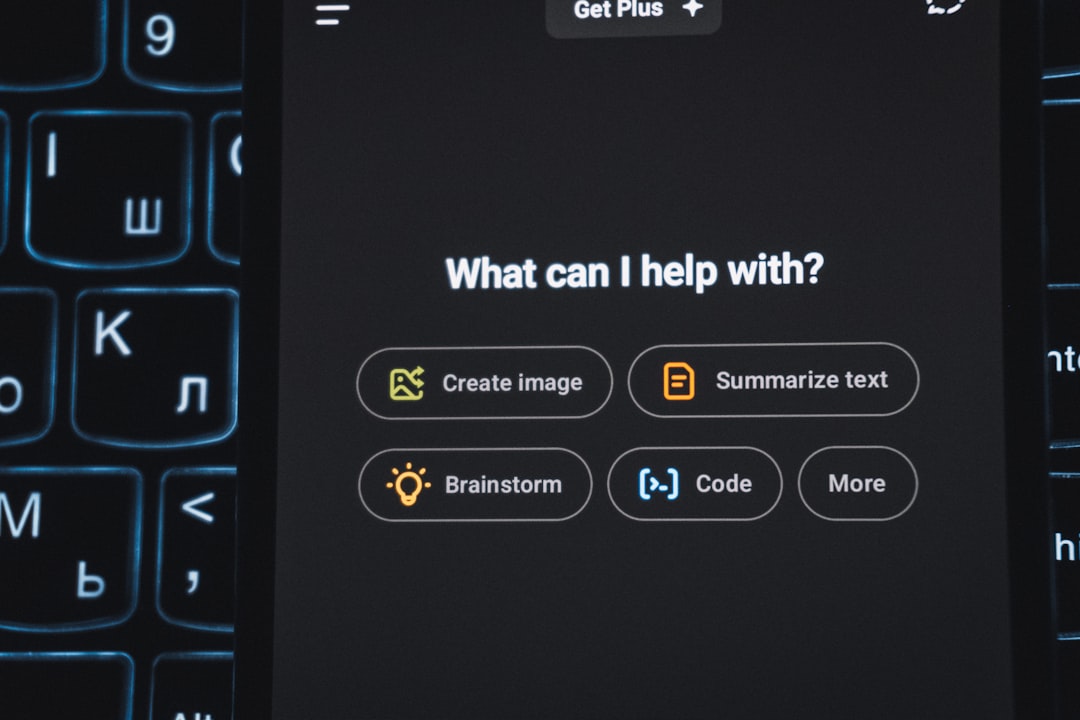
Typography plays a subtle yet powerful role in shaping digital experiences. When users visit ChatGPT on the web or interact with it through mobile or desktop applications, they often focus on functionality and intelligence—but the font quietly contributes to the overall clarity, trustworthiness, and usability of the interface. Many users have wondered: What font does ChatGPT use? The answer depends on the platform, operating system, and interface version.
TL;DR: ChatGPT primarily uses a modern system-based sans-serif font stack rather than a single custom typeface. On most web interfaces, it relies on fonts like Inter or system UI fonts such as San Francisco (Apple devices), Segoe UI (Windows), and Roboto (Android). This approach ensures clarity, performance, and cross-platform consistency. The exact font can vary slightly depending on your device and browser.
Understanding the typography behind ChatGPT requires a closer look at interface design, system fonts, and modern web development practices. This article explores the fonts commonly associated with ChatGPT, why they were likely chosen, and how typography enhances user experience.
The Primary Font Used by ChatGPT
ChatGPT’s web interface primarily uses Inter, a highly legible and modern sans-serif font designed specifically for digital screens. Inter was created with readability in mind, particularly for UI and web interfaces. It offers clean lines, balanced spacing, and excellent clarity at various sizes.
On some systems, however, the appearance may slightly differ. That’s because ChatGPT relies on a system font stack approach. This allows the interface to adapt to fonts already optimized for each operating system.
In practical terms, the font you see may be:
- Inter – Commonly used in modern web interfaces.
- San Francisco (SF Pro) – On Apple devices.
- Segoe UI – On Windows devices.
- Roboto – On Android devices.
This flexible setup ensures that users experience typography tailored to their operating system’s rendering engine.
Why Inter Is a Popular Choice
Inter has become one of the most widely used fonts in UI design. It was developed by Rasmus Andersson and optimized specifically for readability on computer screens.
Key characteristics of Inter include:
- High x-height for improved legibility in smaller text sizes.
- Open letterforms that reduce visual crowding.
- Extensive weight range for flexible hierarchy design.
- Excellent rendering across browsers and resolutions.
Because ChatGPT’s interface focuses heavily on text—long-form responses, back-and-forth chat, and code snippets—a font like Inter is ideal. It reduces eye strain during extended sessions and helps maintain clarity even in dense paragraphs.
The Role of System Fonts
Modern web applications often rely on a system UI font stack. Instead of forcing all users to download a custom font, developers allow the browser to display the default system font if necessary.
A typical system font stack might look conceptually like this:
- -apple-system
- BlinkMacSystemFont
- Segoe UI
- Roboto
- Helvetica Neue
- Arial
- sans-serif
This approach offers multiple benefits:
- Faster load times (no additional font files required)
- Native feel on each operating system
- Improved performance on low-bandwidth connections
- Better rendering optimization
By blending Inter with system fonts, ChatGPT ensures the interface feels both consistent and native.
ChatGPT Font Across Different Platforms
Because ChatGPT is available in browsers, desktop apps, and mobile apps, the exact font rendering may change depending on context.
1. Web Browser Version
The browser version most commonly displays Inter, falling back to system fonts when necessary. This version prioritizes responsive scaling and readability across devices.
2. iOS and macOS Apps
On Apple devices, text often renders using San Francisco (SF Pro), Apple’s proprietary system font. SF Pro is designed for maximum clarity on Retina displays and integrates seamlessly with iOS and macOS design aesthetics.
3. Windows App
Windows devices typically display Segoe UI, Microsoft’s default interface font. Segoe UI is known for its clean geometric structure and strong legibility.
4. Android Devices
Android users generally see Roboto, Google’s signature system font optimized for mobile readability.
Comparison Chart of Fonts Associated with ChatGPT
| Font | Primary Platform | Style Characteristics | Strengths |
|---|---|---|---|
| Inter | Web | Modern, neutral, screen optimized | High readability, versatile weights |
| San Francisco | Apple devices | Clean, minimalist | Optimized for Retina displays |
| Segoe UI | Windows | Humanist sans serif | Clear distinction between characters |
| Roboto | Android | Geometric yet friendly | Mobile optimization |
Why ChatGPT Uses a Sans-Serif Font
ChatGPT uses a sans-serif typeface rather than a serif font for several reasons:
- Screen clarity: Sans-serif fonts display more cleanly on digital screens.
- Modern aesthetic: They align with contemporary UI design trends.
- Reduced visual noise: Fewer decorative elements improve focus.
- Better long-form readability: Ideal for extended reading sessions.
Since ChatGPT is text-heavy, readability and visual comfort are essential. A decorative or serif-heavy font could create unnecessary distractions.
How Typography Affects User Experience
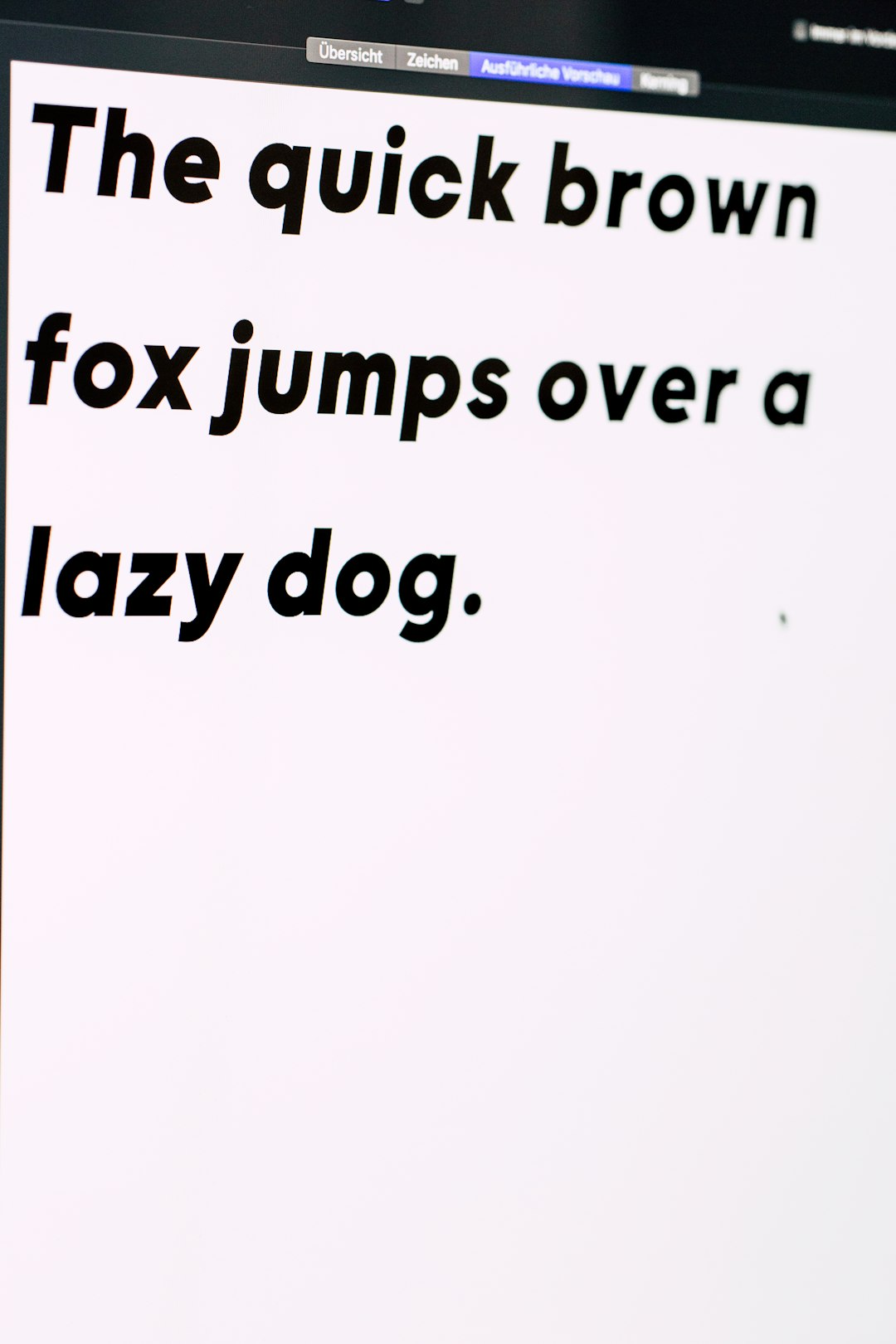
Typography influences how users perceive intelligence, professionalism, and trust. Clean sans-serif fonts like Inter and San Francisco often communicate:
- Clarity
- Efficiency
- Modernity
- Accessibility
Fonts with balanced spacing and open counters make it easier to scan responses quickly. Since ChatGPT frequently provides long answers, lists, and code blocks, typography must support structure without overwhelming the reader.
Does ChatGPT Use a Custom Font?
As of current public versions, ChatGPT does not appear to use a fully proprietary, custom-designed typeface. Instead, it leverages high-quality existing fonts and system stacks. This choice reduces bandwidth demands and maintains compatibility across devices.
Some technology companies design fully custom fonts for branding purposes. However, ChatGPT’s design prioritizes functional clarity over typographic branding.
What About Code Fonts in ChatGPT?
When displaying code blocks, ChatGPT switches to a monospaced font. Monospaced fonts ensure:
- Equal character spacing
- Aligned indentation
- Clear syntax formatting
The exact monospaced font may vary by system, but common examples include Courier, Menlo, or other default monospace system fonts.
Can Users Change the Font?
While ChatGPT does not provide a built-in font selector, users can change appearance in several ways:
- Using browser extensions that customize fonts
- Applying custom CSS in supported browser tools
- Adjusting system-wide font settings (in some cases)
However, modifying fonts may affect layout spacing and readability. The default choices are optimized for stability and visual consistency.
The Future of ChatGPT Typography
As design trends evolve, typography may change. Many interface platforms periodically refresh their visual identity. Potential future updates could include:
- A fully custom OpenAI typeface
- Enhanced accessibility fonts
- User-adjustable reading modes
- Variable font technology integration
For now, ChatGPT’s use of Inter and system UI fonts reflects a commitment to modern, readable, and device-friendly design.
Frequently Asked Questions (FAQ)
1. What is the exact font ChatGPT uses?
ChatGPT primarily uses Inter on the web interface, with system font fallbacks like San Francisco, Segoe UI, or Roboto depending on the device.
2. Does ChatGPT use the same font on all devices?
No. The font may vary slightly depending on your operating system and whether you use the web, desktop, or mobile app.
3. Is Inter a free font?
Yes. Inter is an open-source font designed specifically for digital interfaces and is widely available.
4. What font does ChatGPT use for code?
ChatGPT typically uses a system default monospaced font such as Courier, Menlo, or another platform-specific monospace font.
5. Why doesn’t ChatGPT use a serif font?
Sans-serif fonts provide better clarity on screens and align with modern UI design standards.
6. Can users customize the ChatGPT font?
Not directly within settings. However, users can install browser extensions or override styles using custom CSS tools.
7. Could ChatGPT introduce its own custom font?
It is possible in the future. Many technology platforms eventually adopt custom typography as part of brand evolution.
Ultimately, the font used by ChatGPT reflects thoughtful UI design rather than flashy branding. By leveraging Inter and optimized system fonts, the interface delivers clarity, readability, and familiarity—ensuring users can focus on conversation instead of typography.