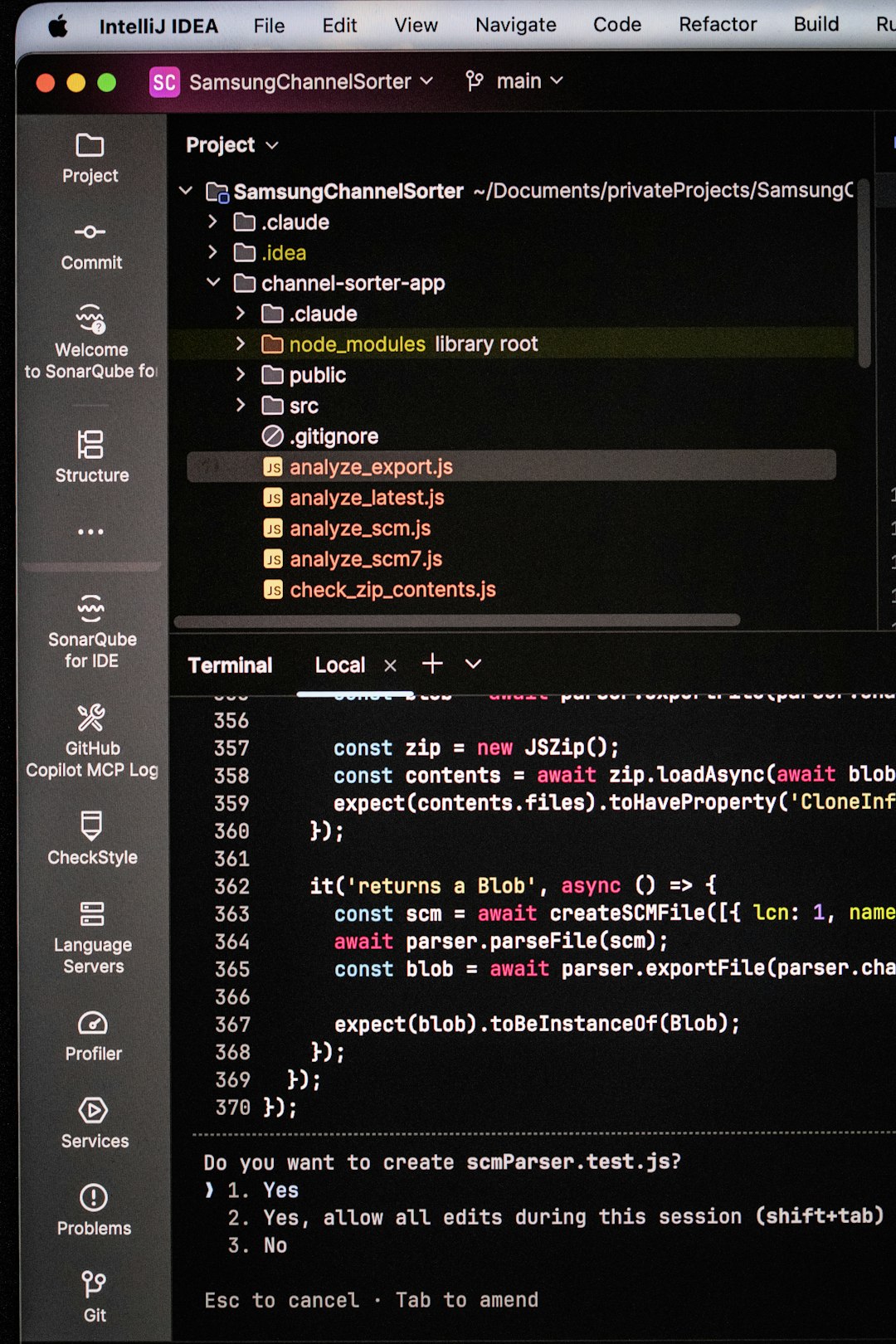
Headless browser software has become a fundamental tool in modern development, automation, and testing workflows. By allowing scripts to run in a browser environment without a graphical user interface (UI), headless browsers enable faster execution, efficient resource usage, and seamless integration into automated pipelines. Whether you’re scraping data, performing automated tests, generating screenshots, or monitoring web performance, headless browsers provide the flexibility and control developers need without the overhead of rendering a visible window.
TLDR: Headless browsers are web browsers that operate without a graphical interface, allowing scripts to run efficiently in the background. They are widely used for automated testing, web scraping, performance monitoring, and server-side rendering. By eliminating the UI layer, they improve speed and reduce resource consumption. Popular tools like Puppeteer, Selenium, and Playwright make integrating headless browsing into development workflows simple and powerful.
At their core, headless browsers function just like traditional browsers such as Chrome, Firefox, or Edge. They can load pages, execute JavaScript, handle cookies, manage sessions, and interact with web elements. The difference is simple but powerful: no visual interface is generated. Everything runs silently in the background, making them ideal for environments like CI/CD pipelines, servers, and automated test suites.
How Headless Browsers Work
A headless browser still uses a rendering engine and JavaScript engine similar to its full UI counterpart. The key distinction lies in how it interacts with the system:
- No window rendering: The graphical layer is skipped.
- Command-line or script control: Developers interact through APIs or automation frameworks.
- Programmatic DOM interaction: Scripts simulate user actions like clicks, scrolls, and form submissions.
This approach enables automation scripts to behave like real users. For example, a script can:
- Open a webpage.
- Log into an account.
- Navigate between pages.
- Extract data from dynamic content.
All of this occurs without ever launching a visible browser window.
Why Developers Use Headless Browsers
There are several reasons why headless browsing has become so widely adopted.
1. Performance and Speed
Since no UI is rendered, headless browsers typically consume fewer resources. This makes them faster and more suitable for running multiple parallel tests or scripts simultaneously.
2. Automation-Friendly
Headless browsers integrate effortlessly with build tools, automated pipelines, and cloud environments. They are commonly used within:
- Continuous Integration (CI) systems
- Automated quality assurance testing
- Deployment verification workflows
3. Ideal for Server Environments
Many servers lack graphical interfaces entirely. Headless browsers operate smoothly in these environments, making them perfect for backend automation tasks.
4. Real Browser Behavior
Unlike lightweight HTTP request libraries, headless browsers execute full JavaScript. This allows them to handle dynamic web applications built with modern frameworks such as React, Angular, or Vue.
Common Use Cases
Headless browsers are extremely versatile. Here are some of their most common and impactful applications.
Automated Testing
Testing is perhaps the most prominent use case. Developers simulate user interactions to verify that applications behave correctly. Regression testing, form validation, navigation flows, and UI behavior can all be tested automatically.
Benefits include:
- Repeatable test cases
- Reduced human error
- Faster feedback cycles
Web Scraping
Modern websites often rely heavily on JavaScript to display content. Traditional scraping tools struggle with such sites. Headless browsers can render the page fully before extracting data, ensuring accurate and complete information retrieval.
Screenshot and PDF Generation
Many services use headless browsers to generate:
- Website previews
- Automated reports in PDF format
- Visual documentation
Performance Monitoring
Developers can measure loading times, evaluate resource usage, and simulate various devices or network conditions.
Popular Headless Browser Tools
Several tools dominate the landscape, each offering distinct advantages.
Puppeteer
Puppeteer is a Node.js library developed to control Chrome or Chromium. It provides a high-level API for automation tasks and is widely used for:
- Testing web applications
- Generating PDFs and screenshots
- Scraping single-page applications
Strength: Tight integration with the Chrome DevTools Protocol.
Playwright
Playwright extends automation to multiple browsers, including Chromium, Firefox, and WebKit. It is known for its reliability and cross-browser testing support.
Strength: Consistent execution across browser engines.
Selenium
Selenium has been a longstanding automation framework. It supports multiple programming languages and browsers, offering both headless and headed execution modes.
Strength: Broad ecosystem and language compatibility.
Headless Chrome and Firefox
Modern versions of Chrome and Firefox support built-in headless modes, allowing developers to toggle between standard and headless execution easily.
Advantages of Running Scripts Without a UI
The absence of a graphical interface delivers several strategic advantages:
- Lower memory usage
- Greater scalability
- Faster startup times
- Easier automation in cloud infrastructure
For organizations running thousands of automated tests daily, these efficiency gains translate into significant time and cost savings.
Additionally, headless execution reduces visual distractions and focuses solely on function and logic. Developers can concentrate on assertions, data validation, and system behavior without worrying about the interface layer.
Challenges and Limitations
Despite their many benefits, headless browsers are not without drawbacks.
Debugging Can Be Harder
Without a UI, visual debugging becomes less intuitive. However, most tools allow switching to headed mode for troubleshooting.
Bot Detection
Some websites deploy techniques to detect automated browsing. Headless browsers may require configuration adjustments to mimic real user behavior more convincingly.
Resource Spikes
Although typically lightweight, running many concurrent headless instances can still tax system resources if not managed properly.
Understanding these limitations helps teams design more resilient automation systems.

Security Considerations
Running scripts in a headless browser introduces important security considerations. Since scripts execute web content, malicious code could potentially affect the environment.
Best practices include:
- Isolating headless instances in containers
- Using sandboxing features
- Keeping browser versions updated
- Monitoring network activity
Containerization technologies such as Docker are frequently used to create secure, reproducible automation environments.
Headless Browsers in CI/CD Pipelines
In continuous integration and deployment workflows, headless browsers serve as automated gatekeepers. Every new code commit can trigger:
- Build processes
- Unit tests
- End-to-end browser tests
- Deployment validation
This ensures that bugs are caught early, reducing production failures and improving overall reliability. Because they don’t require a display server, headless browsers are perfectly suited to cloud-based runners and virtual machines.
The Future of Headless Browsing
The demand for faster, scalable automation continues to grow. As web applications become more dynamic, headless browsers will likely evolve to support:
- More advanced device emulation
- Integrated AI-assisted testing
- Improved stealth and anti-detection capabilities
- Enhanced debugging tools
AI-driven automation, in particular, may redefine how scripts interact with web elements. Rather than relying solely on static selectors, smart systems may analyze context, detect layout changes, and adjust automatically.
Conclusion
Headless browser software has transformed how developers approach web automation. By removing the graphical interface while preserving full browser functionality, it delivers speed, efficiency, and remarkable flexibility. From automated testing and web scraping to performance measurement and content generation, headless browsers have become indispensable tools in modern development ecosystems.
As cloud computing, automation, and AI continue to expand, headless browsing will remain at the heart of scalable digital workflows. Whether you’re a developer streamlining your CI pipeline or a data engineer collecting real-time information, running scripts without a UI offers a streamlined, powerful solution built for the demands of today’s web.